
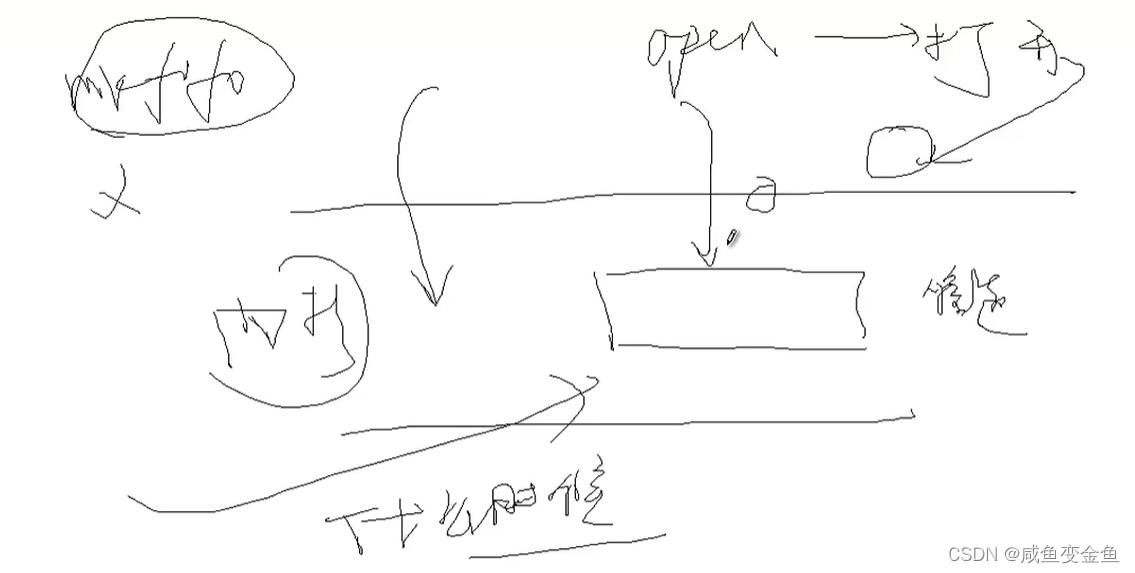
1. mkfifo 用来创建管道文件文件的节点,并没有在内核中创建管道,只有通过open函数打开这个文件时才会在内核空间创建管道。
2.mkfifo
函数形式:int mkfifo(const char*filename,mode t mode);
功能:创建管道文件
参数:管道文件文件名,权限,创建的文件权限仍然和um㎡ask有关系。
返回值:创建成功返回0,创建失败返回-1。
进一步简单说明:
/*
创建一个fifo临时文件
//int mkfifo(路径名字char *path, 文件权限flags )
#include <sys/types.h>
#include <sys/stat.h>
int mkfifo(const char *pathname, mode_t mode);
pathname:你要创建的文件名字,一般放在/tmp/
mode:
返回值:
0-success
-1: errno
EACCES ,没有权限
EEXIST, 文件已存在
*/
3.例如
例1:mkfifo的用法。
#include <stdio.h> #include <stdlib.h> #include <unistd.h> #include <sys/types.h> #include <sys/stat.h> int main() { int ret=mkfifo("./myfifo",0777); //myfifo文件名字 0777给该文件权限 if(ret<0) { perror("creat error"); return -1; } //创建管道文件成功 printf("creat myfifo success!\n"); return 0; }讯享网
当创建了FIFO文件节点,并不是在内核空间生产管道,只有当open函数打开该文件节点才会在内核空间产生管道,并打开该管道文件。

以上已经创建了文件节点myfifo,因此我们创建两个进程来实现通讯。
第一个进程:往管道里写数据
讯享网 #include <fcntl.h> #include <unistd.h> #include <string.h> int main() { int fd = open("./myfifo",O_WRONLY); if(fd<0){ perror("writer open err"); exit(0); } //写内容 while(1){ char writebuf[]="hellow"; ret = write(fd,writebuf,sizeof(writebuf)); if(ret<0){ printf("write error\n"); return -2; } printf("write success!\n"); printf("writebuf=%s",writebuf); sleep(1); } return 0; }
第二个进程:往管道里读数据
#include <fcntl.h> #include <unistd.h> #include <string.h> int main() { int fd = open("./myfifo",O_RDONLY); if(fd<0){ perror("writer open err"); exit(0); } //读内容 while(1) { char readbuf[32]={0}; ret = write(fd,readbuf,sizeof(readbuf)); if(ret<0){ printf("readbuf error\n"); return -2; } printf("readbuf success!\n"); printf("readbuf=%s",readbuf); sleep(1); } return 0; }可以发现,第一个进程负责想该管道对象不停的写数据,第二个进程负责想该管道对象不停的读数据。
版权声明:本文内容由互联网用户自发贡献,该文观点仅代表作者本人。本站仅提供信息存储空间服务,不拥有所有权,不承担相关法律责任。如发现本站有涉嫌侵权/违法违规的内容,请联系我们,一经查实,本站将立刻删除。
如需转载请保留出处:https://51itzy.com/kjqy/38285.html