
0 Qwen3
今天,通义千问Qwen团队正式开源推出 Qwen3,这是 Qwen 系列大型语言模型的最新成员。最新的Qwen3系列模型具备双模推理能力(深入思考/快速响应)、支持119种语言及方言,并强化了Agent功能与代码执行能力,全面满足复杂问题处理与全球化应用需求。
Github: https://github.com/QwenLM/Qwen3
Blog:https://qwenlm.github.io/zh/blog/qwen3/
模型合集:https://www.modelscope.cn/collections/Qwen3-bdc6b48

b站视频:https://www.bilibili.com/video/BV1spG1zEEYR
使用GPU平台: https://www.autodl.com/home

PyTorch / 2.3.0 / 3.12(ubuntu22.04) / 12.1
安装transformers、accelerate
source /etc/network_turbopip install transformers
pip install accelerate
Qwen3 模型广场:https://bailian.console.aliyun.com/?tab=model#/model-market
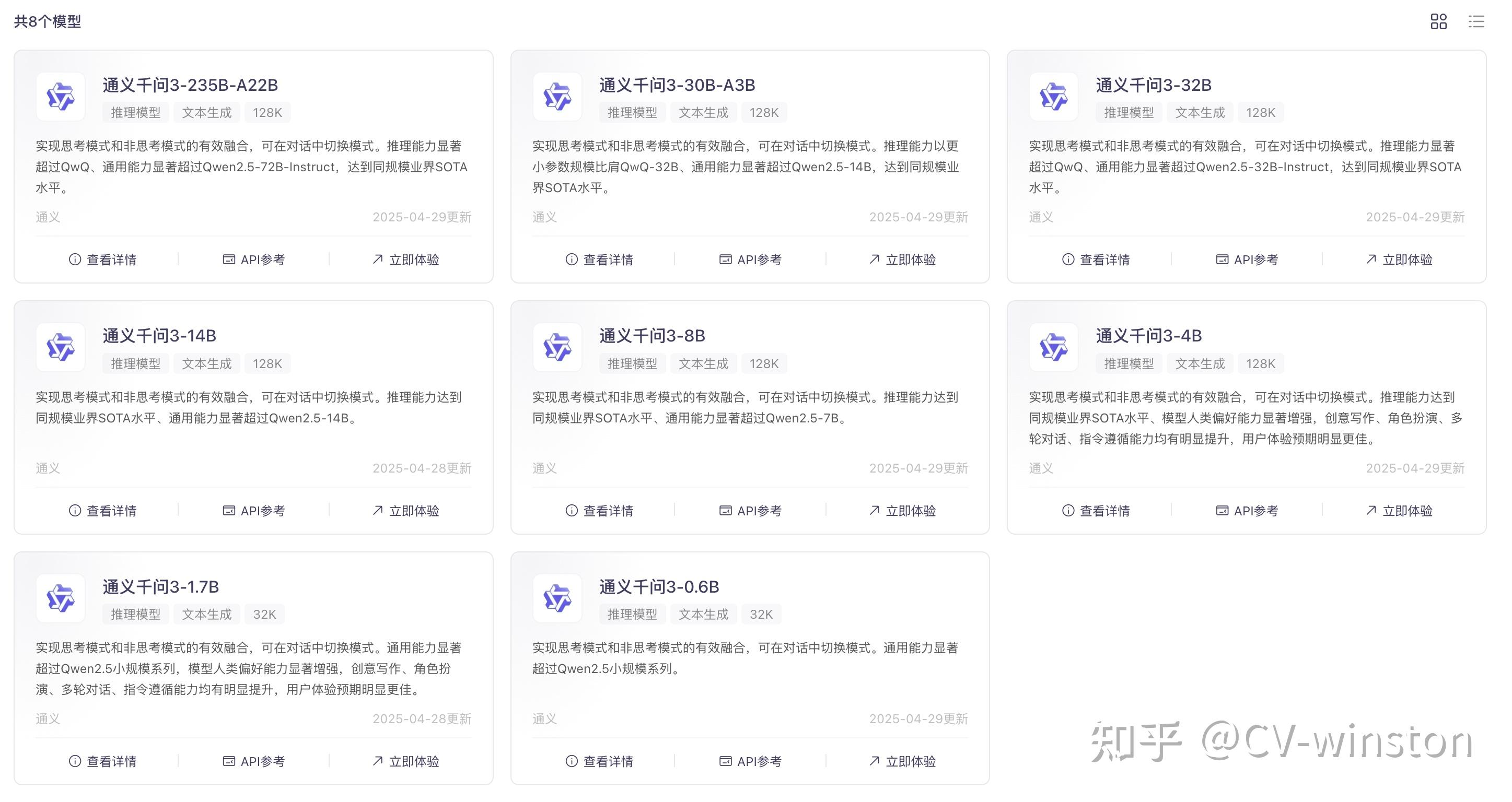
通过魔塔社区下载模型:https://www.modelscope.cn/collections/Qwen3-bdc6b48

选择一个模型Qwen3-0.6B:https://www.modelscope.cn/models/Qwen/Qwen3-0.6B/files
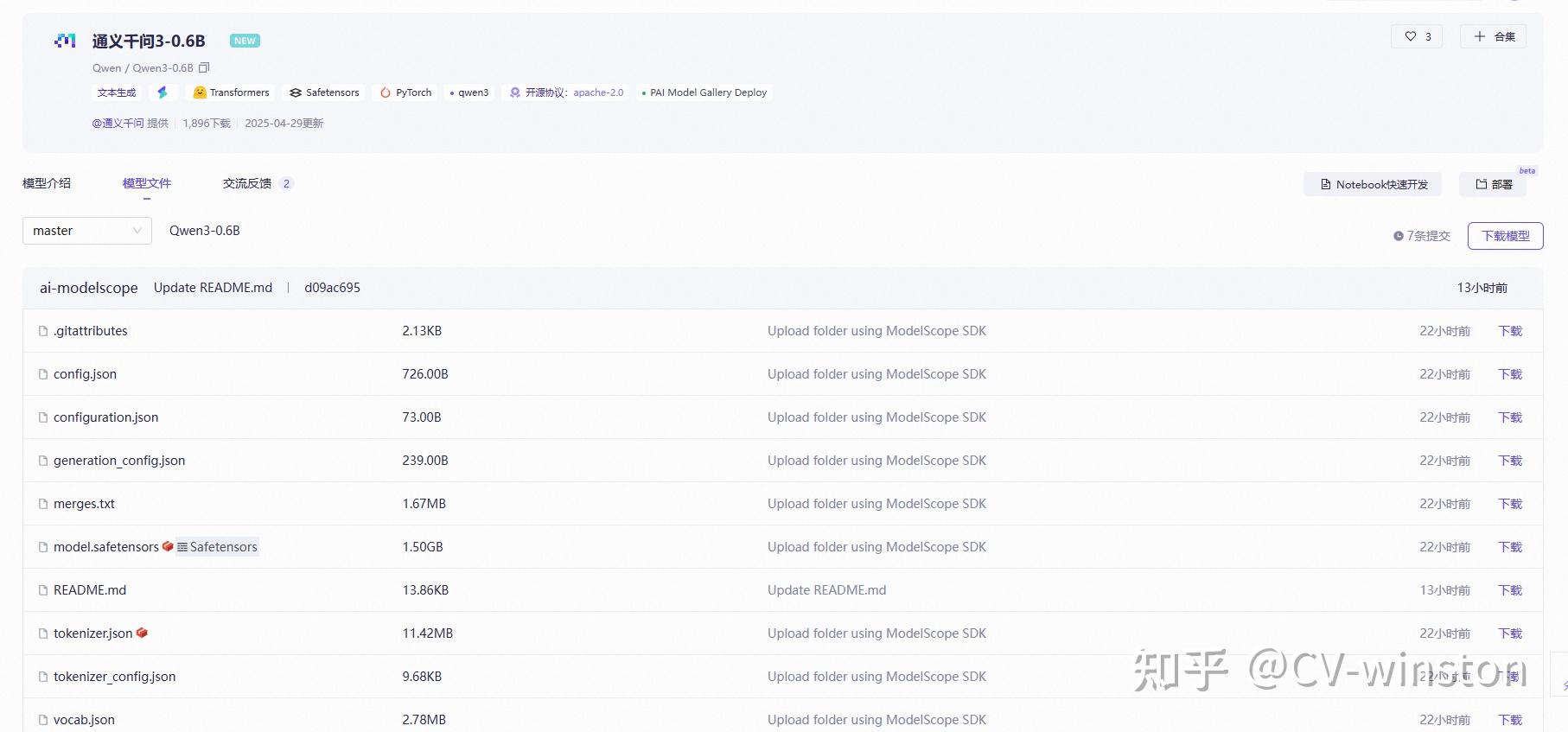
使用SDK下载下载:
开始前安装
source /etc/network_turbopip install modelscope # source /etc/network_turbo from modelscope import snapshot_download
# 指定模型的下载路径 cache_dir = ‘/root/autodl-tmp’ # 调用 snapshot_download 函数下载模型 model_dir = snapshot_download(‘Qwen/Qwen3-0.6B’, cache_dir=cache_dir) # model_dir = snapshot_download(‘Qwen/Qwen3-8B’, cache_dir=cache_dir) # model_dir = snapshot_download(‘Qwen/Qwen3-14B’, cache_dir=cache_dir)
print(f“模型已下载到: {model_dir}”)
或者:
modelscope download –model Qwen/Qwen3-0.6Bmv /root/.cache/modelscope/hub/models/Qwen/ /root/autodl-tmp/Qwen
from transformers import AutoModelForCausalLM, AutoTokenizer model_name = “Qwen/Qwen3-0.6B” # model_name = “Qwen/Qwen3-8B” # model_name = “Qwen/Qwen3-14B”# load the tokenizer and the model tokenizer = AutoTokenizer.from_pretrained(model_name) model = AutoModelForCausalLM.from_pretrained(
model_name, torch_dtype="auto", device_map="auto" )
# prepare the model input prompt = “Give me a short introduction to large language models.” messages = [
{"role": "user", "content": prompt} ] text = tokenizer.apply_chat_template(
messages, tokenize=False, add_generation_prompt=True, enable_thinking=True # Switches between thinking and non-thinking modes. Default is True. ) model_inputs = tokenizer([text], return_tensors=“pt”).to(model.device)
# conduct text completion generated_ids = model.generate(
model_inputs, max_new_tokens=32768 ) output_ids = generated_ids[0][len(model_inputs.input_ids[0]):].tolist()
# the result will begin with thinking content in
enable_thinking=True的结果
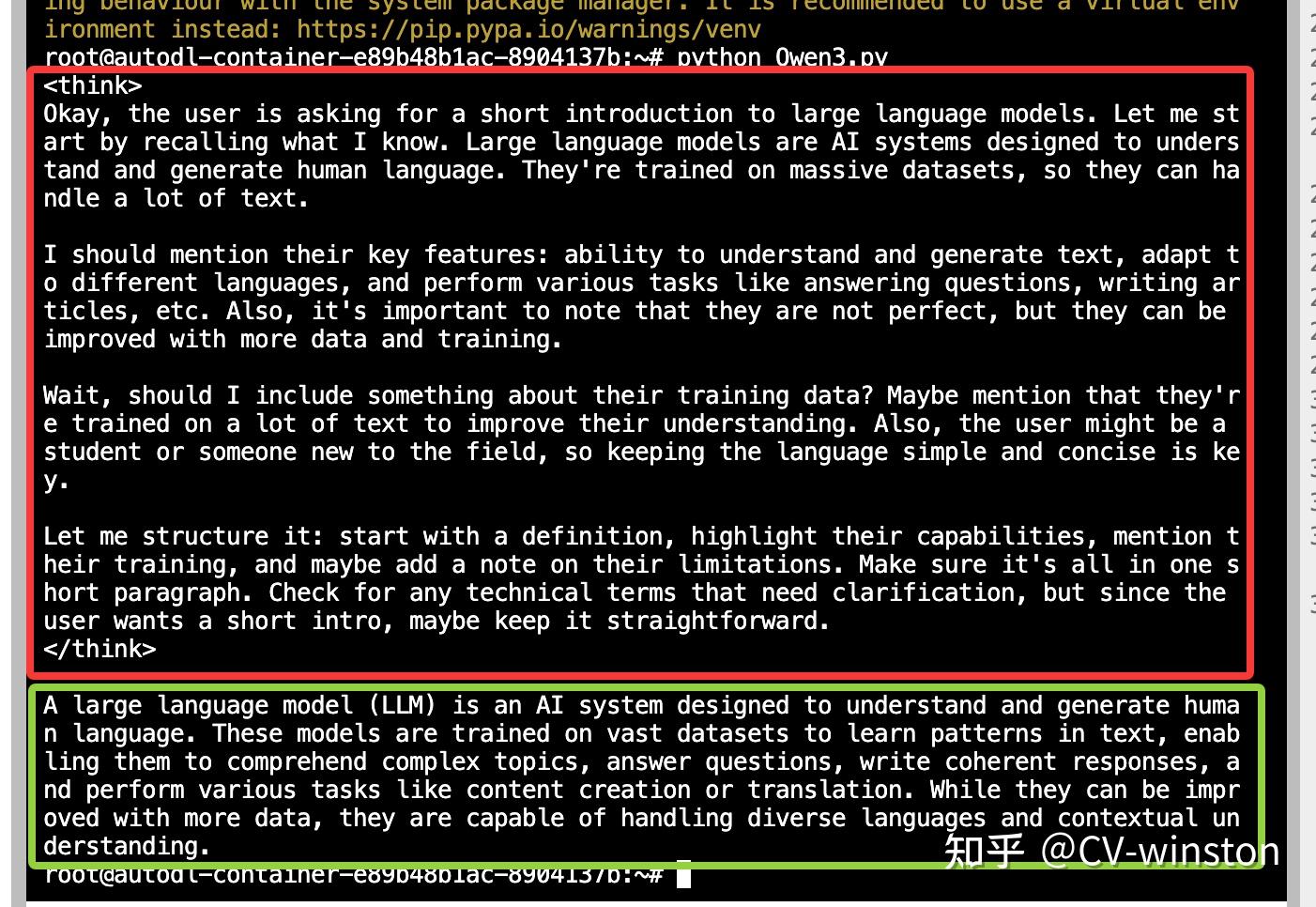
enable_thinking=False的结果

版权声明:本文内容由互联网用户自发贡献,该文观点仅代表作者本人。本站仅提供信息存储空间服务,不拥有所有权,不承担相关法律责任。如发现本站有涉嫌侵权/违法违规的内容,请联系我们,一经查实,本站将立刻删除。
如需转载请保留出处:https://51itzy.com/kjqy/223625.html