
一、下载inno setup软件(环境设置)
官方下载地址:https://jrsoftware.org/isinfo.php
我这里有个现成的inno setup下载包,可自提:
net4.6.1版本:https://www.microsoft.com/en-us/download/details.aspx?id=49981
二、安装inno setup软件
1、先将要打包的全部文件放到一个空文件夹里待用(可以随便建个txt文件,后面设置同意协议的时候备用)
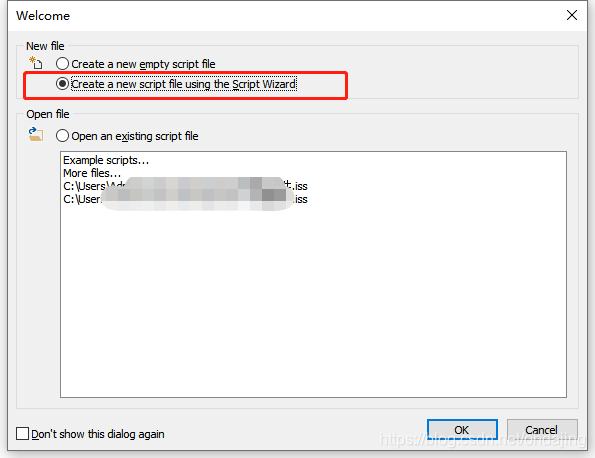
2、新建个新的脚本文件
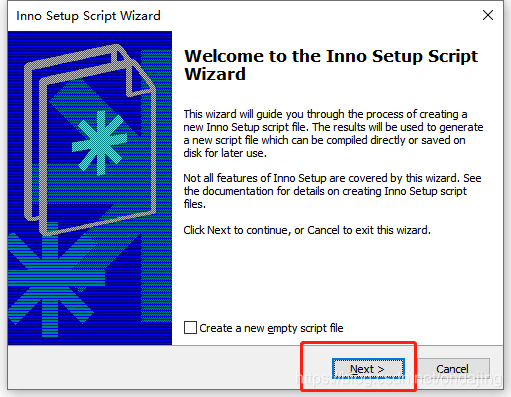
3、选择下一步
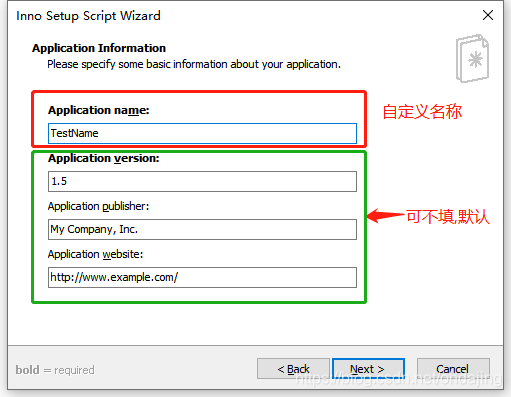
4、设置程序基本信息(名称,版本号,创建人,网站)
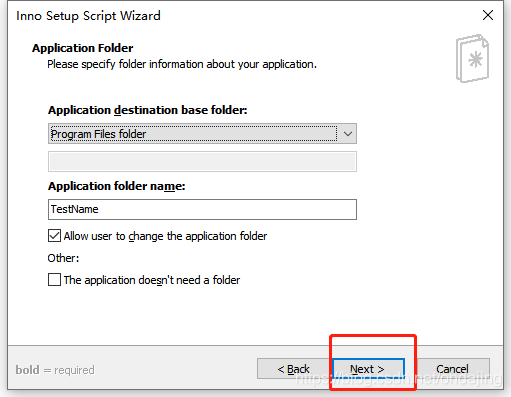
5、下一步
6、选择要打包的第一步自定义的文件夹项目文件
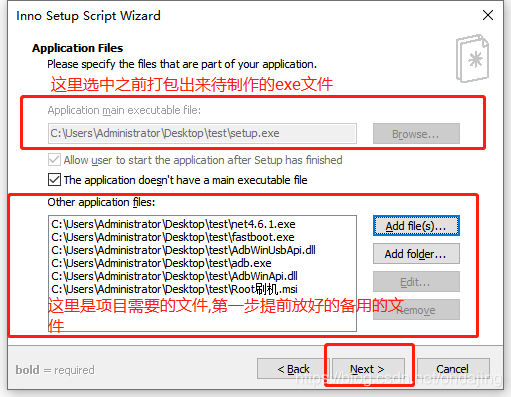
7、下一步
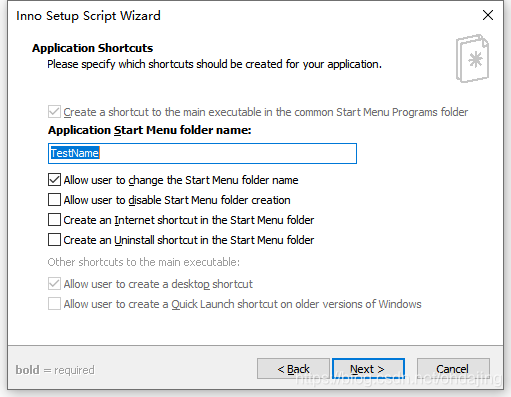
8、设置同意协议文件
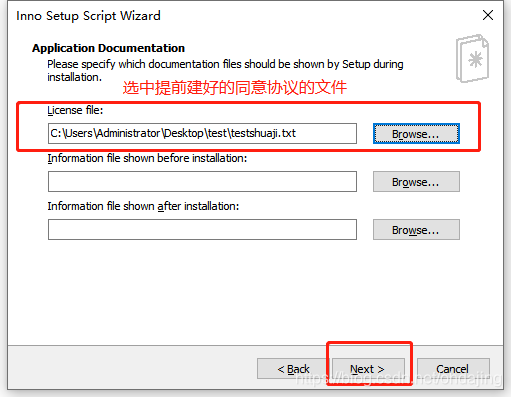
9、下一步
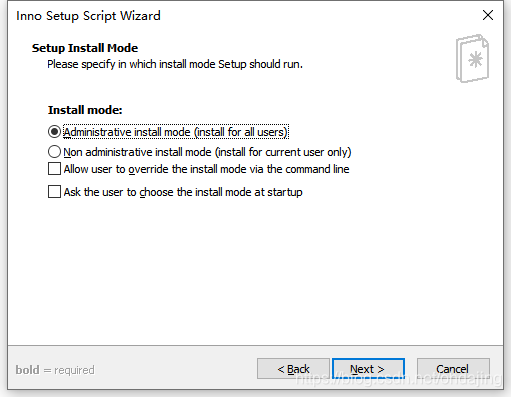

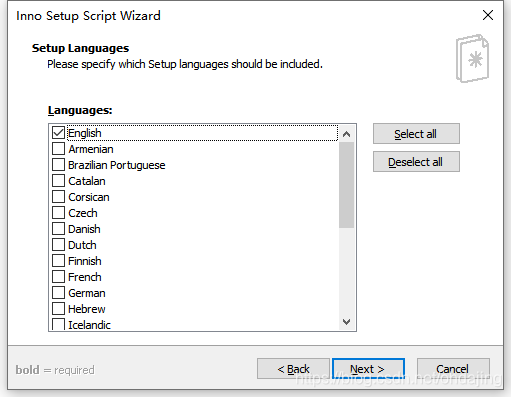
10、选择语言,默认英文
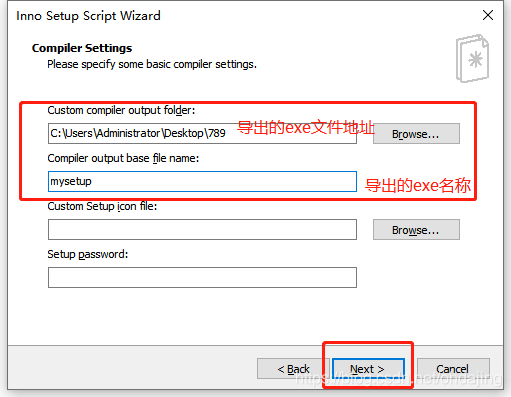
11、设置输出的文件导出路径和文件名称
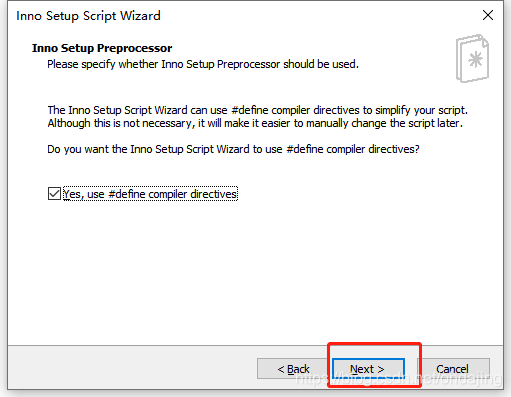
12、下一步
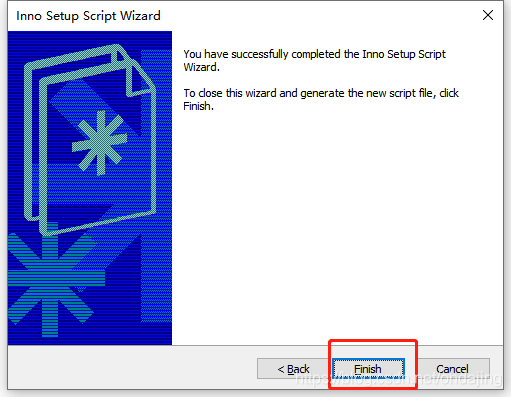
13 、完成
14、选择是
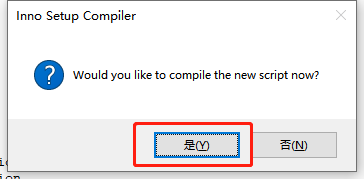
15、选择是
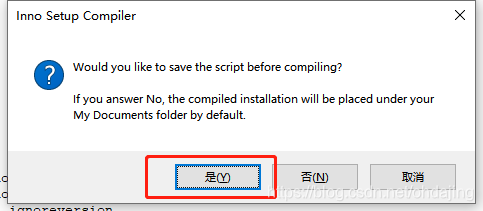
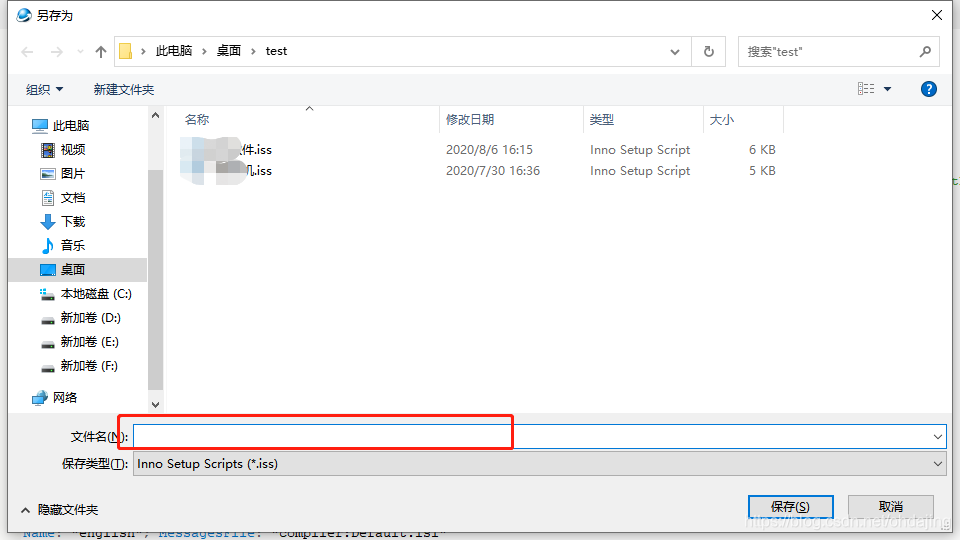
16、存为iss文件,我输入的123
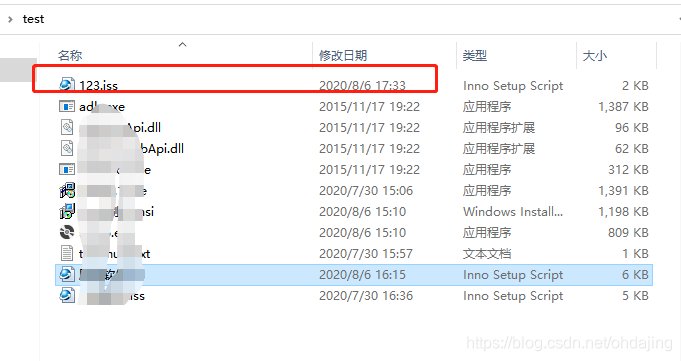
17、上一步保存后,制作好的iss文件就到了你第一步自定义的文件夹
18、放置检测net环境的代码,电脑有.net4.6.1则setup.exe直接安装,电脑上没.net4.6.1则setup.exe会首先安装.net4.6.1,完成后再次点击setup.exe安装
[code] function InitializeSetup: Boolean; var Path,tmppath:string ; ResultCode: Integer; dotNetV2RegPath:string; dotNetV2DownUrl:string; dotNetV2PackFile:string; begin dotNetV2RegPath:='SOFTWARE\Microsoft\.NETFramework\Policy\v4.0'; dotNetV2DownUrl:='https://dotnet.microsoft.com/download/dotnet-framework/net45'; dotNetV2PackFile:='{src}\net4.6.1.exe'; //先在注册表查找.net4.0是否存在 if RegKeyExists(HKLM, dotNetV2RegPath) then begin Result := true; end //如果注册表里面没有发现.net4.5 else begin if MsgBox('The system has detected that you do not have the. Net framework 4.5 running environment installed. Do you want to install it now?', mbConfirmation, MB_YESNO) = idYes then begin //和setup同级目录下的donet安装包 Path := ExpandConstant(dotNetV2PackFile); //先抽取到临时目录 tmppath := ExpandConstant('{tmp}\net4.6.1.exe'); ExtractTemporaryFile('net4.6.1.exe'); //msgbox(tmppath, mbConfirmation, MB_YESNO); Exec(tmppath, '', '', SW_SHOWNORMAL, ewWaitUntilTerminated, ResultCode); if(FileOrDirExists(tmppath)) then begin Exec(tmppath, '/q', '', SW_SHOWNORMAL, ewWaitUntilTerminated, ResultCode); if RegKeyExists(HKLM, dotNetV2RegPath) then begin Result := true; end else begin MsgBox('Failed to install. Net framework 4.5 running environment successfully, the system will not be able to run, this installation program will exit soon!',mbInformation,MB_OK); end end else begin if MsgBox('There is no. Net framework 4.5 installation program in the software installation directory. Do you want to download and install now?', mbConfirmation, MB_YESNO) = idYes then begin Path := ExpandConstant('{pf}/Internet Explorer/iexplore.exe'); Exec(Path, dotNetV2DownUrl , '', SW_SHOWNORMAL, ewWaitUntilTerminated, ResultCode); MsgBox('Please install the. Net framework 4.5 environment before running this installation package!',mbInformation,MB_OK); Result := false; end else begin MsgBox('If you do not download and install the. Net framework 4.5 running environment, the system will not be able to run. This installation program will exit soon!',mbInformation,MB_OK); Result := false; end end end else begin MsgBox('If the. Net framework 4.5 running environment is not installed, the system will not be able to run. This installation program will exit soon!',mbInformation,MB_OK); Result := false; end; end; end;讯享网
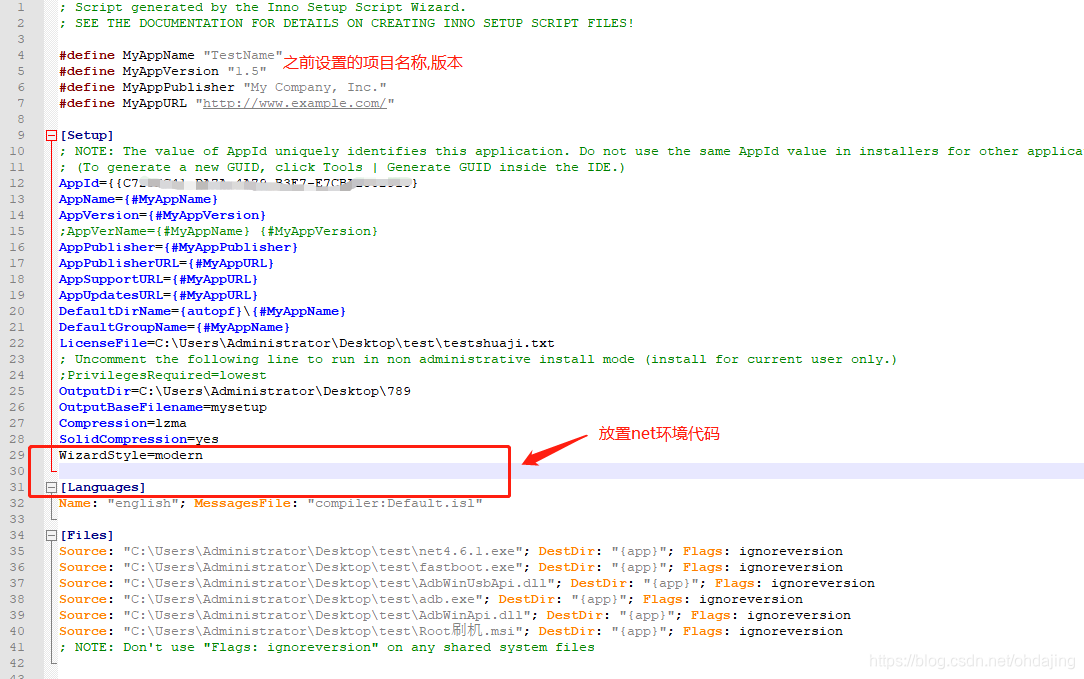
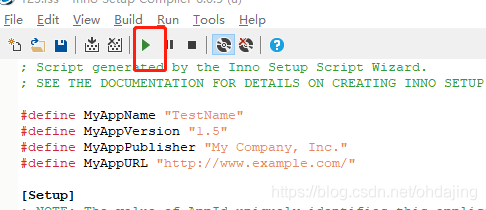
19、代码放置成功后,启动运行
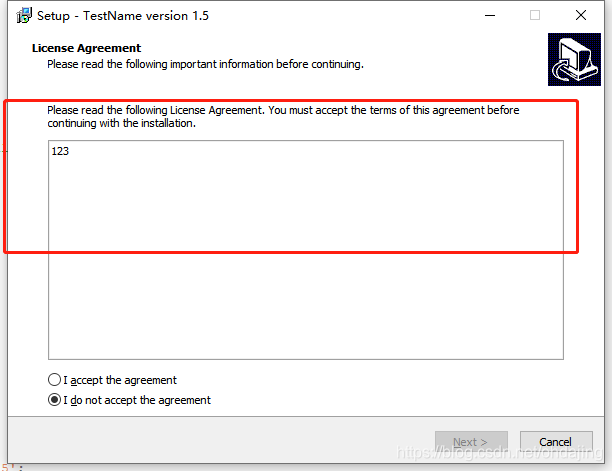
20、运行成功后,自动出现安装界面,红框框出来的地方就是刚刚第8步的txt同意协议文本
一个检测net环境的程序的制作就成功啦,最新生成的exe文件在步骤11-----导出的自定义exe地址就可以看到。
版权声明:本文内容由互联网用户自发贡献,该文观点仅代表作者本人。本站仅提供信息存储空间服务,不拥有所有权,不承担相关法律责任。如发现本站有涉嫌侵权/违法违规的内容,请联系我们,一经查实,本站将立刻删除。
如需转载请保留出处:https://51itzy.com/kjqy/64091.html