
❤ 十个拿来就能用的网页炫酷特效
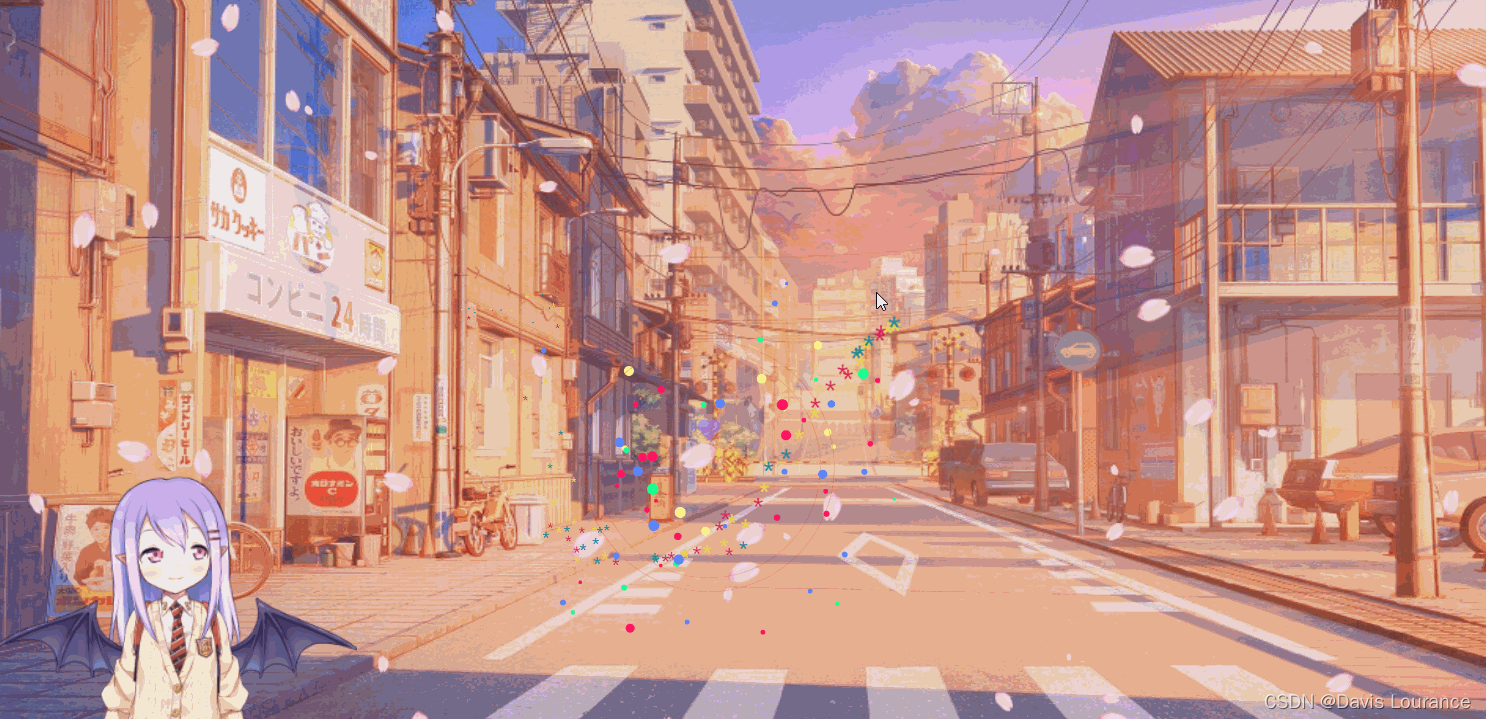
效果如下:
讯享网
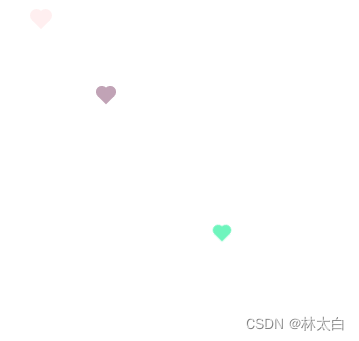
(1) 鼠标点击爱心
<!DOCTYPE html> <html lang="en"> <head> <meta charset="UTF-8"> <meta name="viewport" content="width=device-width, initial-scale=1.0"> <title>Document</title> </head> <body> <h2>网页部分</h2> <!-- 网页鼠标点击特效(爱心) --> <script type="text/javascript"> window.onload= ! function (e, t, a) {
    function r() {
    for (var e = 0; e < s.length; e++) s[e].alpha <= 0 ? (t.body.removeChild(s[e].el), s.splice(e, 1)) : (s[ e].y--, s[e].scale += .004, s[e].alpha -= .013, s[e].el.style.cssText = "left:" + s[e].x + "px;top:" + s[e].y + "px;opacity:" + s[e].alpha + ";transform:scale(" + s[e].scale + "," + s[e] .scale + ") rotate(45deg);background:" + s[e].color + ";z-index:99999"); requestAnimationFrame(r) } function n() {
    var t = "function" == typeof e.onclick && e.onclick; e.onclick = function (e) {
    t && t(), o(e) } } function o(e) {
    var a = t.createElement("div"); a.className = "heart", s.push({
    el: a, x: e.clientX - 5, y: e.clientY - 5, scale: 1, alpha: 1, color: c() }), t.body.appendChild(a) } function i(e) {
    var a = t.createElement("style"); a.type = "text/css"; try {
    a.appendChild(t.createTextNode(e)) } catch (t) {
    a.styleSheet.cssText = e } t.getElementsByTagName("head")[0].appendChild(a) } function c() {
    return "rgb(" + ~~(255 * Math.random()) + "," + ~~(255 * Math.random()) + "," + ~~(255 * Math .random()) + ")" } var s = []; e.requestAnimationFrame = e.requestAnimationFrame || e.webkitRequestAnimationFrame || e .mozRequestAnimationFrame || e.oRequestAnimationFrame || e.msRequestAnimationFrame || function (e) {
    setTimeout(e, 1e3 / 60) }, i( ".heart{width: 10px;height: 10px;position: fixed;background: #f00;transform: rotate(45deg);-webkit-transform: rotate(45deg);-moz-transform: rotate(45deg);}.heart:after,.heart:before{content: '';width: inherit;height: inherit;background: inherit;border-radius: 50%;-webkit-border-radius: 50%;-moz-border-radius: 50%;position: fixed;}.heart:after{top: -5px;}.heart:before{left: -5px;}" ), n(), r() }(window, document); </script> </body> </html>
讯享网
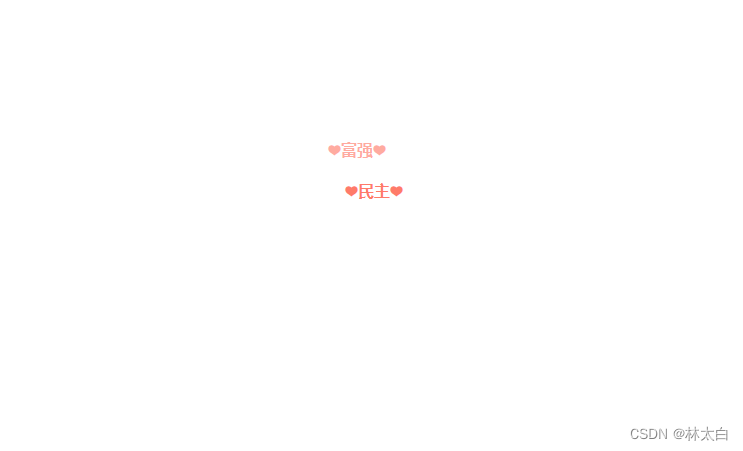
(2) 鼠标点击文字
讯享网 <!DOCTYPE html> <html lang="en"> <head> <meta charset="UTF-8"> <meta http-equiv="X-UA-Compatible" content="IE=edge"> <meta name="viewport" content="width=device-width, initial-scale=1.0"> <title>Document</title> <style> * {
    margin: 0; padding: 0; box-sizing: border-box; } div {
    height: 100vh; } </style> <script src="https://cdn.bootcdn.net/ajax/libs/jquery/3.6.0/jquery.js"></script> </head> <body style="width: 100%;height: 100%;"> <div></div> <script type="text/javascript"> var a_idx = 0; jQuery(document).ready(function ($) {
    $("body").click(function (e) {
    var a = new Array("❤富强❤", "❤民主❤", "❤文明❤", "❤和谐❤", "❤自由❤", "❤平等❤", "❤公正❤", "❤法治❤", "❤爱国❤", "❤敬业❤", "❤诚信❤", "❤友善❤"); var $i = $("<span/>").text(a[a_idx]); a_idx = (a_idx + 1) % a.length; var x = e.pageX, y = e.pageY; $i.css({
    "z-index": , "top": y - 20, "left": x, "position": "absolute", "font-weight": "bold", "color": "#ff6651" }); $("body").append($i); $i.animate({
    "top": y - 180, "opacity": 0 }, 1800, function () {
    $i.remove(); }); }); }); </script> </body> </html>
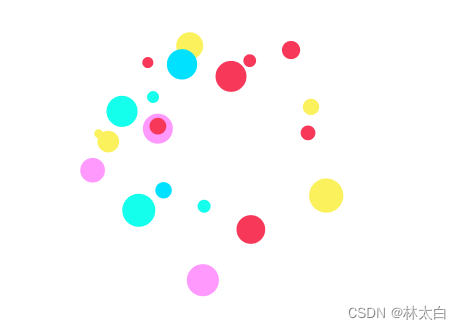
(3) 烟花波纹
 <html> <head> </head> <body> <script> function clickEffect() {
    let balls = []; let longPressed = false; let longPress; let multiplier = 0; let width, height; let origin; let normal; let ctx; const colours = ["#F73859", "#14FFEC", "#00E0FF", "#FF99FE", "#FAF15D"]; const canvas = document.createElement("canvas"); document.body.appendChild(canvas); canvas.setAttribute("style", "width: 100%; height: 100%; top: 0; left: 0; z-index: 99999; position: fixed; pointer-events: none;"); const pointer = document.createElement("span"); pointer.classList.add("pointer"); document.body.appendChild(pointer); if (canvas.getContext && window.addEventListener) {
    ctx = canvas.getContext("2d"); updateSize(); window.addEventListener('resize', updateSize, false); loop(); window.addEventListener("mousedown", function(e) {
    pushBalls(randBetween(10, 20), e.clientX, e.clientY); document.body.classList.add("is-pressed"); longPress = setTimeout(function(){
    document.body.classList.add("is-longpress"); longPressed = true; }, 500); }, false); window.addEventListener("mouseup", function(e) {
    clearInterval(longPress); if (longPressed == true) {
    document.body.classList.remove("is-longpress"); pushBalls(randBetween(50 + Math.ceil(multiplier), 100 + Math.ceil(multiplier)), e.clientX, e.clientY); longPressed = false; } document.body.classList.remove("is-pressed"); }, false); window.addEventListener("mousemove", function(e) {
    let x = e.clientX; let y = e.clientY; pointer.style.top = y + "px"; pointer.style.left = x + "px"; }, false); } else {
    console.log("canvas or addEventListener is unsupported!"); } function updateSize() {
    canvas.width = window.innerWidth * 2; canvas.height = window.innerHeight * 2; canvas.style.width = window.innerWidth + 'px'; canvas.style.height = window.innerHeight + 'px'; ctx.scale(2, 2); width = (canvas.width = window.innerWidth); height = (canvas.height = window.innerHeight); origin = {
    x: width / 2, y: height / 2 }; normal = {
    x: width / 2, y: height / 2 }; } class Ball {
    constructor(x = origin.x, y = origin.y) {
    this.x = x; this.y = y; this.angle = Math.PI * 2 * Math.random(); if (longPressed == true) {
    this.multiplier = randBetween(14 + multiplier, 15 + multiplier); } else {
    this.multiplier = randBetween(6, 12); } this.vx = (this.multiplier + Math.random() * 0.5) * Math.cos(this.angle); this.vy = (this.multiplier + Math.random() * 0.5) * Math.sin(this.angle); this.r = randBetween(8, 12) + 3 * Math.random(); this.color = colours[Math.floor(Math.random() * colours.length)]; } update() {
    this.x += this.vx - normal.x; this.y += this.vy - normal.y; normal.x = -2 / window.innerWidth * Math.sin(this.angle); normal.y = -2 / window.innerHeight * Math.cos(this.angle); this.r -= 0.3; this.vx *= 0.9; this.vy *= 0.9; } } function pushBalls(count = 1, x = origin.x, y = origin.y) {
    for (let i = 0; i < count; i++) {
    balls.push(new Ball(x, y)); } } function randBetween(min, max) {
    return Math.floor(Math.random() * max) + min; } function loop() {
    ctx.fillStyle = "rgba(255, 255, 255, 0)"; ctx.clearRect(0, 0, canvas.width, canvas.height); for (let i = 0; i < balls.length; i++) {
    let b = balls[i]; if (b.r < 0) continue; ctx.fillStyle = b.color; ctx.beginPath(); ctx.arc(b.x, b.y, b.r, 0, Math.PI * 2, false); ctx.fill(); b.update(); } if (longPressed == true) {
    multiplier += 0.2; } else if (!longPressed && multiplier >= 0) {
    multiplier -= 0.4; } removeBall(); requestAnimationFrame(loop); } function removeBall() {
    for (let i = 0; i < balls.length; i++) {
    let b = balls[i]; if (b.x + b.r < 0 || b.x - b.r > width || b.y + b.r < 0 || b.y - b.r > height || b.r < 0) {
    balls.splice(i, 1); } } } } clickEffect();//调用特效函数 </script> </body> </html>
(4) 鼠标星星
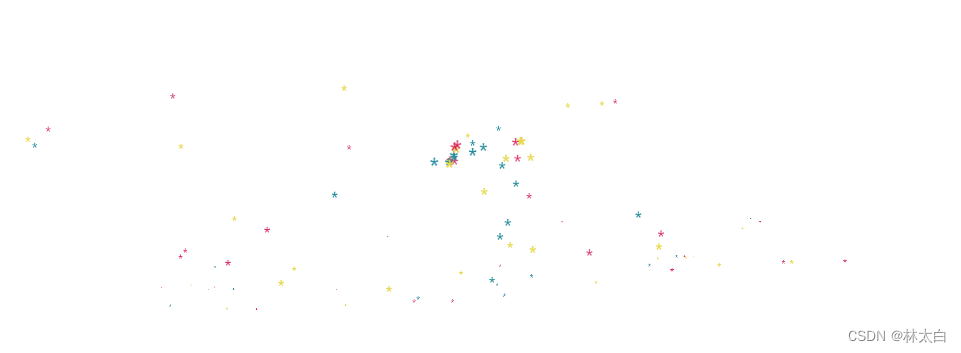
讯享网 <script> (function fairyDustCursor() {
    var possibleColors = ["#D61C59", "#E7D84B", "#1B8798"] var width = window.innerWidth; var height = window.innerHeight; var cursor = {
    x: width / 2, y: width / 2 }; var particles = []; function init() {
    bindEvents(); loop(); } // Bind events that are needed function bindEvents() {
    document.addEventListener('mousemove', onMouseMove); window.addEventListener('resize', onWindowResize); } function onWindowResize(e) {
    width = window.innerWidth; height = window.innerHeight; } function onMouseMove(e) {
    cursor.x = e.clientX; cursor.y = e.clientY; addParticle(cursor.x, cursor.y, possibleColors[Math.floor(Math.random() * possibleColors.length)]); } function addParticle(x, y, color) {
    var particle = new Particle(); particle.init(x, y, color); particles.push(particle); } function updateParticles() {
    // Updated for (var i = 0; i < particles.length; i++) {
    particles[i].update(); } // Remove dead particles for (var i = particles.length - 1; i >= 0; i--) {
    if (particles[i].lifeSpan < 0) {
    particles[i].die(); particles.splice(i, 1); } } } function loop() {
    requestAnimationFrame(loop); updateParticles(); } / * Particles */ function Particle() {
    this.character = "*"; this.lifeSpan = 120; //ms this.initialStyles = {
    "position": "fixed", "display": "inline-block", "top": "0px", "left": "0px", "pointerEvents": "none", "touch-action": "none", "z-index": "", "fontSize": "25px", "will-change": "transform" }; // Init, and set properties this.init = function (x, y, color) {
    this.velocity = {
    x: (Math.random() < 0.5 ? -1 : 1) * (Math.random() / 2), y: 1 }; this.position = {
    x: x + 10, y: y + 10 }; this.initialStyles.color = color; this.element = document.createElement('span'); this.element.innerHTML = this.character; applyProperties(this.element, this.initialStyles); this.update(); document.querySelector('.js-cursor-container').appendChild(this.element); }; this.update = function () {
    this.position.x += this.velocity.x; this.position.y += this.velocity.y; this.lifeSpan--; this.element.style.transform = "translate3d(" + this.position.x + "px," + this.position.y + "px, 0) scale(" + (this.lifeSpan / 120) + ")"; } this.die = function () {
    this.element.parentNode.removeChild(this.element); } } / * Utils */ // Applies css `properties` to an element. function applyProperties(target, properties) {
    for (var key in properties) {
    target.style[key] = properties[key]; } } if (!('ontouchstart' in window || navigator.msMaxTouchPoints)) init(); })(); </script>
(4) 鼠标粒子拖尾
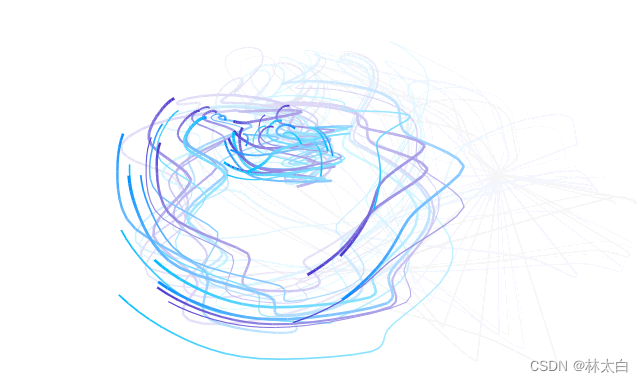
(5) 鼠标粒子拖尾
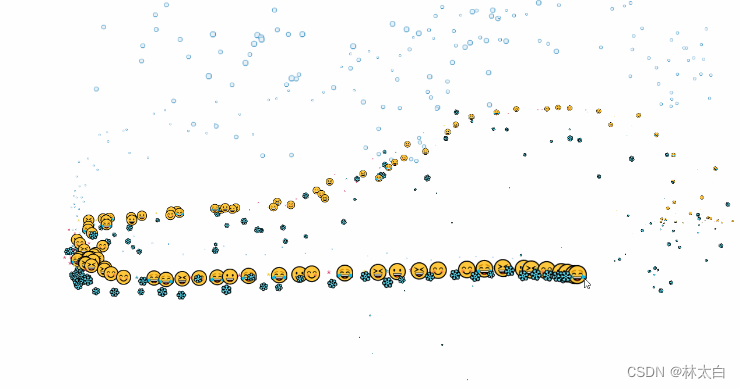

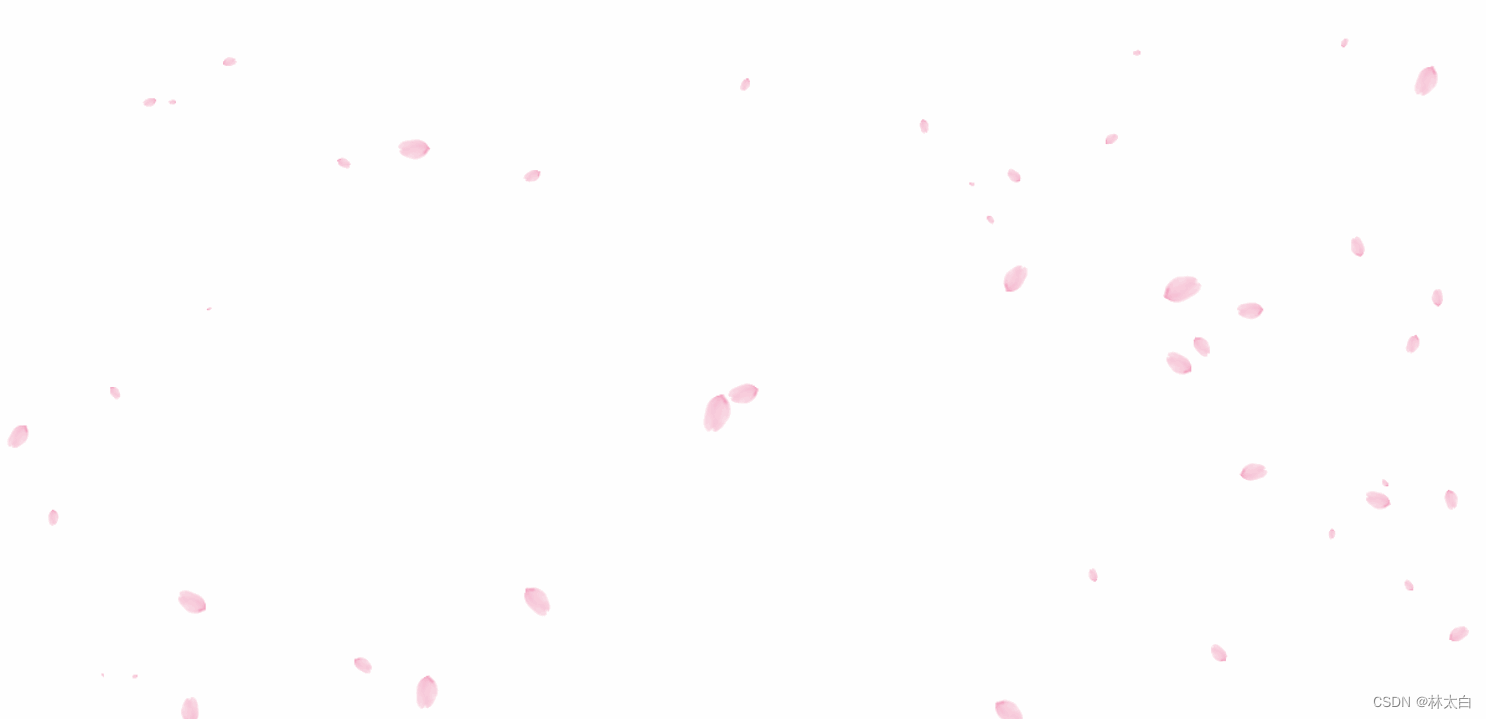
<body> <script src="./js/6smile1.js"></script><!--光标特效仙女棒--> <script src="./js/6smile2.js"></script><!--光标之泡泡--> <script src="./js/6smile3.js"></script><!--笑脸--> <script src="./js/6smile4.js"></script><!--雪花--> <script src="./js/6smile5.js"></script><!-- 点击后出现烟花效果 --> <!--光标特效仙女棒--> <!-- <script src="https://blog-static.cnblogs.com/files/axqa/fairyDustCursor.js"></script> --> <!--光标之泡泡--> <!-- <script src="https://blog-static.cnblogs.com/files/axqa/bubbleCursor.js"></script> --> <!--笑脸--> <!-- <script src="https://blog-static.cnblogs.com/files/axqa/emojiCursor.js"></script> --> <!--雪花--> <!-- <script src="https://blog-static.cnblogs.com/files/axqa/snowflakeCursor.js"></script> --> <!-- 点击后出现烟花效果 --> <!-- <script src="https://blog-static.cnblogs.com/files/axqa/cursor-effects.js"></script> --> </body> (7) 樱花效果
讯享网
(8) 蜘蛛网
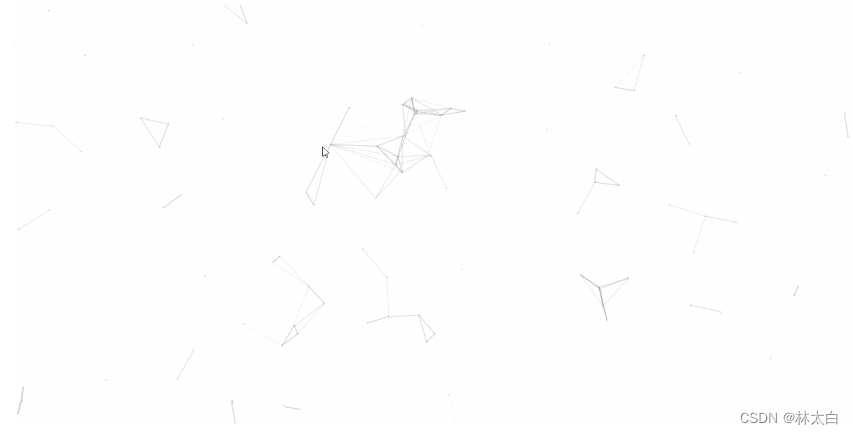
 <!DOCTYPE html> <html lang="en"> <head> <meta charset="UTF-8"> <meta name="viewport" content="width=device-width, initial-scale=1.0"> <title>Document</title> </head> <body> <script> !function () {
    function n(n, e, t) {
    return n.getAttribute(e) || t } function e(n) {
    return document.getElementsByTagName(n) } function t() {
    var t = e("script"), o = t.length, i = t[o - 1]; return {
   l: o, z: n(i, "zIndex", -1), o: n(i, "opacity", .5), c: n(i, "color", "0,0,0"), n: n(i, "count", 99)} } function o() {
    a = m.width = window.innerWidth || document.documentElement.clientWidth || document.body.clientWidth, c = m.height = window.innerHeight || document.documentElement.clientHeight || document.body.clientHeight } function i() {
    r.clearRect(0, 0, a, c); var n, e, t, o, m, l; s.forEach(function (i, x) {
    for (i.x += i.xa, i.y += i.ya, i.xa *= i.x > a || i.x < 0 ? -1 : 1, i.ya *= i.y > c || i.y < 0 ? -1 : 1, r.fillRect(i.x - .5, i.y - .5, 1, 1), e = x + 1; e < u.length; e++) n = u[e], null !== n.x && null !== n.y && (o = i.x - n.x, m = i.y - n.y, l = o * o + m * m, l < n.max && (n === y && l >= n.max / 2 && (i.x -= .03 * o, i.y -= .03 * m), t = (n.max - l) / n.max, r.beginPath(), r.lineWidth = t / 2, r.strokeStyle = "rgba(" + d.c + "," + (t + .2) + ")", r.moveTo(i.x, i.y), r.lineTo(n.x, n.y), r.stroke())) }), x(i) } var a, c, u, m = document.createElement("canvas"), d = t(), l = "c_n" + d.l, r = m.getContext("2d"), x = window.requestAnimationFrame || window.webkitRequestAnimationFrame || window.mozRequestAnimationFrame || window.oRequestAnimationFrame || window.msRequestAnimationFrame || function (n) {
    window.setTimeout(n, 1e3 / 45) }, w = Math.random, y = {
   x: null, y: null, max: 2e4}; m.id = l, m.style.cssText = "position:fixed;top:0;left:0;z-index:" + d.z + ";opacity:" + d.o, e("body")[0].appendChild(m), o(), window.onresize = o, window.onmousemove = function (n) {
    n = n || window.event, y.x = n.clientX, y.y = n.clientY }, window.onmouseout = function () {
    y.x = null, y.y = null }; for (var s = [], f = 0; d.n > f; f++) {
    var h = w() * a, g = w() * c, v = 2 * w() - 1, p = 2 * w() - 1; s.push({
   x: h, y: g, xa: v, ya: p, max: 6e3}) } u = s.concat([y]), setTimeout(function () {
    i() }, 100) }(); </script> </body> </html>
(9) 看板娘
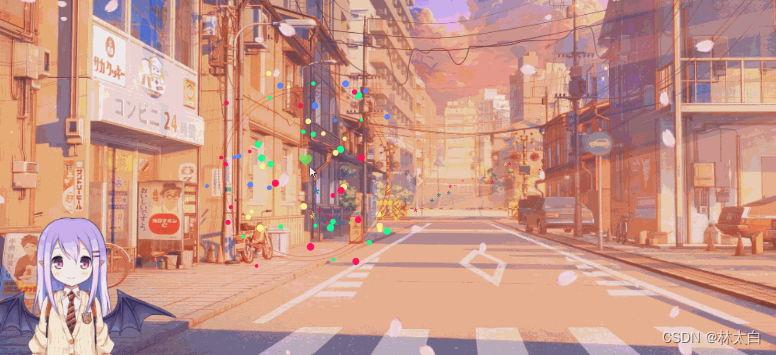
(10) 烟花
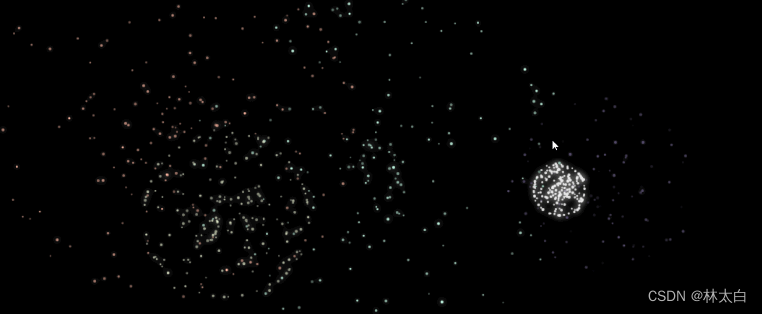
(11) 星星背景

需要的可以留言或者
资源地址:
链接
https://download.csdn.net/download/weixin_/?spm=1001.2014.3001.5503
版权声明:本文内容由互联网用户自发贡献,该文观点仅代表作者本人。本站仅提供信息存储空间服务,不拥有所有权,不承担相关法律责任。如发现本站有涉嫌侵权/违法违规的内容,请联系我们,一经查实,本站将立刻删除。
如需转载请保留出处:https://51itzy.com/kjqy/54116.html