
一 概述
- 统一调整导航栏文字颜色
- 修改按钮默认的图片在左文字在右的位置
二 统一调整导航栏文字颜色
2.1 在自定义NavigationController中设置字体颜色
+(void)initialize { if (self==[ILUINavigationController class]) { //保证只能调用一次 UINavigationBar *bar=[UINavigationBar appearance]; [bar setBackgroundColor:[UIColor redColor]]; //[bar setBackgroundImage:[UIImage imageNamed:@"NavBar64"] forBarMetrics:UIBarMetricsDefault]; //设置标题颜色 NSDictionary *dict=@{ NSForegroundColorAttributeName:[UIColor whiteColor], NSFontAttributeName:[UIFont systemFontOfSize:20], // UITextAttributeFont:[UIFont systemFontOfSize:20] }; [bar setTitleTextAttributes:dict]; } } 讯享网
2.2 修改前后文字颜色效果图
| 修改前 | 修改后 |
|---|---|
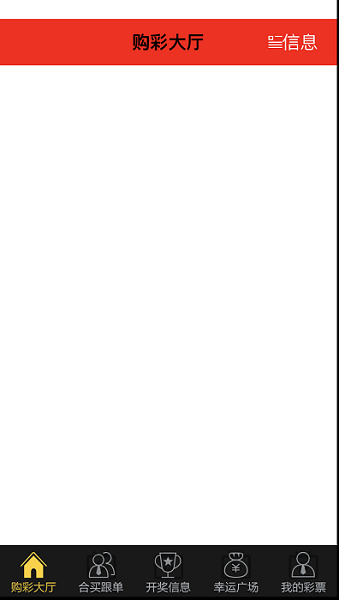 讯享网 |
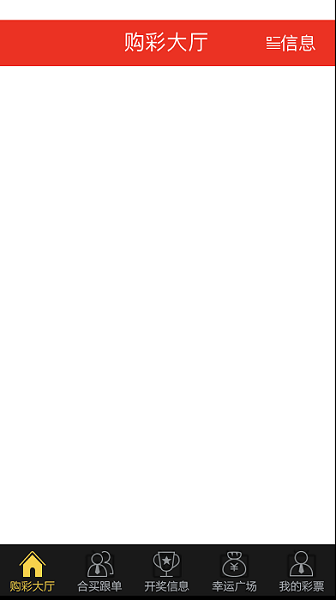 |
三 修改按钮默认的图片在左文字在右的位置
3.1 按钮默认的文字和图片
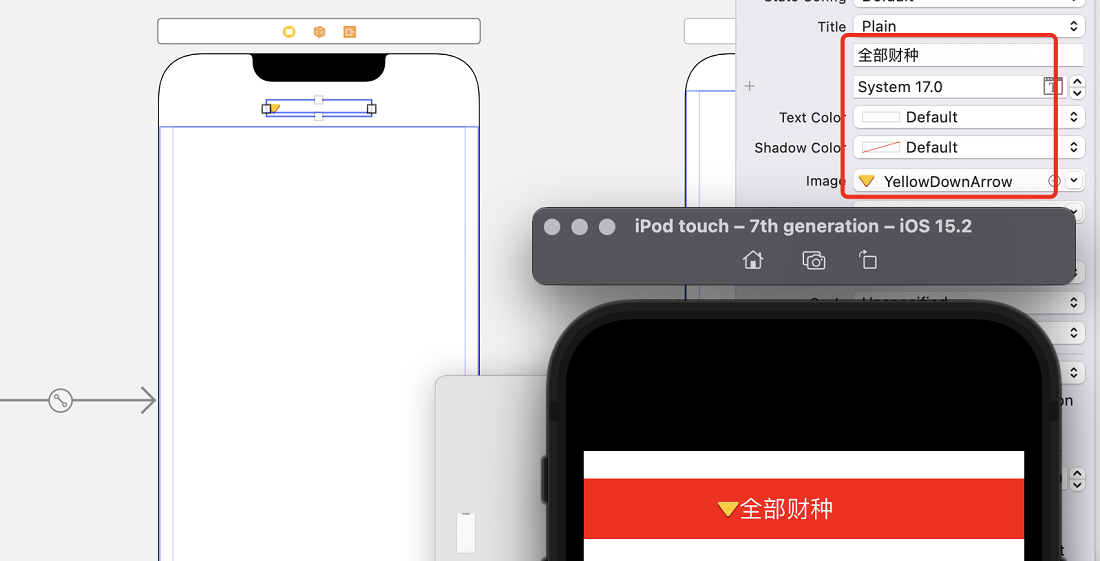
3.2 通过自定义button实现文字和按钮置换位置(过时)
titleRectForContentRect和imageRectForContentRect
讯享网-(CGRect)titleRectForContentRect:(CGRect)contentRect { CGFloat titleX=0; CGFloat titleY=0; NSDictionary *dict=@{ NSFontAttributeName:[UIFont systemFontOfSize:15] }; CGFloat titleW=[self.currentTitle boundingRectWithSize:CGSizeMake(MAXFLOAT, MAXFLOAT) options:NSStringDrawingTruncatesLastVisibleLine attributes:dict context:nil].size.width; CGFloat titleH=contentRect.size.height; return CGRectMake(titleX, titleY, titleW, titleH); } -(CGRect)imageRectForContentRect:(CGRect)contentRect { CGFloat imageW=30; CGFloat imageH=contentRect.size.height; CGFloat imageX=contentRect.size.width-imageW; CGFloat imageY=0; return CGRectMake(imageX, imageY, imageW, imageH); }
imageEdgeInsets和titleEdgeInsets(self指代button)
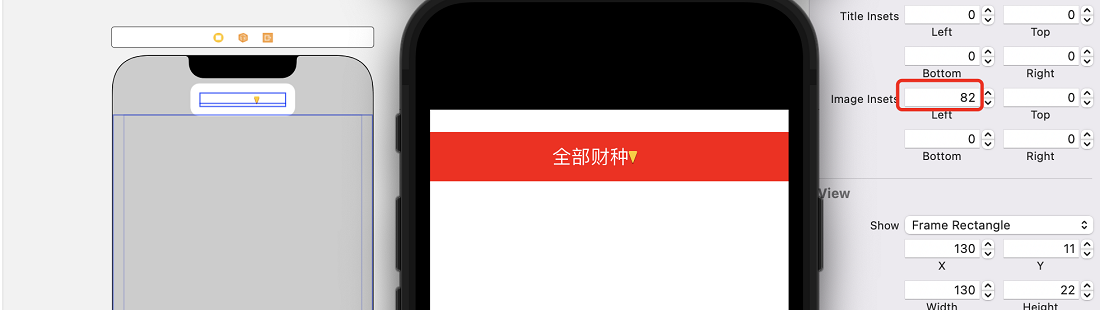
self.titleLabel.backgroundColor = self.backgroundColor; self.imageView.backgroundColor = self.backgroundColor; //在使用一次titleLabel和imageView后才能正确获取titleSize CGSize titleSize = self.titleLabel.bounds.size; CGSize imageSize = self.imageView.bounds.size; CGFloat interval = 1.0; self.imageEdgeInsets = UIEdgeInsetsMake(0,titleSize.width + interval, 0, -(titleSize.width + interval)); self.titleEdgeInsets = UIEdgeInsetsMake(0, -(imageSize.width + interval), 0, imageSize.width + interval); 3.3 在布局文件中调整Image Insets left距离
版权声明:本文内容由互联网用户自发贡献,该文观点仅代表作者本人。本站仅提供信息存储空间服务,不拥有所有权,不承担相关法律责任。如发现本站有涉嫌侵权/违法违规的内容,请联系我们,一经查实,本站将立刻删除。
如需转载请保留出处:https://51itzy.com/kjqy/46636.html