
public void uncaughtException(Thread t, Throwable e) {
if (parent != null) {
parent.uncaughtException(t, e);
} else {
Thread.UncaughtExceptionHandler ueh =
Thread.getDefaultUncaughtExceptionHandler();
if (ueh != null) {
ueh.uncaughtException(t, e);
} else if (!(e instanceof ThreadDeath)) {
System.err.print("Exception in thread “”
- t.getName() + “” ");
e.printStackTrace(System.err);
}
}
}
然后调用 Thread.getDefaultUncaughtExceptionHandler() 获取默认的 UncaughtExceptionHandler ,然后调用 uncaughtException 方法,既然名字是默认的 uncaughtExceptionHandler 对象,那么必然有初始化的地方,这就需要从系统初始化开始说起,不过初始化流程特别复杂,也不是本篇重点,所以就直接从 RuntimeInit 的 main 方法开始吧。
public static final void main(String[] argv) {
enableDdms();
if (argv.length == 2 && argv[1].equals(“application”)) {
if (DEBUG) Slog.d(TAG, “RuntimeInit: Starting application”);
redirectLogStreams();
} else {
if (DEBUG) Slog.d(TAG, “RuntimeInit: Starting tool”);
}
commonInit();
/*
- Now that we’re running in interpreted code, call back into native code
- to run the system.
*/
nativeFinishInit();
if (DEBUG) Slog.d(TAG, “Leaving RuntimeInit!”);
}
作为 java 类, main 方法一直都是执行的入口。从上述代码可以看出, main 方法中会调用 commonInit 方法:
protected static final void commonInit() {
if (DEBUG) Slog.d(TAG, “Entered RuntimeInit!”);
/*
- set handlers; these apply to all threads in the VM. Apps can replace
- the default handler, but not the pre handler.
*/
LoggingHandler loggingHandler = new LoggingHandler();
Thread.setUncaughtExceptionPreHandler(loggingHandler);
Thread.setDefaultUncaughtExceptionHandler(new KillApplicationHandler(loggingHandler));
…代码省略…
initialized = true;
}
此处会给 Thread 设置一个 KillApplicationHandler 对象,我们可以看到这个 KillApplicationHandler 是实现了 Thread.UncaughtExceptionHandler 这个接口的,所以自然会重写 uncaughtException 方法。
public void uncaughtException(Thread t, Throwable e) {
try {
ensureLogging(t, e);
// Don’t re-enter – avoid infinite loops if crash-reporting crashes.
if (mCrashing) return;
mCrashing = true;
// Try to end profiling. If a profiler is running at this point, and we kill the
// process (below), the in-memory buffer will be lost. So try to stop, which will
// flush the buffer. (This makes method trace profiling useful to debug crashes.)
if (ActivityThread.currentActivityThread() != null) {
ActivityThread.currentActivityThread().stopProfiling();
}
// Bring up crash dialog, wait for it to be dismissed
ActivityManager.getService().handleApplicationCrash(
mApplicationObject, new ApplicationErrorReport.ParcelableCrashInfo(e));
} catch (Throwable t2) {
if (t2 instanceof DeadObjectException) {
// System process is dead; ignore
} else {
try {
Clog_e(TAG, “Error reporting crash”, t2);
} catch (Throwable t3) {
// Even Clog_e() fails! Oh well.
}
}
} finally {
// Try everything to make sure this process goes away.
Process.killProcess(Process.myPid());
System.exit(10);
}
}
在代码的最后执行了 System.exit(10) ;这个方法就会直接干掉当前进程,也就是所谓的 App crash 了。
所以我们一旦抛出异常,并且没有捕捉的话,程序就会被强制干掉。
第二个问题:能否让 App 不要 crash
答案自然是肯定的,我们刚才在看代码的时候也看到下面这段代码:
public UncaughtExceptionHandler getUncaughtExceptionHandler() {
//可以看到当uncaughtExceptionHandler没有赋值的时候,会返回ThreadGroup对象

return uncaughtExceptionHandler != null ?
uncaughtExceptionHandler : group;
}
只有在我们没有设置 UncaughtExceptionHandler 的时候,才会调用 defaultUncaughtExceptionHandler 对象,所以自然而然的就想到了实现这个类,然后在这里面做相应的处理。
说干就干试试吧:
我们先试一下主动抛出异常的效果吧,先是在 MainActivity 里面放置一个 Button,让它点击可以主动抛出异常:
package com.netease.demo;
import android.os.Bundle;
import android.view.View;
import androidx.appcompat.app.AppCompatActivity;
public class MainActivity extends AppCompatActivity {
@Override
protected void onCreate(Bundle savedInstanceState) {
super.onCreate(savedInstanceState);
setContentView(R.layout.activity_main);
}
public void click(View view) throws Exception{
throw new Exception(“主动抛出异常”);
}
}
来看一下执行效果:

不出意料程序崩溃了。。。
那我们接下来写一个 CrashHandler 的类实现了 Thread.UncaughtExceptionHandler 接口:
package com.netease.demo;
import android.util.Log;
// Created by chendanfeng on 2020-08-19.
public class CrashHandler implements Thread.UncaughtExceptionHandler {
private static final String TAG = “CrashHandler”;
@Override
public void uncaughtException(Thread t, Throwable e) {
Toast.makeText(MyApplication.sApp,"uncaughtException : " + e.getMessage(),Toast.LENGTH_SHORT).show();
}
}
然后在 MyApplication 里面对这个 Handler 进行设置:
package com.netease.demo;
import android.app.Application;
// Created by chendanfeng on 2020-08-19.
public class MyApplication extends Application {
public static MyApplication sApp;
@Override
public void onCreate() {
super.onCreate();
sApp = this;
Thread.currentThread().setUncaughtExceptionHandler(new CrashHandler());
}
}
然后再看下效果:
我们发现确实 App 已经不会 crash 了,但是又出现了另外一个问题,那就是 App 卡死在了这个界面,点击无效了。
那么这到底是怎么一回事呢?其实这也不难理解,我们的页面启动的入口是在 ActivityThread 的 main 方法:
public static void main(String[] args) {
…代码省略…
Looper.prepareMainLooper();
…代码省略…
Looper.loop();
throw new RuntimeException(“Main thread loop unexpectedly exited”);
}
自我介绍一下,小编13年上海交大毕业,曾经在小公司待过,也去过华为、OPPO等大厂,18年进入阿里一直到现在。
深知大多数初中级安卓工程师,想要提升技能,往往是自己摸索成长,但自己不成体系的自学效果低效又漫长,而且极易碰到天花板技术停滞不前!
因此收集整理了一份《2024年最新Android移动开发全套学习资料》送给大家,初衷也很简单,就是希望能够帮助到想自学提升又不知道该从何学起的朋友,同时减轻大家的负担。

由于文件比较大,这里只是将部分目录截图出来,每个节点里面都包含大厂面经、学习笔记、源码讲义、实战项目、讲解视频
如果你觉得这些内容对你有帮助,可以添加下面V无偿领取!(备注Android)

面试复习笔记:
这份资料我从春招开始,就会将各博客、论坛。网站上等优质的Android开发中高级面试题收集起来,然后全网寻找最优的解答方案。每一道面试题都是百分百的大厂面经真题+最优解答。包知识脉络 + 诸多细节。
节省大家在网上搜索资料的时间来学习,也可以分享给身边好友一起学习。
给文章留个小赞,就可以免费领取啦~
戳我领取:GitHub
《960页Android开发笔记》
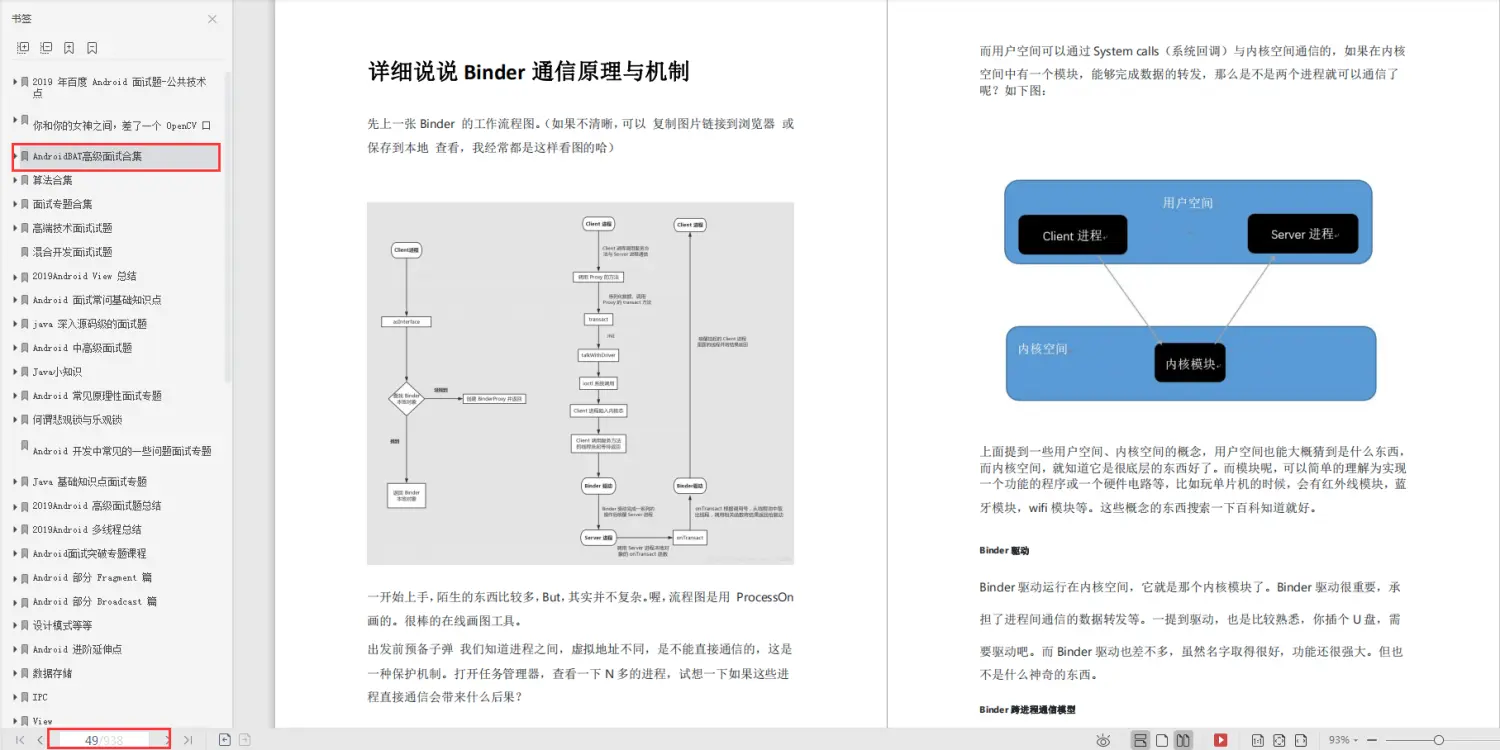
《1307页Android开发面试宝典》
包含了腾讯、百度、小米、阿里、乐视、美团、58、猎豹、360、新浪、搜狐等一线互联网公司面试被问到的题目。熟悉本文中列出的知识点会大大增加通过前两轮技术面试的几率。
《507页Android开发相关源码解析》
只要是程序员,不管是Java还是Android,如果不去阅读源码,只看API文档,那就只是停留于皮毛,这对我们知识体系的建立和完备以及实战技术的提升都是不利的。
戳我领取:GitHub
《960页Android开发笔记》
[外链图片转存中…(img-xqYhPRKP-55)]
《1307页Android开发面试宝典》
包含了腾讯、百度、小米、阿里、乐视、美团、58、猎豹、360、新浪、搜狐等一线互联网公司面试被问到的题目。熟悉本文中列出的知识点会大大增加通过前两轮技术面试的几率。
[外链图片转存中…(img-kKz2EVEm-56)]
《507页Android开发相关源码解析》
只要是程序员,不管是Java还是Android,如果不去阅读源码,只看API文档,那就只是停留于皮毛,这对我们知识体系的建立和完备以及实战技术的提升都是不利的。
真正最能锻炼能力的便是直接去阅读源码,不仅限于阅读各大系统源码,还包括各种优秀的开源库。
版权声明:本文内容由互联网用户自发贡献,该文观点仅代表作者本人。本站仅提供信息存储空间服务,不拥有所有权,不承担相关法律责任。如发现本站有涉嫌侵权/违法违规的内容,请联系我们,一经查实,本站将立刻删除。
如需转载请保留出处:https://51itzy.com/kjqy/44611.html