
因为业务需求,上网查询之后写的一个小 demo,参考文档https://hanziwriter.org/
具体实现
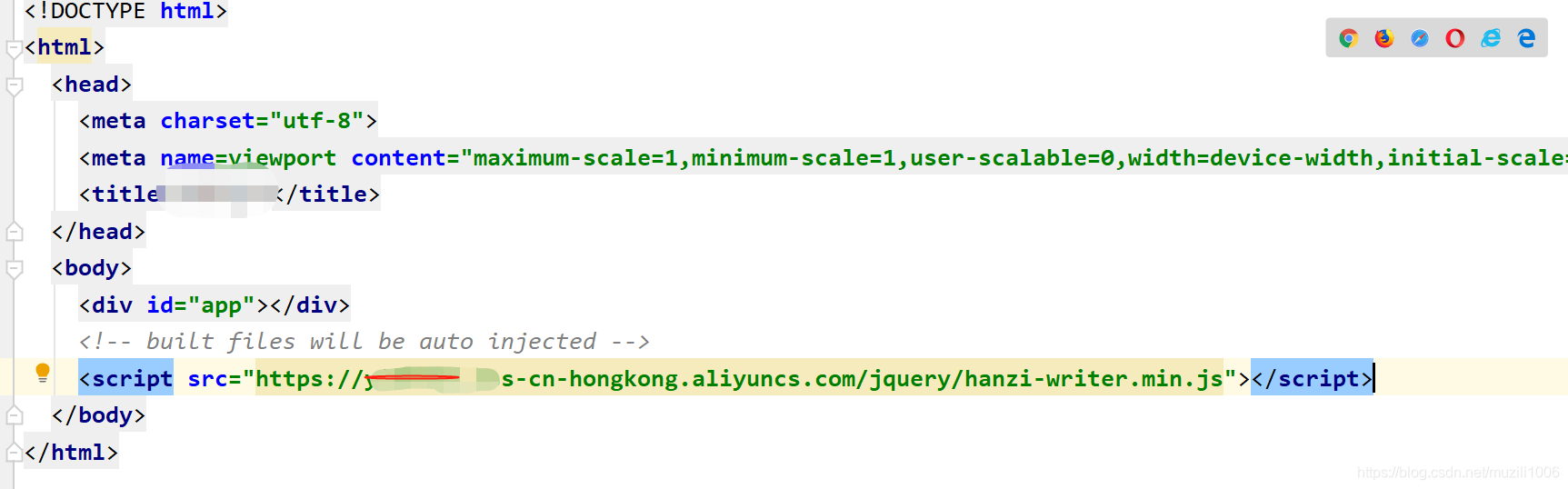
在 script 标签加载 Hanzi Writer
只需将以下内容放入你的网页的头部,自己的,或者从官网查看
js vue应用
 watch: {
    form (val) {
    this.username = this.form.name.replace('-', '').split('') this.$nextTick(() => {
    /* 先开始写字 */ let hanziBox = document.getElementById('name0'); let box_width = hanziBox.offsetWidth, box_height = hanziBox.offsetHeight; let writerConfig = {
    width: box_width, height: box_height, padding: 3, showOutline: false, showCharacter: false, strokeColor: '#FF9435',//字的颜色 strokeAnimationSpeed: 2, // 5x normal speed delayBetweenStrokes: 20, // milliseconds }; this.drawCharacter(0, writerConfig) }) }, animationQueue(){
    this.canvans() }, }, methods: {
    /* 文字书写方法 */ drawCharacter (index = 0, config) {
    return new Promise(resolve => {
    let name = HanziWriter.create('name' + index, this.username[index], config); name.animateCharacter().then(() => {
    if (this.username[index + 1]) {
    this.drawCharacter(index + 1, config) } }); }) }, /* 改定时器为Promise函数,方便async处理 */ setTimer (callback, time = 0) {
    return new Promise(resolve => {
    setTimeout(function () {
    callback ? callback() : null resolve() }, time) }) }, //进度条 async animationFun () {
    const that = this; that.animationQueue+=1; setTimeout(function () {
    if (that.animationQueue<=2) {
    that.animationFun() }else {
    that.subBtn = true; } }, 2500) }, }
讯享网
HTMl部分

讯享网<div class="name-box"> <div class="firstname" :id="'name'+index" v-for="(item,index) in username"></div> </div>
css部分
 .name-box {
    display: flex; flex-direction: row; justify-content: center; position: absolute; top: 50%; left: 50%; transform: translate(-50%, -50%); } .firstname {
    width: 1.2rem; height: 1.2rem; font-size: 1.06rem; font-weight: 800; }
效果


这里简单写了一下Hanzi Weiter的用法,Hanzi Weiter具体教程点击右侧了解,[特别鸣谢Hanzi Weiter网站]https://hanziwriter.org/
*(https://hanziwriter.org/cn/docs.html#other-methods-link)
更多内容
求关注,微信公众号-前端程序猿Pro,不至于前端~

版权声明:本文内容由互联网用户自发贡献,该文观点仅代表作者本人。本站仅提供信息存储空间服务,不拥有所有权,不承担相关法律责任。如发现本站有涉嫌侵权/违法违规的内容,请联系我们,一经查实,本站将立刻删除。
如需转载请保留出处:https://51itzy.com/kjqy/39830.html