
背景
当 @ResponseBody 注解应用在一个控制器方法上时,SpringMVC会将该方法的返回对象直接写入HTTP响应体中,而不是经过视图解析器查找和渲染视图。 故如下组合不会返回jsp或html
# 场景1 :@RestController = @ResponseBody + @Controller @RestController public class CalculatorController {
    # 场景2 @RequestMapping(value = "/users/{id}", method = RequestMethod.GET) @ResponseBody public double addNumbers(@RequestParam("num1") double num1, @RequestParam("num2") double num2) {
讯享网
Further Reading : What is @ResponseBody does?
解决办法
①去除@ResponseBody或将含有Rest的注解换成对应的原始注解;
②不通过String返回,通过ModelAndView对象返回,上述例子可将return语句换成return new ModelAndView("index")。
前提
第1步:编写前端页面
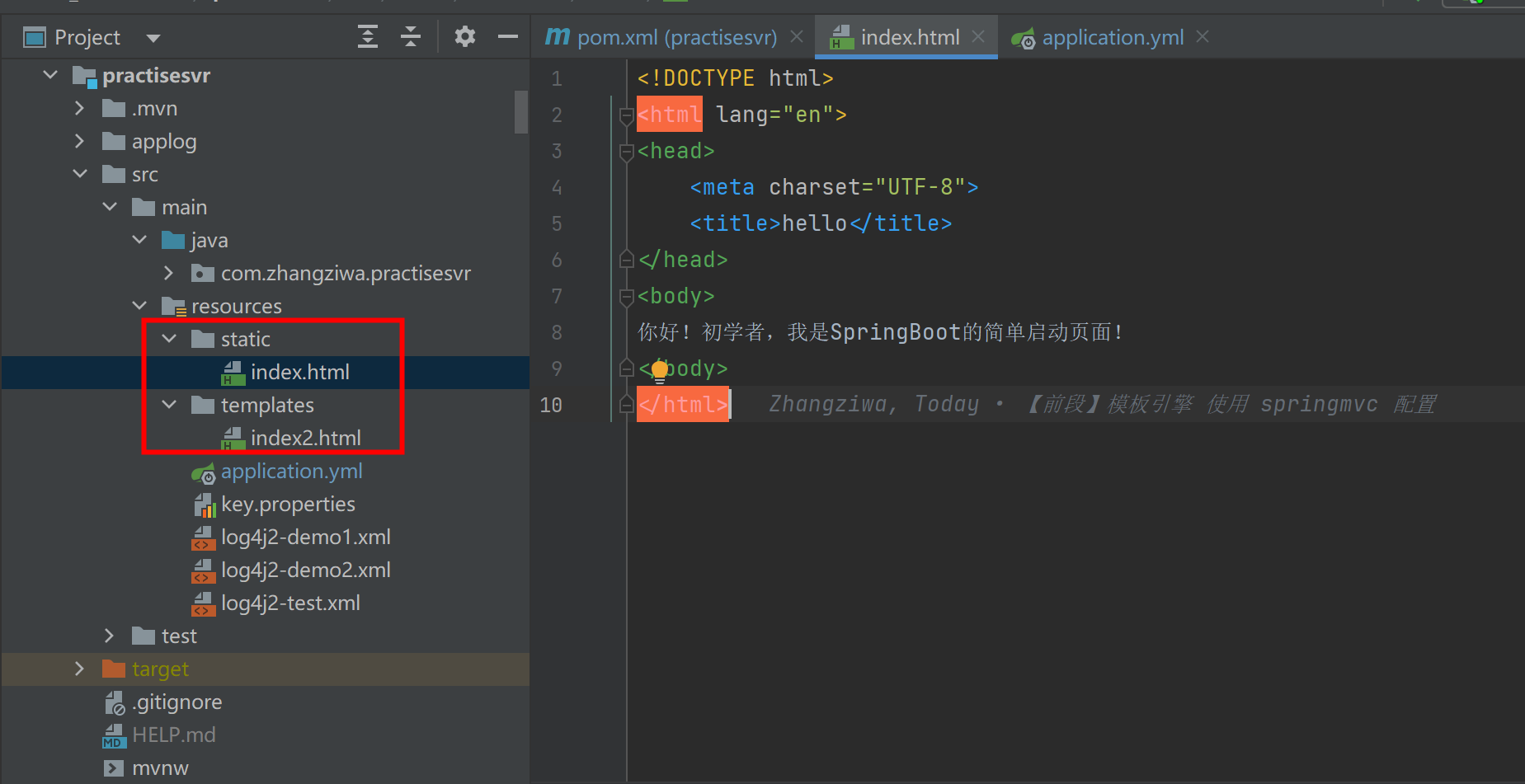
讯享网<!DOCTYPE html> <html lang="en"> <head> <meta charset="UTF-8"> <title>hello</title> </head> <body> 你好!初学者,我是SpringBoot的简单启动页面! </body> </html>
第2步:编写Controller层
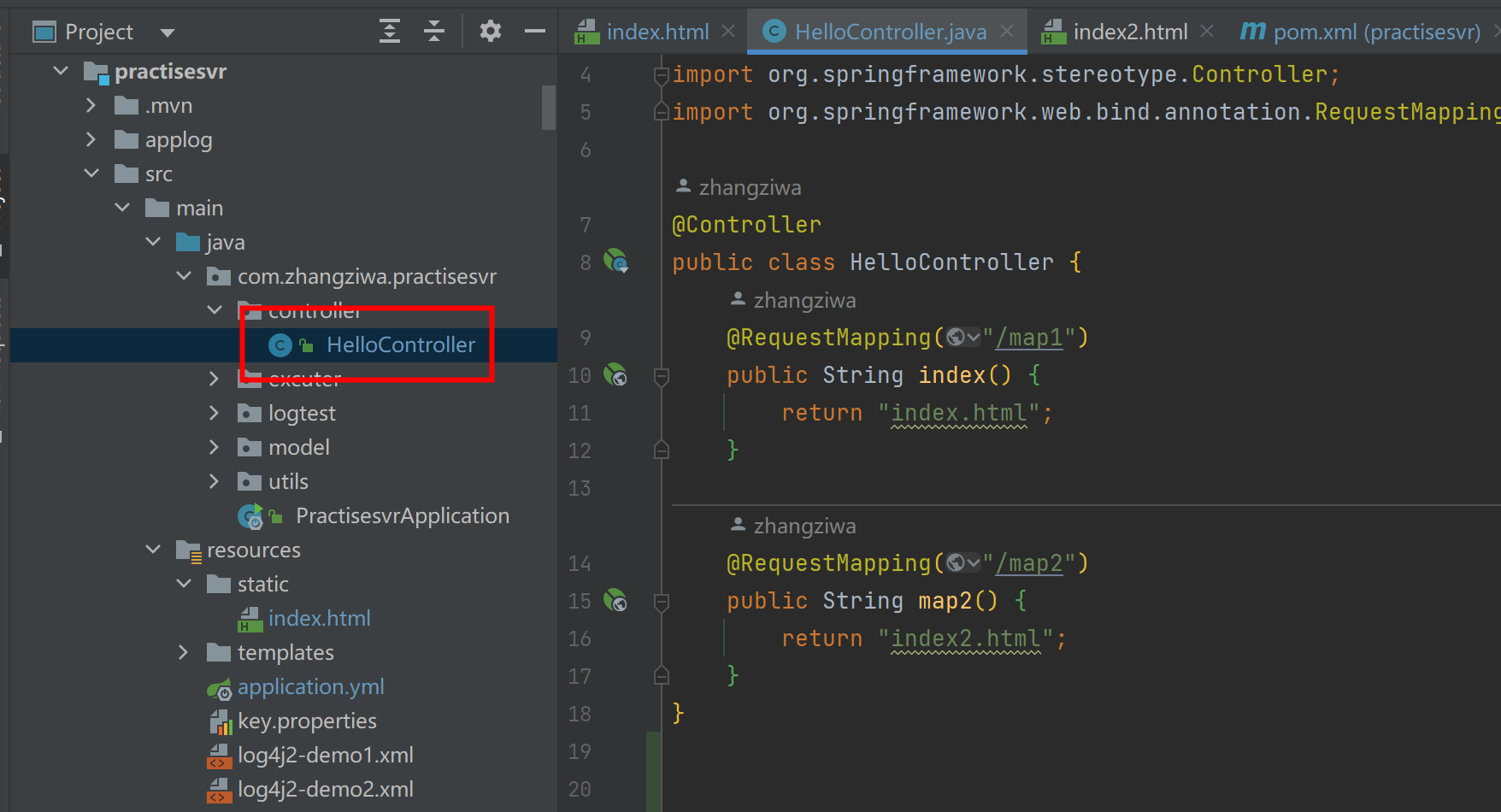
@Controller public class HelloController {
    @RequestMapping("/map1") public String index() {
    return "index.html"; } @RequestMapping("/map2") public String map2() {
return "index2.html"; } } 

不使用模板引擎的情况下,访问页面的方法有两种:
1)将所需要访问的页面放在resources/static/文件夹下,这样就可以直接访问这个页面。
讯享网# 当return "index.html";时 http://localhost:8080/index.html  成功返回
http://localhost:8080/map1 成功返回 # 当return "redirect:index.html";时 http://localhost:8080/index.html  成功返回
http://localhost:8080/map1 成功返回
而同样在resources,访问的页面放在resources/templates/,则禁止访问这个页面
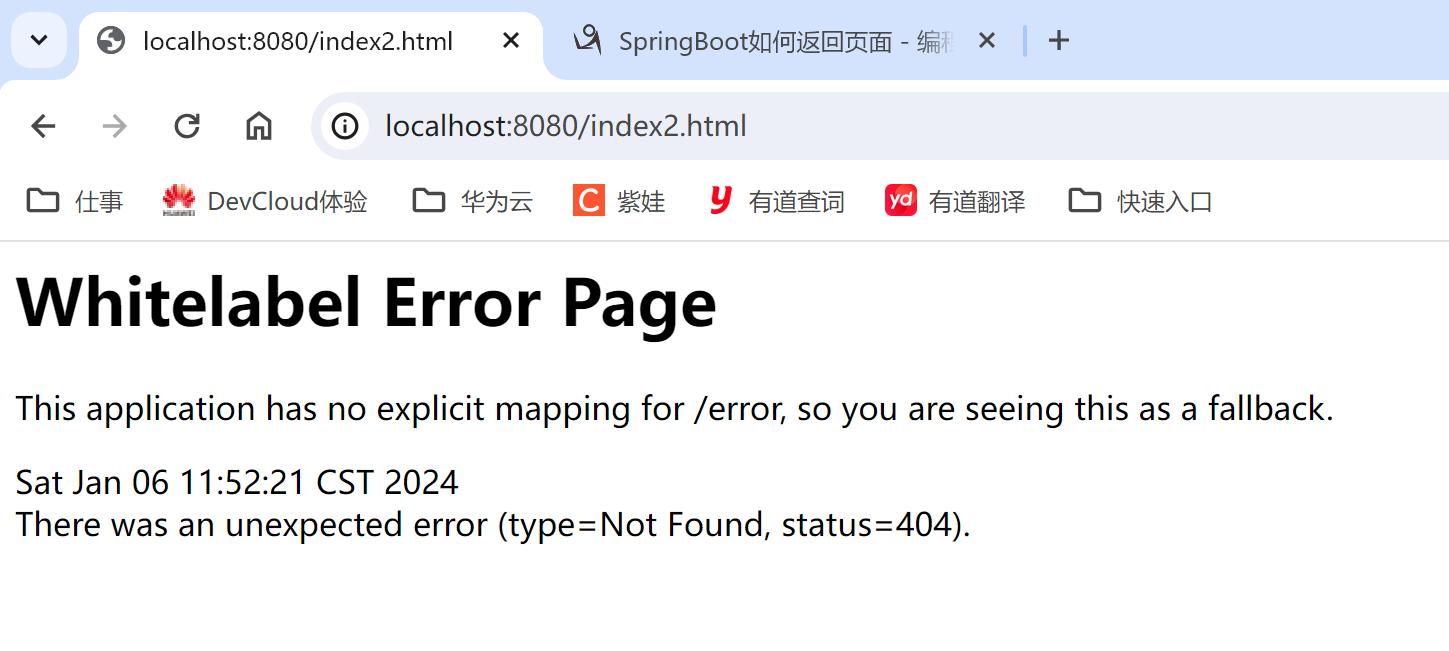
# 当return "index2.html";时 http://localhost:8080/index2.html 404返回 http://localhost:8080/map2 404返回 # 当return "redirect:index.html";时 http://localhost:8080/index2.html 404返回 http://localhost:8080/map2 404返回 [Ref] SpringBoot如何返回页面
2)使用redirect实现页面的跳转
注意:需要使用springmvc的配置,不然使用redirect也会报错,如上文所述

讯享网spring: mvc: view: suffix: .html
    static-path-pattern: / web: resources: static-locations: classpath:/templates/,classpath:/static/
@Controller public class HelloController {
    @RequestMapping("/map1") public String index() {
    return "redirect:index.html"; } @RequestMapping("/map2") public String map2() {
return "redirect:index2.html"; } } 访问的页面放在resources/static/,可直接访问这个页面
讯享网# 当return "index.html";时 http://localhost:8080/index.html  成功返回
http://localhost:8080/map1 404返回 引入springmvc配置后,return "index.html"不起作用了 # 当return "redirect:index.html";时 http://localhost:8080/index.html  成功返回
http://localhost:8080/map1 成功返回
访问的页面放在resources/templates/,禁止访问这个页面
# 当return "index2.html";时 http://localhost:8080/index2.html  成功返回
http://localhost:8080/map2 404返回 引入springmvc配置后,return "index.html"不起作用了 # 当return "redirect:index.html";时 http://localhost:8080/index2.html  成功返回
http://localhost:8080/map2 成功返回
使用Thymeleaf模板引擎
讯享网<dependency> <groupId>org.springframework.boot</groupId> <artifactId>spring-boot-starter-thymeleaf</artifactId> <version>2.1.6.RELEASE</version> </dependency>
spring: thymeleaf: prefix: classpath:/static/ suffix: .html
cache: false #关闭缓存 讯享网@Controller public class HelloController {
@RequestMapping("/map1") public String index() {
return "index"; } @RequestMapping("/map2") public String map2() {
return "index2"; }
访问的页面放在resources/static/,可直接访问这个页面
# 配置 prefix: classpath:/static/ http://localhost:8080/index.html  成功返回
http://localhost:8080/map1 成功返回 # 配置 prefix: classpath:/templates/ http://localhost:8080/index.html  成功返回
http://localhost:8080/map1 404返回 访问的页面放在resources/templates/,禁止访问这个页面
讯享网# 配置 prefix: classpath:/static/ http://localhost:8080/index2.html 404返回 http://localhost:8080/map2 404返回 # 配置 prefix: classpath:/templates/ http://localhost:8080/index.html 404返回 http://localhost:8080/map1 成功返回
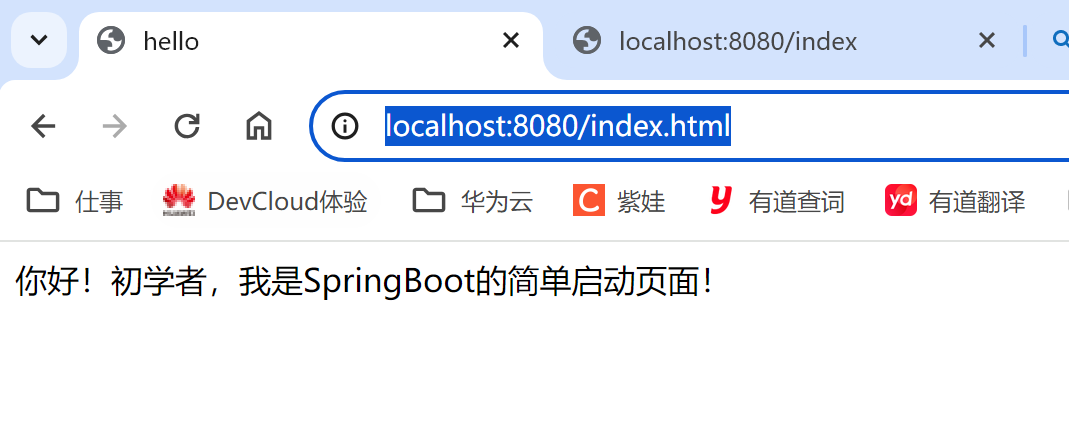
返回效果演示
成功返回
404返回
参考
SpringBoot如何返回页面
版权声明:本文内容由互联网用户自发贡献,该文观点仅代表作者本人。本站仅提供信息存储空间服务,不拥有所有权,不承担相关法律责任。如发现本站有涉嫌侵权/违法违规的内容,请联系我们,一经查实,本站将立刻删除。
如需转载请保留出处:https://51itzy.com/kjqy/28508.html