
NanaZip 是一款基于 7-Zip 21.03 的开源压缩工具,最重要的特性是支持了 Windows 11 右键菜单,还在右键菜单中合并了查询文件哈希值菜单。
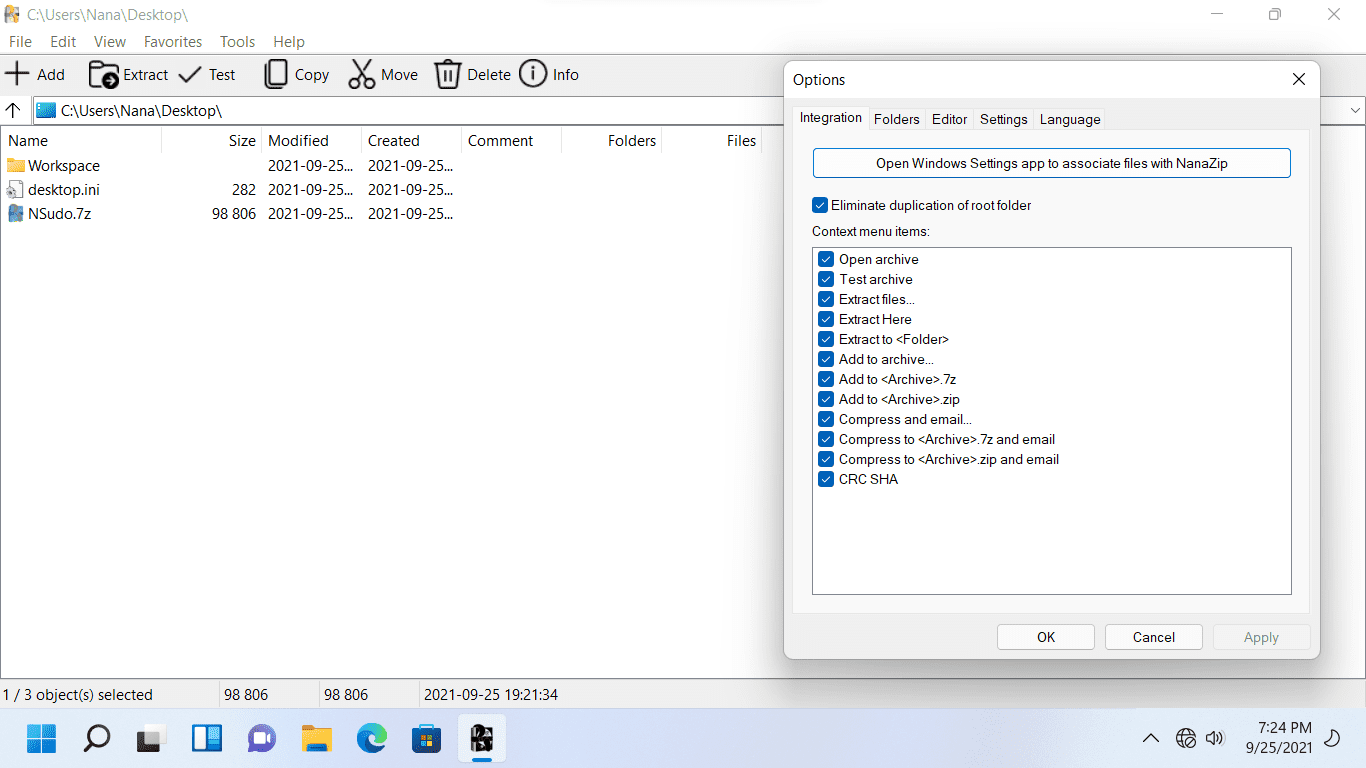
基於7-Zip 21.03的壓縮軟件,支持Windows 11右鍵菜單,支持中文
步骤1:安装自签名证书。
下载附件中的MouriNaruto.cer,并在以管理员身份运行的命令提示符中执行Certutil-addStore Root“[MouriNaruto.cer的路径]”。
步骤2:安装NanaZip
下载NanaZipPackage_1.0.31.0_x86_x64_arm64.msixbundle并打开它。
- Add NanaZip official website link to the XAML About Dialog.
- Fix some crash issues caused by dark mode support.
- Fix some crash issues caused by the XAML information dialog.
- Fix the issue that we cannot use NanaZip.Universal.Windows.exe without NanaZip.Modern.dll.
- Fix the issue that we cannot set the initial folder for the copy location dialog browse button.
- Fix the buffer overflow issue introduced since 7-Zip mainline 26.00 when using NanaZip.Core.Setup.sfx which you need to compiled manually to get.
蓝奏云 OK云盘 豆包网盘
版权声明:本文内容由互联网用户自发贡献,该文观点仅代表作者本人。本站仅提供信息存储空间服务,不拥有所有权,不承担相关法律责任。如发现本站有涉嫌侵权/违法违规的内容,请联系我们,一经查实,本站将立刻删除。
如需转载请保留出处:https://51itzy.com/kjqy/227785.html