
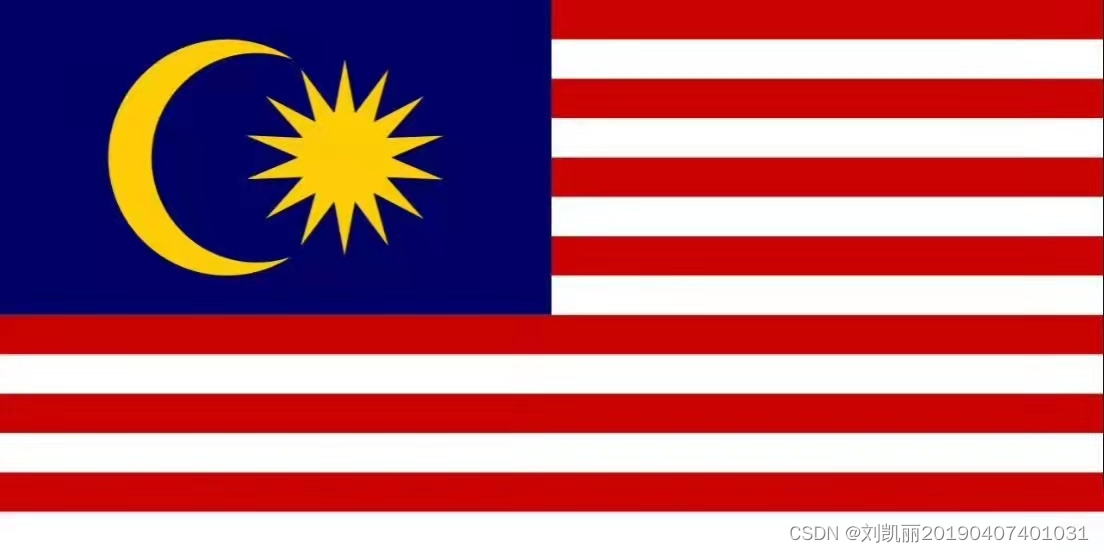
一、简介:
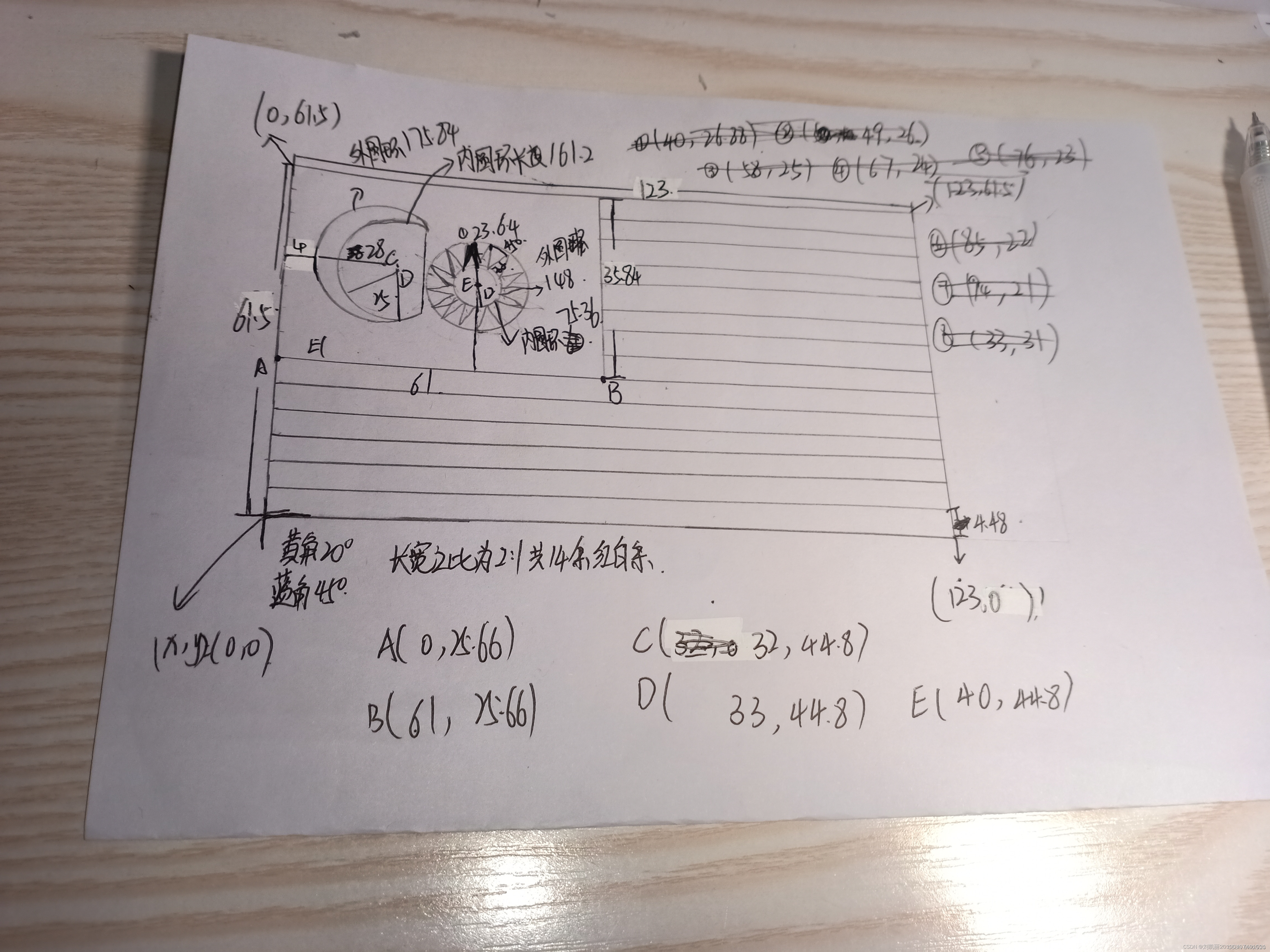
二、数据测量:
三、代码编写:
namespace WinFormsApp5
{
public partial class Form1 : Form
{
Bitmap bitmap;
public Form1()
{
InitializeComponent();
}
private void button1_Click(object sender, EventArgs e)
{
var g = pictureBox1.CreateGraphics();
var pen = new Pen(Color.White);
var red = new Pen(Color.Red);
Point pt0 = new Point(30, 30);
float width = 30;
float x3 = (float)(pt0.X + width * 8.75);
float y3 = (float)(pt0.Y + width * 4);
float r3, r4;
r3 = (float)(width);
r4 = (float)(2.5 * width);
float[,] Out = new float[14, 2];
float[,] In = new float[14, 2];
float x0, y0, x1, y1;
float r0, r1;
x0 = (float)(pt0.X + 5.75 * width);
y0 = (float)(pt0.Y + width * 4);
r0 = (float)(3 * width);
x1 = (float)(pt0.X + width * 6.42);
y1 = (float)(pt0.Y + width * 4);
r1 = (float)(2.63 * width);
g.Clear(Color.White);

for (int line = 0; line < 7; line++)
{
int i = 0;
for (; i < 14; i++)
{
g.FillRectangle(brush, i * 2 * width + width + pt0.X, 2 * line * width + pt0.Y, width, width);
}
for (i = 0; i < 14; i++)
{
g.FillRectangle(brush, i * 2 * width + pt0.X, 2 * line * width + pt0.Y, width, width);
}
}
brush.Color = Color.Blue;
g.FillRectangle(brush, 30, 30, 420, 240);
for (int i = 0; i < 14; i++)
{
Out[i, 0] = (float)Math.Cos(2 * Math.PI + i * 2 * Math.PI / 14 + 2 * Math.PI / 14 * 3) * r3 + x3;
Out[i, 1] = (float)Math.Sin(2 * Math.PI + i * 2 * Math.PI / 14 + 2 * Math.PI / 14 * 3) * r3 + y3;
In[i, 0] = (float)Math.Cos(2 * Math.PI + Math.PI / 2 + i * 2 * Math.PI / 14) * r4 + x3;
In[i, 1] = (float)Math.Sin(2 * Math.PI + Math.PI / 2 + i * 2 * Math.PI / 14) * r4 + y3;
}
PointF[] point = new PointF[28];
for (int i = 0; i < 14; i++)
{
point[i * 2] = new PointF(Out[i, 0], Out[i, 1]);
}
for (int i = 0; i < 14; i++)
{
point[i * 2 + 1] = new PointF(In[i, 0], In[i, 1]);
}
g.FillPolygon(new SolidBrush(Color.Yellow), point);
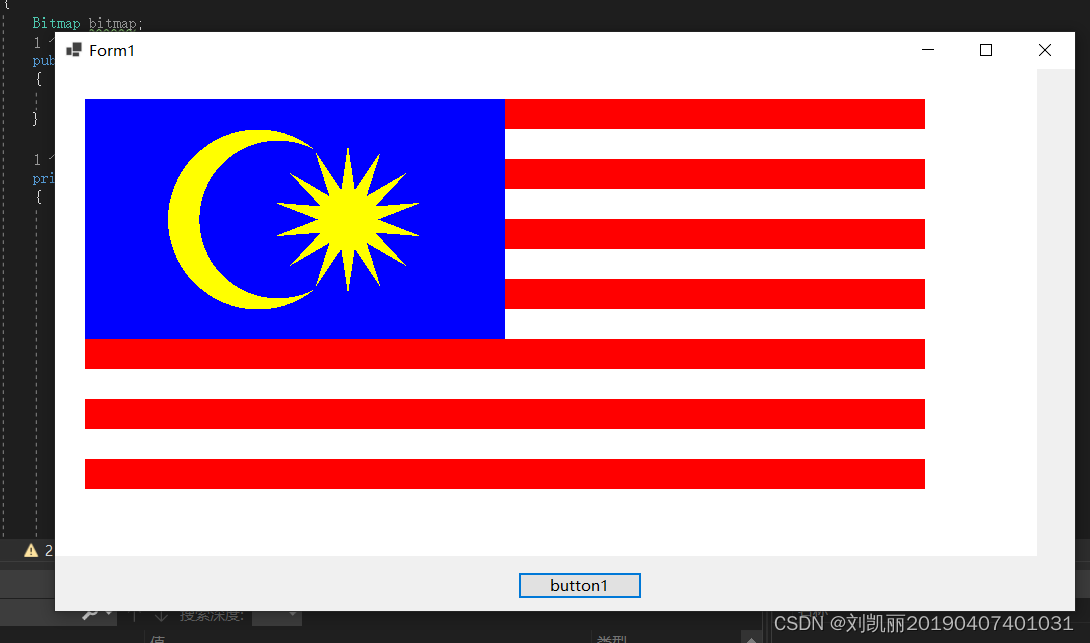
四、运行结果:
版权声明:本文内容由互联网用户自发贡献,该文观点仅代表作者本人。本站仅提供信息存储空间服务,不拥有所有权,不承担相关法律责任。如发现本站有涉嫌侵权/违法违规的内容,请联系我们,一经查实,本站将立刻删除。
如需转载请保留出处:https://51itzy.com/kjqy/19894.html