
- anchors ,锚布局
- Row ,行布局
- Column ,列布局
- Grid ,表格布局
- Flow ,流式布局
anchors
锚布局是使用Item元素提供的属性anchors来实现的,它是一种相对布局,相对于其他元素的位置来确定自己的位置,基准线有水平中心(horizontalCenter)、垂直中心(verticalCenter)、左(left)、右(right)、上(top)、下(bottom),还有一条基线(baseline)主要用于文本布局的。
通过这些线以及偏移我们就可以很方便的去进行相对布局了,一般使用比较多的就是居中anchors.centerIn = parent,以及充满整个父区域anchors.fill = parent,其它具体可以参考帮助文档
Row
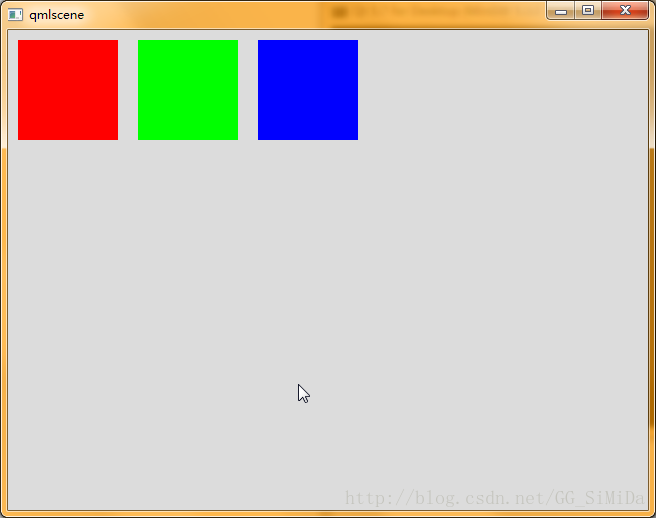
import QtQuick 2.7 import QtQuick.Controls 2.0 Rectangle { width: 640 height: 480 color: "#DCDCDC" Row { padding: 10 spacing: 20 Rectangle { width: 100 height: 100 color: "#FF0000" } Rectangle { width: 100 height: 100 color: "#00FF00" } Rectangle { width: 100 height: 100 color: "#0000FF" } } } 讯享网
效果图:
讯享网
Colomn
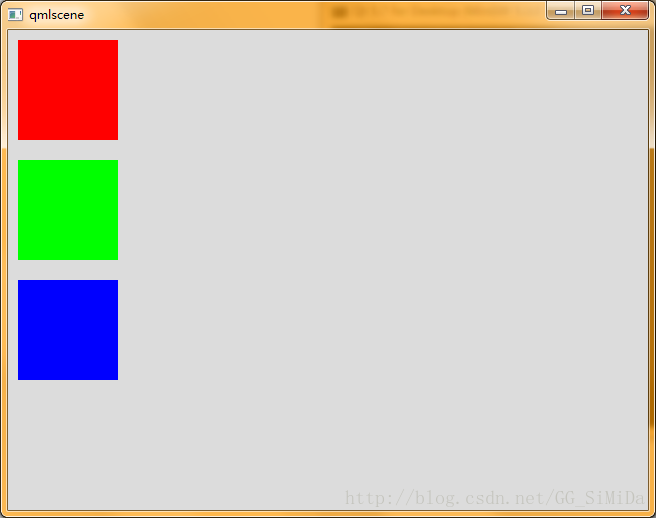
讯享网import QtQuick 2.7 import QtQuick.Controls 2.0 Rectangle { width: 640 height: 480 color: "#DCDCDC" Column { padding: 10 spacing: 20 Rectangle { width: 100 height: 100 color: "#FF0000" } Rectangle { width: 100 height: 100 color: "#00FF00" } Rectangle { width: 100 height: 100 color: "#0000FF" } } }
效果图:

Grid
import QtQuick 2.7 import QtQuick.Controls 2.0 Rectangle { width: 640 height: 480 color: "#DCDCDC" Grid { padding: 10 spacing: 20 rows: 2 columns: 2 Rectangle { width: 100 height: 100 color: "#FF0000" } Rectangle { width: 100 height: 100 color: "#00FF00" } Rectangle { width: 100 height: 100 color: "#0000FF" } } } 效果图:
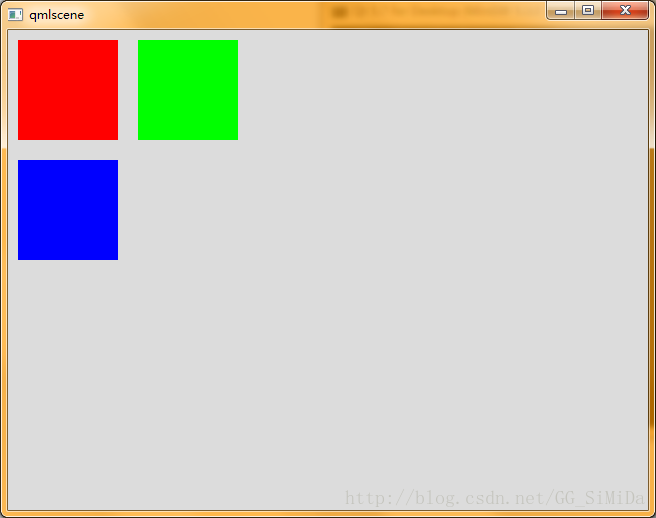
表格布局中可以通过属性rows和columns指定几行几列,然后对下面的元素进行排列
Flow
讯享网import QtQuick 2.7 import QtQuick.Controls 2.0 Rectangle { width: 300 height: 300 color: "#DCDCDC" Flow { padding: 10 spacing: 20 flow: Flow.LeftToRight anchors.fill: parent Rectangle { width: 100 height: 100 color: "#FF0000" } Rectangle { width: 100 height: 100 color: "#00FF00" } Rectangle { width: 100 height: 100 color: "#0000FF" } } }
效果图:
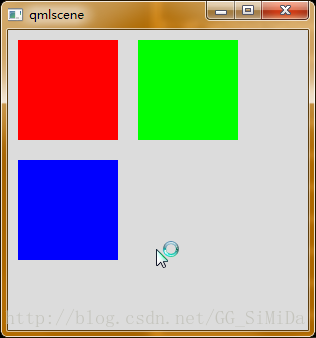
Flow可以通过flow属性指定布局的方向,默认是Flow.LeftToRight,常用的还有Flow.TopToBottom,当在那个方向无法排列显示更多元素时,它就会折行或折列。
当然还有更多的布局方法,这些方法也可以嵌套使用来完成更加复杂的布局。
版权声明:本文内容由互联网用户自发贡献,该文观点仅代表作者本人。本站仅提供信息存储空间服务,不拥有所有权,不承担相关法律责任。如发现本站有涉嫌侵权/违法违规的内容,请联系我们,一经查实,本站将立刻删除。
如需转载请保留出处:https://51itzy.com/kjqy/16846.html