
偶然心血来潮,想要做一个声音可视化的系列专题。这个专题的难度有点高,涉及面也比较广泛,相关的FFT和FHT等算法也相当复杂,不过还是打算从最简单的开始,实际动手做做试验,耐心尝试一下各种方案,逐步积累些有用的音乐频谱可视化的资料,也会争取成型一些实用好玩的音乐可视器项目。
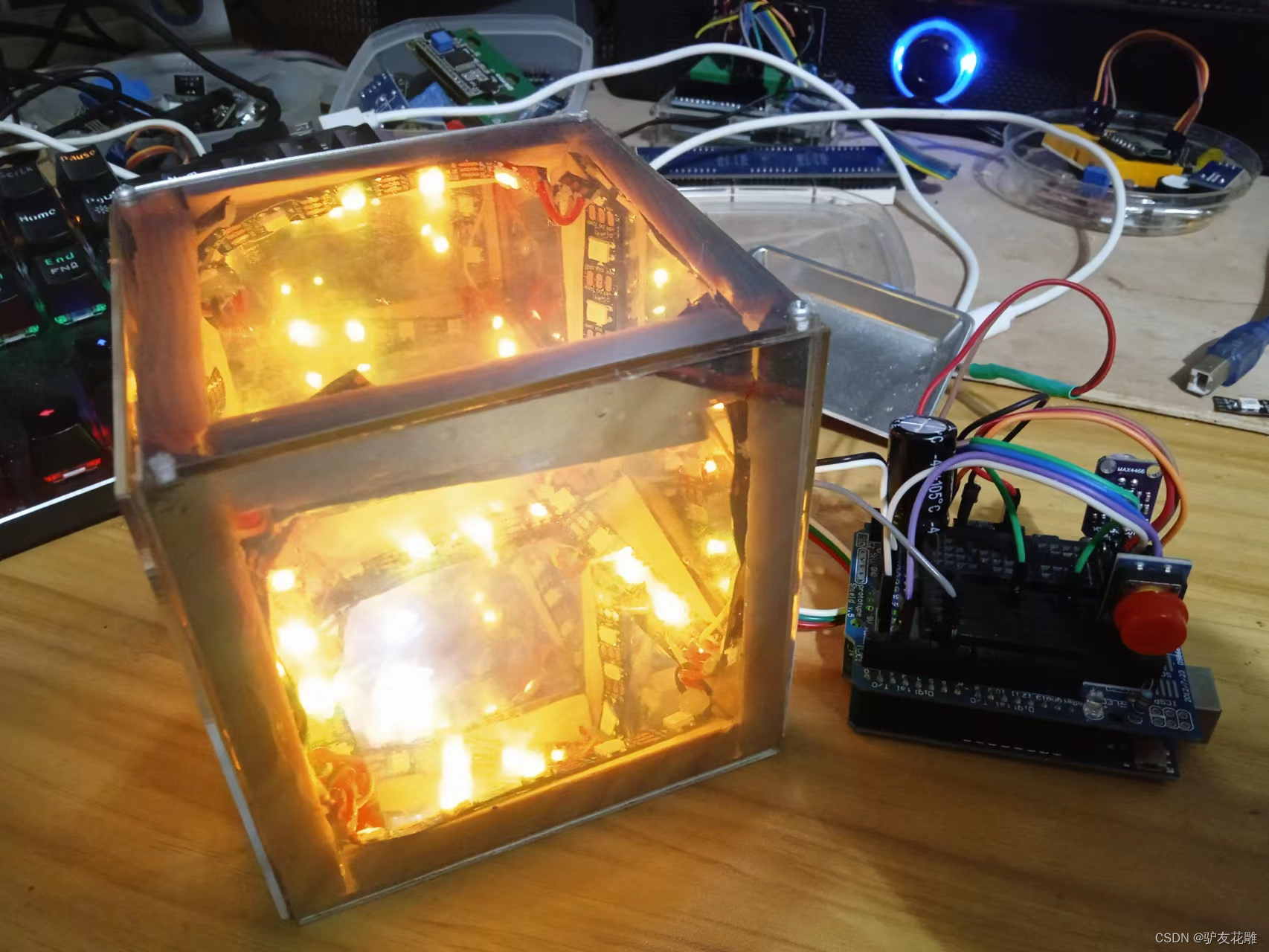
超级立方体,还有一种称呼叫做LED无限魔方的英文是LED Infinity Cube,大概说的都是一种三维或多维镜像LED灯。在前期音乐可视化系列22之中,尝试做过一只10X10X10厘米小规格的,这次准备升级,做个大号的看看效果。
讯享网
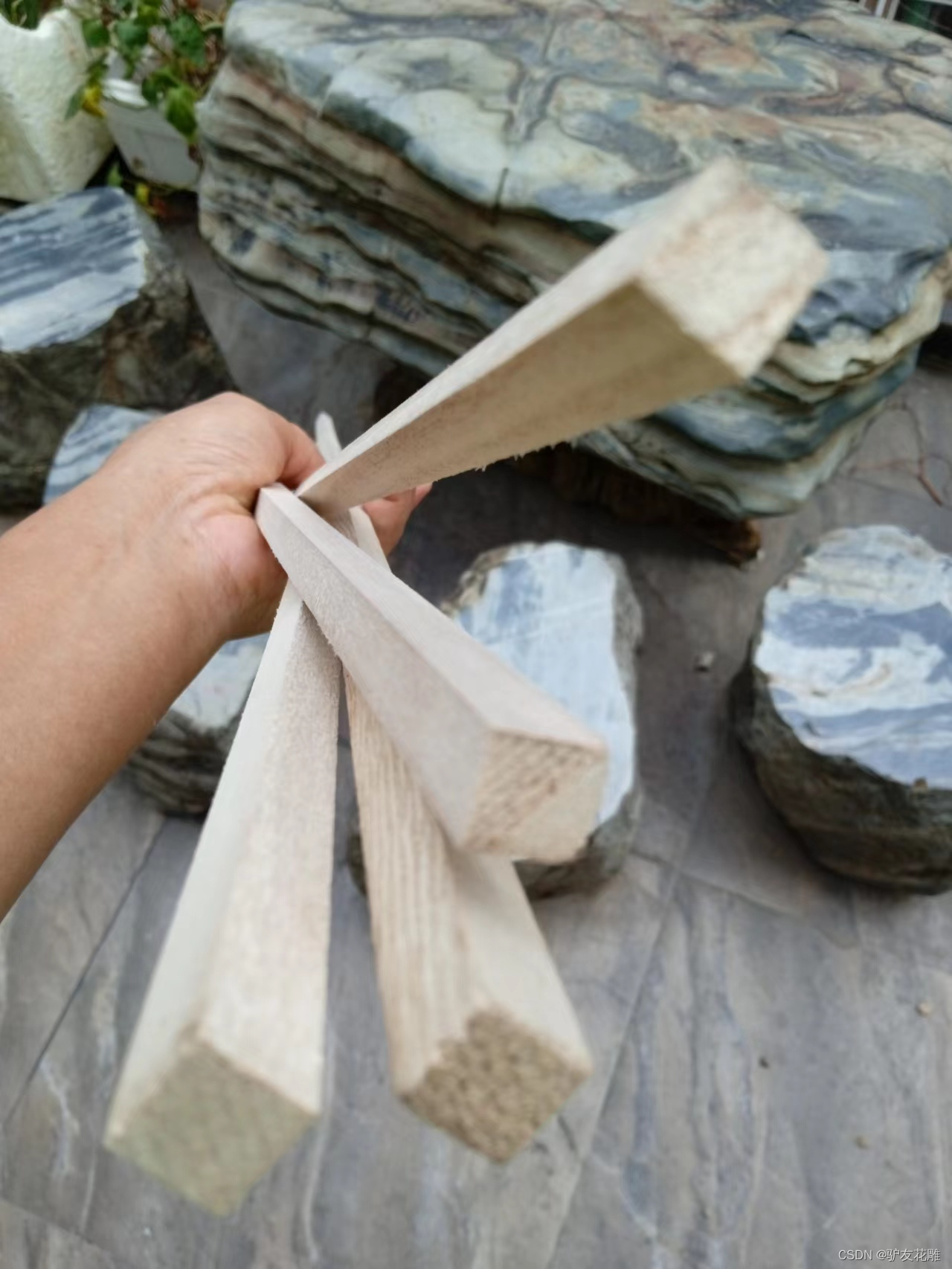
快递有点慢,框架材料刚收到。这是方木条。
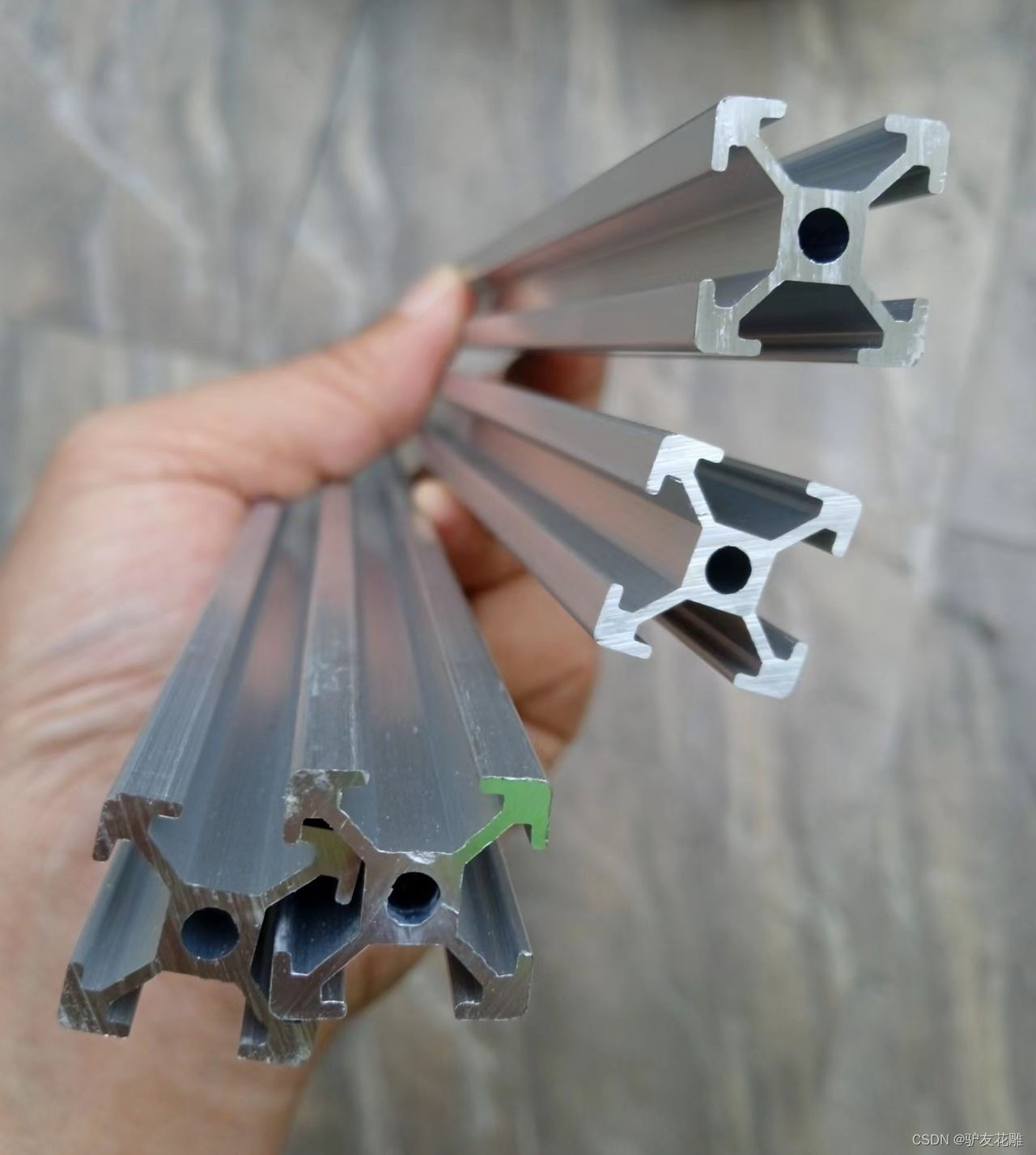
这种铝型材整了十米。
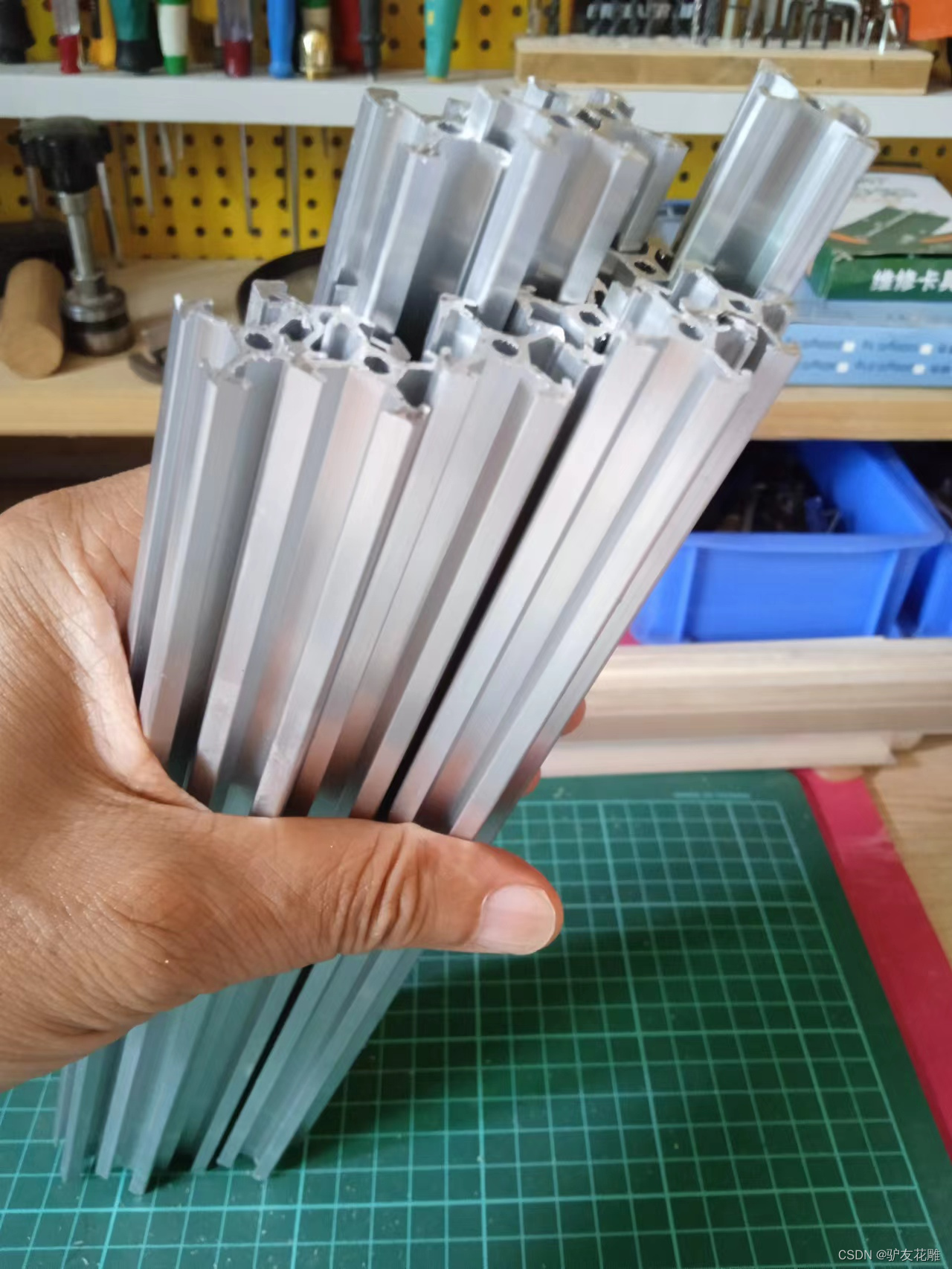
一个结构需要12段
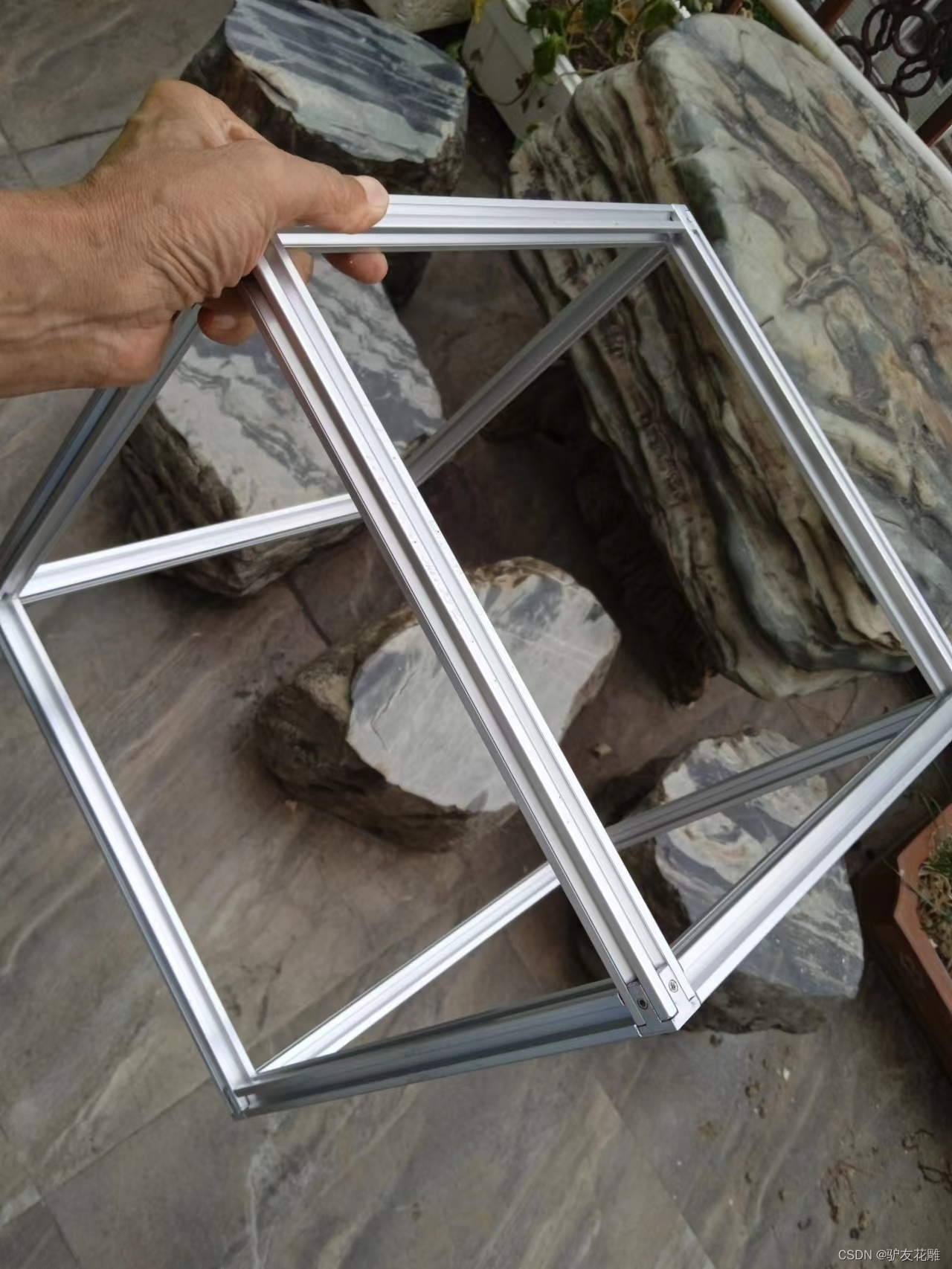
安装好的铝材结构框架
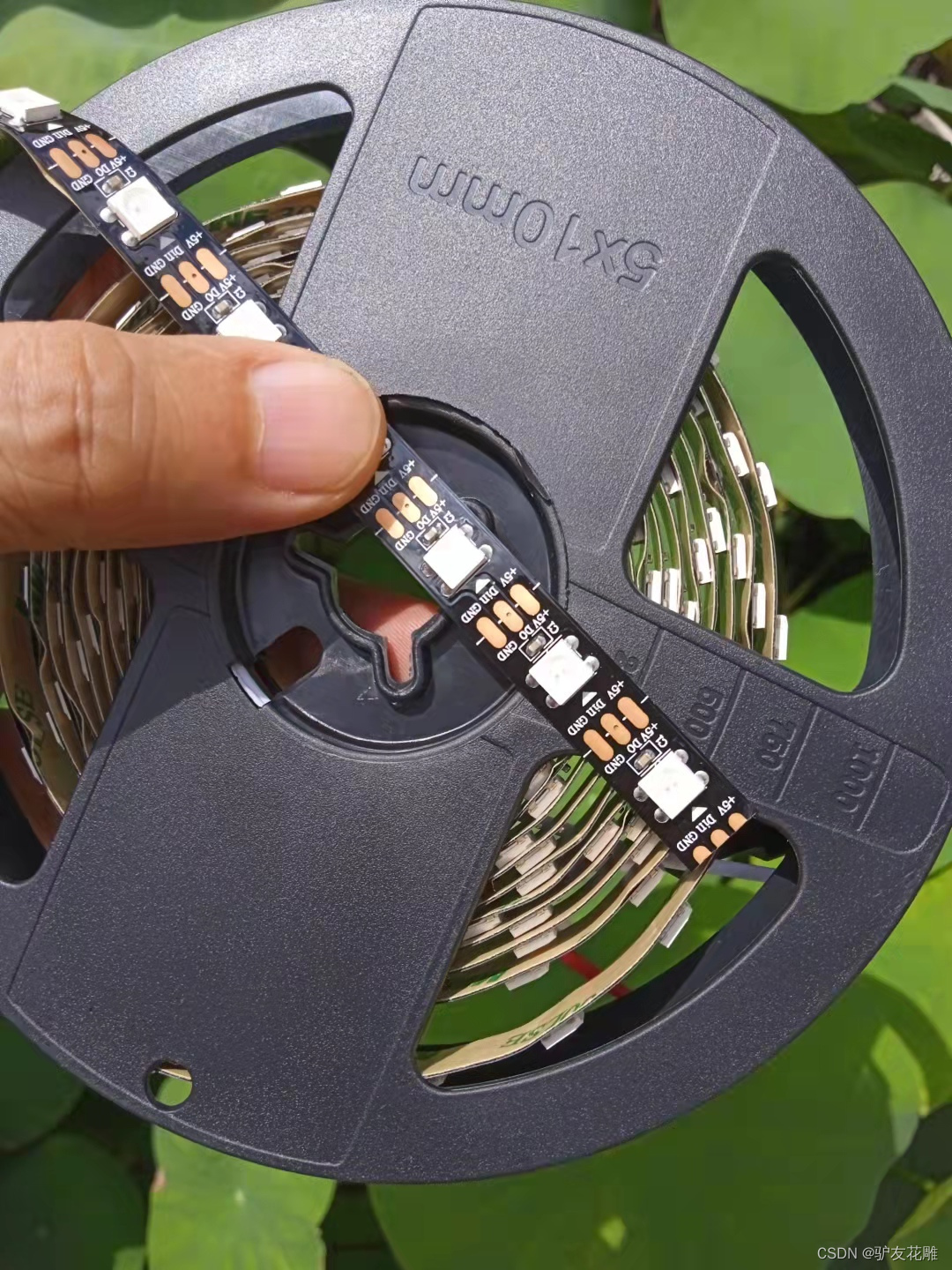
采用每米60灯黑底裸板
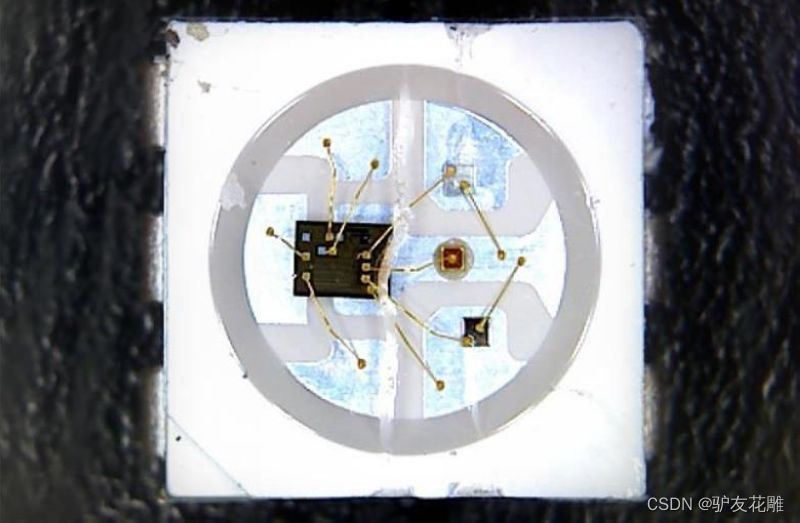
主要特点
1、智能反接保护,电源反接不会损坏IC。
2、IC控制电路与LED点光源公用一个电源。
3、控制电路与RGB芯片集成在一个5050封装的元器件中,构成一个完整的外控像素点。
4、内置信号整形电路,任何一个像素点收到信号后经过波形整形再输出,保证线路波形畸变不会累加。
5、内置上电复位和掉电复位电路。
6、每个像素点的三基色颜色可实现256级亮度显示,完成种颜色的全真色彩显示,扫描频率不低于400Hz/s。
7、串行级联接口,能通过一根信号线完成数据的接收与解码。
8、任意两点传传输距离在不超过5米时无需增加任何电路。
9、当刷新速率30帧/秒时,级联数不小于1024点。
10、数据发送速度可达800Kbps。
11、光的颜色高度一致,性价比高。
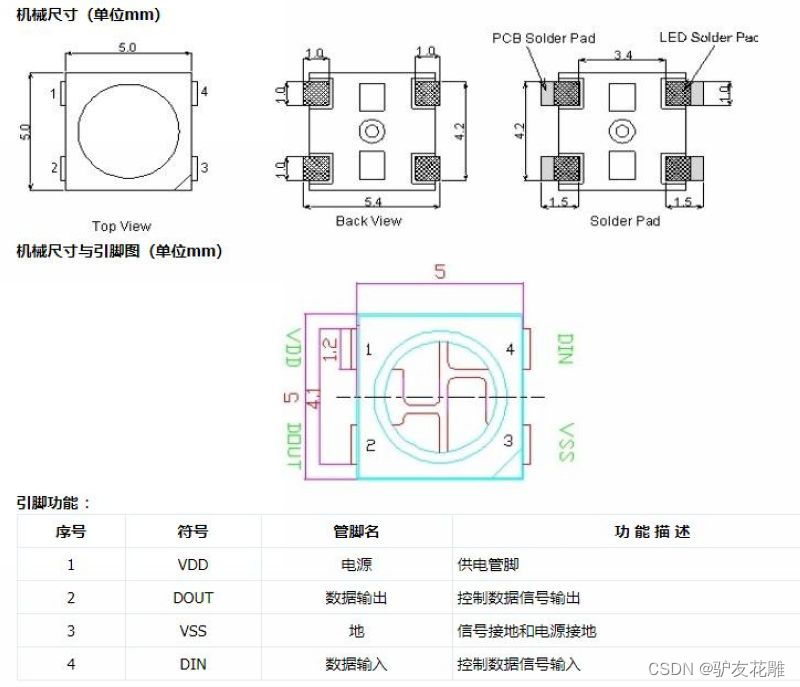
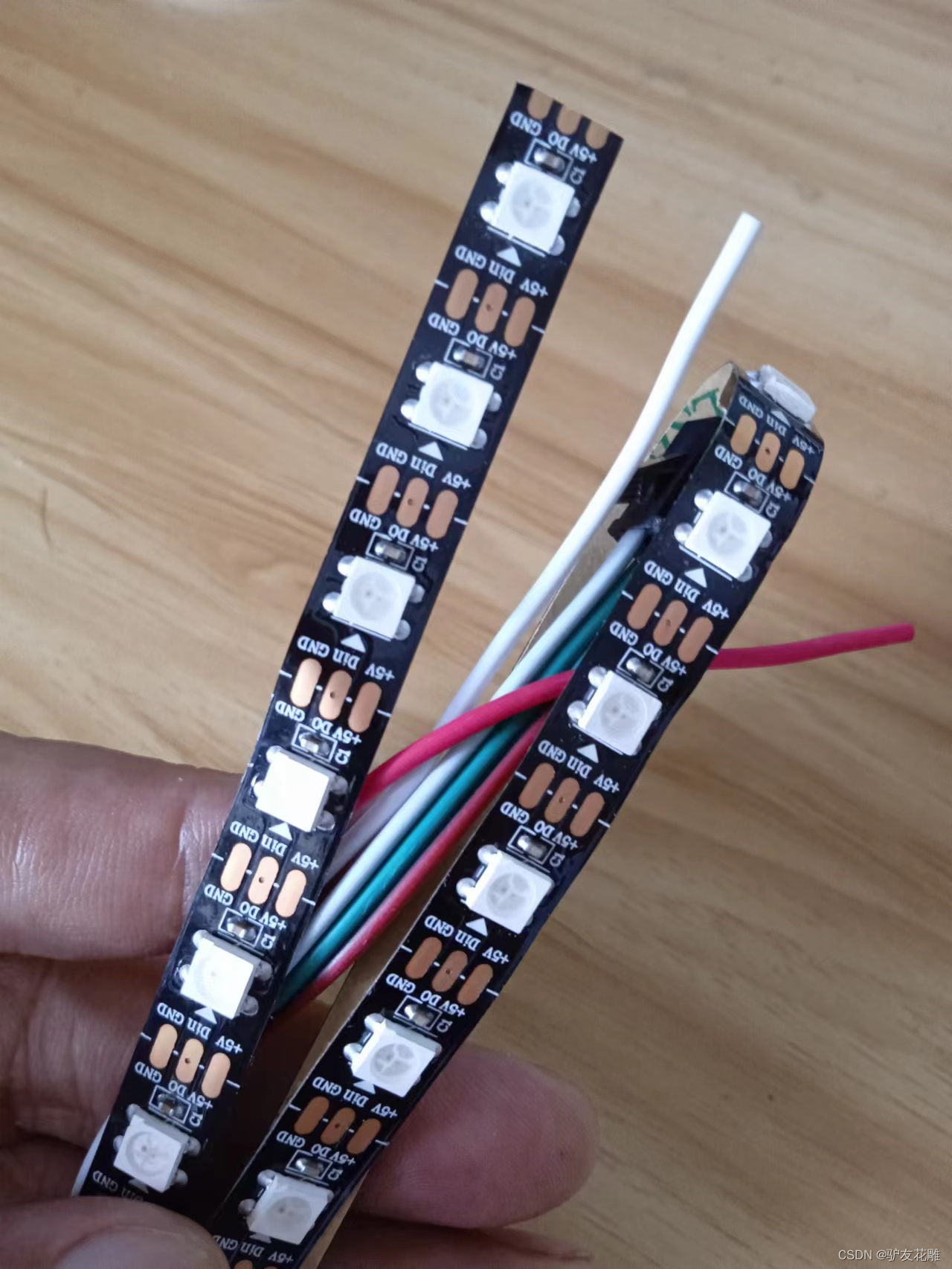
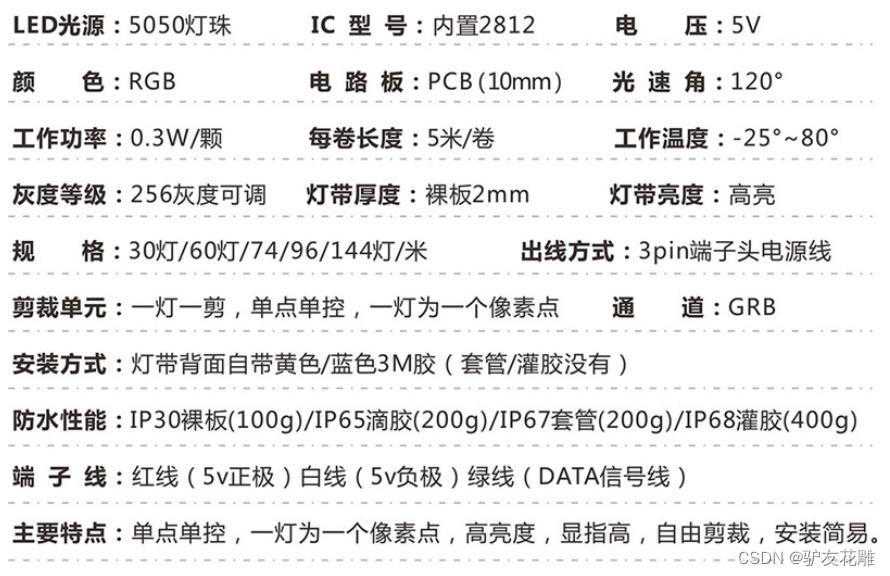
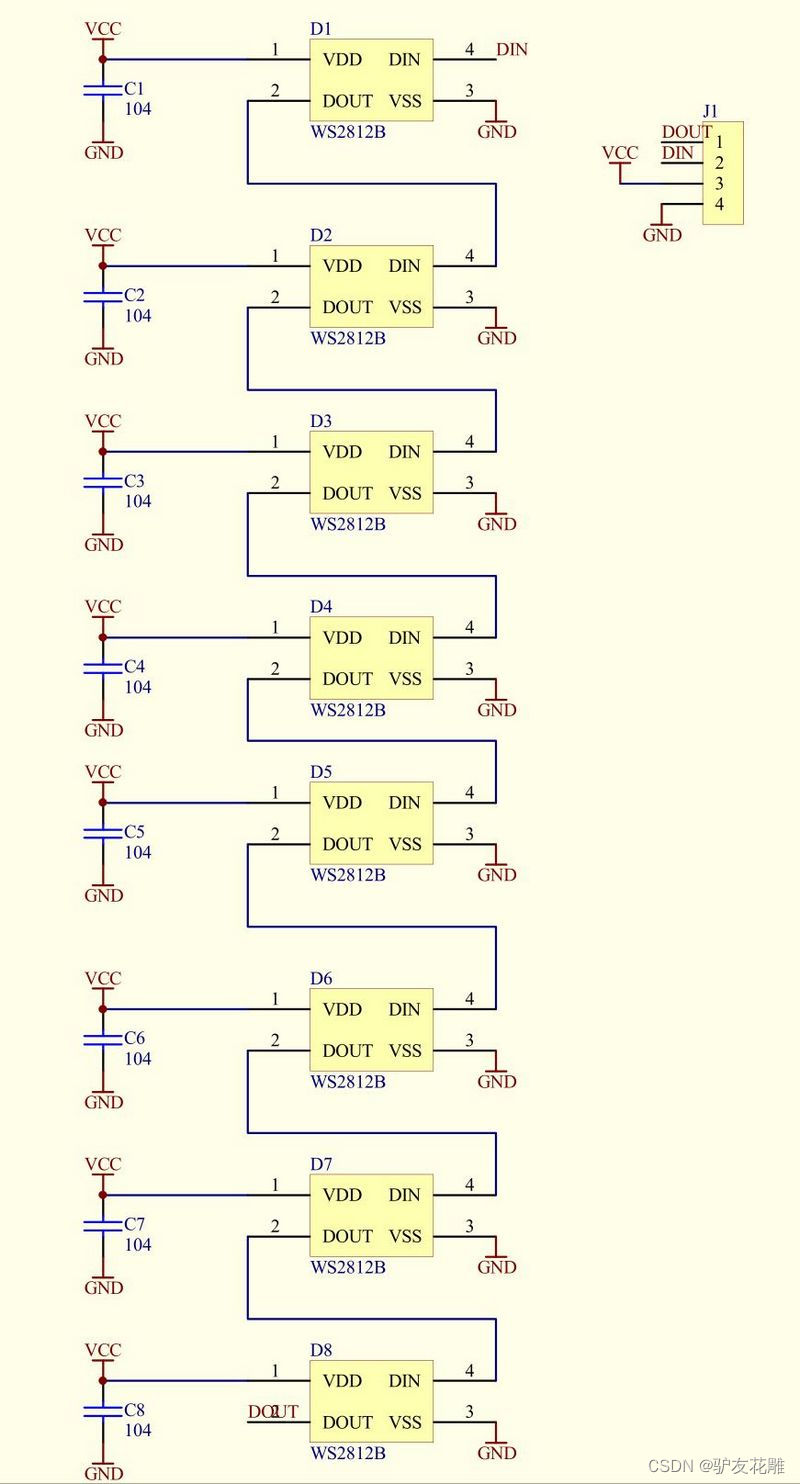
WS2812B灯带电原理图
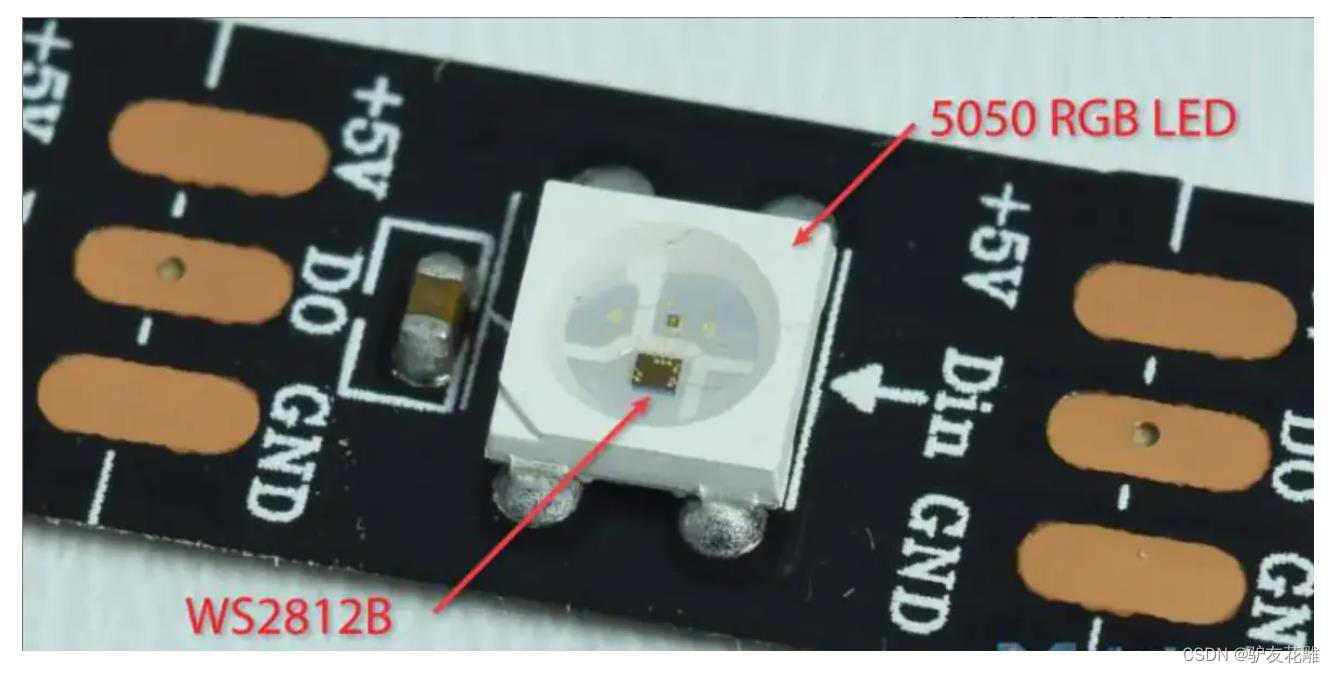
WS2812B是集控制电路和发光电路于一体的LED光源元件,其控制IC为WS2812B,发光元件是5050RGBLED,电压为5V,每个单位的峰值电流为60ma,灯带为三线制,VCC GND DIN分别为电源+、电源-、信号,当使用外部电源时,外部电源-需要与单片机的GND相连。

声音模块,使用性价比更高的MAX4466声音传感器。
MAX4466模块特点
电源电压:+2.4V至+5.5V(可直接接STM/ARDUNIO/树莓派等开发板)
电源抑制比:112dB
共模抑制比:126dB
AVOL:125dB(RL = 100kΩ) 轨到轨输出
静态电源电流:24μA
增益带宽:600kHz
尺寸:20.8mm x 13.8mm x 7.5mm/0.8 x 0.5 x 0.3inch
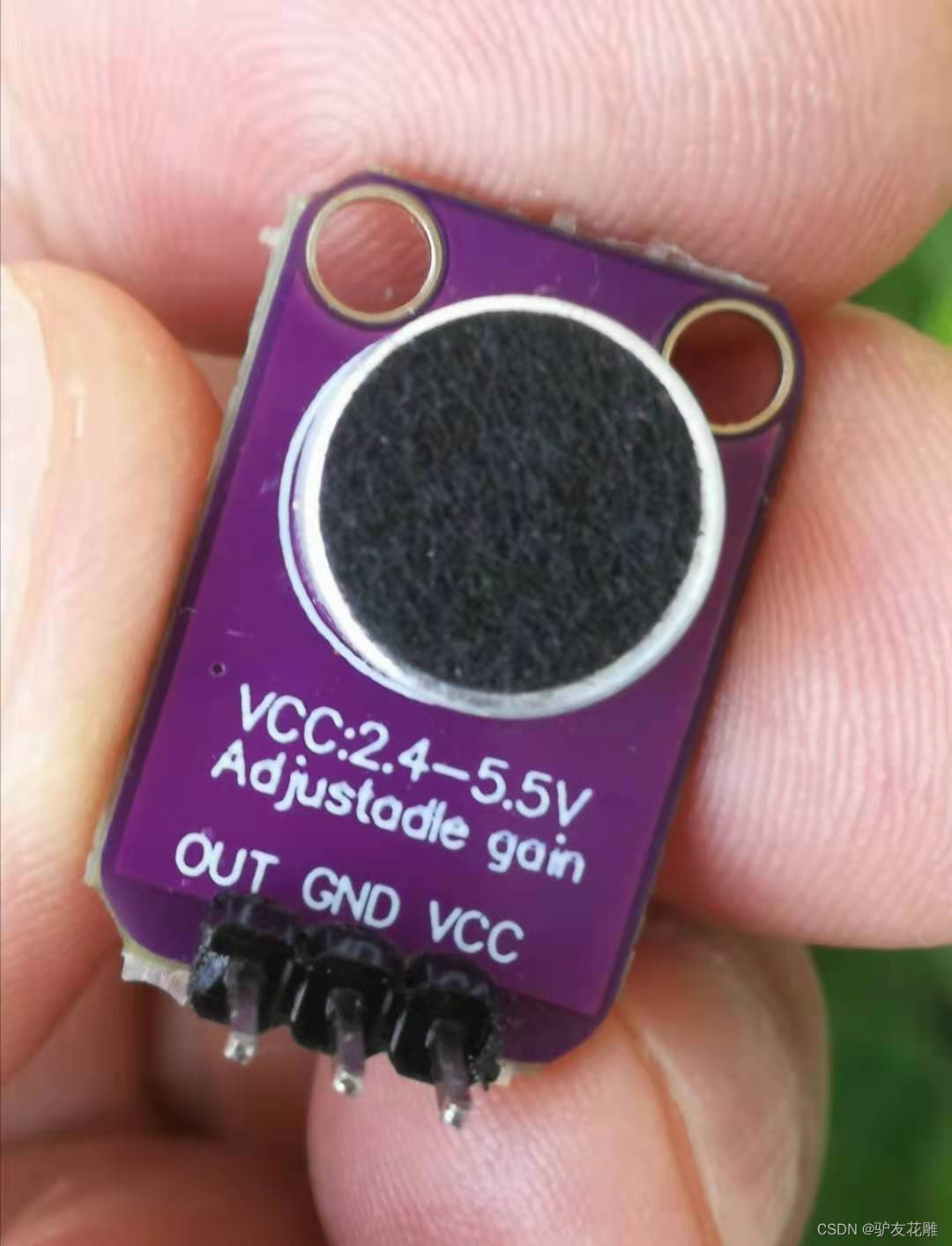
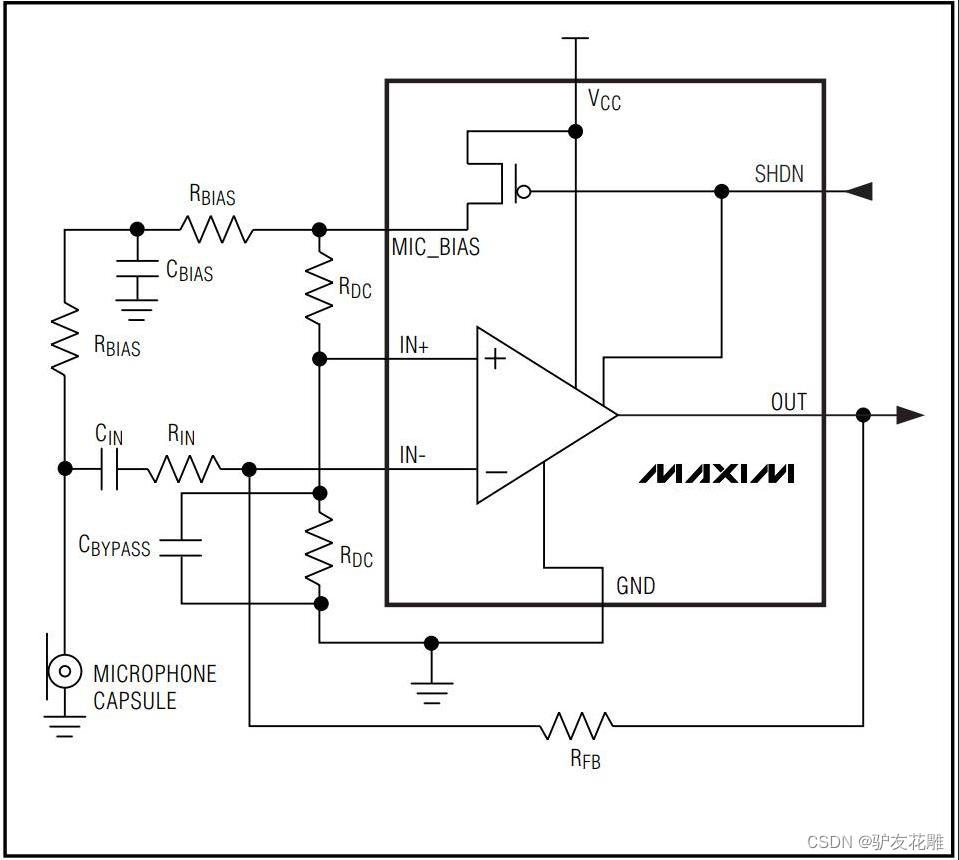
该模块在 Vcc 和接地引线上都包含铁氧体,以最大限度地减少电源噪声。如果与 MCU 一起使用,最好使用 2.4V – 5.5V 范围内可用的最安静的电源。在 Arduino 上,这通常是 3.3V 电源。
输出是直流耦合的。当输出信号处于静止状态时,它将位于 Vcc/2。如果 Vcc 为 5V,则输出将为 2.5V。如果输出需要交流耦合,可以在输出引脚和它驱动的电路的输入之间增加一个100uF的电容。
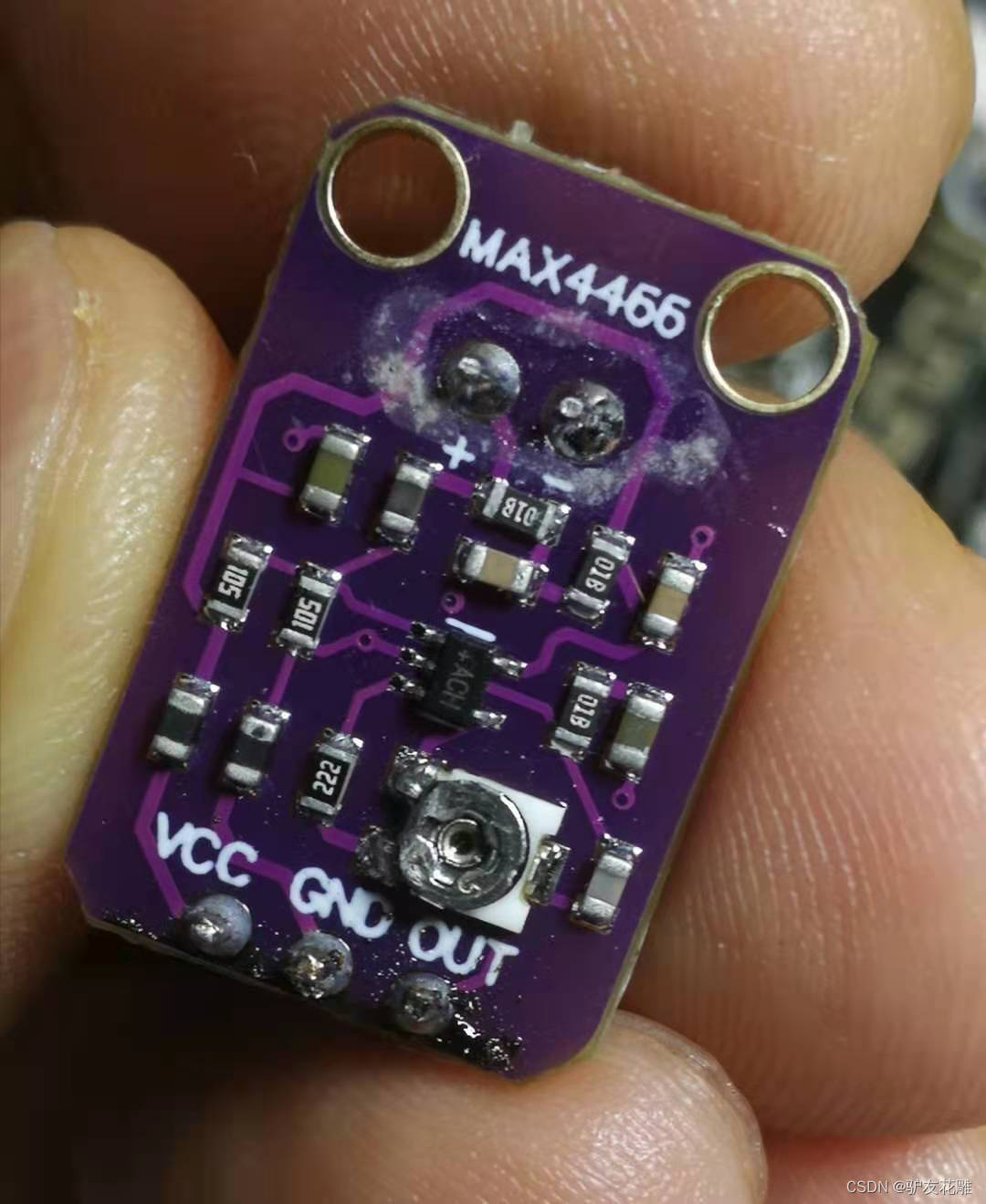
背面的小型单圈电位器可让您将增益从 25x 调整到 125x。逆时针旋转电位器会增加增益,而逆时针旋转会降低增益。
安装好二根灯带
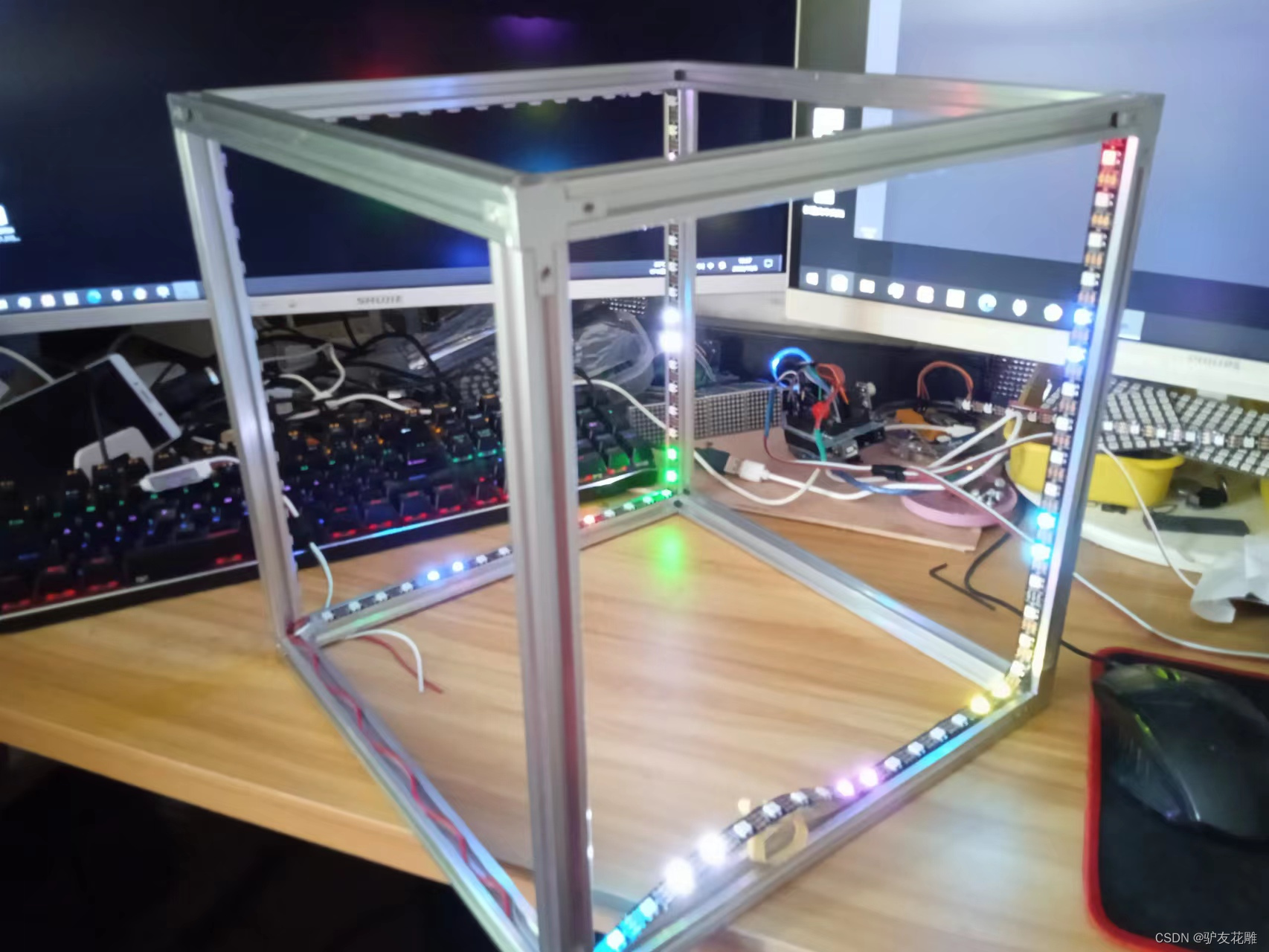
使用了近七米的2812灯带
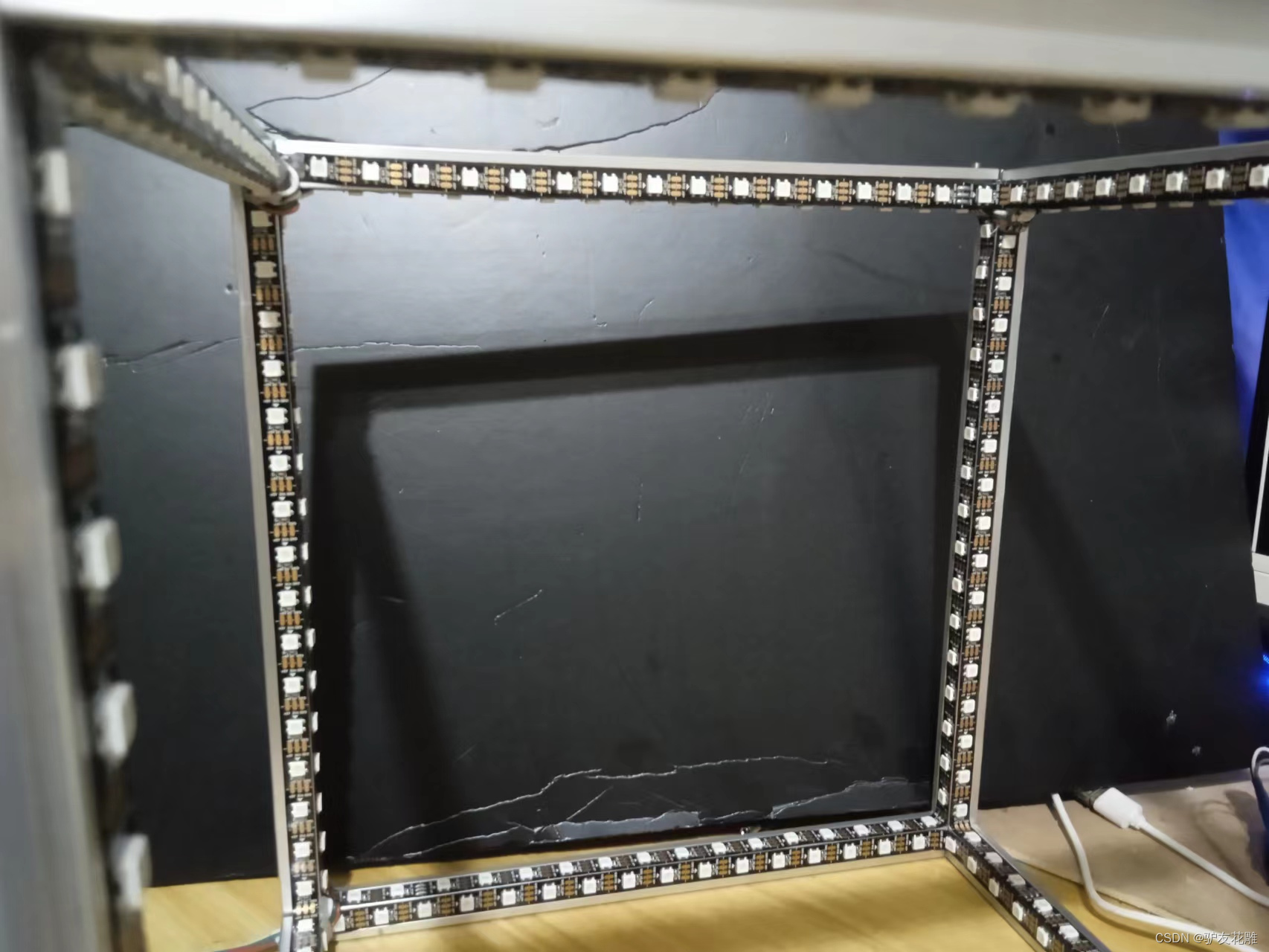
【花雕动手做】有趣好玩的音乐可视化系列小项目(26)–LED 超立方体
项目程序之一:绿色单灯循环测试
模块接线:WS2812B接D6
MAX4466 UNO
VCC 5V
GND GND
OUT D6
/* 【花雕动手做】有趣好玩的音乐可视化系列小项目(26)--LED 超立方体 项目程序之一:绿色单灯循环测试 模块接线:WS2812B接D6 MAX4466 UNO VCC 5V GND GND OUT D6 */ #include <Adafruit_NeoPixel.h> #define PIN 6 #define MAX_LED 255 #define ADD true #define SUB false int val = 0; boolean stat = ADD; Adafruit_NeoPixel strip = Adafruit_NeoPixel(MAX_LED, PIN, NEO_RGB + NEO_KHZ800); void setup() {
    strip.begin(); strip.show(); } void loop() {
    uint8_t i, a = 0; uint32_t color = strip.Color(255, 0, 0); while (a < 256) {
    for (i = 0; i < 255; i++) {
    if (i == a) strip.setPixelColor(i, color); else strip.setPixelColor(i, 0); } strip.show(); delay(2); a++; } }
讯享网
实验场景图(说明:Arduino uno开发板,在这个程序里,最多支持255颗ws2812灯珠)
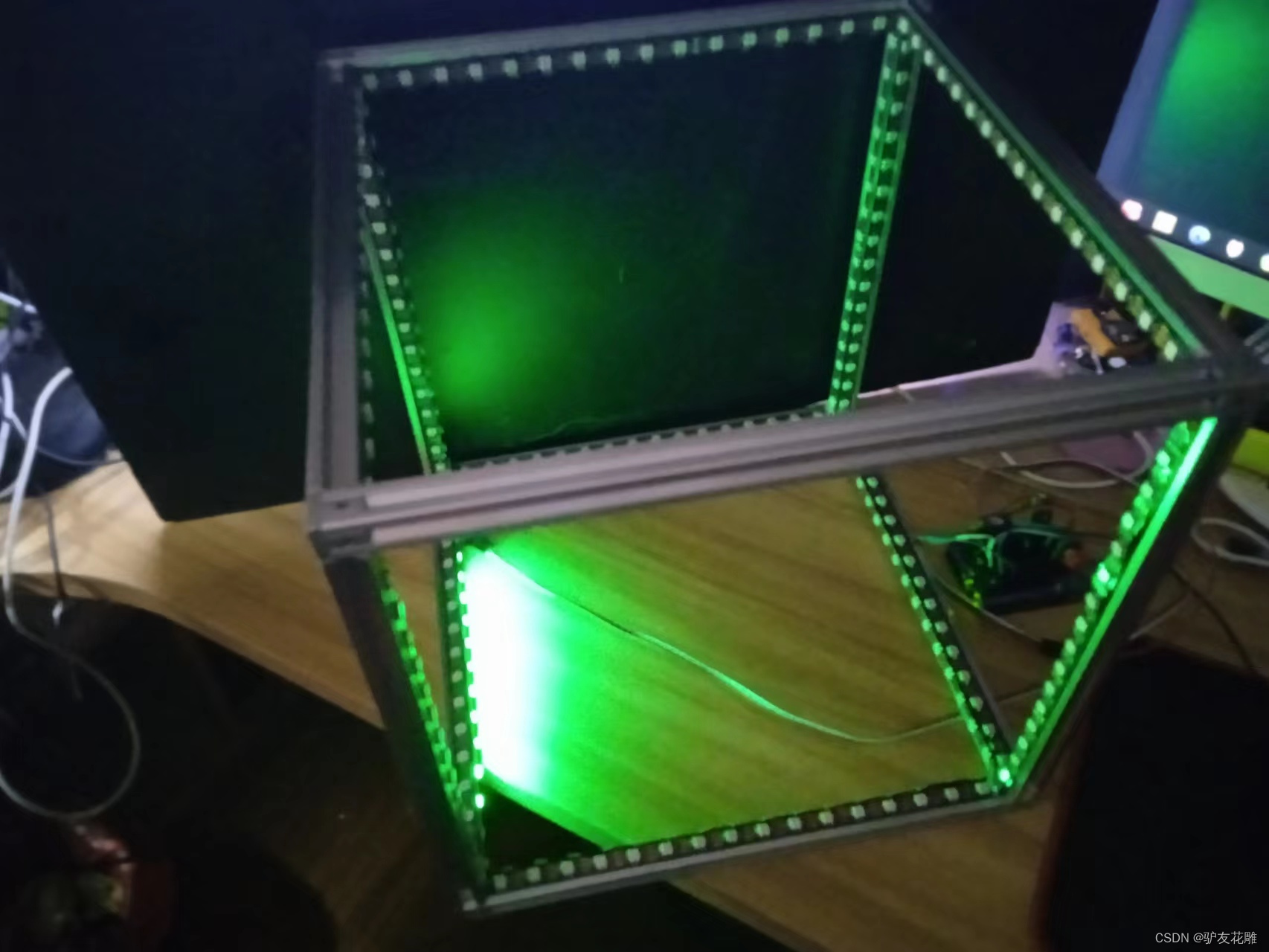
【花雕动手做】有趣好玩的音乐可视化系列小项目(26)–LED 超立方体
项目程序之二:NeoPixel 环形灯带测试程序
模块接线:WS2812B接D6
MAX4466 UNO
VCC 5V
GND GND
OUT D6
讯享网/* 【花雕动手做】有趣好玩的音乐可视化系列小项目(26)--LED 超立方体 项目程序之二:NeoPixel 环形灯带测试程序 模块接线:WS2812B接D6 MAX4466 UNO VCC 5V GND GND OUT D6 */ #include <Adafruit_NeoPixel.h> #ifdef __AVR__ #include <avr/power.h> // Required for 16 MHz Adafruit Trinket #endif // Which pin on the Arduino is connected to the NeoPixels? // On a Trinket or Gemma we suggest changing this to 1: #define LED_PIN 6 // How many NeoPixels are attached to the Arduino? #define LED_COUNT 384 // Declare our NeoPixel strip object: Adafruit_NeoPixel strip(LED_COUNT, LED_PIN, NEO_GRB + NEO_KHZ800); // Argument 1 = Number of pixels in NeoPixel strip // Argument 2 = Arduino pin number (most are valid) // Argument 3 = Pixel type flags, add together as needed: // NEO_KHZ800 800 KHz bitstream (most NeoPixel products w/WS2812 LEDs) // NEO_KHZ400 400 KHz (classic 'v1' (not v2) FLORA pixels, WS2811 drivers) // NEO_GRB Pixels are wired for GRB bitstream (most NeoPixel products) // NEO_RGB Pixels are wired for RGB bitstream (v1 FLORA pixels, not v2) // NEO_RGBW Pixels are wired for RGBW bitstream (NeoPixel RGBW products) // setup() function -- runs once at startup -------------------------------- void setup() {
    // These lines are specifically to support the Adafruit Trinket 5V 16 MHz. // Any other board, you can remove this part (but no harm leaving it): #if defined(__AVR_ATtiny85__) && (F_CPU == ) clock_prescale_set(clock_div_1); #endif // END of Trinket-specific code. strip.begin(); // INITIALIZE NeoPixel strip object (REQUIRED) strip.show(); // Turn OFF all pixels ASAP strip.setBrightness(40); // Set BRIGHTNESS to about 1/5 (max = 255) } // loop() function -- runs repeatedly as long as board is on --------------- void loop() {
    // Fill along the length of the strip in various colors... colorWipe(strip.Color(255, 0, 0), 250); // Red colorWipe(strip.Color(0, 255, 0), 250); // Green colorWipe(strip.Color(0, 0, 255), 250); // Blue // Do a theater marquee effect in various colors... theaterChase(strip.Color(127, 127, 127), 250); // White, half brightness theaterChase(strip.Color(127, 0, 0), 250); // Red, half brightness theaterChase(strip.Color(0, 0, 127), 250); // Blue, half brightness rainbow(10); // Flowing rainbow cycle along the whole strip theaterChaseRainbow(50); // Rainbow-enhanced theaterChase variant } // Some functions of our own for creating animated effects ----------------- // Fill strip pixels one after another with a color. Strip is NOT cleared // first; anything there will be covered pixel by pixel. Pass in color // (as a single 'packed' 32-bit value, which you can get by calling // strip.Color(red, green, blue) as shown in the loop() function above), // and a delay time (in milliseconds) between pixels. void colorWipe(uint32_t color, int wait) {
    for (int i = 0; i < strip.numPixels(); i++) {
    // For each pixel in strip... strip.setPixelColor(i, color); // Set pixel's color (in RAM) strip.show(); // Update strip to match delay(30); // Pause for a moment } } // Theater-marquee-style chasing lights. Pass in a color (32-bit value, // a la strip.Color(r,g,b) as mentioned above), and a delay time (in ms) // between frames. void theaterChase(uint32_t color, int wait) {
    for (int a = 0; a < 20; a++) {
    // Repeat 10 times... for (int b = 0; b < 3; b++) {
    // 'b' counts from 0 to 2... strip.clear(); // Set all pixels in RAM to 0 (off) // 'c' counts up from 'b' to end of strip in steps of 3... for (int c = b; c < strip.numPixels(); c += 3) {
    strip.setPixelColor(c, color); // Set pixel 'c' to value 'color' } strip.show(); // Update strip with new contents delay(30); // Pause for a moment } } } // Rainbow cycle along whole strip. Pass delay time (in ms) between frames. void rainbow(int wait) {
    // Hue of first pixel runs 5 complete loops through the color wheel. // Color wheel has a range of 65536 but it's OK if we roll over, so // just count from 0 to 5*65536. Adding 256 to firstPixelHue each time // means we'll make 5*65536/256 = 1280 passes through this outer loop: for (long firstPixelHue = 0; firstPixelHue < 2 * 65536; firstPixelHue += 256) {
    for (int i = 0; i < strip.numPixels(); i++) {
    // For each pixel in strip... // Offset pixel hue by an amount to make one full revolution of the // color wheel (range of 65536) along the length of the strip // (strip.numPixels() steps): int pixelHue = firstPixelHue + (i * 65536L / strip.numPixels()); // strip.ColorHSV() can take 1 or 3 arguments: a hue (0 to 65535) or // optionally add saturation and value (brightness) (each 0 to 255). // Here we're using just the single-argument hue variant. The result // is passed through strip.gamma32() to provide 'truer' colors // before assigning to each pixel: strip.setPixelColor(i, strip.gamma32(strip.ColorHSV(pixelHue))); } strip.show(); // Update strip with new contents delay(2); // Pause for a moment } } // Rainbow-enhanced theater marquee. Pass delay time (in ms) between frames. void theaterChaseRainbow(int wait) {
    int firstPixelHue = 0; // First pixel starts at red (hue 0) for (int a = 0; a < 30; a++) {
    // Repeat 30 times... for (int b = 0; b < 3; b++) {
    // 'b' counts from 0 to 2... strip.clear(); // Set all pixels in RAM to 0 (off) // 'c' counts up from 'b' to end of strip in increments of 3... for (int c = b; c < strip.numPixels(); c += 3) {
    // hue of pixel 'c' is offset by an amount to make one full // revolution of the color wheel (range 65536) along the length // of the strip (strip.numPixels() steps): int hue = firstPixelHue + c * 65536L / strip.numPixels(); uint32_t color = strip.gamma32(strip.ColorHSV(hue)); // hue -> RGB strip.setPixelColor(c, color); // Set pixel 'c' to value 'color' } strip.show(); // Update strip with new contents delay(50); // Pause for a moment firstPixelHue += 65536 / 90; // One cycle of color wheel over 90 frames } } }
实验场景图
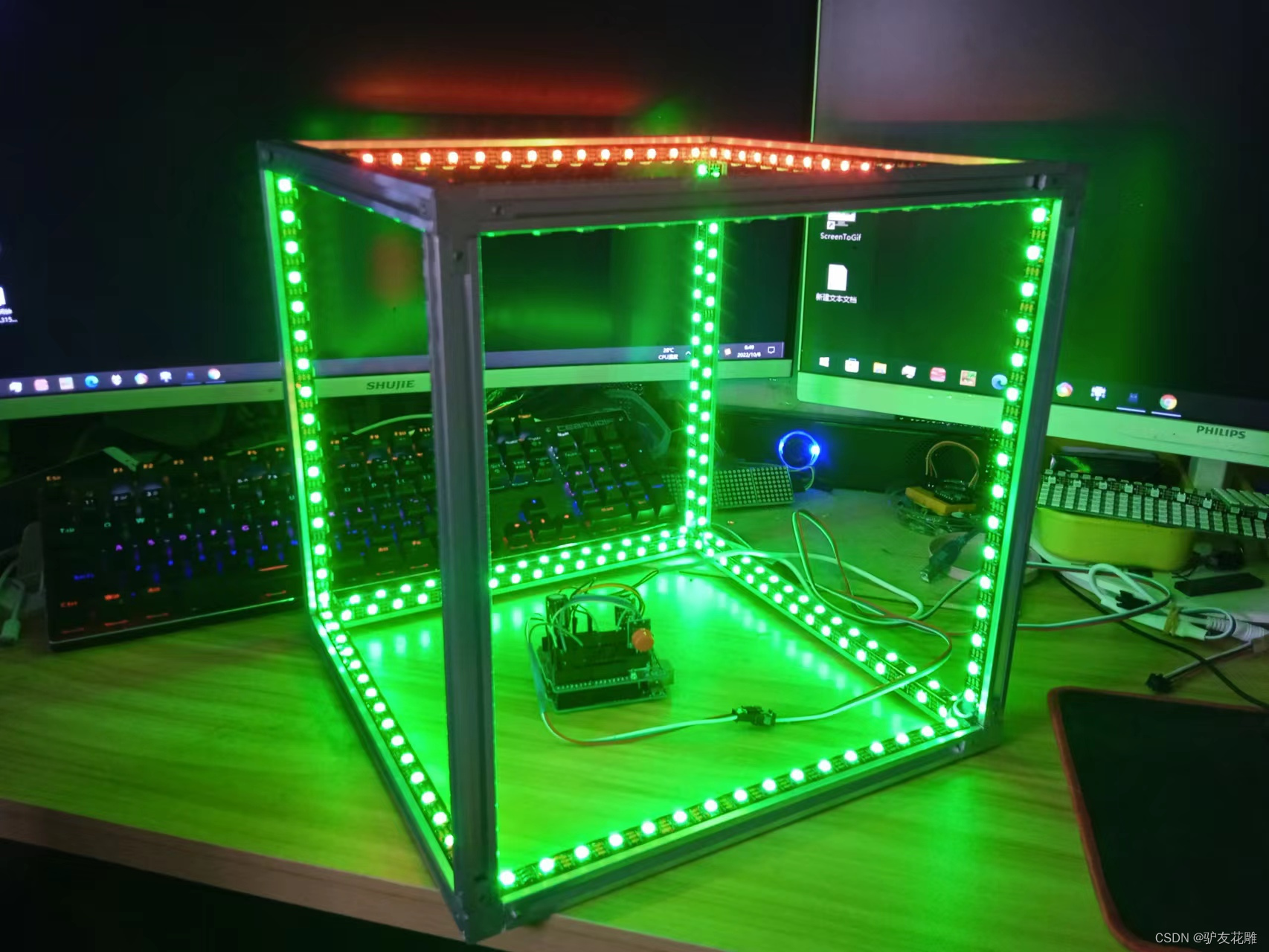
实验的视频记录
优酷:https://v.youku.com/v_show/id_XNTkwODA1MTg4MA==.html?spm=a2hcb.playlsit.page.1
B站:https://www.bilibili.com/video/BV1qB4y1j7Wt/?vd_source=98c6b1fc23bd97f8d3cc0b7e5
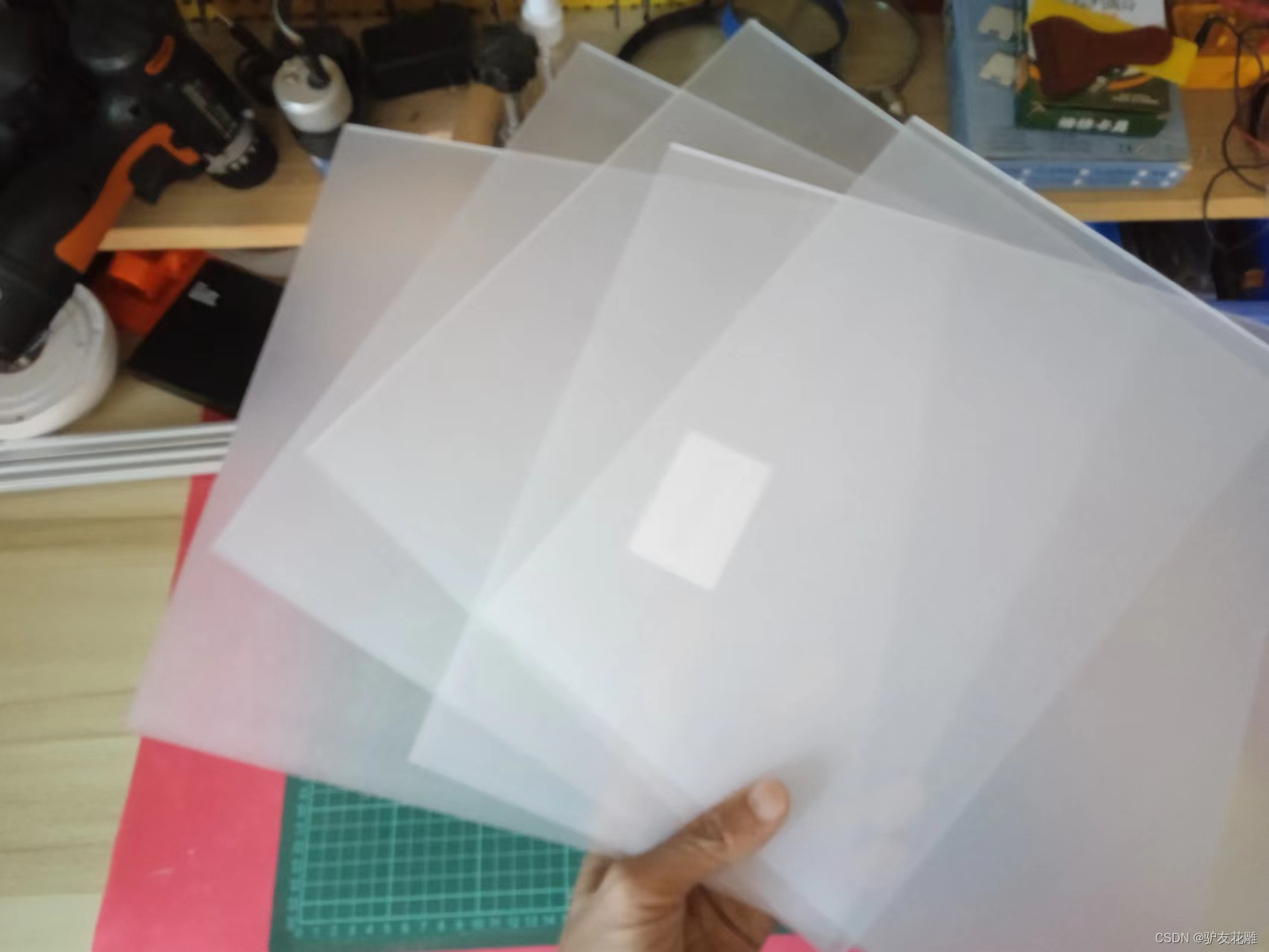
终于收到快递了
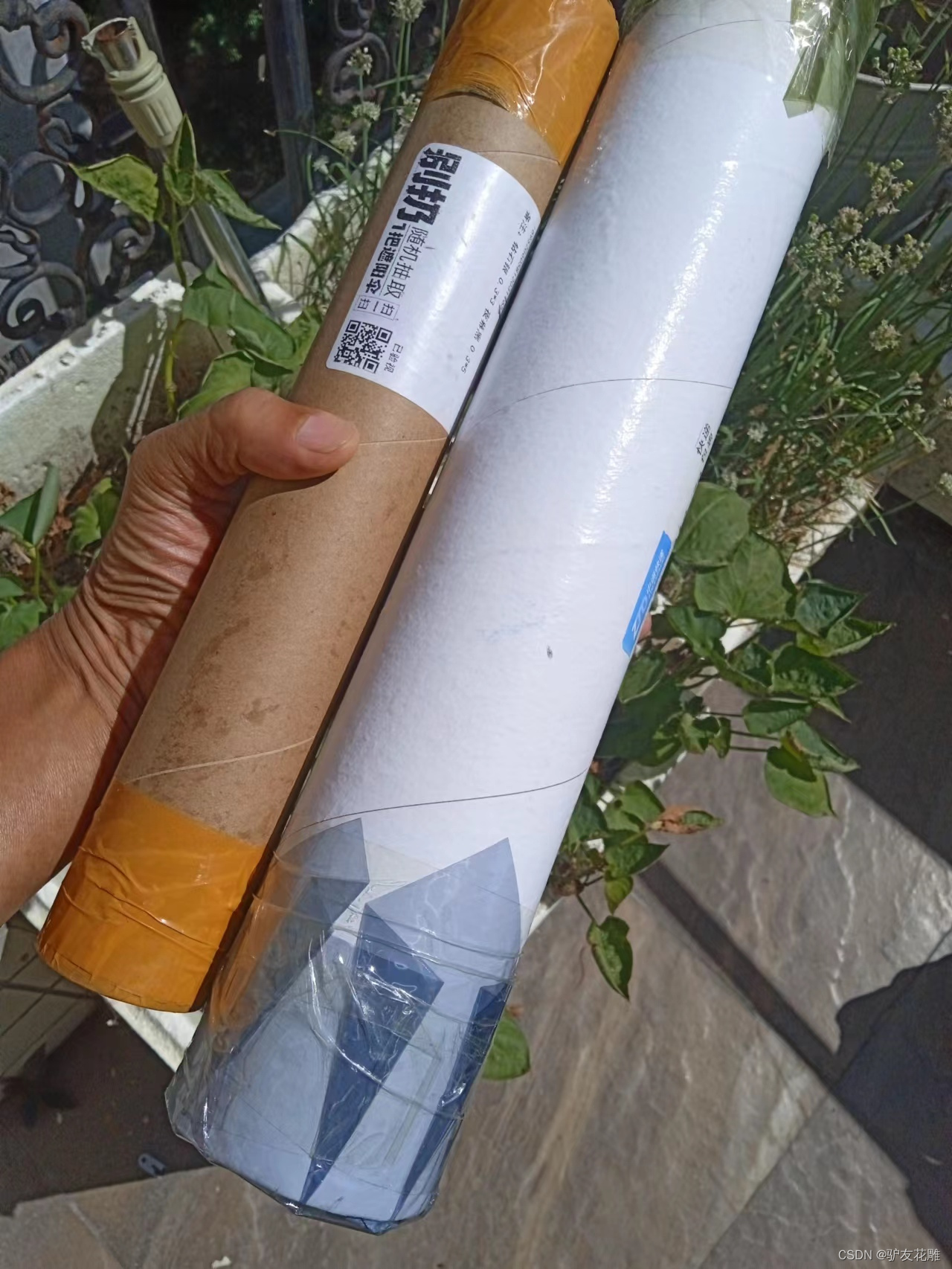
立方体需要六片亚克力
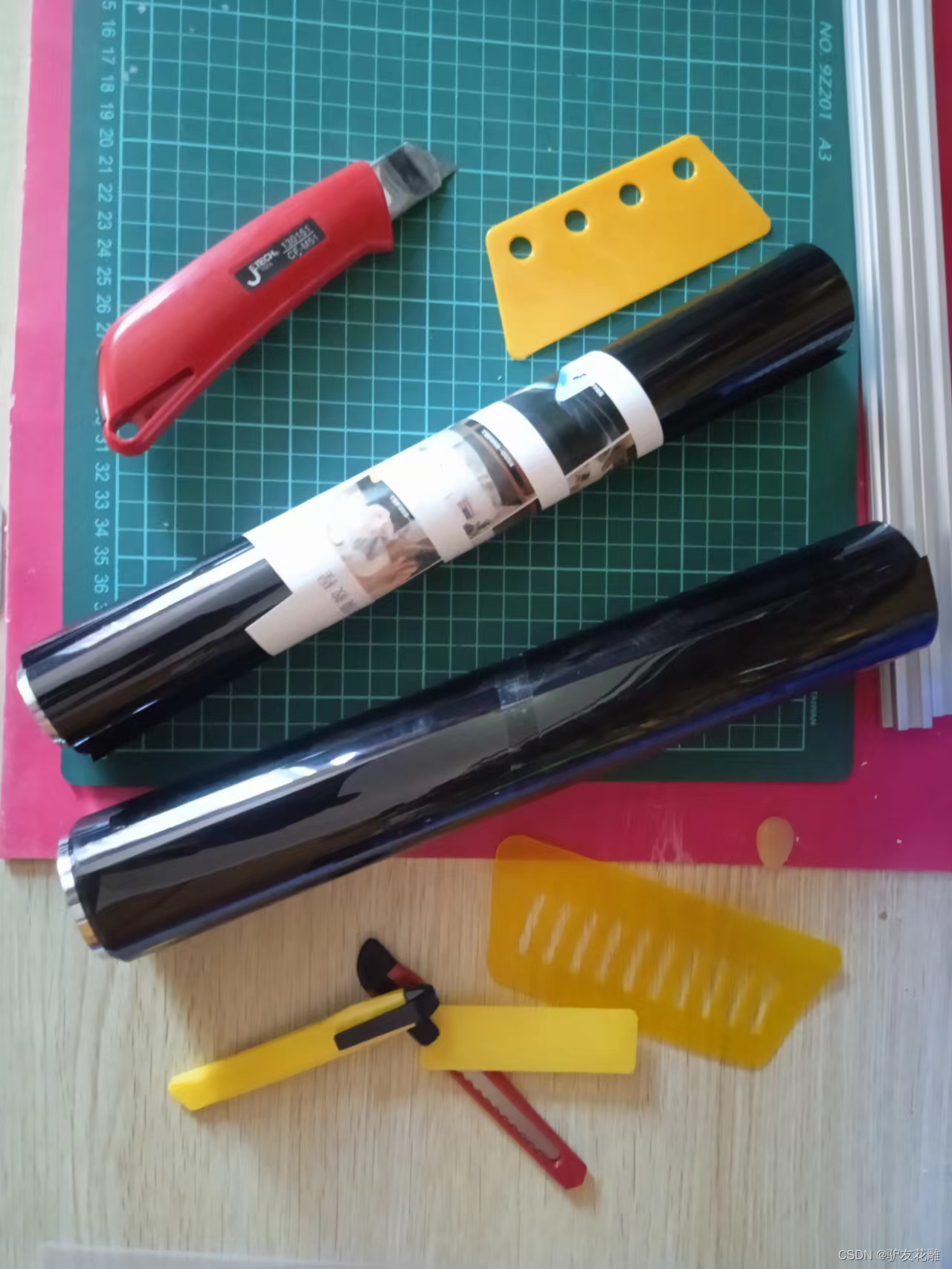
尝试贴膜
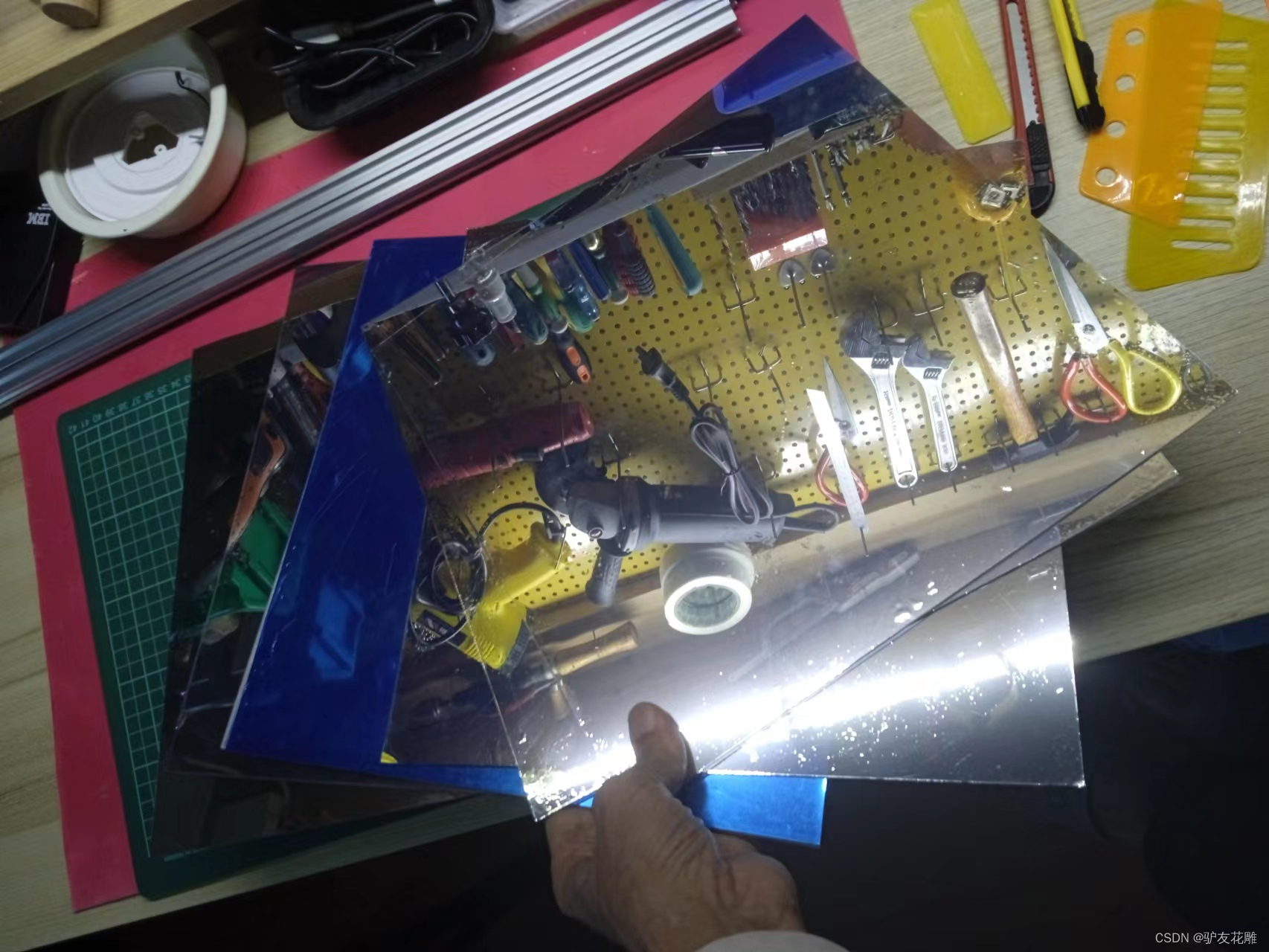
贴好了是这样的
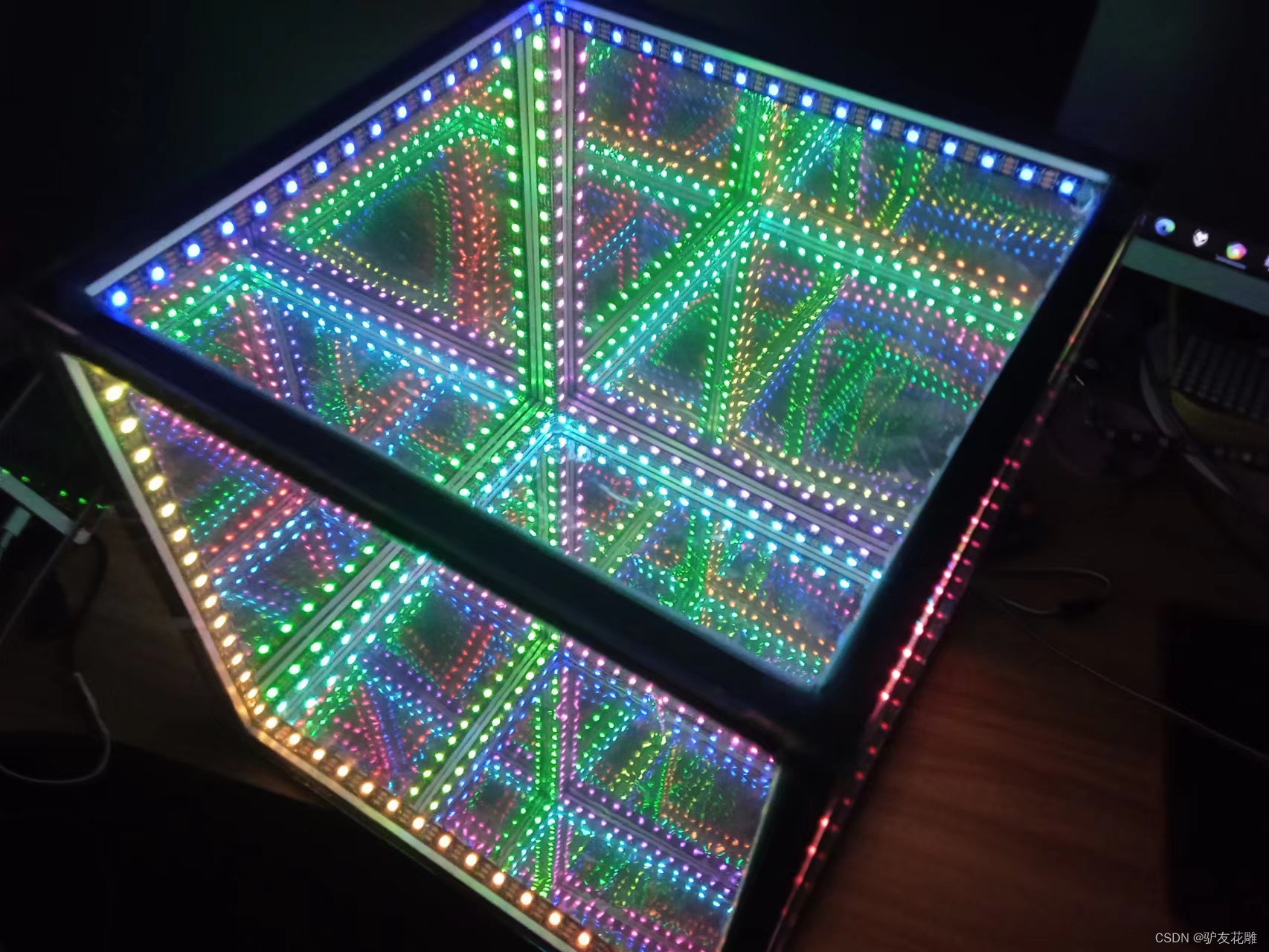
实验场景图
实验的视频记录
优酷:https://v.youku.com/v_show/id_XNTkwOTI0MjAwOA==.html?firsttime=11
B站:https://www.bilibili.com/video/BV1ze41157ak/?spm_id_from=333.337.search-card.all.click&vd_source=98c6b1fc23bd97f8d3cc0b7e5
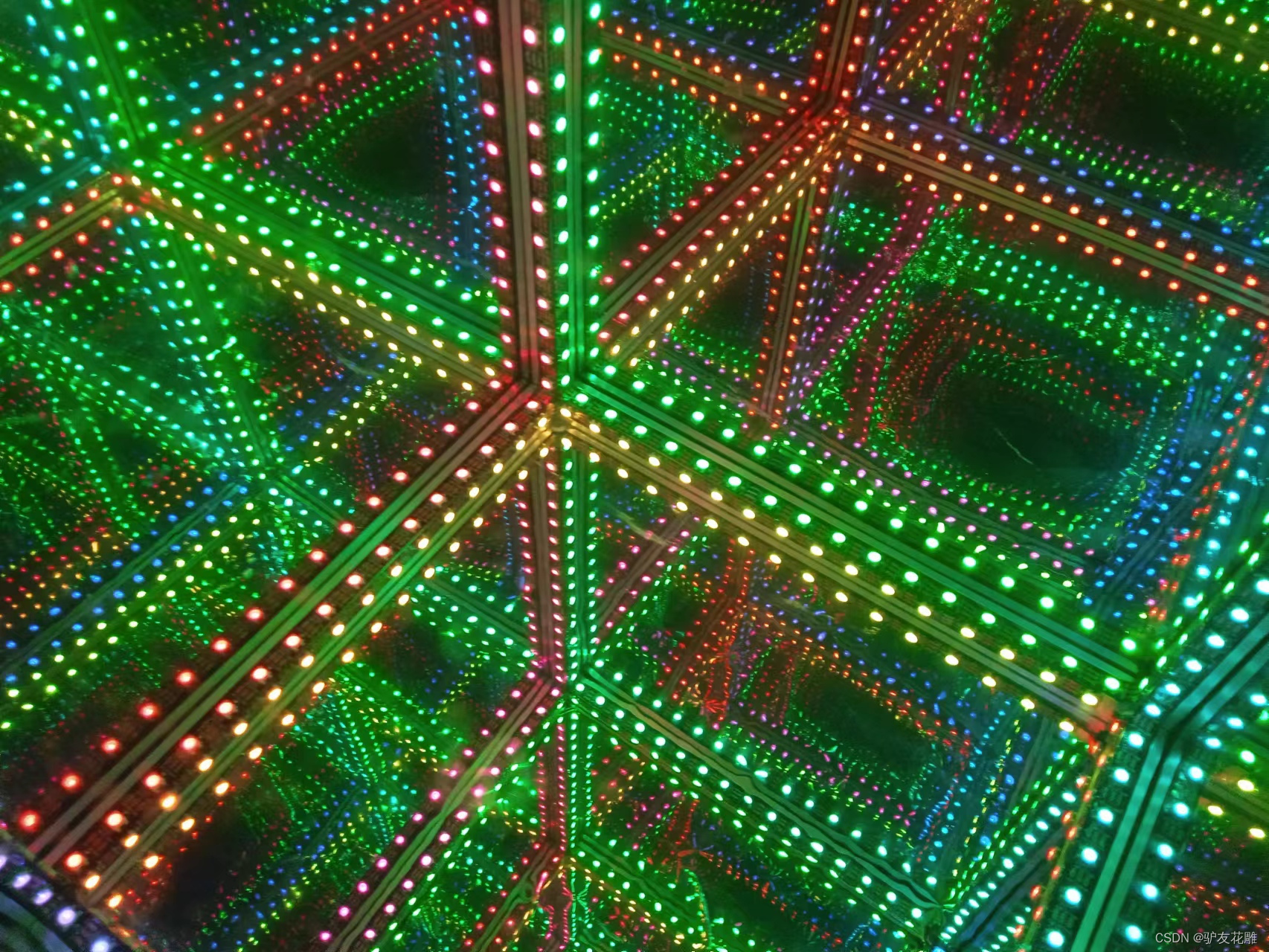
实验场景图 动态图
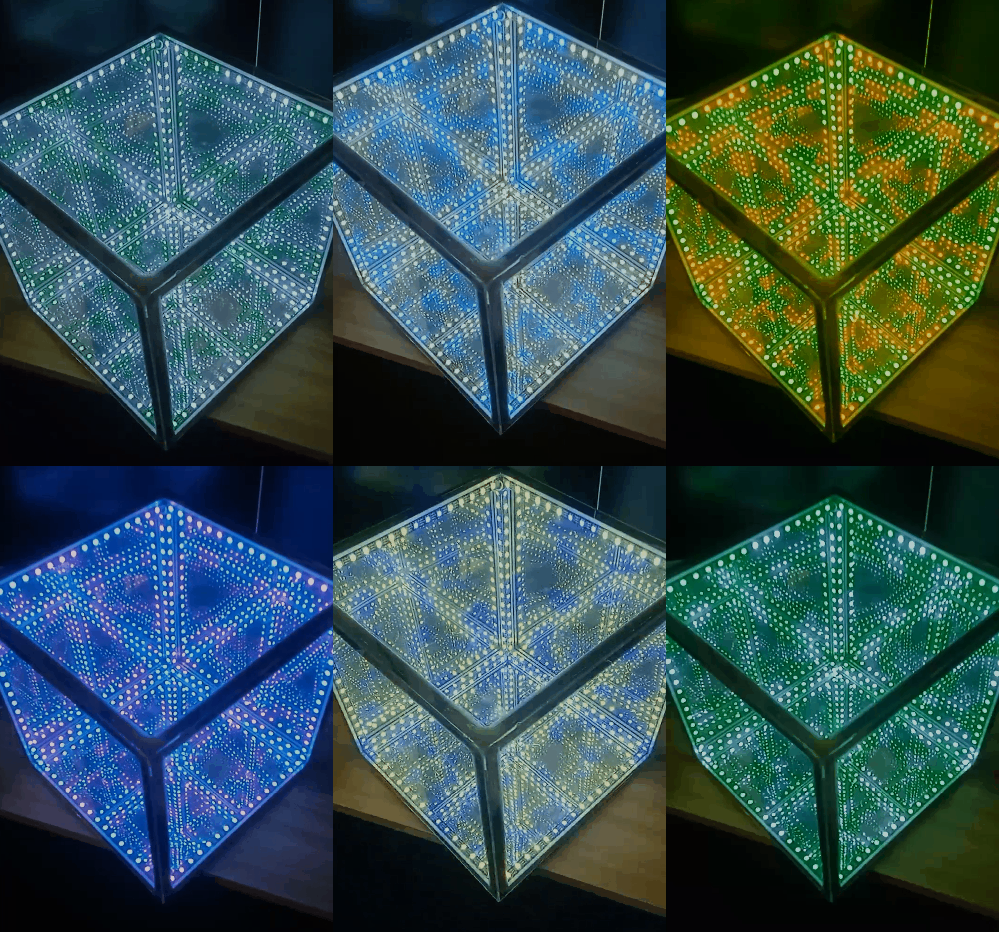
实验的视频记录
优酷:https://v.youku.com/v_show/id_XNTkwOTQ1MzI1Mg==.html?spm=a2hcb.playlsit.page.9
B站:https://www.bilibili.com/video/BV1AB4y177tY/?vd_source=98c6b1fc23bd97f8d3cc0b7e5
实验场景图
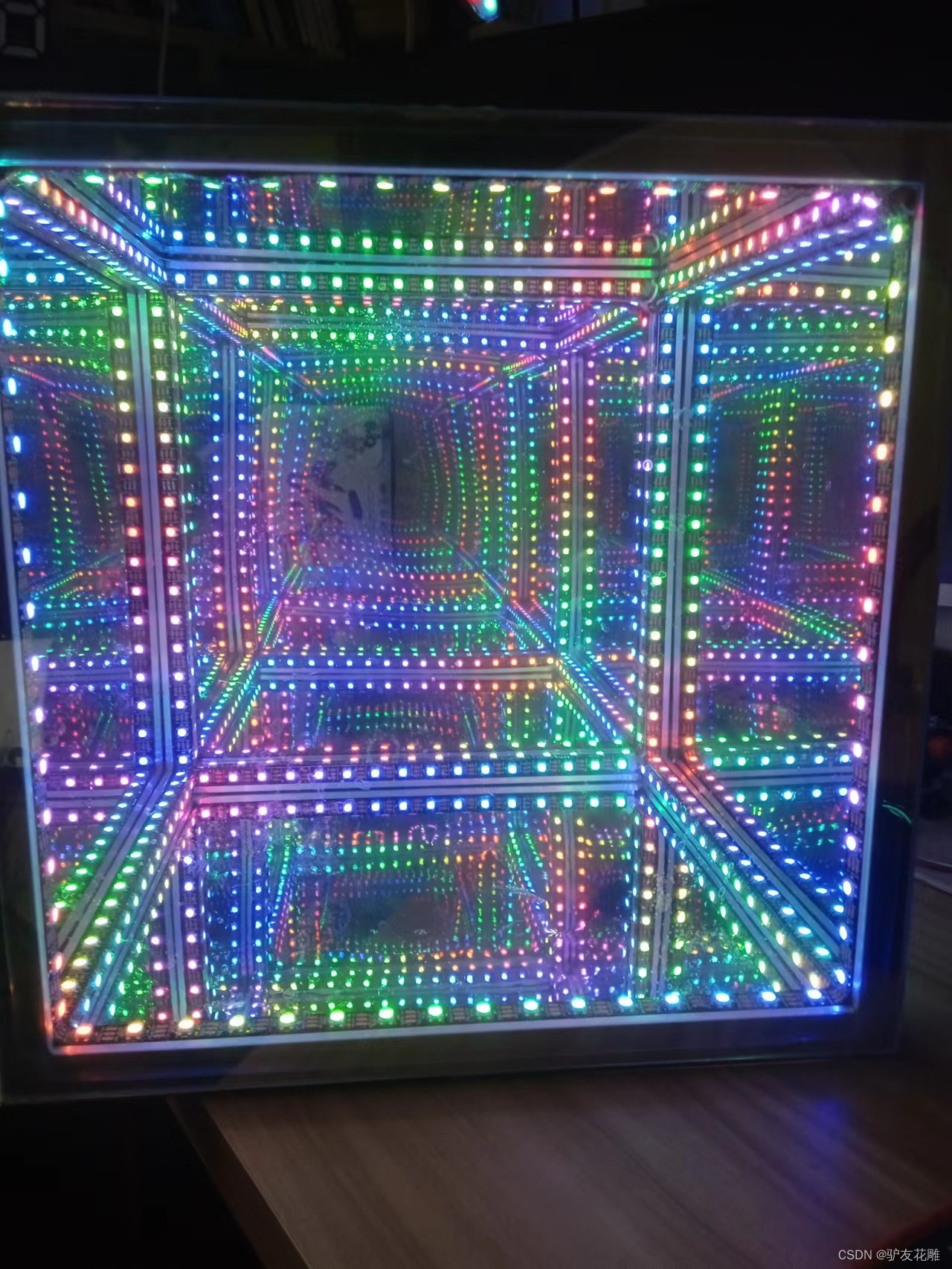
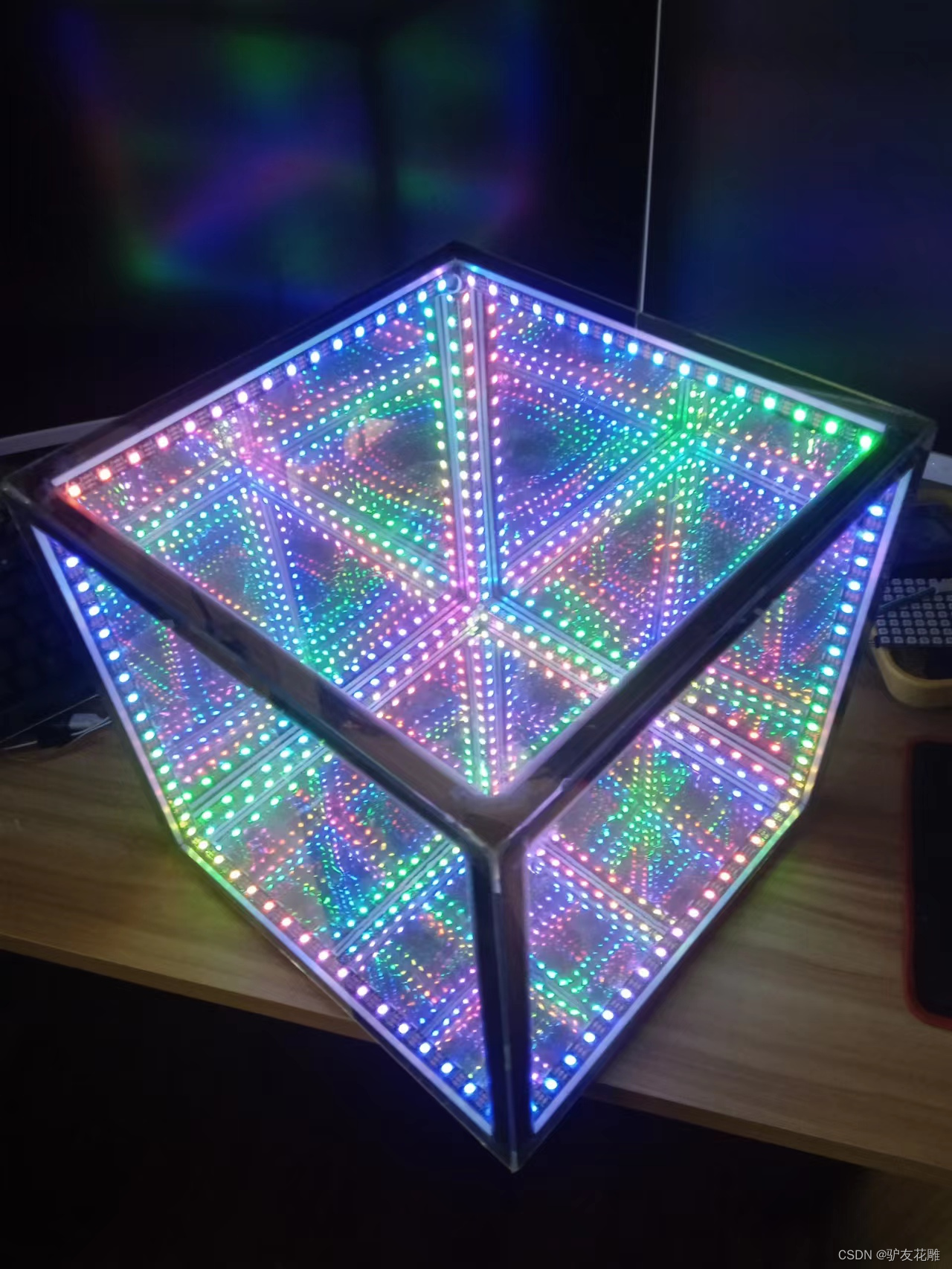
LED 超立方体与乒乓球灯组合实验场景图

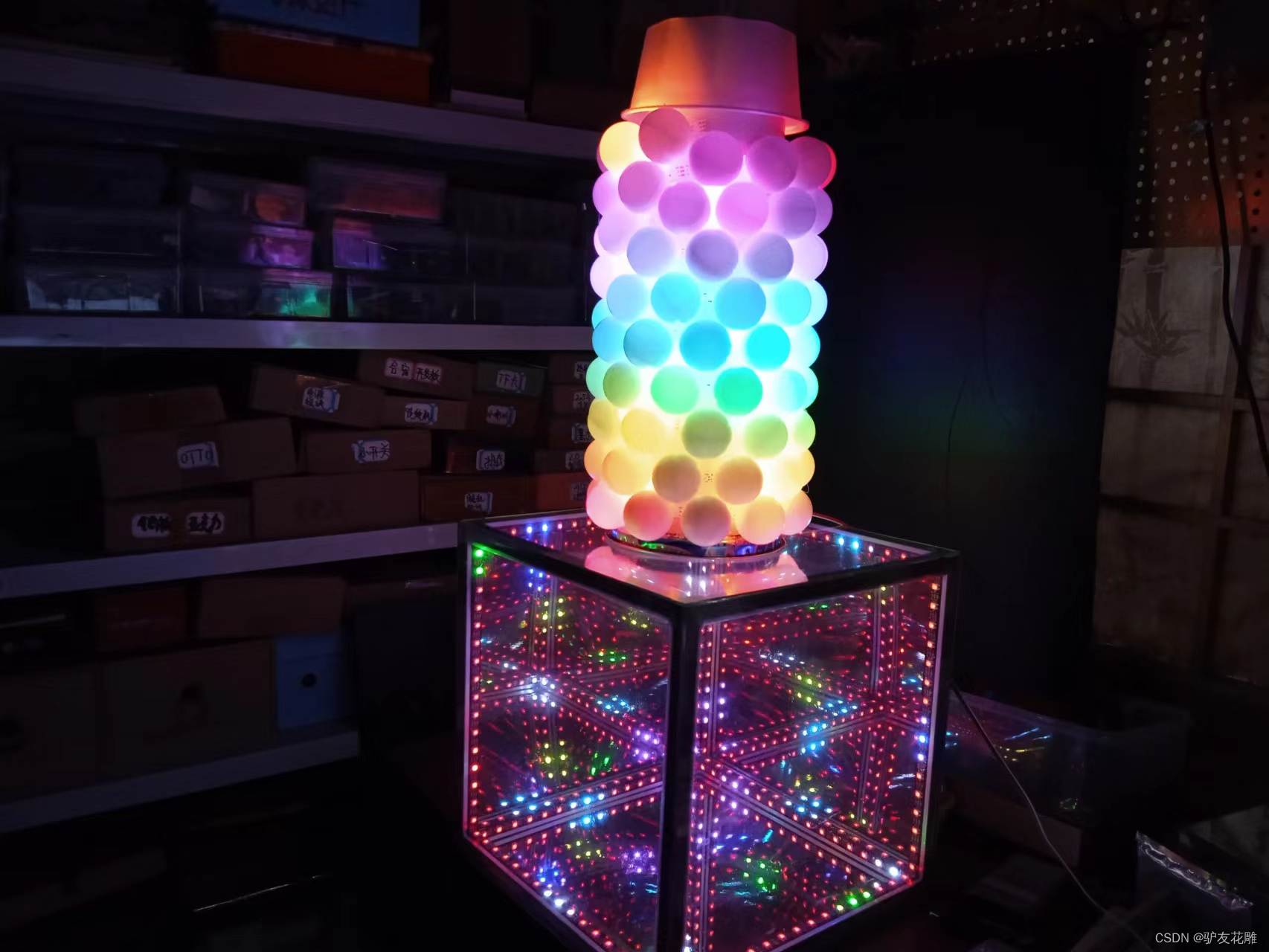
实验场景图 动态图
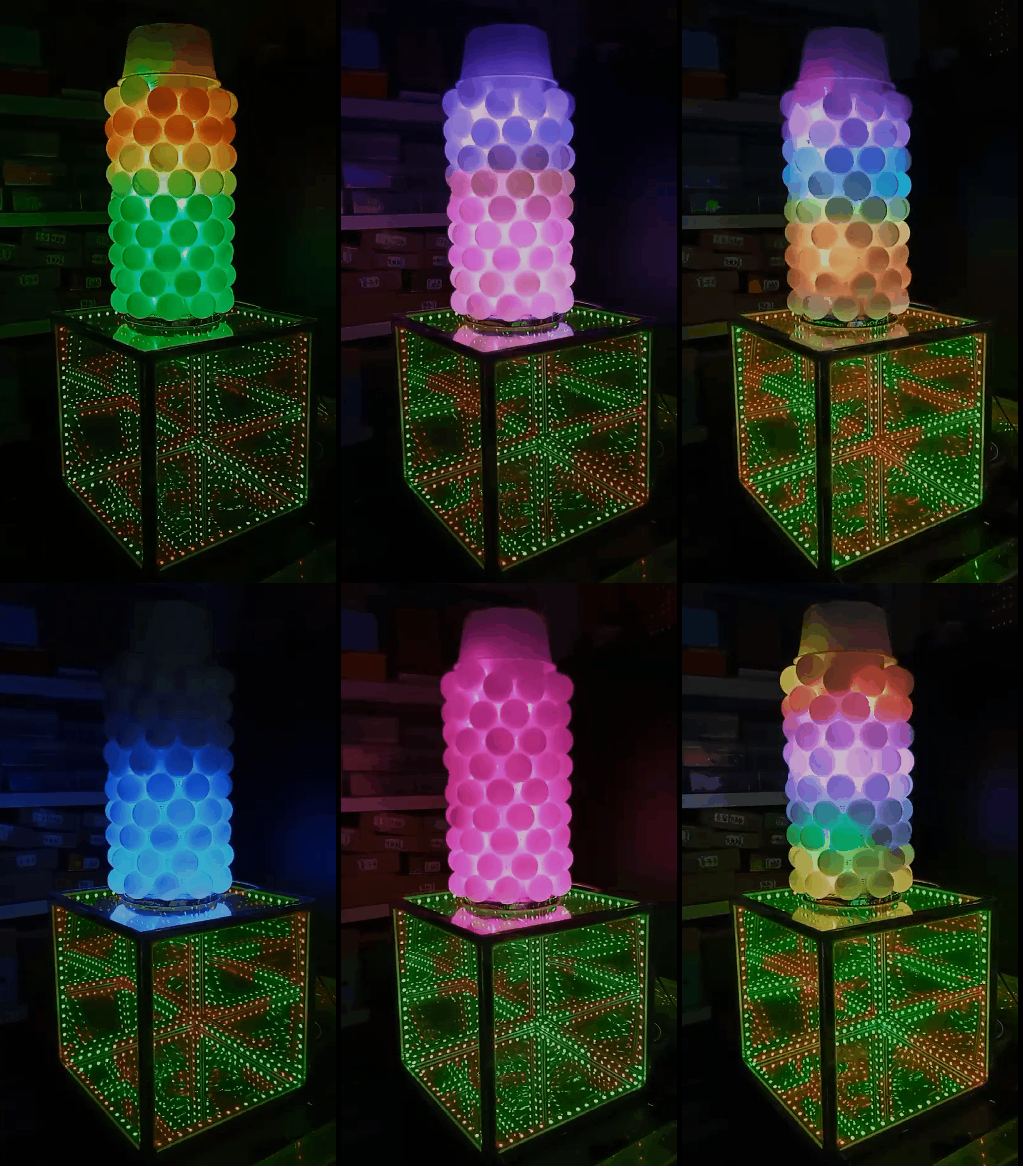
实验的视频记录
优酷:
B站:https://www.bilibili.com/video/BV1qN4y1w775/?vd_source=98c6b1fc23bd97f8d3cc0b7e5
实验场景图
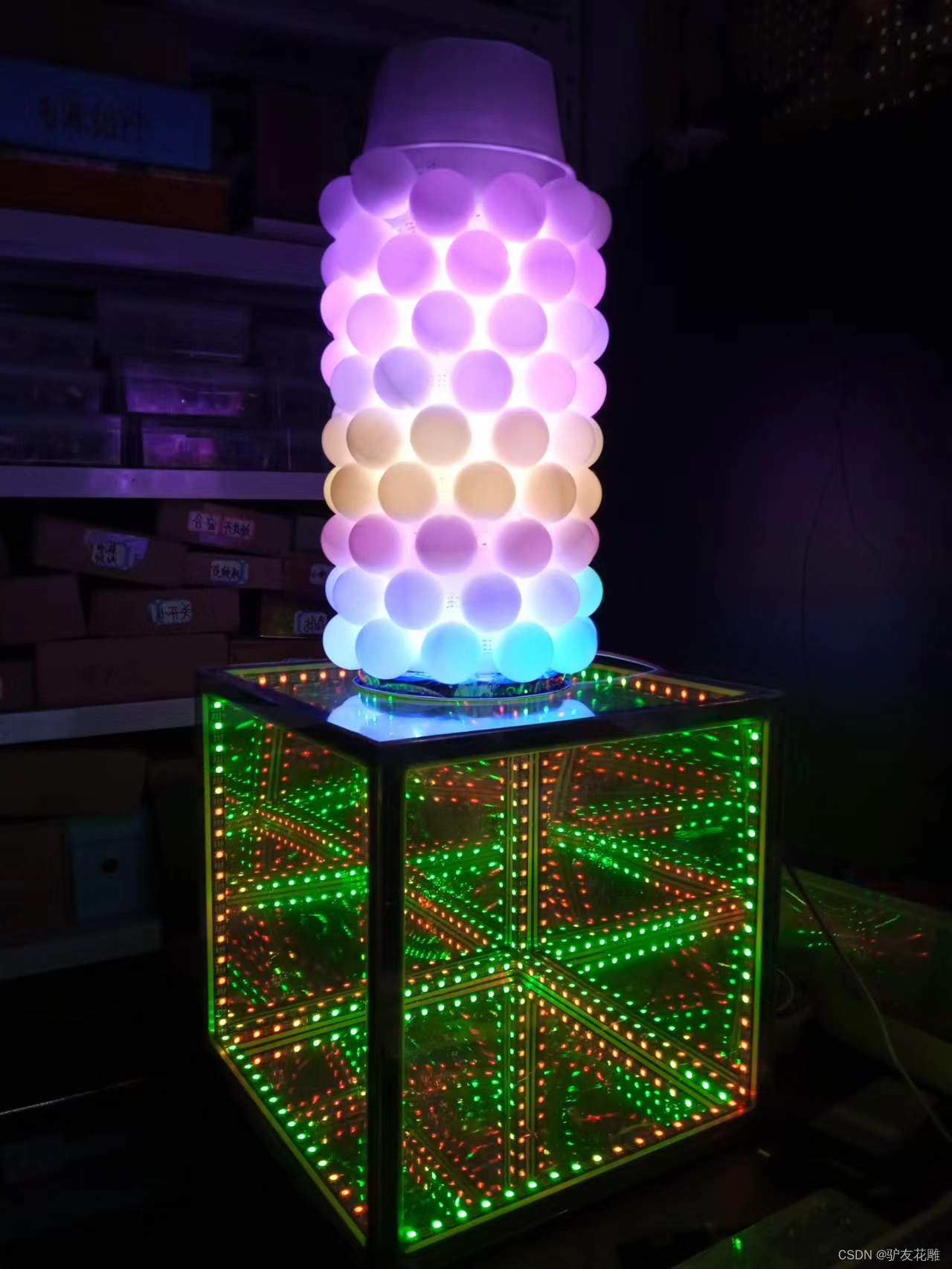
实验场景图
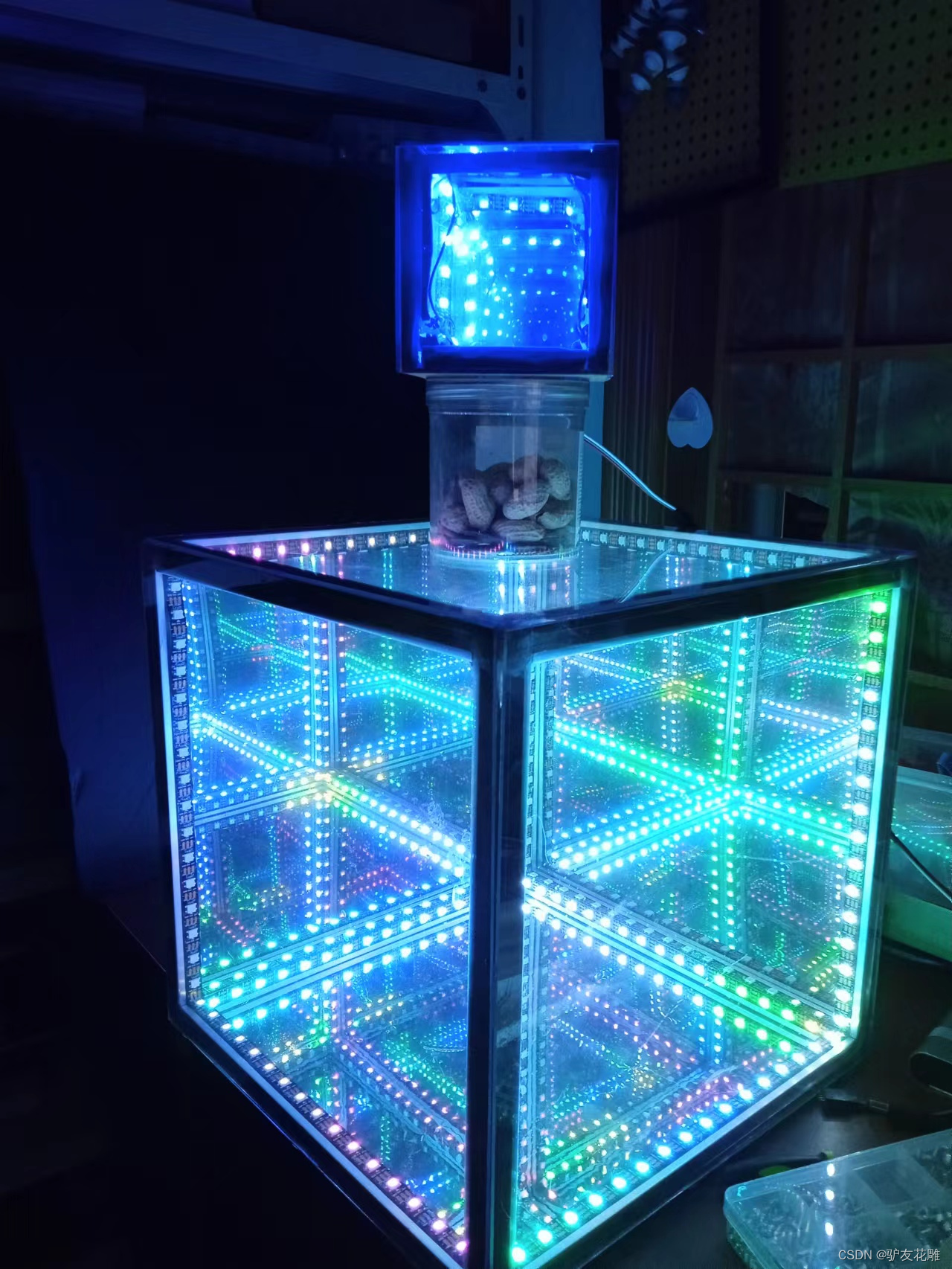
实验的视频记录
优酷:
B站:https://www.bilibili.com/video/BV1cg41187eq/?vd_source=98c6b1fc23bd97f8d3cc0b7e5
实验场景图
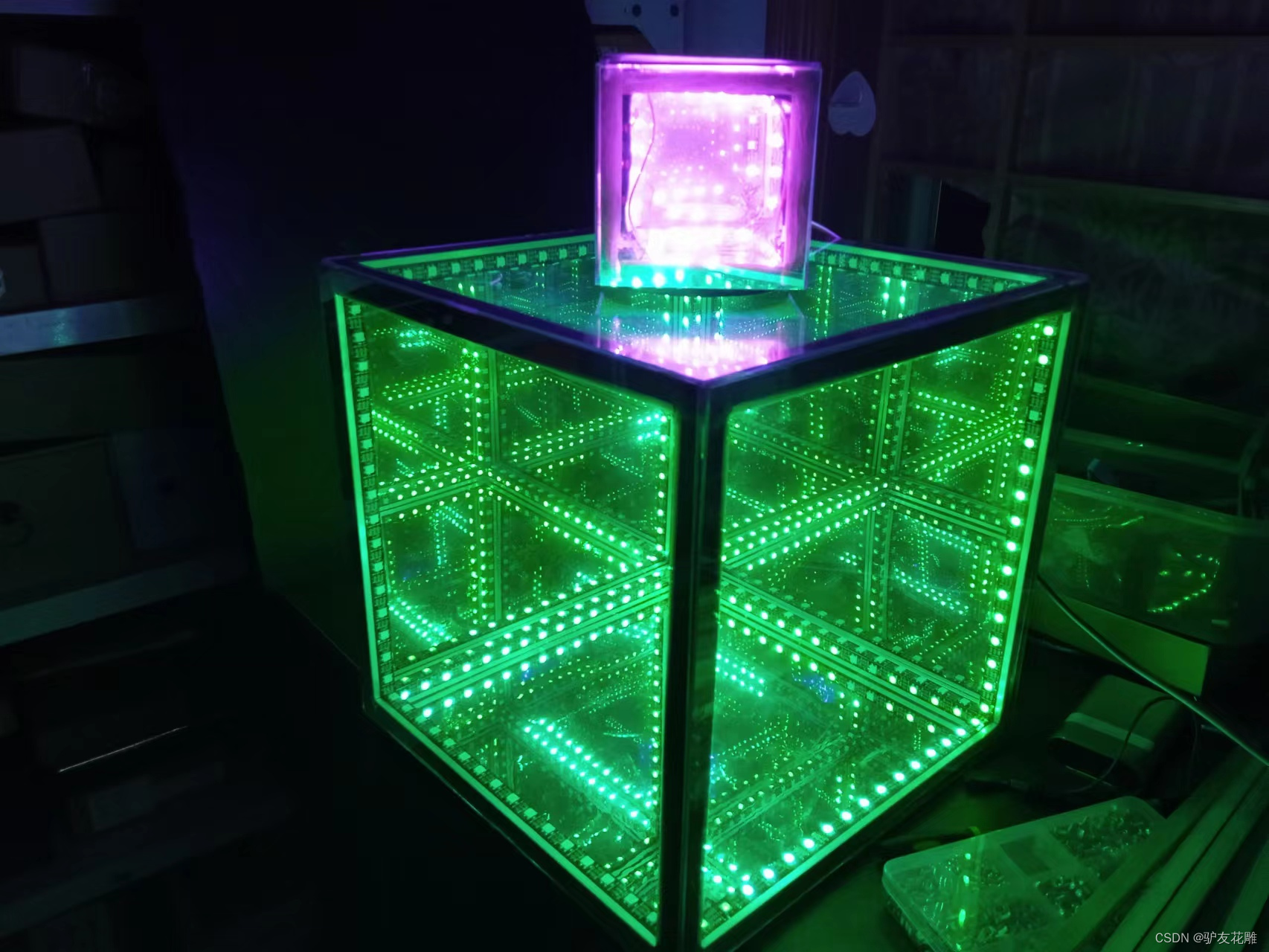
B站:https://www.bilibili.com/video/BV1Qd4y117nk/?vd_source=98c6b1fc23bd97f8d3cc0b7e5
实验场景图
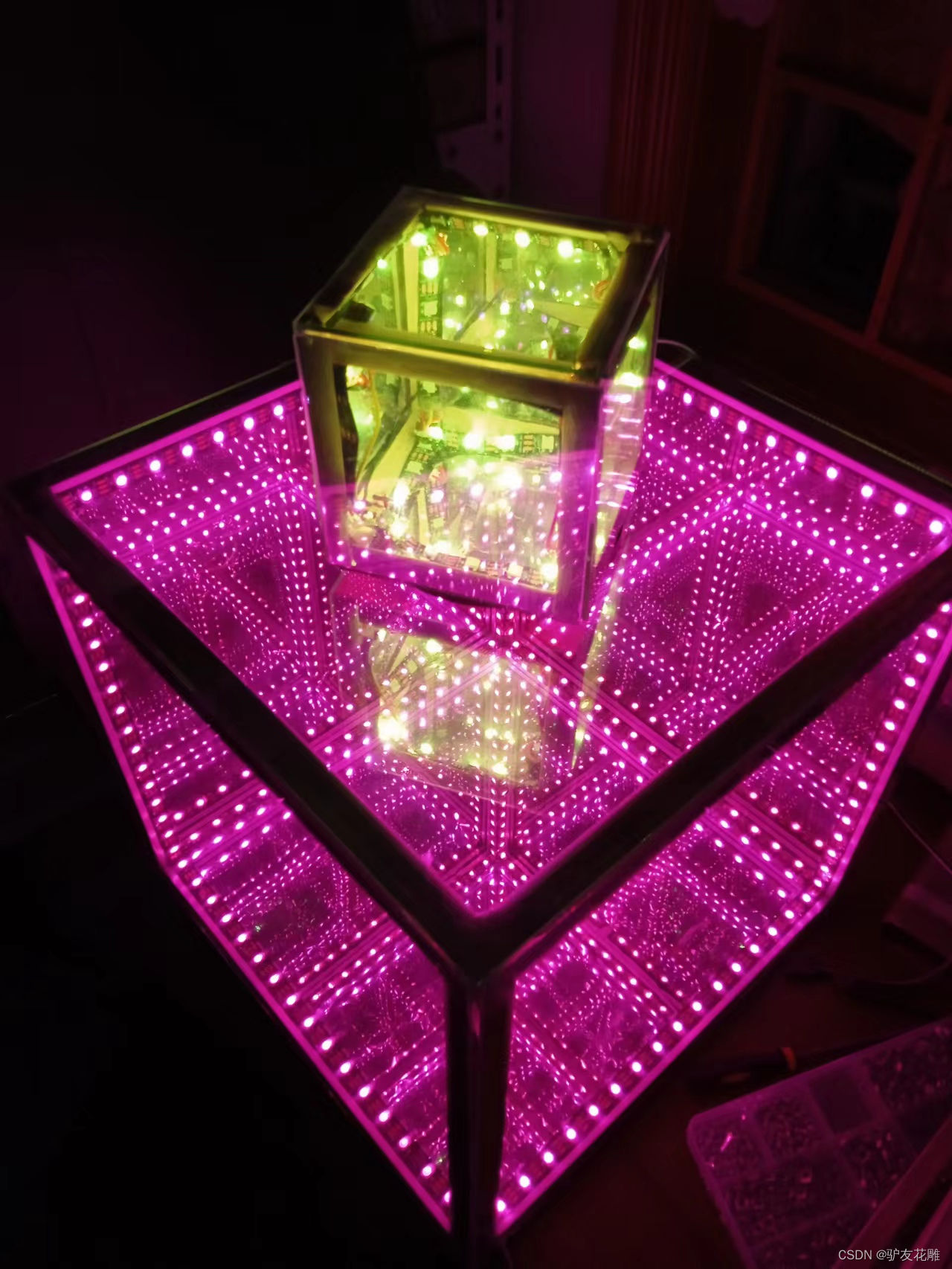
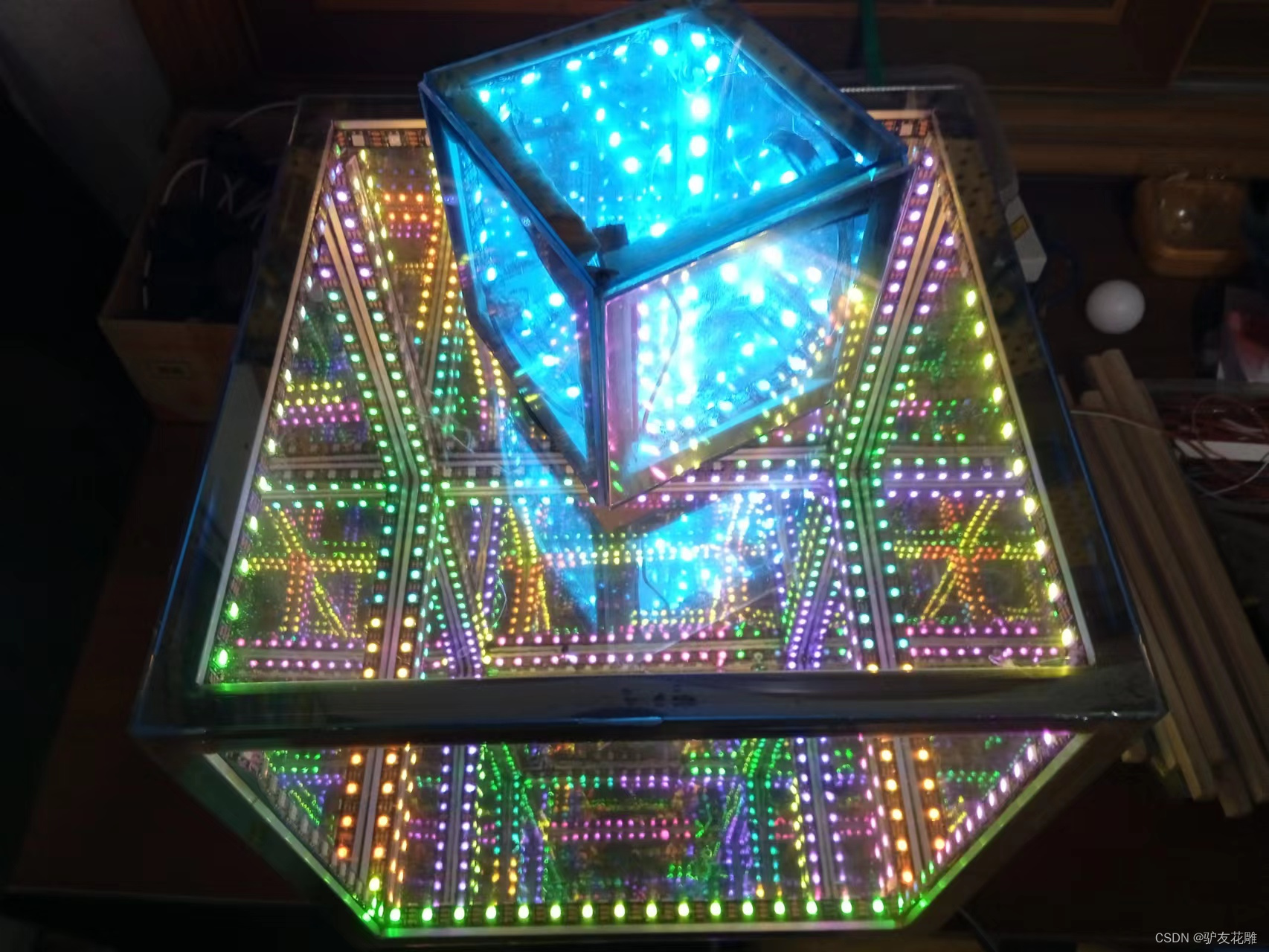
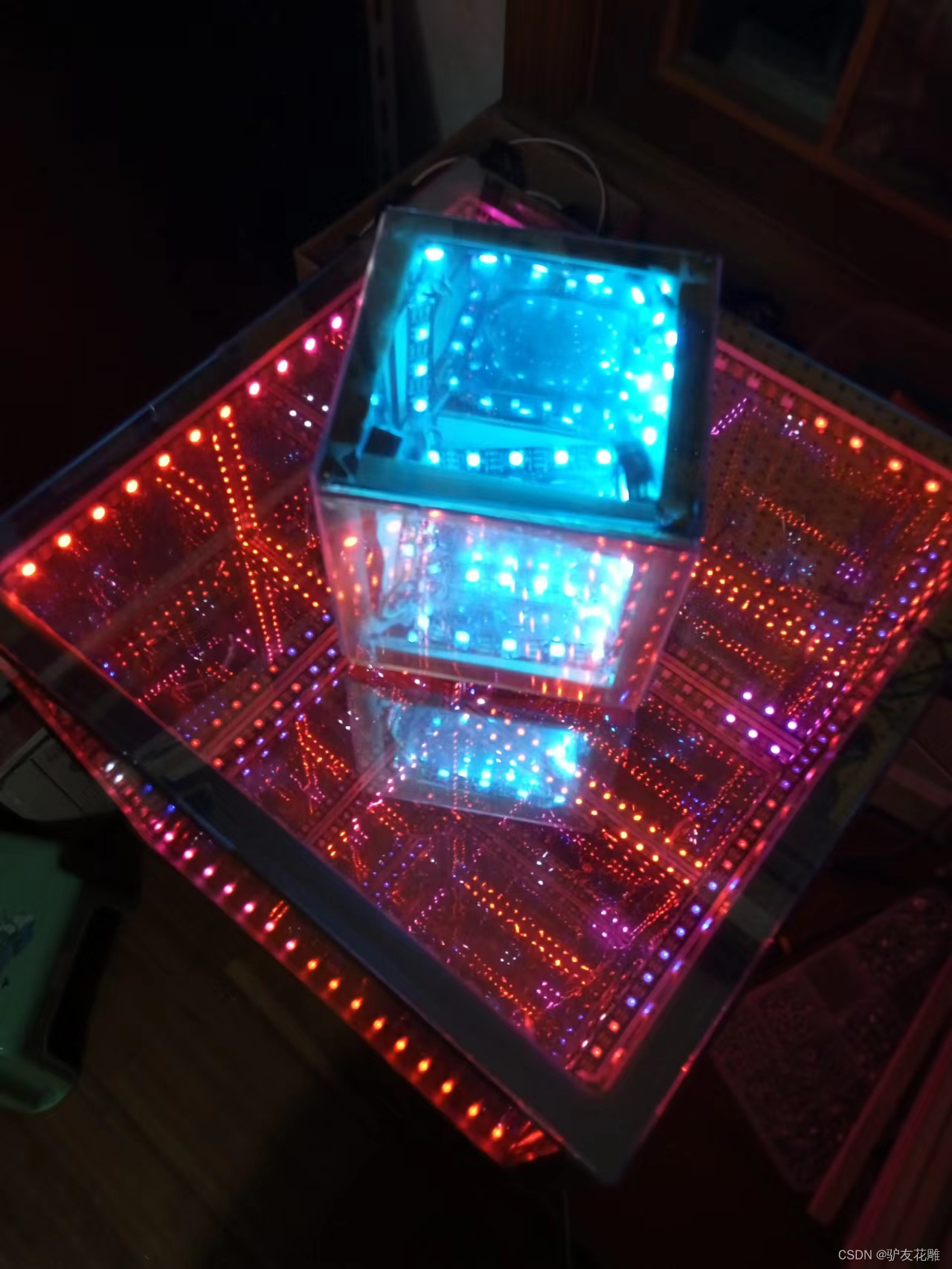
【花雕动手做】有趣好玩音乐可视化16X16硬屏灯(组合镜像)
实验场景图
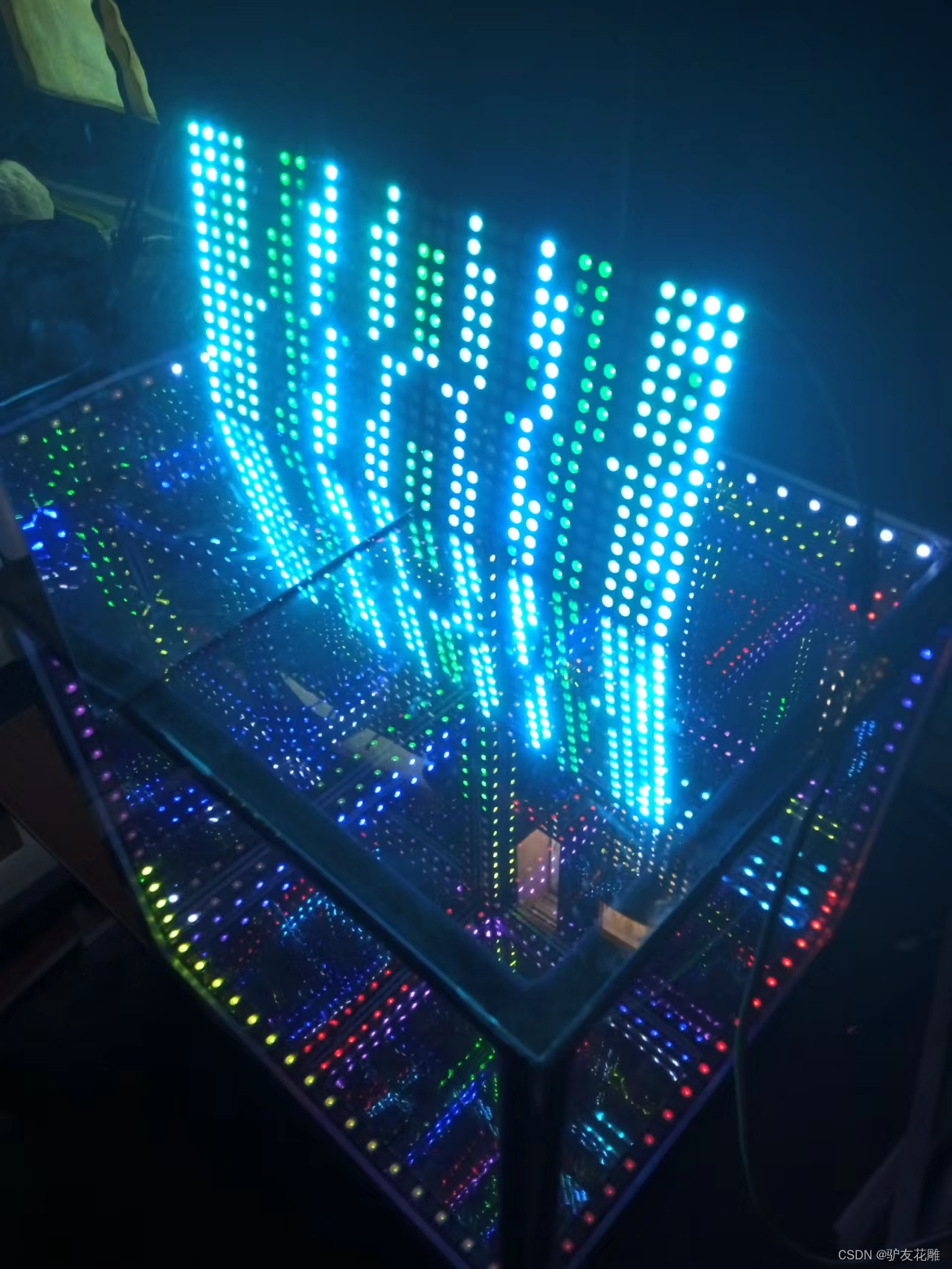
实验场景图 动态图
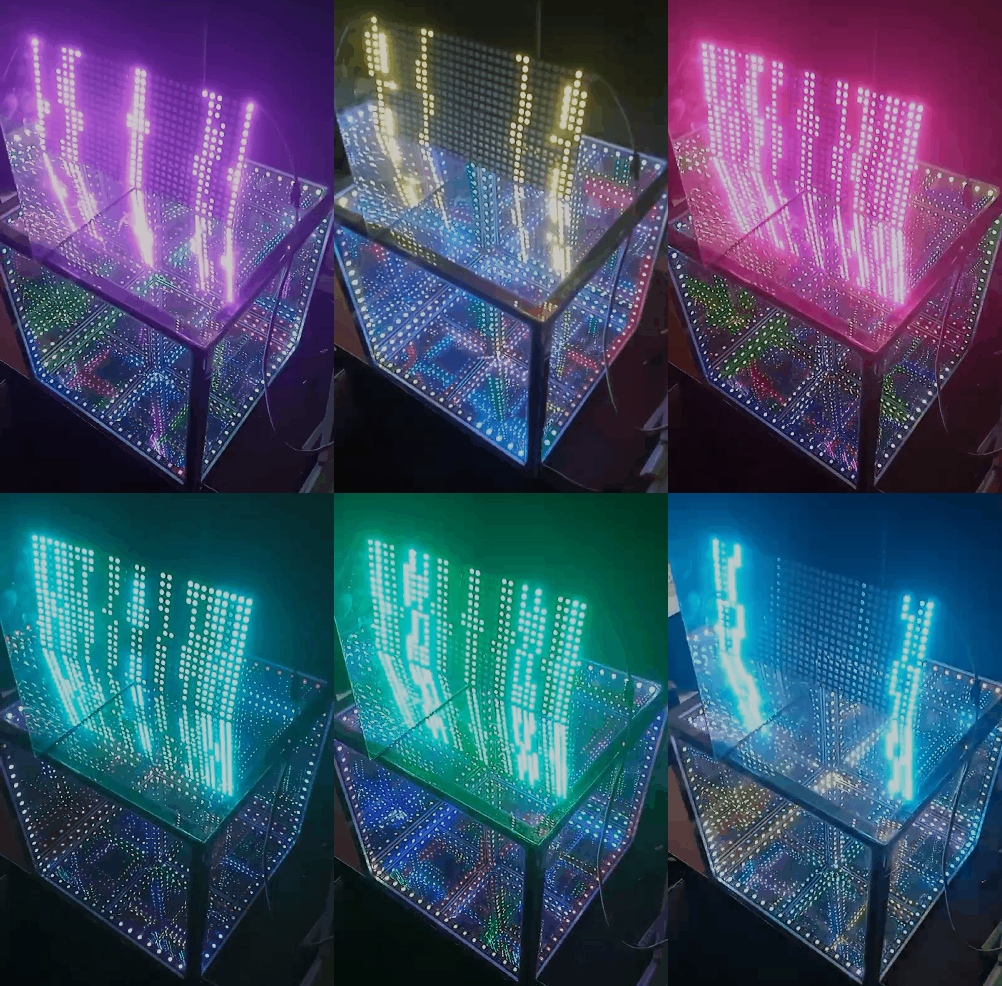
【花雕动手做】有趣好玩音乐可视化16X16硬屏灯(组合镜像)
实验的视频记录
优酷:https://v.youku.com/v_show/id_XNTkxNTgyMjAxNg==.html?spm=a2hcb.playlsit.page.3
B站:https://www.bilibili.com/video/BV1yP4y1S7FJ/?vd_source=98c6b1fc23bd97f8d3cc0b7e5
实验场景图
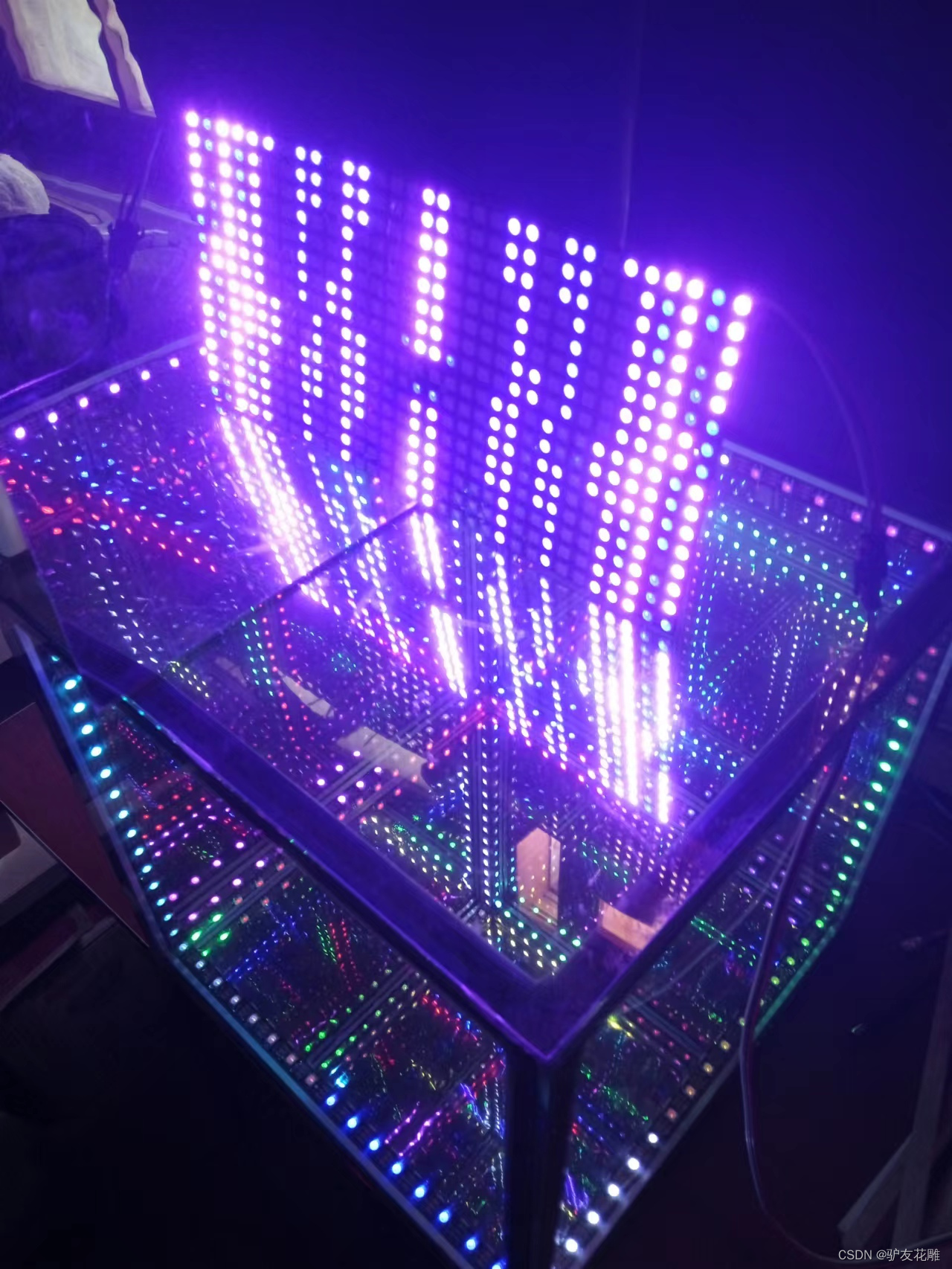
【花雕动手做】有趣好玩音乐可视化16X16硬屏灯(组合镜像)之二
实验的视频记录
优酷:https://v.youku.com/v_show/id_XNTkxNTgxOTE5Ng==.html?spm=a2hcb.playlsit.page.1
B站:https://www.bilibili.com/video/BV1BG4y1h7rs/?vd_source=98c6b1fc23bd97f8d3cc0b7e5
【花雕动手做】有趣好玩音乐可视化16X16硬屏灯(组合镜像)之三
实验的视频记录
优酷:https://v.youku.com/v_show/id_XNTkxNTgyNjQ1Ng==.html?spm=a2hcb.playlsit.page.5
B站:https://www.bilibili.com/video/BV1Tg41167Mh/?vd_source=98c6b1fc23bd97f8d3cc0b7e5
实验场景图
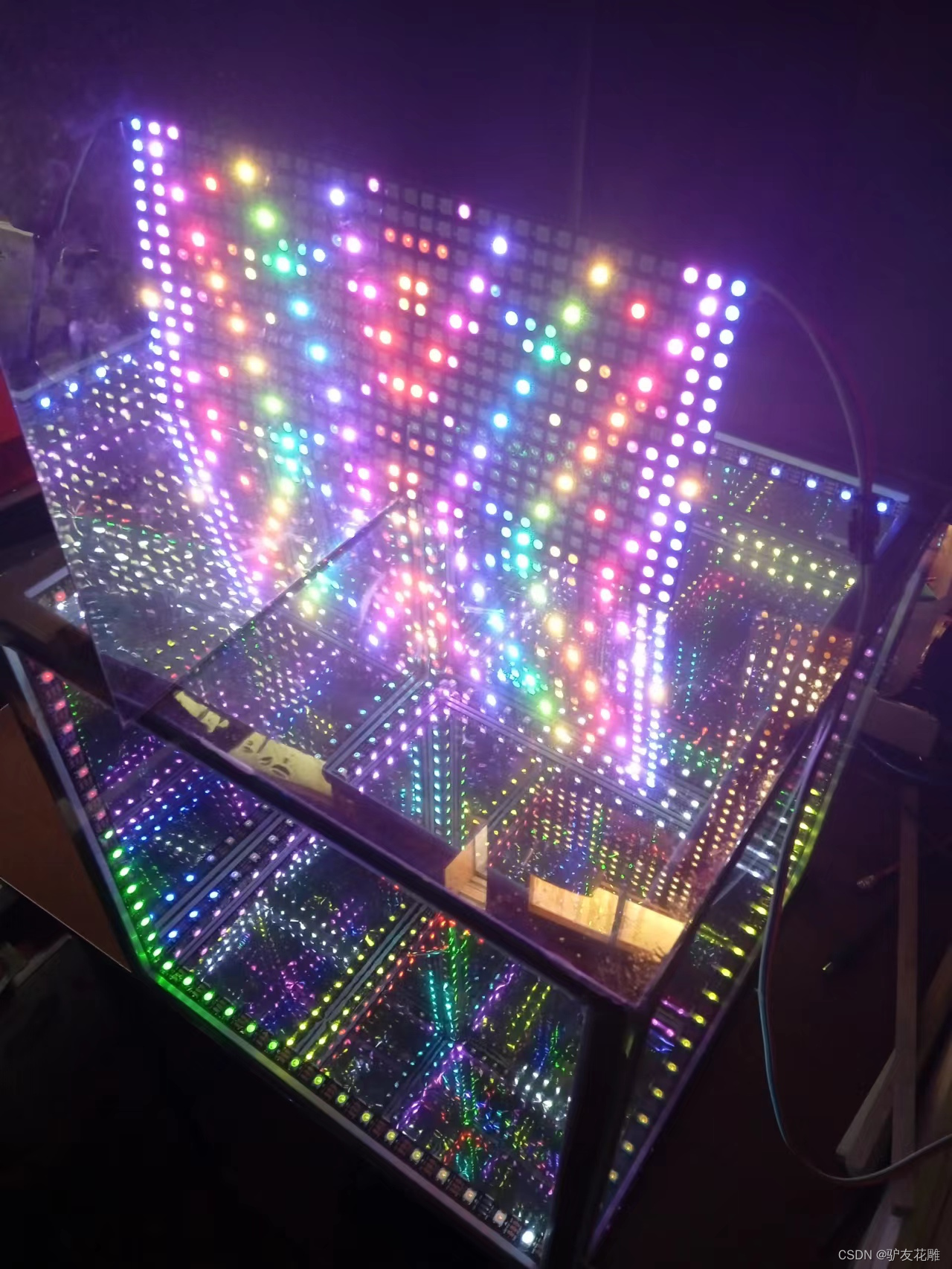
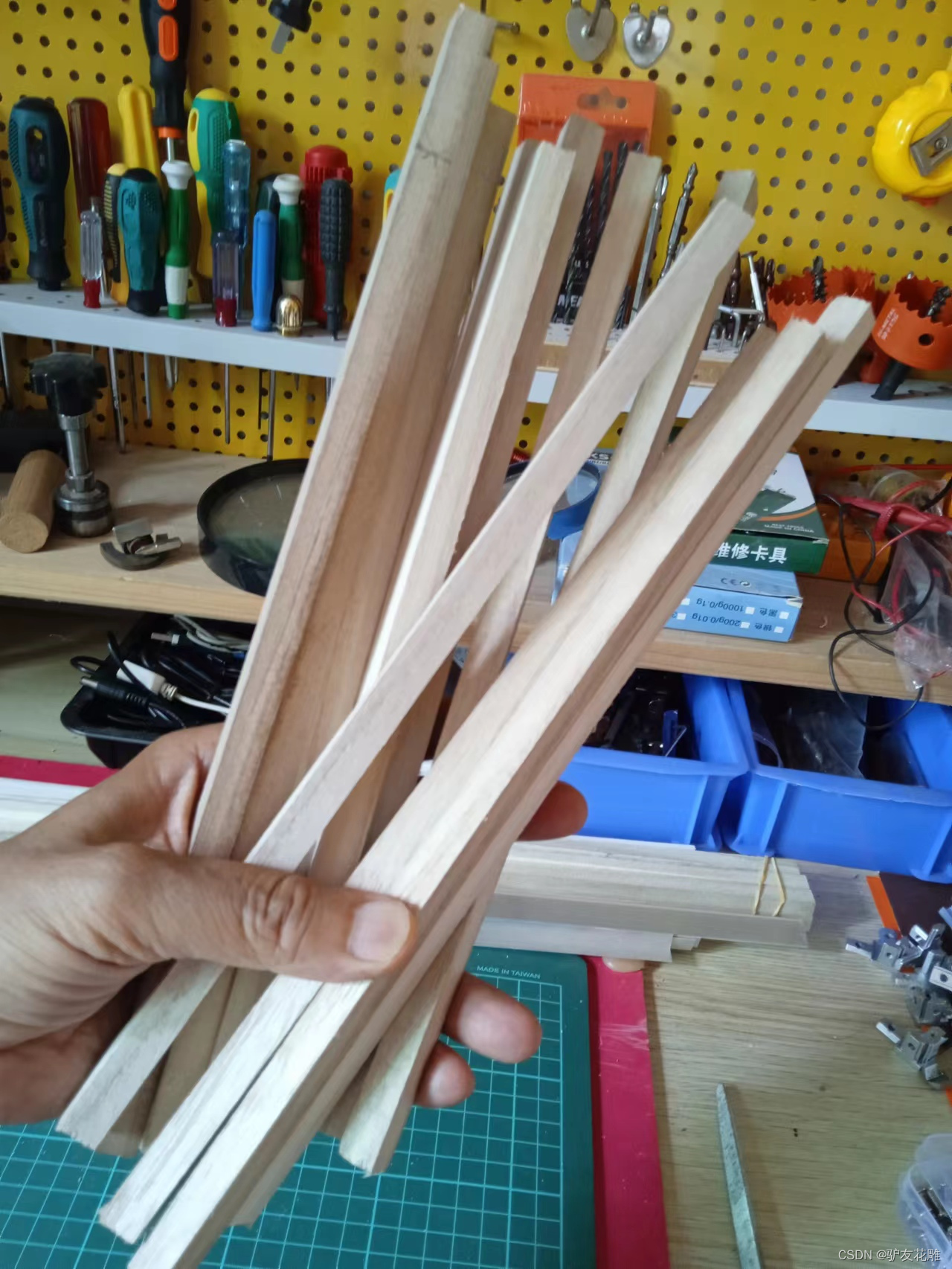
开始尝试制作木条骨架版的第二个LED魔方体,一个结构需要12段木条
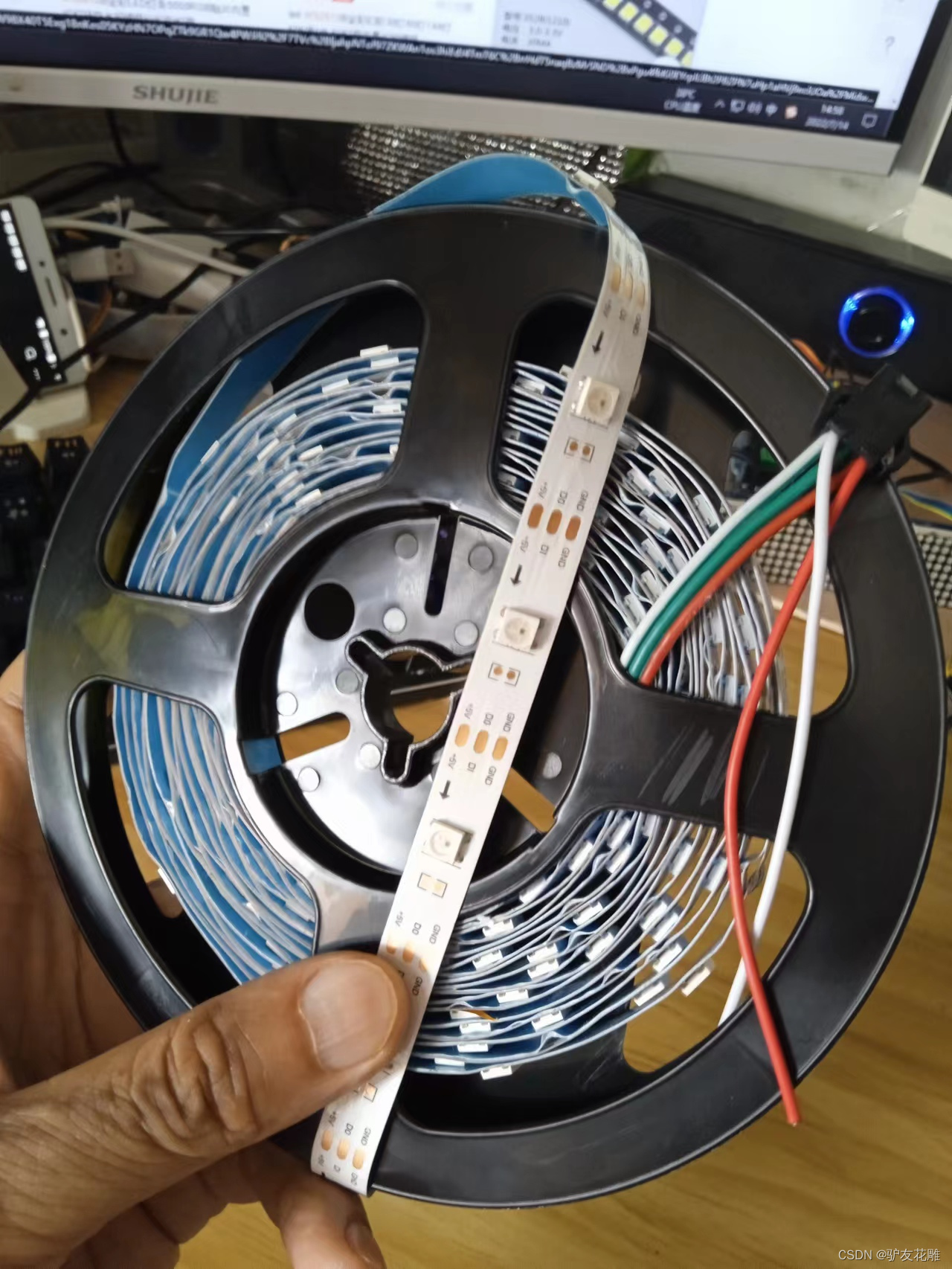
这里使用每米30灯白底裸板
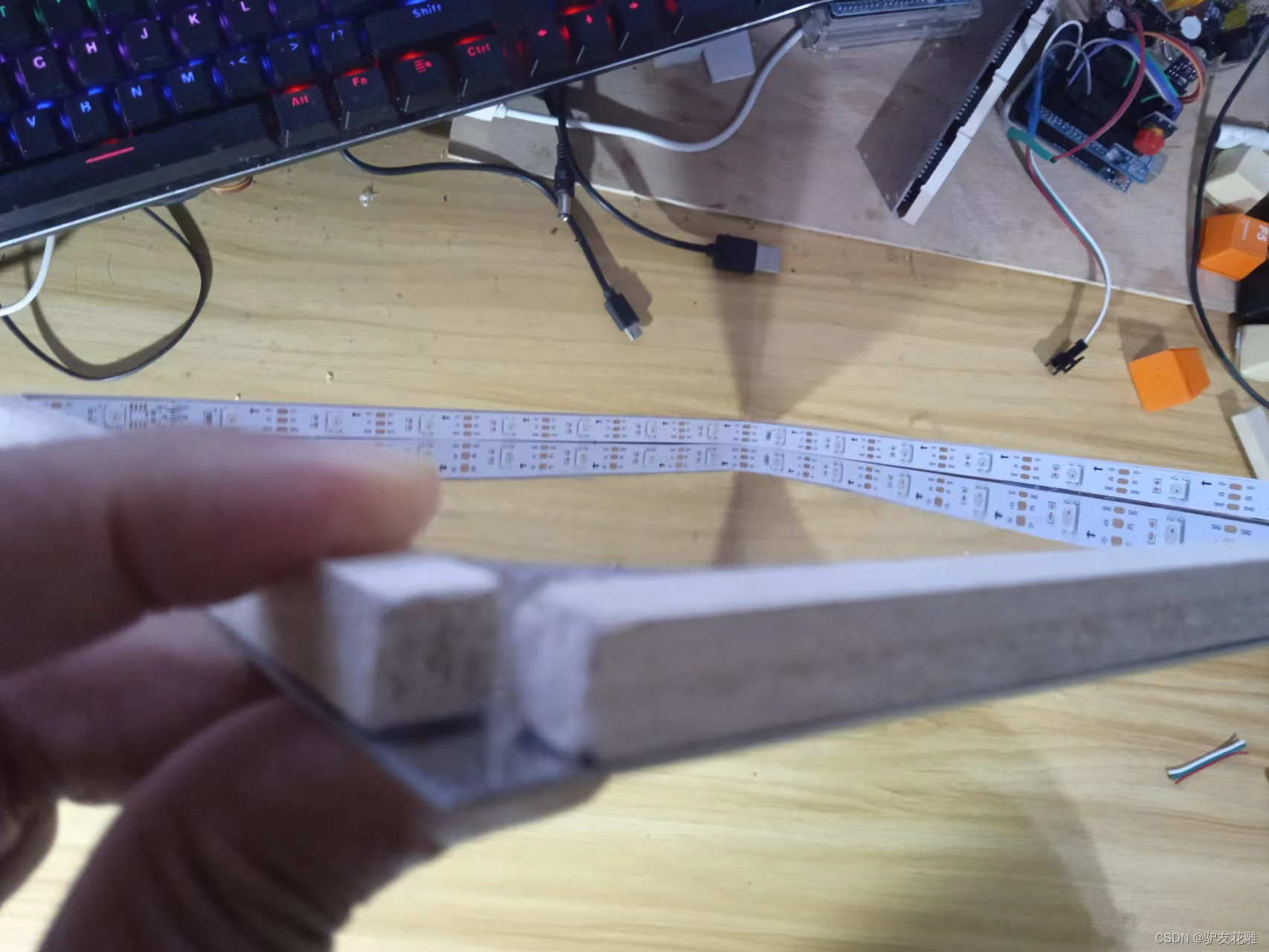
将灯带固定到底板镜面上
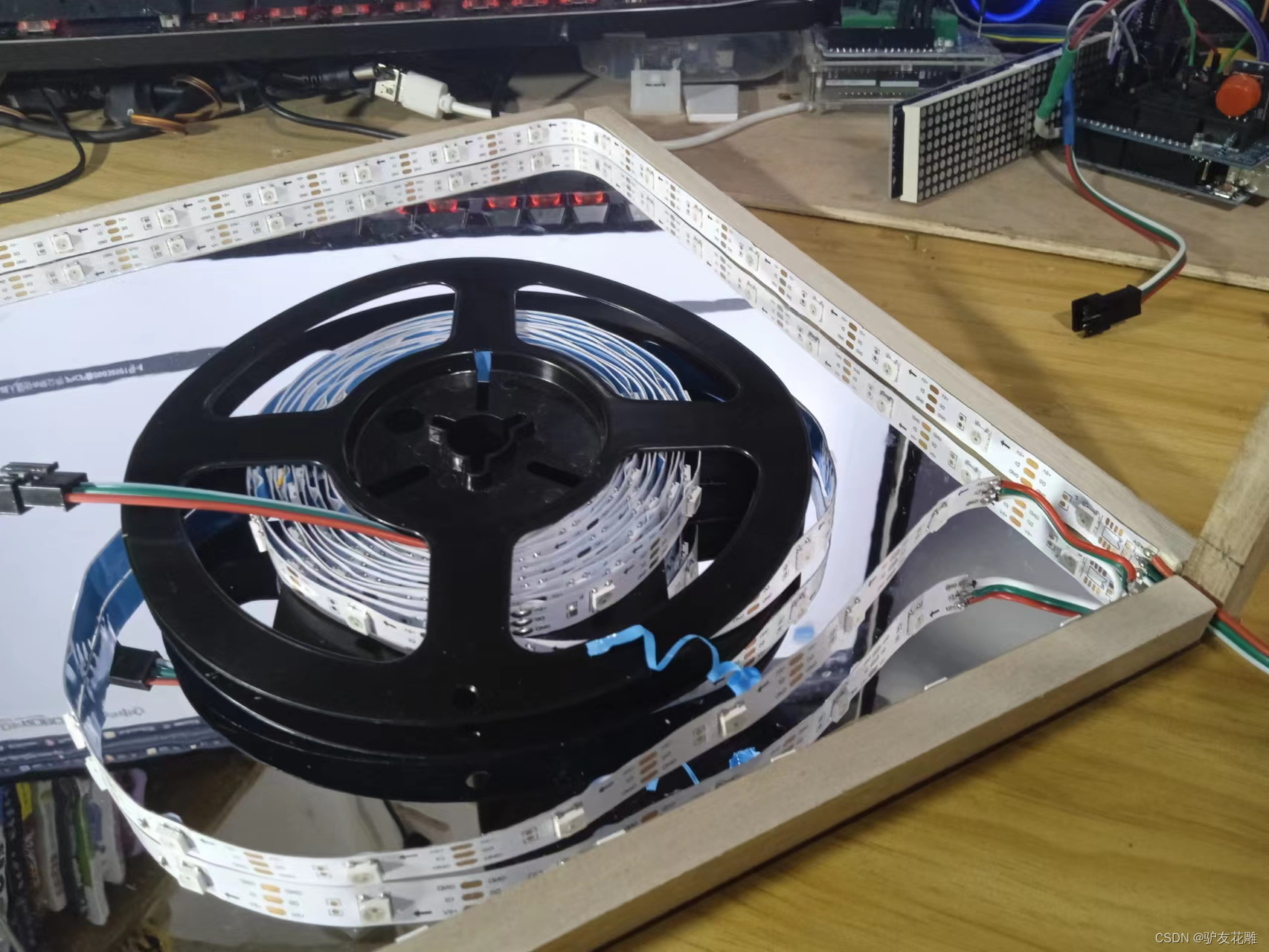
将灯带固定到底板镜面上
准备贴膜的亚克力板子
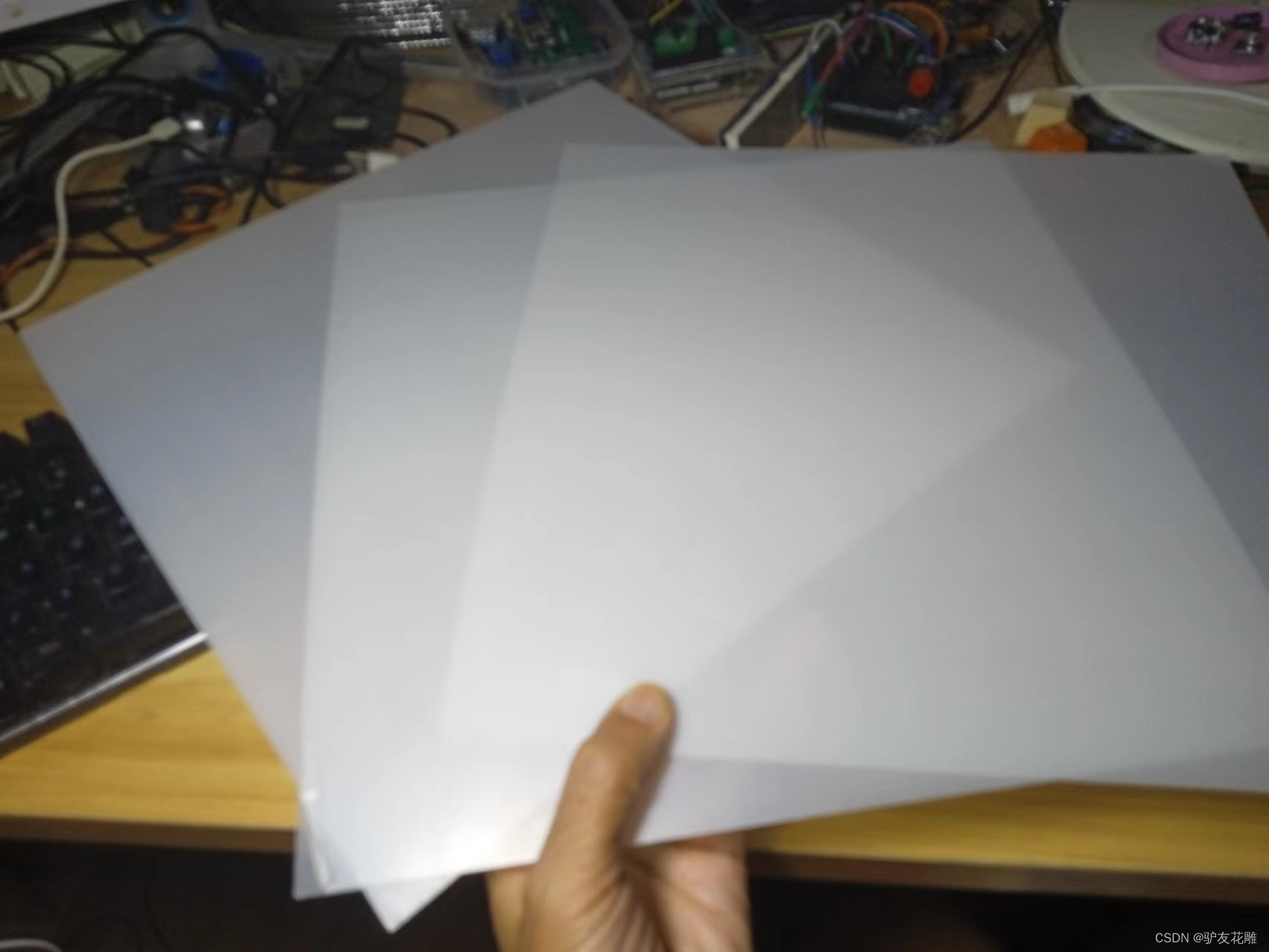
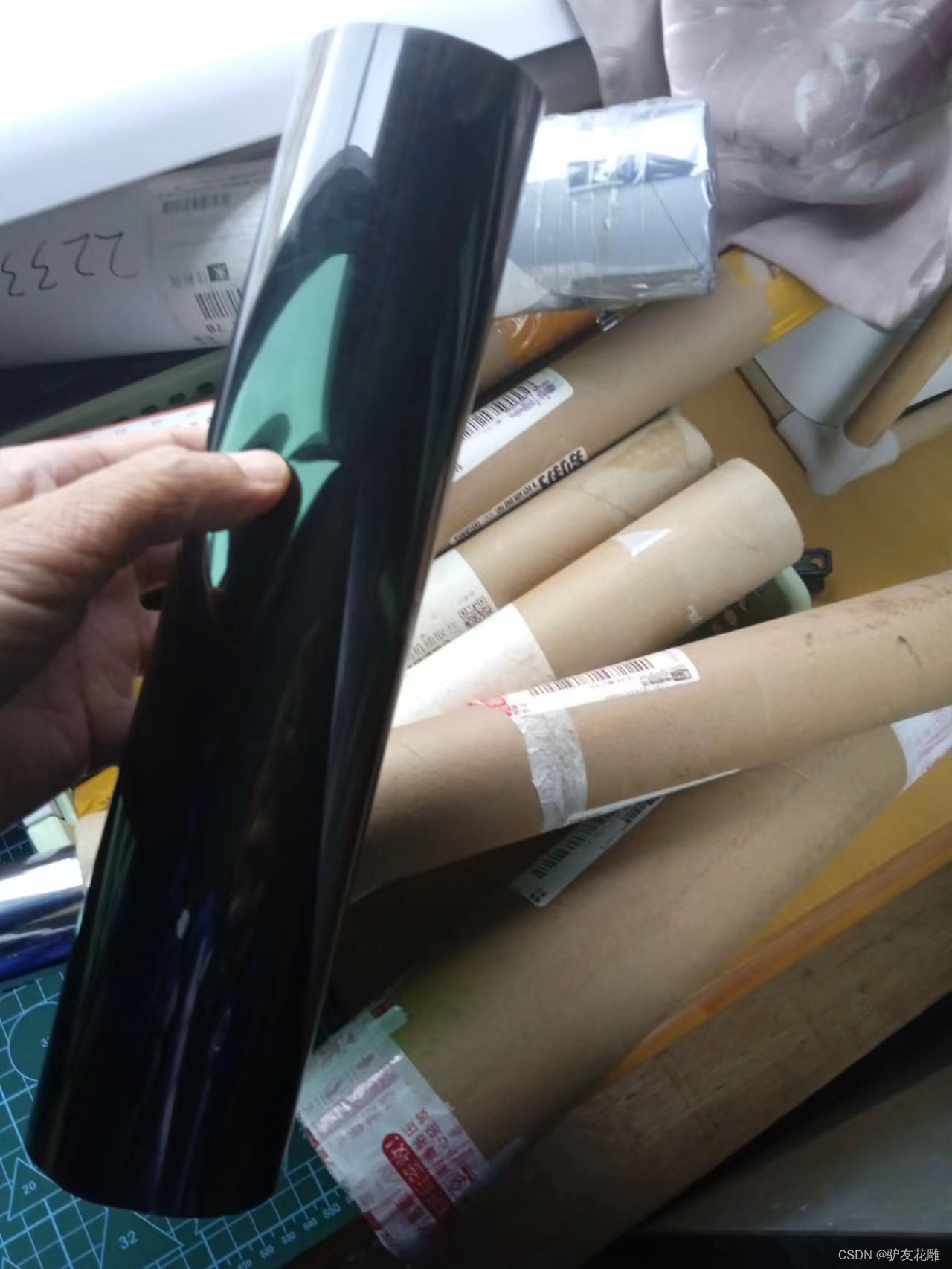
这次准备尝试使用黑色贴膜
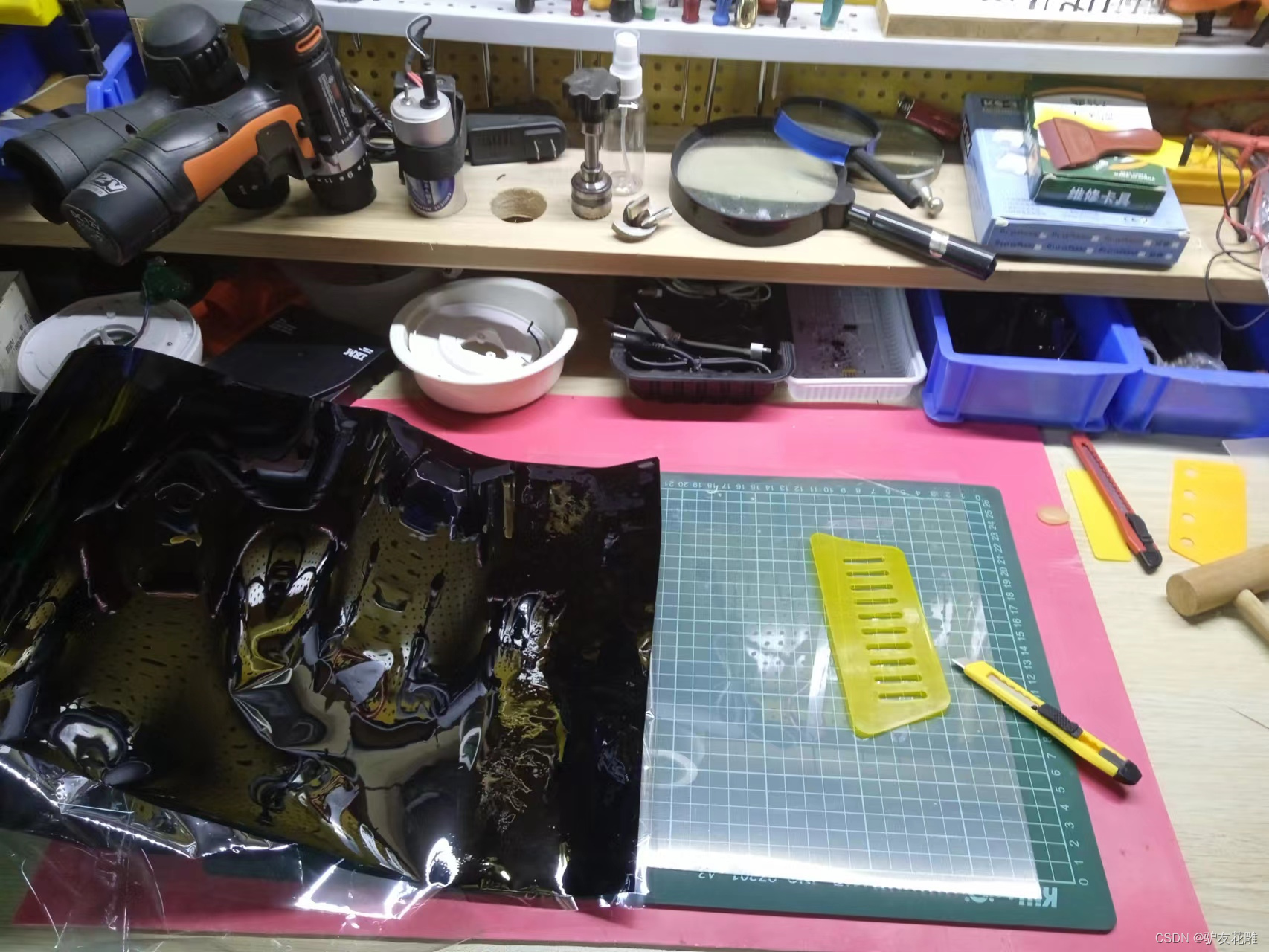
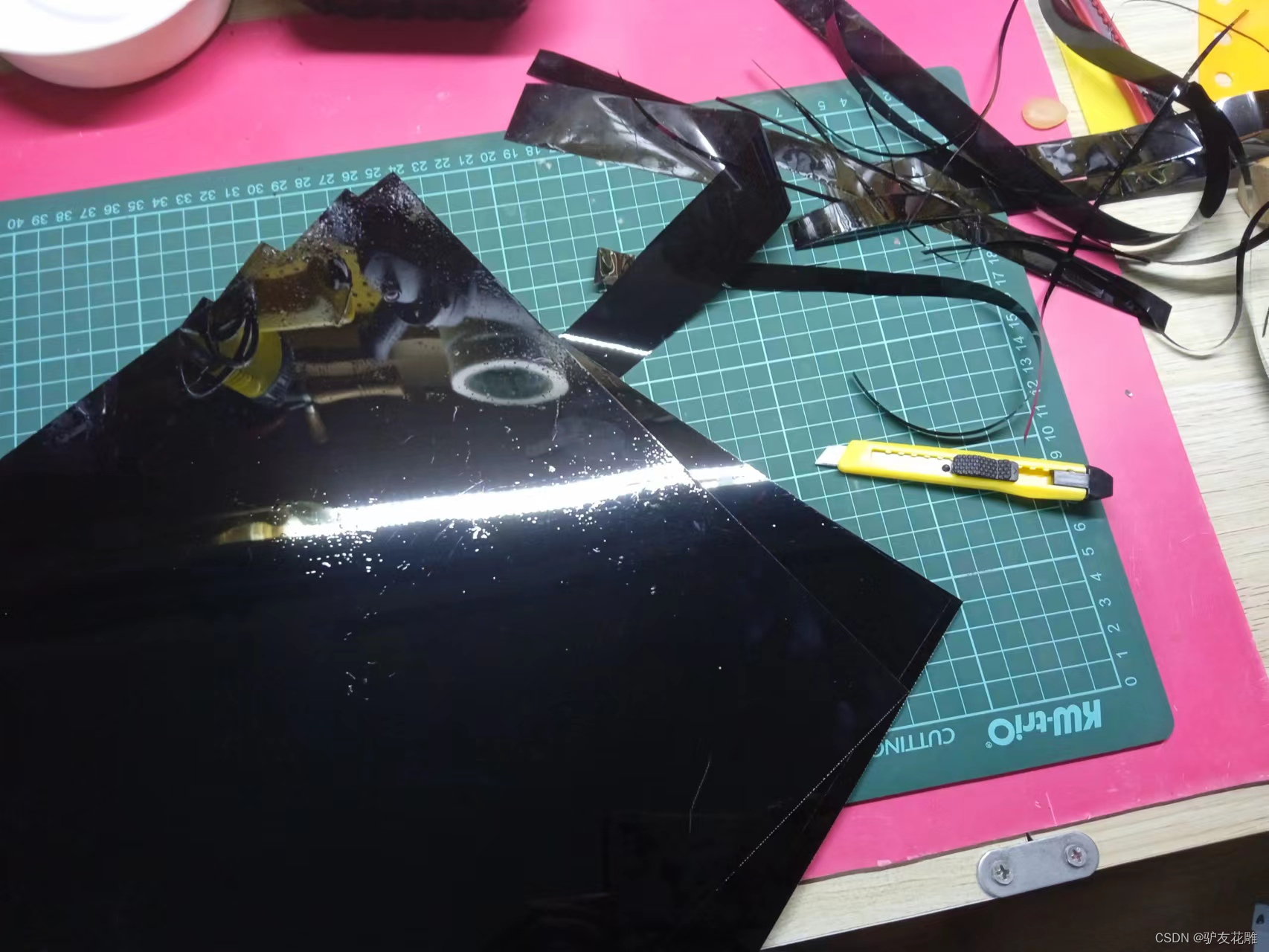
已完成三个面
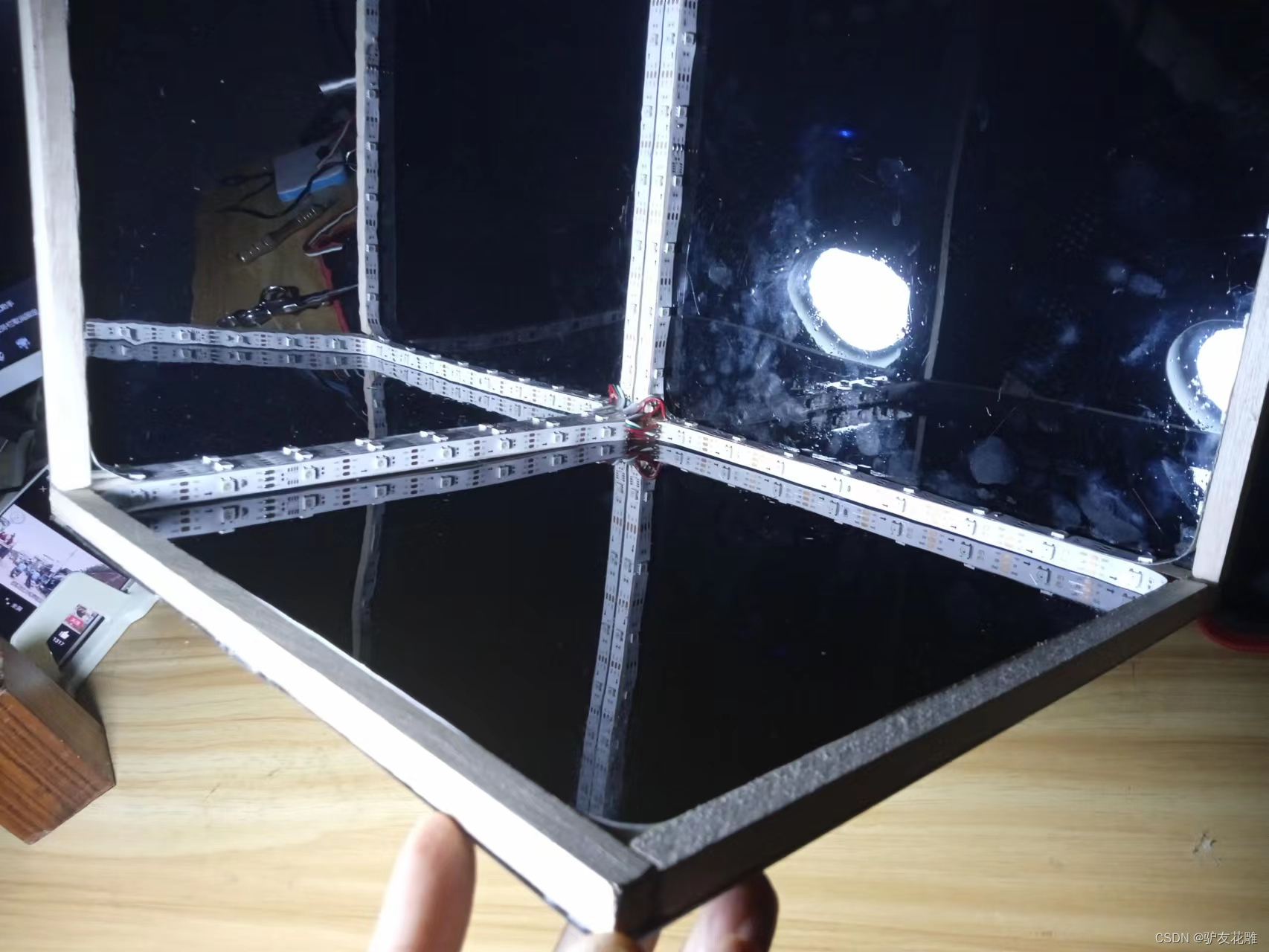
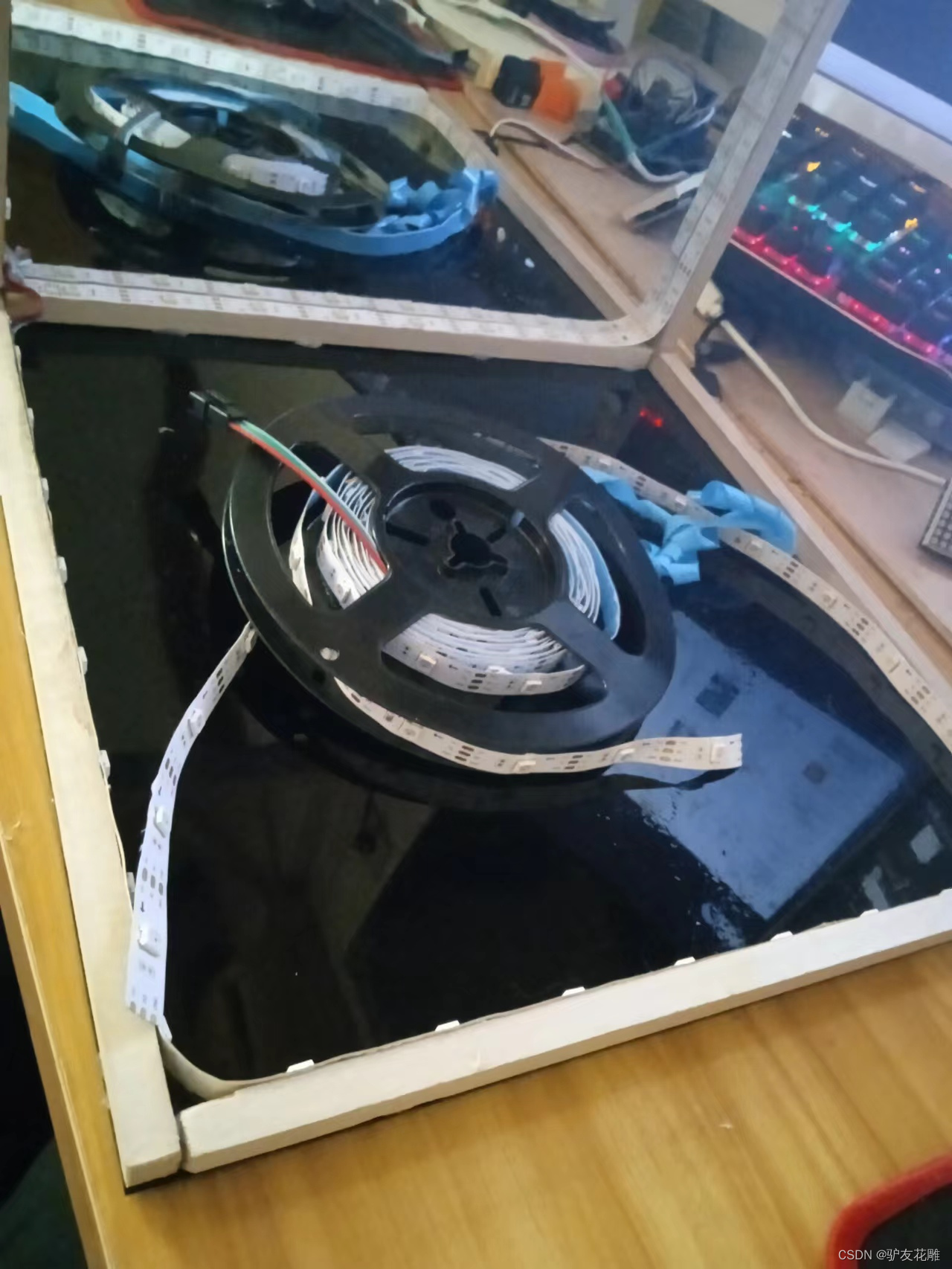
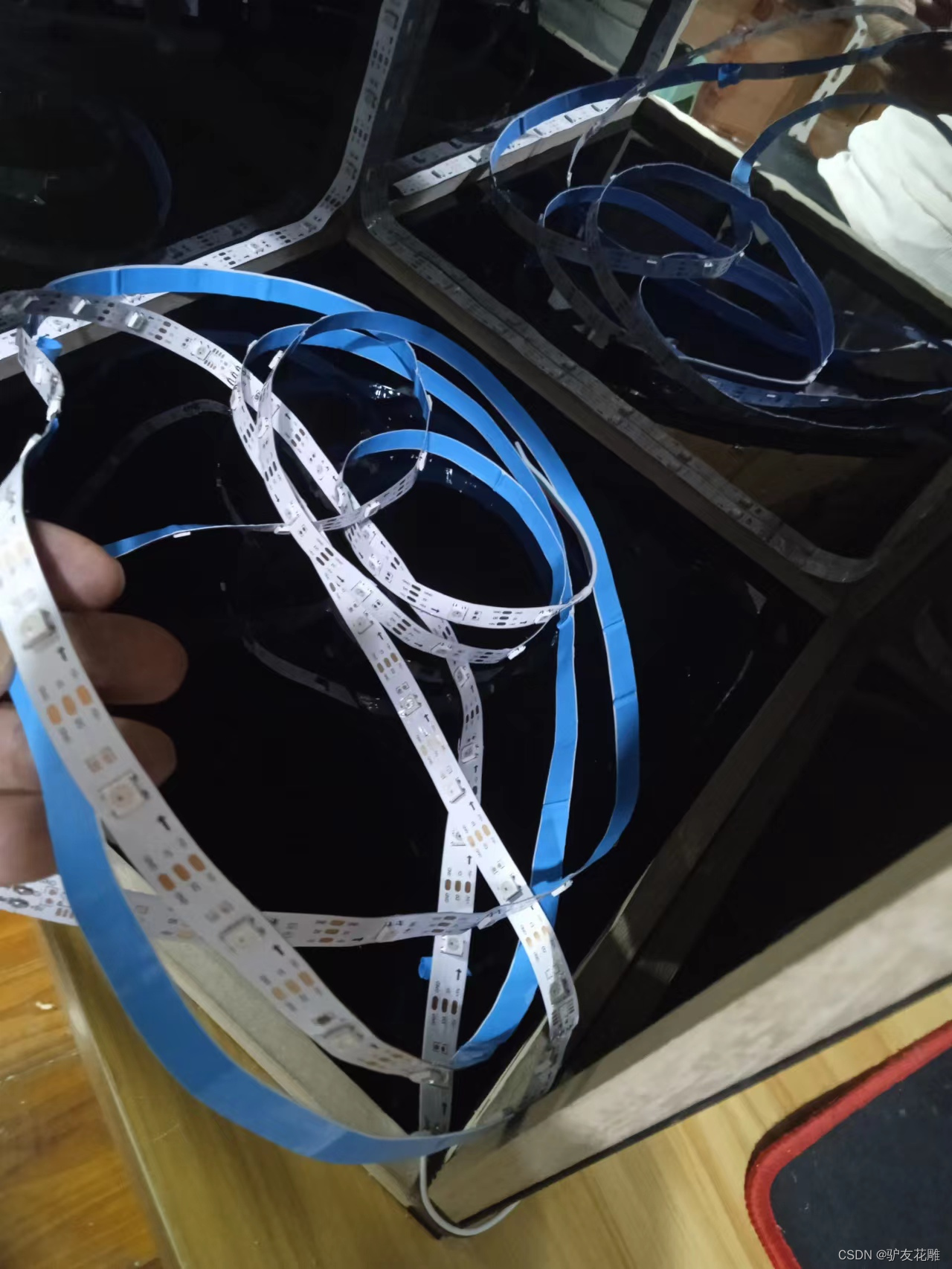
完成四个面了
实验场景图
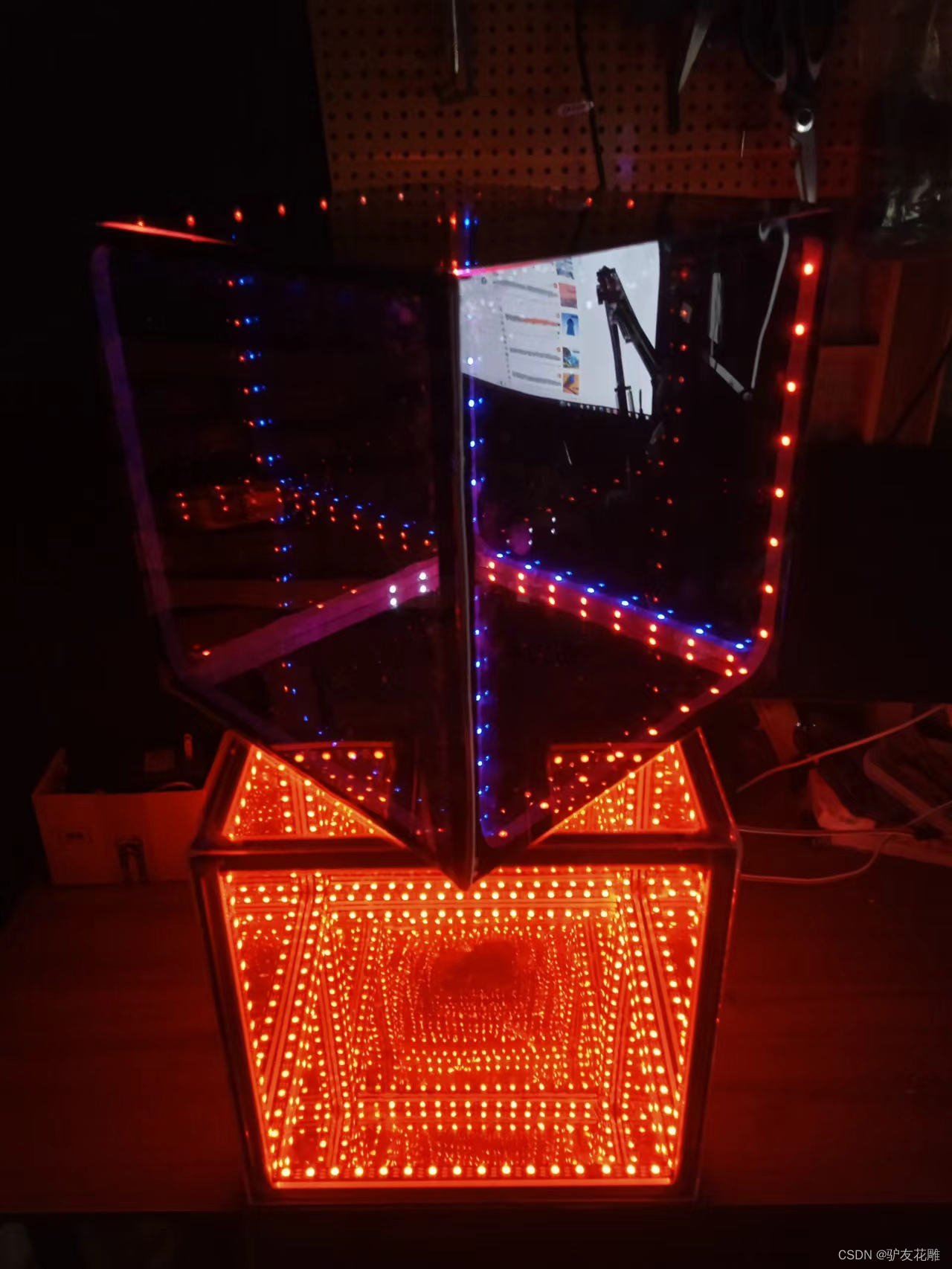
实验场景图 动态图
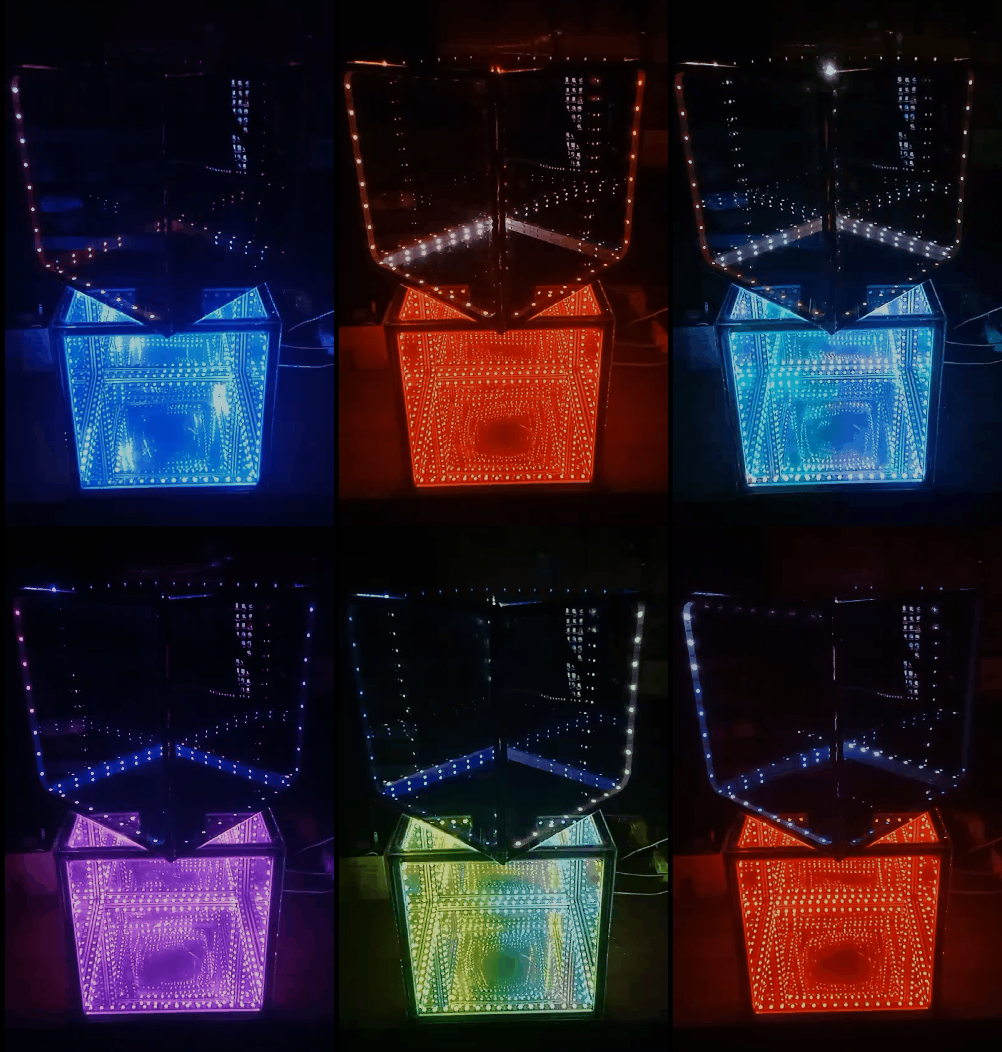
实验的视频记录
优酷:https://v.youku.com/v_show/id_XNTkxNjc0NTEzMg==.html?spm=a2hcb.playlsit.page.7
B站:https://www.bilibili.com/video/BV1rd4y1c7h6/?vd_source=98c6b1fc23bd97f8d3cc0b7e5
实验的视频记录
优酷:https://v.youku.com/v_show/id_XNTkxNDk1ODkzNg==.html?spm=a2hcb.playlsit.page.3
B站:https://www.bilibili.com/video/BV1wt4y1M7qt/?vd_source=98c6b1fc23bd97f8d3cc0b7e5
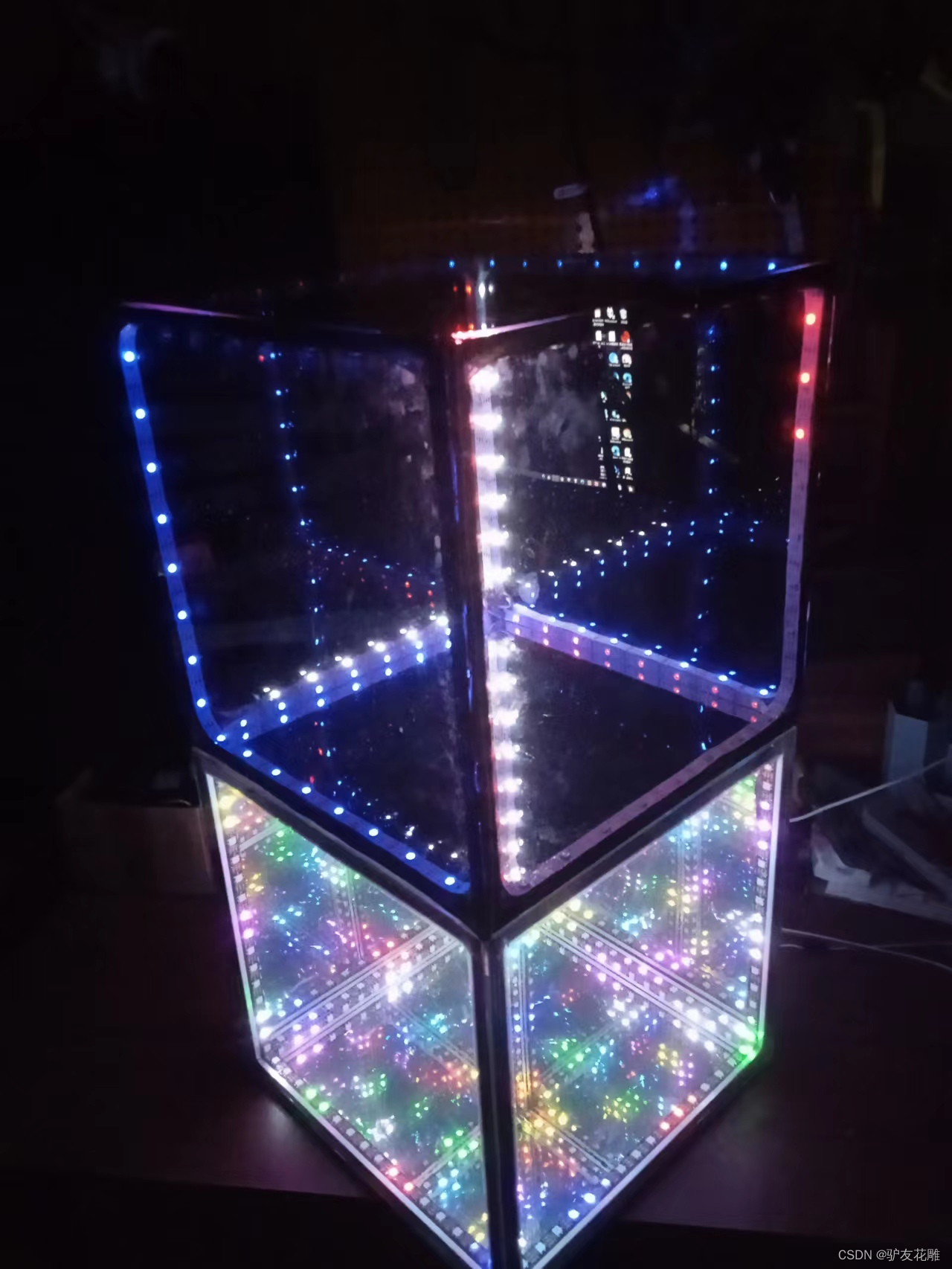
实验场景图
版权声明:本文内容由互联网用户自发贡献,该文观点仅代表作者本人。本站仅提供信息存储空间服务,不拥有所有权,不承担相关法律责任。如发现本站有涉嫌侵权/违法违规的内容,请联系我们,一经查实,本站将立刻删除。
如需转载请保留出处:https://51itzy.com/kjqy/11024.html