
//es6 flex-shrink flex-basis <template> <view class="outbox"> <view class="topbox"> <view class="innerbox"> </view> <view class="innerbox"> </view> <view class="innerbox"> </view> </view> </view> </template> <script> export default { data() { return { } }, methods: { } } </script> <style lang="less" scoped> .outbox{ height: 100vh; width: 100vw; .topbox{ height: 20vh; width: 100vw; background-color: #0ecea6; display: flex; .innerbox{ flex-basis: 33.3vw; } .innerbox:nth-child(1){ flex-shrink: 1; background-color: red; } .innerbox:nth-child(2){ flex-shrink: 2; background-color: yellow; } .innerbox:nth-child(3){ flex-shrink: 1; background-color: blue; } } } </style> 讯享网
讯享网//es6 flex-grow <template> <view class="outbox"> <view class="topbox"> <view class="innerbox"> </view> <view class="innerbox"> </view> <view class="innerbox"> </view> </view> </view> </template> <script> export default { data() { return { } }, methods: { } } </script> <style lang="less" scoped> .outbox{ height: 100vh; width: 100vw; .topbox{ height: 20vh; width: 100vw; background-color: #0ecea6; display: flex; .innerbox:nth-child(1){ flex-grow: 1; background-color: red; } .innerbox:nth-child(2){ flex-grow: 2; // background-color: yellow; } .innerbox:nth-child(3){ flex-grow: 1; background-color: blue; } } } </style>
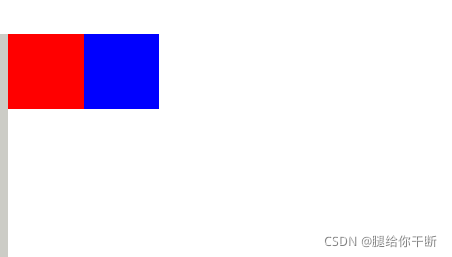
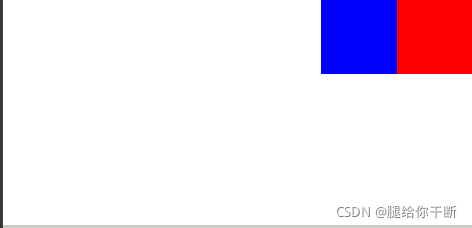
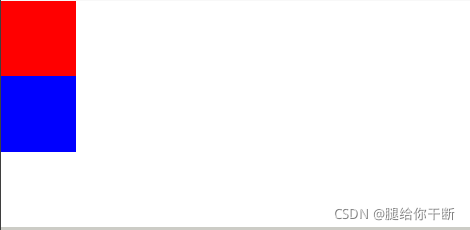
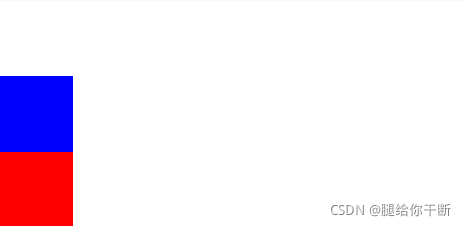
flex-direction 改变元素在主轴的排列方向
改变上下结构或者左右结构

版权声明:本文内容由互联网用户自发贡献,该文观点仅代表作者本人。本站仅提供信息存储空间服务,不拥有所有权,不承担相关法律责任。如发现本站有涉嫌侵权/违法违规的内容,请联系我们,一经查实,本站将立刻删除。
如需转载请保留出处:https://51itzy.com/kjqy/88356.html