
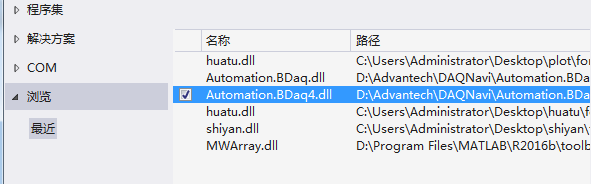
将库添加using
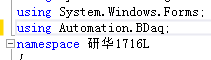
整个代码如下:
using System;
using System.Collections.Generic;
using System.ComponentModel;
using System.Data;
using System.Drawing;
using System.Linq;
using System.Text;
using System.Threading.Tasks;
using System.Windows.Forms;
using Automation.BDaq;
using System.IO;
namespace 研华1716L
{
public partial class Form1 : Form
{
WaveformAiCtrl waveformAiCtrl = new WaveformAiCtrl();
int getDataCount = 12000;
short[] sectionBuffer=new short[12000];
void waveformAiCtrl_DataReady(object sender, BfdAiEventArgs e)
{
waveformAiCtrl.GetData(getDataCount, sectionBuffer);
StreamWriter sw = new StreamWriter("1.txt", true, Encoding.Default);
for (int j = 0; j < 12000; j++)
{
sw.WriteLine(sectionBuffer[j]);
}
sw.Close();
}
public Form1()
{
InitializeComponent();
string deviceDescription = "DemoDevice,BID#0";//根据设备改
waveformAiCtrl.SelectedDevice = new DeviceInformation(deviceDescription);
waveformAiCtrl.Prepare();
}
private void button1_Click(object sender, EventArgs e)
{
waveformAiCtrl.DataReady += new EventHandler<BfdAiEventArgs>(waveformAiCtrl_DataReady);
waveformAiCtrl.Start();
}
}
}
实现简单功能点击按钮,将读的文件向TXT中写。原理性的就这些,整体的程序,放在代码仓库吧。
/*
华研采集卡C#二次开发
1.安装驱动,研华DAQNavi软件开发工具包下载地址:线上服务 - 研华
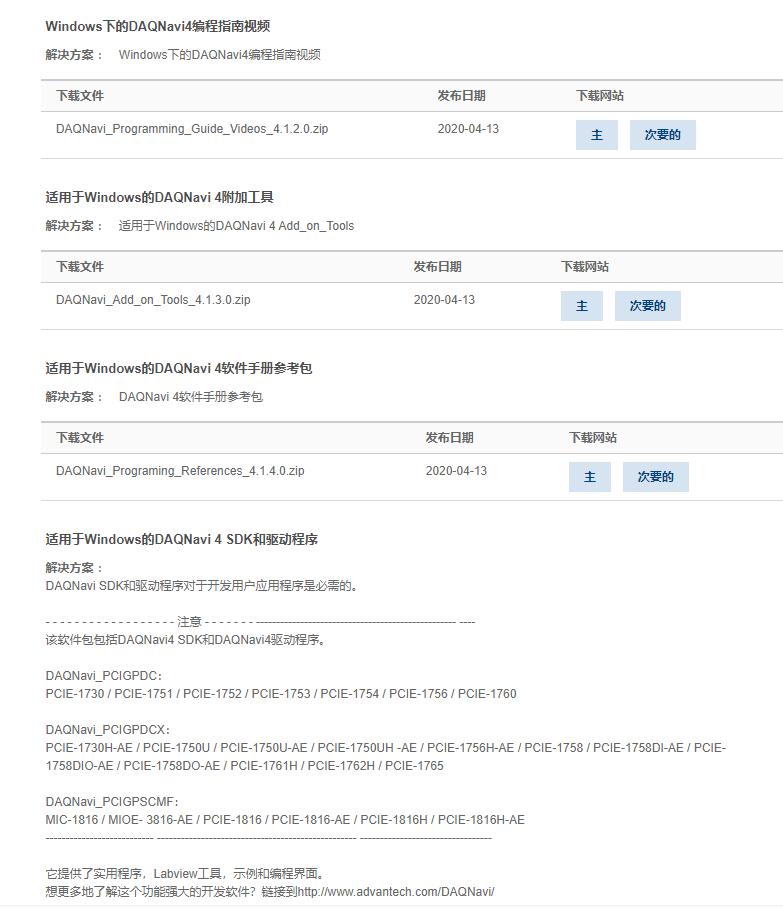
安装之后可参考例程进行开发

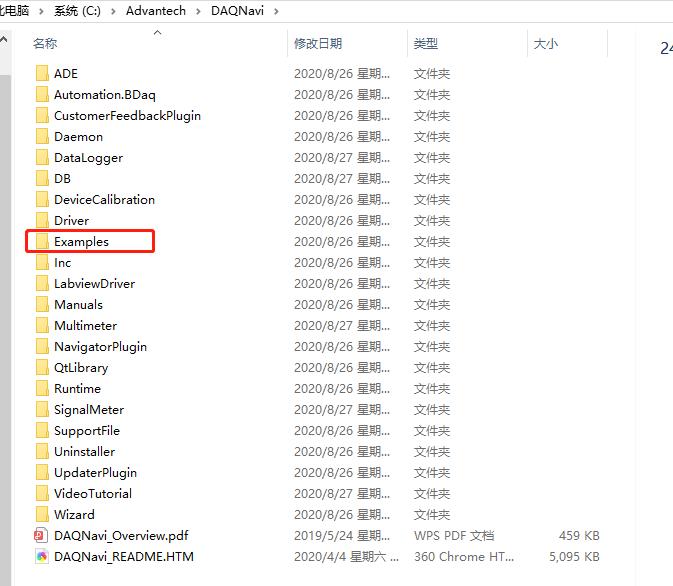
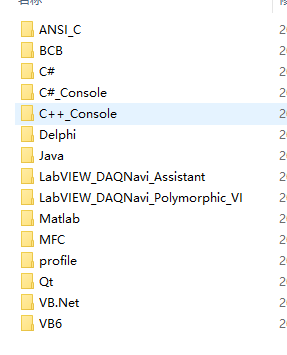
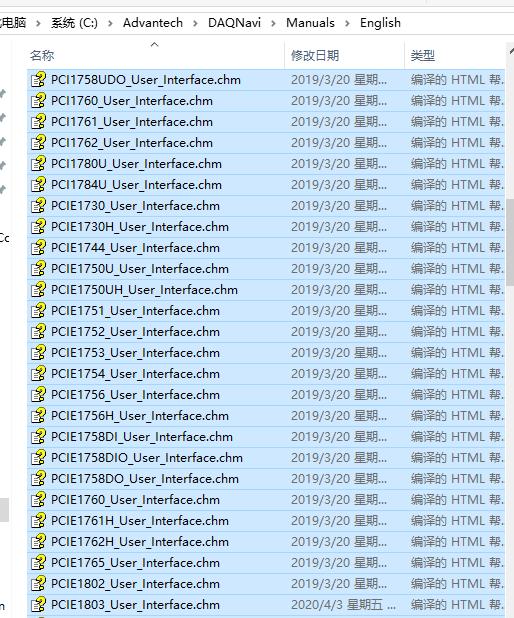
还有开发手册
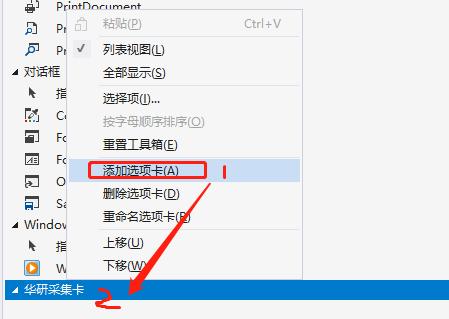
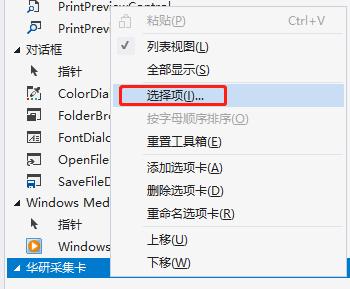
2.可添加华研采集卡控件
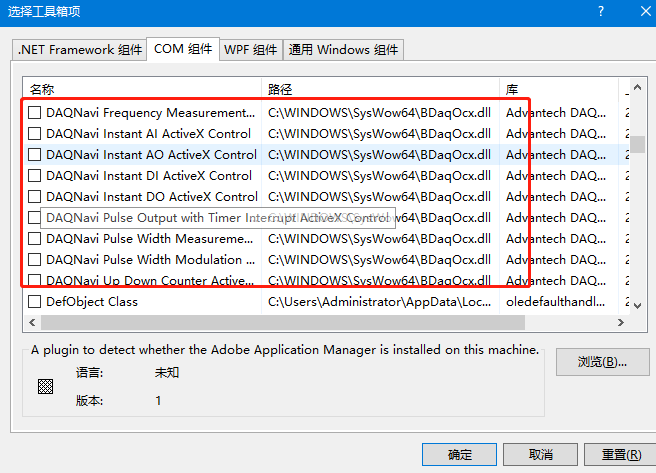
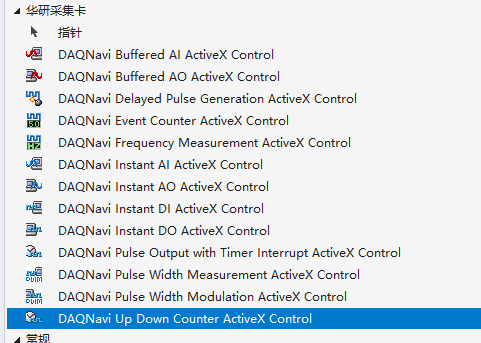
3代码添加控件
private void InitializeComponent() { this.SuspendLayout(); // // Form1 // this.AutoScaleDimensions = new System.Drawing.SizeF(6F, 12F); this.AutoScaleMode = System.Windows.Forms.AutoScaleMode.Font; this.ClientSize = new System.Drawing.Size(274, 80); this.Name = "Form1"; this.Text = "Form1"; this.Load += new System.EventHandler(this.Form1_Load); this.ResumeLayout(false); // // udCounterCtrl1 // this.components = new System.ComponentModel.Container(); System.ComponentModel.ComponentResourceManager resources = new System.ComponentModel.ComponentResourceManager(typeof(UpDownCounterForm)); this.udCounterCtrl1 = new Automation.BDaq.UdCounterCtrl(this.components); this.udCounterCtrl1._StateStream = ((Automation.BDaq.DeviceStateStreamer)(resources.GetObject("udCounterCtrl1._StateStream"))); } #endregion private Automation.BDaq.UdCounterCtrl udCounterCtrl1; 讯享网
讯享网 public UpDownCounterForm(int deviceNumber) { InitializeComponent(); udCounterCtrl1.SelectedDevice = new DeviceInformation(deviceNumber); } private void UpDownCounterForm_Load(object sender, EventArgs e) { if (!udCounterCtrl1.Initialized) { MessageBox.Show("No device be selected or device open failed!", "UpDownCounter"); this.Close(); return; } //set the title this.Text = "UpDown Counter(" + udCounterCtrl1.SelectedDevice.Description + ")"; }
5.其他可参考官方示例代码
版权声明:本文内容由互联网用户自发贡献,该文观点仅代表作者本人。本站仅提供信息存储空间服务,不拥有所有权,不承担相关法律责任。如发现本站有涉嫌侵权/违法违规的内容,请联系我们,一经查实,本站将立刻删除。
如需转载请保留出处:https://51itzy.com/kjqy/81239.html