
更多资料获取
📚 个人网站:ipengtao.com
大家好,今天为大家分享一个神奇的 Python 库 - typer。
Github地址:https://github.com/tiangolo/typer
Python Typer 是一个强大的命令行应用程序构建工具,它提供了简单易用的 API,使得用户可以轻松地创建命令行界面并解析命令行参数。Typer 基于 Python 标准库中的 argparse 模块,提供了更简洁、更易用的接口,帮助用户快速构建各种类型的命令行应用程序。本文将深入探讨 Typer 库的各项功能和用法,并提供丰富的示例代码,以更好地了解和应用这个强大的工具。
安装
可以使用 pip 安装 Typer 库:
pip install typer 讯享网
核心功能
Typer 提供了许多核心功能,使得用户可以轻松创建各种类型的命令行应用程序。
命令定义
Typer 允许用户定义各种命令和子命令,以构建复杂的命令行界面。
讯享网import typer app = typer.Typer() @app.command() def hello(name: str): """ Greet the user with a hello message. """ typer.echo(f"Hello, {
     name}!") if __name__ == "__main__": app()
参数解析
Typer 提供了参数解析功能,使得用户可以轻松地解析命令行参数并传递给相应的命令函数。
import typer def main(name: str): """ Main function to greet the user. """ typer.echo(f"Hello, {
     name}!") if __name__ == "__main__": typer.run(main)
自动文档生成
Typer 提供了自动文档生成的功能,可以根据代码中的注释信息自动生成命令行应用程序的文档。这使得用户可以轻松地生成文档,并将其集成到项目的文档生成流程中。
使用方法
讯享网$ typer myapp.py --generate-docs path/to/docs.md
示例代码
import typer app = typer.Typer() @app.command() def greet(name: str): """ Greet the user with a hello message. Args: name (str): The name of the user. """ typer.echo(f"Hello, {
     name}!") if __name__ == "__main__": app()
上述代码中的注释信息会被自动提取到文档中,生成如下的 Markdown 文档:
讯享网# greet Greet the user with a hello message. Args - `name` (str): The name of the user.
自动补全
Typer 支持自动补全功能,可以为命令行应用程序提供更好的交互体验。
$ myapp --complete 实际应用场景
Typer 在许多实际应用场景中都非常有用,特别是在开发命令行工具和管理脚本时。
命令行工具开发
Typer 可以用于开发各种类型的命令行工具,包括代码生成工具、数据处理工具等。
讯享网import typer app = typer.Typer() @app.command() def generate_code(): """ Generate code based on input parameters. """ typer.echo("Generating code...") @app.command() def process_data(): """ Process data based on input parameters. """ typer.echo("Processing data...") if __name__ == "__main__": app()
系统管理脚本
Typer 可以用于编写系统管理脚本,用于执行各种系统管理任务,如文件操作、进程管理等。
import typer import shutil app = typer.Typer() @app.command() def copy_file(source: str, destination: str): """ Copy a file from source to destination. """ shutil.copy(source, destination) typer.echo("File copied successfully!") if __name__ == "__main__": app() 自定义命令行选项
用户可以使用 @app.option() 装饰器来定义自定义的命令行选项,以实现更灵活的命令行参数解析。
讯享网import typer app = typer.Typer() @app.command() def greet(name: str, uppercase: bool = False): """ Greet the user with a hello message. Args: name (str): The name of the user. uppercase (bool): Whether to output the message in uppercase. """ message = f"Hello, {
     name}!" if uppercase: message = message.upper() typer.echo(message) if __name__ == "__main__": app()
命令分组
Typer 允许用户将命令分组,以实现更清晰的命令行界面结构。
import typer app = typer.Typer() @app.command() def greet(name: str): """ Greet the user with a hello message. Args: name (str): The name of the user. """ typer.echo(f"Hello, {
     name}!") @app.command() def goodbye(name: str): """ Say goodbye to the user. Args: name (str): The name of the user. """ typer.echo(f"Goodbye, {
     name}!") if __name__ == "__main__": app()
示例代码
以下是一个简单的示例代码,演示了如何使用 Typer 库创建一个命令行工具:
讯享网import typer app = typer.Typer() @app.command() def greet(name: str): """ Greet the user with a hello message. """ typer.echo(f"Hello, {
     name}!") if __name__ == "__main__": app()
总结
Python Typer 库提供了丰富的功能和灵活的接口,使得用户可以轻松地构建各种类型的命令行应用程序。通过合理地使用 Typer 的功能和特性,用户可以提高命令行应用程序的开发效率,并提供更好的用户体验。希望本文能够帮助大家更好地理解和应用 Typer 库。
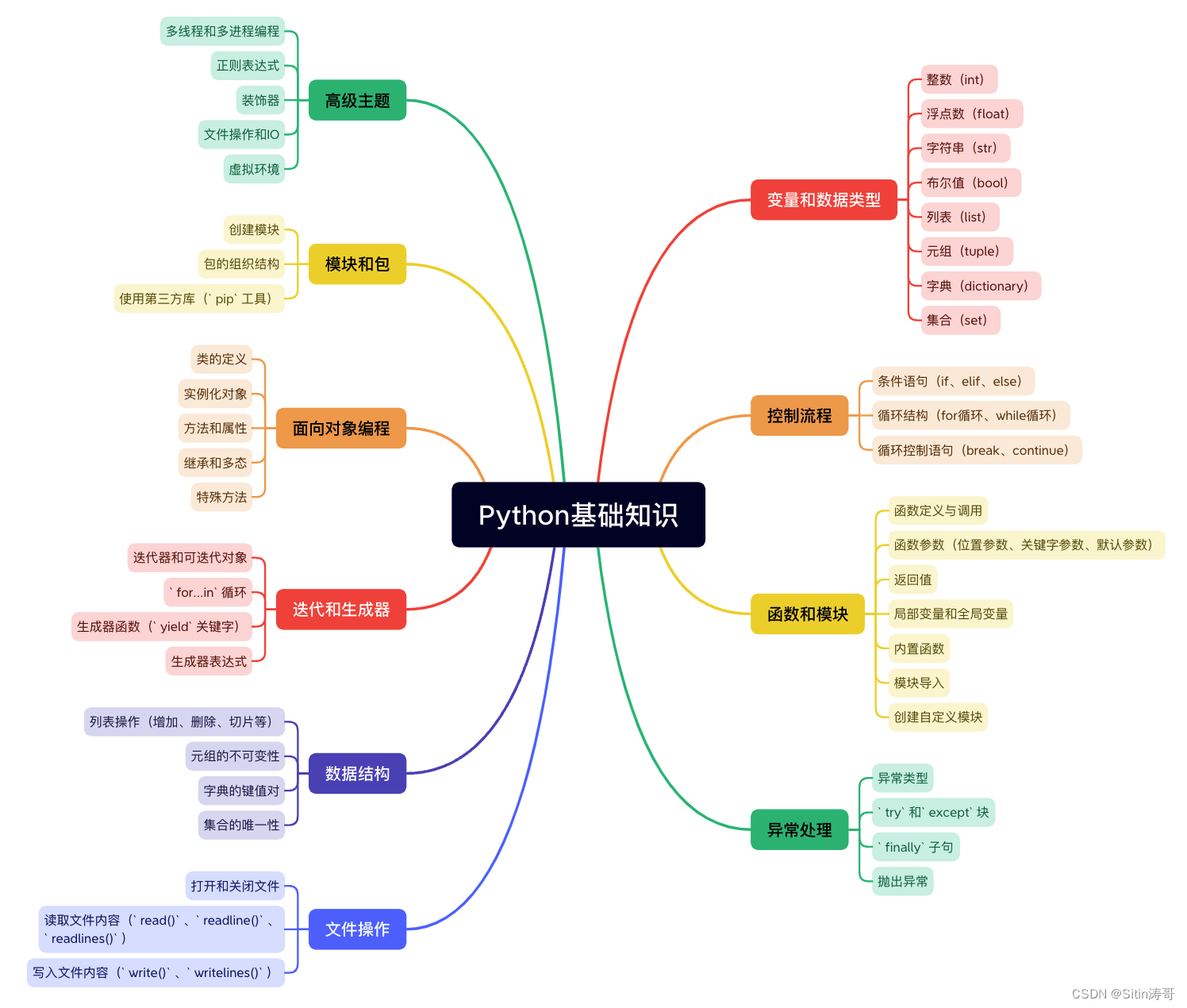
Python学习路线
更多资料获取
📚 个人网站:ipengtao.com
如果还想要领取更多更丰富的资料,可以点击文章下方名片,回复【优质资料】,即可获取 全方位学习资料包。
点击文章下方链接卡片,回复【优质资料】,可直接领取资料大礼包。
版权声明:本文内容由互联网用户自发贡献,该文观点仅代表作者本人。本站仅提供信息存储空间服务,不拥有所有权,不承担相关法律责任。如发现本站有涉嫌侵权/违法违规的内容,请联系我们,一经查实,本站将立刻删除。
如需转载请保留出处:https://51itzy.com/kjqy/78854.html