
#
目录
Xshell 5 最火的终端软件!
Xshell 简介
获取 Xshell 5
安装 Xshell 5
#
Xshell 5 最火的终端软件!
——————————
Xshell 简介
Xshell 是一个强大的安全终端模拟软件
她支持 SSH1、SSH2 以及 Microsoft Windows 平台的 TELNET 协议
除此之外,其还有丰富的外观配色方案以及样式选择
——————————
获取 Xshell 5
解压密码燃吹:
pan.baidu.com/s/1UsFe9E3QSr4fz33dQtFMMA?pwd=1292 1292 ranchui讯享网
——————————
安装 Xshell 5
运行安装软件 正在设置安装环境:
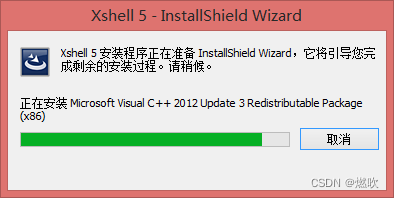
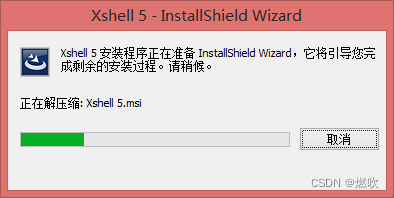
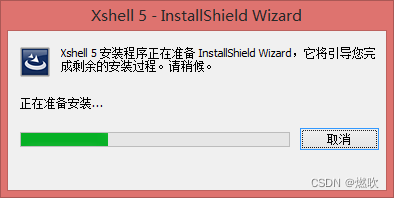
点击下一步:
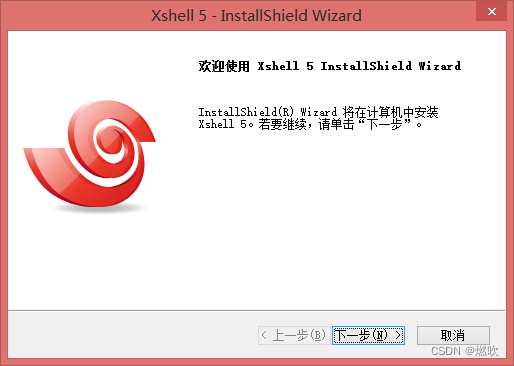

选择安装类型:
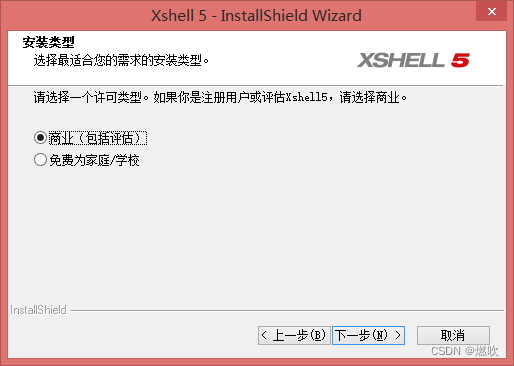
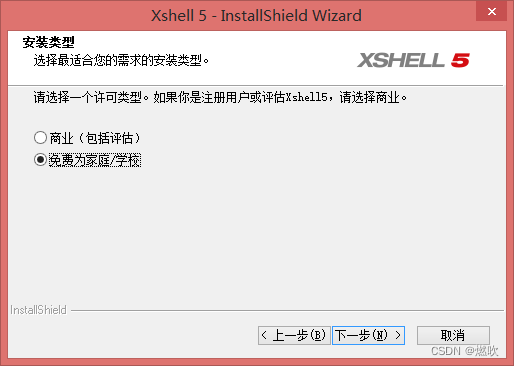
选择
免费为 家庭/学校
接受许可证协议:

默认安装位置:
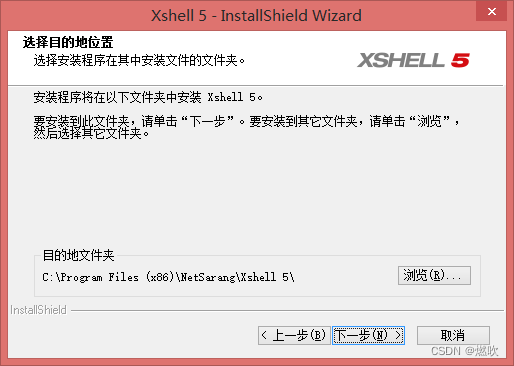
讯享网C:\Program Files (x86)\NetSarang\Xshell 5
开始菜单快捷方式 默认即可:
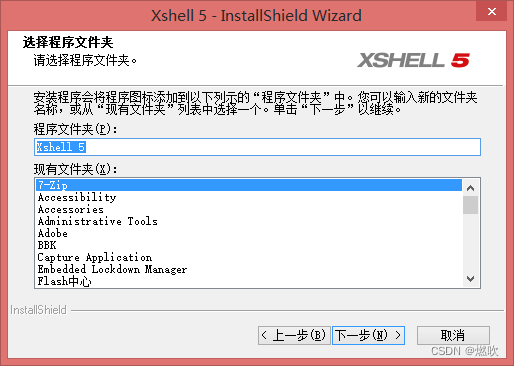
安装语言 默认中文:
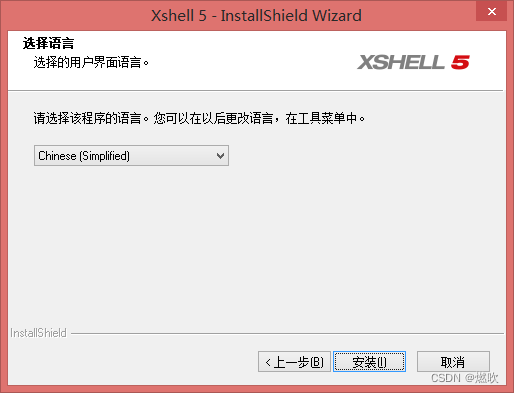
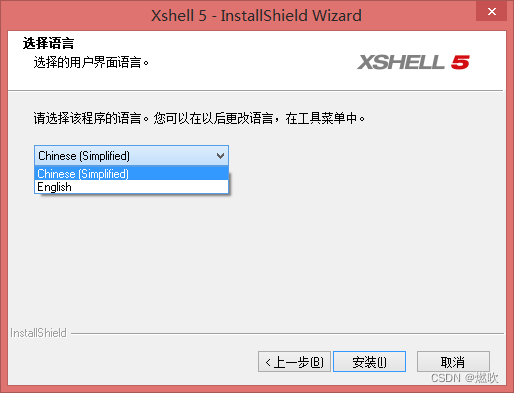
支持英文:
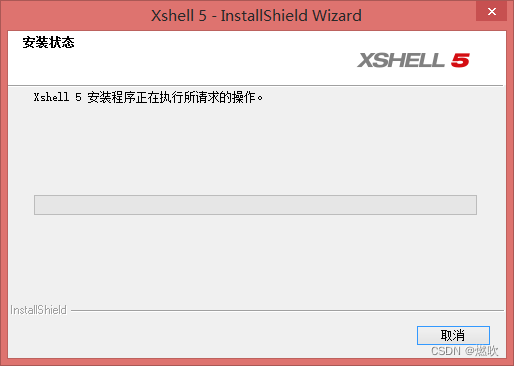
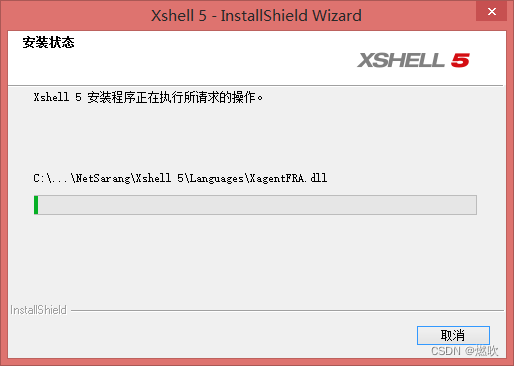
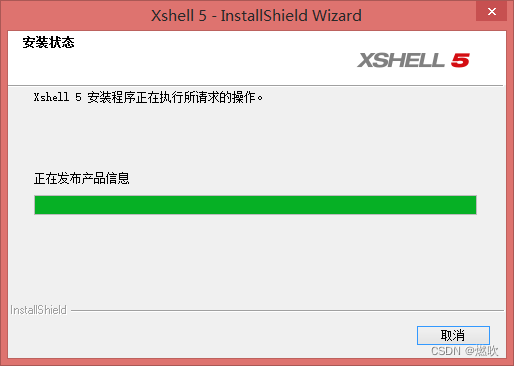
正在安装:

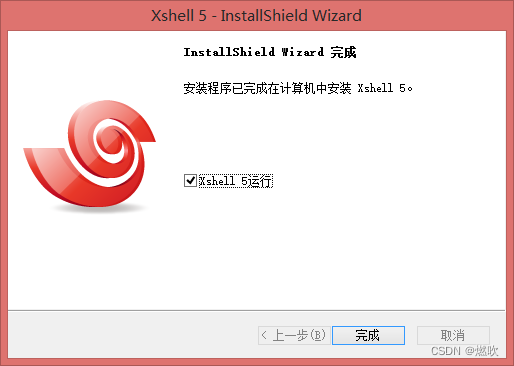
安装完毕:
首次启动:

查看帮助:
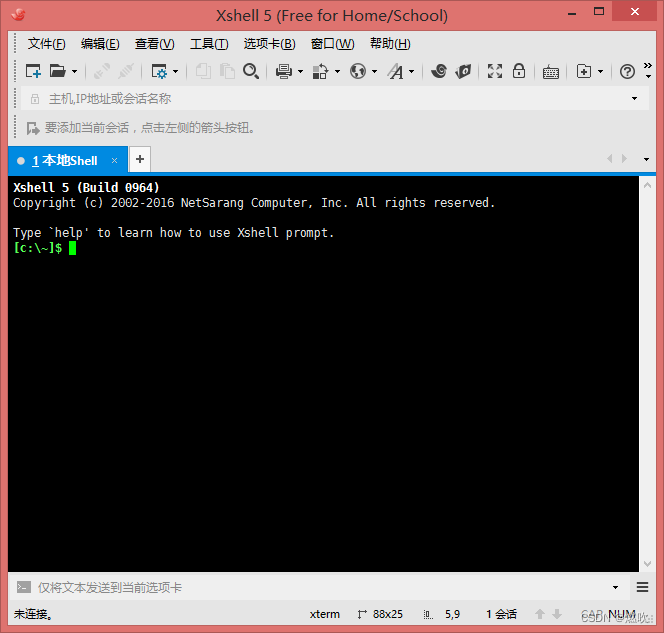
支持 Windows 和 Linux 命令:
Xshell 5 (Build 0964) Copyright (c) 2002-2016 NetSarang Computer, Inc. All rights reserved. Type `help' to learn how to use Xshell prompt. [c:\~]$ ? '?' 不是内部或外部命令,也不是可运行的程序 或批处理文件。 [c:\~]$ help Internal Commands: new: Creates a new session. open: Opens a session or the session dialog box. edit: Opens the Session Property dialog box for a session. list: Lists information of all available sessions. cd: Changes the current working directory. pwd: Shows the current working directory. set: Sets options. clear: Clears the screen/address/command history. help: Displays this help. '?' does the same. quit: Quits Local Shell. 'exit' does the same. ssh: Connects to a host using the SSH protocol. telnet: Connects to a host using the TELNET protocol. rlogin: Connects to a host using the RLOGIN protocol. sftp: Connects to a host to transfer files securely. ftp: Connects to a host to transfer files. disconnect: Closes connection of this session. reconnect: Reconnects this session. For more information, type 'help command' for each command. ex) help telnet [c:\~]$ pwd C:\Users\byme\Documents\NetSarang\Xshell\Sessions [c:\~]$ cls [c:\~]$ ls Directory of C:\Users\byme\Documents\NetSarang\Xshell\Sessions Name Host Protocol User Name ------------------------- --------------------- --------- ----------- [c:\~]$ dir 驱动器 C 中的卷是 System_8.1 卷的序列号是 B6F6-A064 C:\Users\byme\Documents\NetSarang\Xshell\Sessions 的目录 2022/07/20 12:42 <DIR> . 2022/07/20 12:42 <DIR> .. 2022/07/20 12:42 3,338 default 1 个文件 3,338 字节 2 个目录 4,994,150,400 可用字节 [c:\~]$
版权声明:本文内容由互联网用户自发贡献,该文观点仅代表作者本人。本站仅提供信息存储空间服务,不拥有所有权,不承担相关法律责任。如发现本站有涉嫌侵权/违法违规的内容,请联系我们,一经查实,本站将立刻删除。
如需转载请保留出处:https://51itzy.com/kjqy/53765.html