
目前Python可以说是非常流行,在目前的编程语言中,Python的抽象程度是最高的,是最接近自然语言的,很容易上手。你可以用它来完成很多任务,比如数据科学、机器学习、Web开发、脚本编写、自动化等。
下面,我就给大家分享100个Python小技巧,帮助大家更好的了解和学习Python
▍1、for循环中的else条件
这是一个for-else方法,循环遍历列表时使用else语句。下面举个例子,比如我们想检查一个列表中是否包含奇数。那么可以通过for循环,遍历查找。
numbers = [2, 4, 6, 8, 1] for number in numbers: if number % 2 == 1: print(number) break else: print("No odd numbers") 讯享网
如果找到了奇数,就会打印该数值,并且执行break语句,跳过else语句。没有的话,就不会执行break语句,而是执行else语句。
▍2、从列表中获取元素,定义多个变量
讯享网my_list = [1, 2, 3, 4, 5] one, two, three, four, five = my_list
▍3、使用heapq模块,获取列表中n个最大或最小的元素
import heapq scores = [51, 33, 64, 87, 91, 75, 15, 49, 33, 82] print(heapq.nlargest(3, scores)) # [91, 87, 82] print(heapq.nsmallest(5, scores)) # [15, 33, 33, 49, 51] ▍4、将列表中的所有元素作为参数传递给函数
我们可以使用 * 号,提取列表中所有的元素
讯享网my_list = [1, 2, 3, 4] print(my_list) # [1, 2, 3, 4] print(*my_list) # 1 2 3 4
如此便可以将列表中的所有元素,作为参数传递给函数
def sum_of_elements(*arg): total = 0 for i in arg: total += i return total result = sum_of_elements(*[1, 2, 3, 4]) print(result) # 10 ▍5、获取列表的所有中间元素
讯享网_, *elements_in_the_middle, _ = [1, 2, 3, 4, 5, 6, 7, 8] print(elements_in_the_middle) # [2, 3, 4, 5, 6, 7]
▍6、使用一行代码赋值多个变量
one, two, three, four = 1, 2, 3, 4 ▍7、列表推导式
只用一行代码,便可完成对数组的迭代以及运算。比如,将列表中的每个数字提高一倍。
讯享网numbers = [1, 2, 3, 4, 5] squared_numbers = [num * num for num in numbers] print(squared_numbers) # [1, 4, 9, 16, 25]
推导式不仅列表能用,字典、集合、生成器也能使用。下面看一下,使用字典推导式,将字典的值提高一倍。
dictionary = {'a': 4, 'b': 5} squared_dictionary = {key: num * num for (key, num) in dictionary.items()} print(squared_dictionary) # {'a': 16, 'b': 25} ▍8、通过Enum枚举同一标签或一系列常量的集合
枚举是绑定到唯一的常量值的一组符号名称(成员)。在枚举中,成员可以通过身份进行比较,枚举本身可以迭代。
讯享网from enum import Enum class Status(Enum): NO_STATUS = -1 NOT_STARTED = 0 IN_PROGRESS = 1 COMPLETED = 2 print(Status.IN_PROGRESS.name) # IN_PROGRESS print(Status.COMPLETED.value) # 2
▍9、重复字符串
name = "Banana" print(name * 4) # BananaBananaBananaBanana ▍10、比较3个数字的大小
如果想比较一个值和其他两个值的大小情况,你可以使用简单的数学表达式。
讯享网1 < x < 10
这个是最简单的代数表达式,在Python中也是可以使用的。
x = 3 print(1 < x < 10) # True print(1 < x and x < 10) # True ▍11、使用1行代码合并字典
讯享网first_dictionary = {'name': 'Fan', 'location': 'Guangzhou'} second_dictionary = {'name': 'Fan', 'surname': 'Xiao', 'location': 'Guangdong, Guangzhou'} result = first_dictionary | second_dictionary print(result) # {'name': 'Fan', 'location': 'Guangdong, Guangzhou', 'surname': 'Xiao'}
▍12、查找元组中元素的索引
books = ('Atomic habits', 'Ego is the enemy', 'Outliers', 'Mastery') print(books.index('Mastery')) # 3 ▍13、将字符串转换为字符串列表
假设你在函数中获得输出,原本应该是一个列表,但实际上却是一个字符串。
讯享网input = "[1,2,3]"
你可能第一时间会想到使用索引或者正则表达式。实际上,使用ast模块的literal_eval方法就能搞定。
import ast def string_to_list(string): return ast.literal_eval(string) string = "[1, 2, 3]" my_list = string_to_list(string) print(my_list) # [1, 2, 3] string = "[[1, 2, 3],[4, 5, 6]]" my_list = string_to_list(string) print(my_list) # [[1, 2, 3], [4, 5, 6]] ▍14、计算两数差值
计算出2个数字之间的差值。
讯享网def subtract(a, b): return a - b print((subtract(1, 3))) # -2 print((subtract(3, 1))) # 2
上面的这个方法,需要考虑数值的先后顺序。
def subtract(a, b): return a - b print((subtract(a=1, b=3))) # -2 print((subtract(b=3, a=1))) # -2 使用命名参数,安排顺序,这样就不会出错了。
▍15、用一个print()语句打印多个元素
讯享网print(1, 2, 3, "a", "z", "this is here", "here is something else")
▍16、在同一行打印多个元素
print("Hello", end="") print("World") # HelloWorld print("Hello", end=" ") print("World") # Hello World print('words', 'with', 'commas', 'in', 'between', sep=', ') # words, with, commas, in, between ▍17、打印多个值,在每个值之间使用自定义分隔符
讯享网print("29", "01", "2022", sep="/") # 29/01/2022 print("name", "domain.com", sep="@") #
▍18、不能在变量名的开头使用数字
four_letters = "abcd" # this works 4_letters = "abcd" # this doesn’t work 这是Python的变量命名规则。
▍19、不能在变量名的开头使用运算符
+variable = "abcd" # this doesn’t work
▍20、数字的第一位不能是0
讯享网number = 0110 # this doesn't work
这个确实挺神奇的。
▍21、在变量名的任何地方使用下划线
a______b = "abcd" # this works _a_b_c_d = "abcd" # this also works 这并不意味着,你可以无限使用,为了代码的易读性,还是需要合理使用。
▍22、使用下划线分割数值较大的数字
讯享网print(1_000_000_000) # print(1_234_567) #
如此,看到一大堆数字时,也能轻松阅读。
▍23、反转列表
my_list = ['a', 'b', 'c', 'd'] my_list.reverse() print(my_list) # ['d', 'c', 'b', 'a'] ▍24、使用步进函数对字符串切片
讯享网my_string = "This is just a sentence" print(my_string[0:5]) # This # Take three steps forward print(my_string[0:10:3]) # Tsse
▍25、反向切片
my_string = "This is just a sentence" print(my_string[10:0:-1]) # suj si sih # Take two steps forward print(my_string[10:0:-2]) # sjs i ▍26、使用开始或结束索引进行切片
讯享网my_string = "This is just a sentence" print(my_string[4:]) # is just a sentence print(my_string[:3]) # Thi
▍27、/和//的区别
print(3/2) # 1.5 print(3//2) # 1 ▍28、==和is的区别
is:检查两个变量是否指向同一对象内存中,==:比较两个对象的值
讯享网first_list = [1, 2, 3] second_list = [1, 2, 3] # 比较两个值 print(first_list == second_list) # True # 是否指向同一内存 print(first_list is second_list) # False third_list = first_list print(third_list is first_list) # True
▍29、合并字典
dictionary_one = {"a": 1, "b": 2} dictionary_two = {"c": 3, "d": 4} merged = {dictionary_one, dictionary_two} print(merged) # {'a': 1, 'b': 2, 'c': 3, 'd': 4} ▍30、检查字符串是否大于另一字符串
讯享网first = "abc" second = "def" print(first < second) # True second = "ab" print(first < second) # False
▍31、检查字符串是否以特定字符开头(不使用索引)
my_string = "abcdef" print(my_string.startswith("b")) # False ▍32、使用id()查找变量的唯一id
讯享网print(id(1)) # print(id(2)) # print(id("string")) #
▍33、整数、浮点数、字符串、布尔值和元组都是不可变的
当变量被赋值为整数、浮点数、字符串、布尔值、元组这些不可变类型后,该变量就会指向一个内存对象。如果重新给变量再赋值,它的内存对象就会发生改变。
number = 1 print(id(number)) # print(id(1)) # number = 3 print(id(number)) # print(id(1)) # ▍34、字符串和元组也是不可变的
此处再说明一次。
讯享网name = "Fatos" print(id(name)) # name = "fatos" print(id(name)) #
▍35、列表、集合和字典都是可变的
这意味着发生更改时,不会改变其内存对象。
cities = ["Beijing", "Guangzhou", "chengdu"] print(id(cities)) # cities.append("Beijing") print(id(cities)) # 下面是字典。
讯享网my_set = {1, 2, 3, 4} print(id(my_set)) # my_set.add(5) print(id(my_set)) #
▍36、把一个列表变成不可变的列表
my_set = frozenset(['a', 'b', 'c', 'd']) my_set.add("a") 使用frozenset()后,你就无法更改了。
▍37、if-elif块可以在没有else块的情况下存在
但是elif不能在没有if语句之前独立存在。
讯享网def check_number(number): if number > 0: return "Positive" elif number == 0: return "Zero" return "Negative" print(check_number(1)) # Positive
▍38、使用sorted()检查2个字符串是否为相同
def check_if_anagram(first_word, second_word): first_word = first_word.lower() second_word = second_word.lower() return sorted(first_word) == sorted(second_word) print(check_if_anagram("testinG", "Testing")) # True print(check_if_anagram("Here", "Rehe")) # True print(check_if_anagram("Know", "Now")) # False ▍39、获取字符的Unicode值
讯享网print(ord("A")) # 65 print(ord("B")) # 66 print(ord("C")) # 66 print(ord("a")) # 97
▍40、获取字典的键
dictionary = {"a": 1, "b": 2, "c": 3} keys = dictionary.keys() print(list(keys)) # ['a', 'b', 'c'] ▍41、获取字典的值
讯享网dictionary = {"a": 1, "b": 2, "c": 3} values = dictionary.values() print(list(values)) # [1, 2, 3]
▍42、交换字典的键、值位置
dictionary = {"a": 1, "b": 2, "c": 3} reversed_dictionary = {j: i for i, j in dictionary.items()} print(reversed) # {1: 'a', 2: 'b', 3: 'c'} ▍43、将布尔值转换为数字
讯享网print(int(False)) # 0 print(float(True)) # 1.0
▍44、在算术运算中使用布尔值
x = 10 y = 12 result = (x - False)/(y * True) print(result) # 0.3333 ▍45、将任何数据类型转换为布尔值
讯享网print(bool(.0)) # False print(bool(3)) # True print(bool("-")) # True print(bool("string")) # True print(bool(" ")) # True
▍46、将值转换为复数
print(complex(10, 2)) # (10+2j) 也可以将数字转换为十六进制数。
讯享网print(hex(11)) # 0xb
▍47、在列表的第一个位置添加一个值
如果使用append(),将从列表的最后一个位置插入新值。可以通过使用insert(),来指定插入新元素的索引和数值。那么列表的第一个位置为0,即下标为0。
my_list = [3, 4, 5] my_list.append(6) my_list.insert(0, 2) print(my_list) # [2, 3, 4, 5, 6] ▍48、Lambda函数只能在一行代码中
无法通过多行代码,来使用lambda函数。
讯享网comparison = lambda x: if x > 3: print("x > 3") else: print("x is not greater than 3")
报错。
▍49、Lambda中的条件语句应始终包含else语句
comparison = lambda x: "x > 3" if x > 3 运行上面的代码,报错。
这是由于条件表达式的特性,而不是lambda的导致的。
▍50、使用filter(),获得一个新对象
讯享网my_list = [1, 2, 3, 4] odd = filter(lambda x: x % 2 == 1, my_list) print(list(odd)) # [1, 3] print(my_list) # [1, 2, 3, 4]
▍51、map()返回一个新对象
map()函数将给定函数应用于可迭代对象(列表、元组等),然后返回结果(map对象)。
my_list = [1, 2, 3, 4] squared = map(lambda x: x 2, my_list) print(list(squared)) # [1, 4, 9, 16] print(my_list) # [1, 2, 3, 4] ▍52、range()的step参数
讯享网for number in range(1, 10, 3): print(number, end=" ") # 1 4 7
▍53、range()默认从0开始
def range_with_zero(number): for i in range(0, number): print(i, end=' ') def range_with_no_zero(number): for i in range(number): print(i, end=' ') range_with_zero(3) # 0 1 2 range_with_no_zero(3) # 0 1 2 ▍54、不需要和0比较长度
如果长度大于0,则默认为True。

讯享网def get_element_with_comparison(my_list): if len(my_list) > 0: return my_list[0] def get_first_element(my_list): if len(my_list): return my_list[0] elements = [1, 2, 3, 4] first_result = get_element_with_comparison(elements) second_result = get_element_with_comparison(elements) print(first_result == second_result) # True
▍55、可以在同一个作用域内多次定义一个方法
但是,只有最后一个会被调用,覆盖以前。
def get_address(): return "First address" def get_address(): return "Second address" def get_address(): return "Third address" print(get_address()) # Third address ▍56、在外部直接访问私有属性
在定义属性或方法时,在属性名或者方法名前增加两个下划线,定义的就是私有属性或方法.如果想要在外部访问,那么只需要在名称前面加上 ‘_类名’ 变成 ‘_类名__名称’。
讯享网class Engineer: def __init__(self, name): self.name = name self.__starting_salary = 62000 dain = Engineer('Dain') print(dain._Engineer__starting_salary) # 62000
▍57、检查对象的内存使用情况
import sys print(sys.getsizeof("bitcoin")) # 56 ▍58、定义一个方法,可以调用任意个参数
讯享网def get_sum(*arguments): result = 0 for i in arguments: result += i return result print(get_sum(1, 2, 3)) # 6 print(get_sum(1, 2, 3, 4, 5)) # 15 print(get_sum(1, 2, 3, 4, 5, 6, 7)) # 28
▍59、使用super()或父类的名称调用父类的初始化
使用super函数调用父类的初始化方法。
class Parent: def __init__(self, city, address): self.city = city self.address = address class Child(Parent): def __init__(self, city, address, university): super().__init__(city, address) self.university = university child = Child('Peking University', 'Fudan University', 'Tsinghua University') print(child.university) # Tsinghua University 使用父类的名称调用父类。
讯享网class Parent: def __init__(self, city, address): self.city = city self.address = address class Child(Parent): def __init__(self, city, address, university): Parent.__init__(self, city, address) self.university = university child = Child('Peking University', 'Fudan University', 'Tsinghua University') print(child.university) # Tsinghua University
▍60、在类中使用 + 操作符
在两个int数据类型之间使用 + 运算符时,将得到它们的和。而在两个字符串数据类型之间使用它时,会将其合并
print(10 + 1) # 两数相加
print(‘first’ + ‘second’) # 字符串相加
这个就是操作符重载,你还可以在类中使用(add)。
class Expenses: def __init__(self, rent, groceries): self.rent = rent self.groceries = groceries def __add__(self, other): return Expenses(self.rent + other.rent, self.groceries + other.groceries) april_expenses = Expenses(1000, 200) may_expenses = Expenses(1000, 300) total_expenses = april_expenses + may_expenses print(total_expenses.rent) # 2000 print(total_expenses.groceries) # 500 ▍61、在类中使用 < 和 == 操作符
下面定义一个操作重载示例( < 操作符),使用__lt__方法。
c
讯享网lass Game: def __init__(self, score): self.score = score def __lt__(self, other): return self.score < other.score first = Game(1) second = Game(2) print(first < second) # True
同样的,== 操作符使用__eq__方法。
class Journey: def __init__(self, location, destination, duration): self.location = location self.destination = destination self.duration = duration def __eq__(self, other): return ((self.location == other.location) and (self.destination == other.destination) and (self.duration == other.duration)) first = Journey('Location A', 'Destination A', '30min') second = Journey('Location B', 'Destination B', '30min') print(first == second) 还有一些其他的定义。
讯享网__sub__() for - __mul__() for * __truediv__() for / __ne__() for != __ge__() for >= __gt__() for >
▍62、为类的对象定义自定义的可打印版本
class Rectangle: def __init__(self, a, b): self.a = a self.b = b def __repr__(self): return repr('Rectangle with area=' + str(self.a * self.b)) print(Rectangle(3, 4)) # 'Rectangle with area=12' ▍63、交换字符串中字符的大小写
讯享网string = "This is just a sentence." result = string.swapcase() print(result) # tHIS IS JUST A SENTENCE.
▍64、检查字符串是否都是空格
string = " " result = string.isspace() print(result) # True ▍65、检查字符串是否都是字母或数字
讯享网name = "Password" print(name.isalnum()) # True name = "Secure Password " print(name.isalnum()) # False name = "S3cur3P4ssw0rd" print(name.isalnum()) # True name = "133" print(name.isalnum()) # True
▍66、检查字符串是否都是字母
string = "Name" print(string.isalpha()) # True string = "Firstname Lastname" print(string.isalpha()) # False string = "P4ssw0rd" print(string.isalpha()) # False ▍67、根据参数删除字符
从右侧开始。
讯享网string = "This is a sentence with " print(string.rstrip()) # "This is a sentence with" string = "this here is a sentence…..,,,,aaaaasd" print(string.rstrip(".,dsa")) # "this here is a sentence"
同样的,左侧也能操作。
string = "ffffffffFirst" print(string.lstrip("f")) # First ▍68、检查字符串是否为数字
讯享网string = "seven" print(string.isdigit()) # False string = "1337" print(string.isdigit()) # True string = "5a" print(string.isdigit()) # False string = "25" print(string.isdigit()) # False
▍69、检查字符串是否为中文数字
# 42673 string = "四二六七三" print(string.isdigit()) # False print(string.isnumeric()) # True ▍70、检查字符串是否所有单词都是大写开头
讯享网string = "This is a sentence" print(string.istitle()) # False string = "10 Python Tips" print(string.istitle()) # True string = "How to Print A String in Python" # False print(string.istitle()) string = "PYTHON" print(string.istitle()) # False
▍71、在元组中使用负索引
numbers = (1, 2, 3, 4) print(numbers[-1]) # 4 print(numbers[-4]) # 1 ▍72、在元组中嵌套列表和元组
讯享网mixed_tuple = (("a"*10, 3, 4), ['first', 'second', 'third']) print(mixed_tuple[1]) # ['first', 'second', 'third'] print(mixed_tuple[0]) # ('aaaaaaaaaa', 3, 4)
▍73、快速统计元素在列表中出现的次数
names = ["Besim", "Albert", "Besim", "Fisnik", "Meriton"] print(names.count("Besim")) # 2 ▍74、使用slice()获取元素
使用slice()获取最后n个元素。
讯享网my_list = [1, 2, 3, 4, 5, 6, 7, 8, 9, 10] slicing = slice(-4, None) print(my_list[slicing]) # [4, 5, 6] print(my_list[-3]) # 4 使用slice()做切片任务。 string = "Data Science" slice_object = slice(5, None) print(string[slice_object]) # Science
▍75、计算元素在元组中出现的次数
my_tuple = ('a', 1, 'f', 'a', 5, 'a') print(my_tuple.count('a')) # 3 ▍76、获取元组中元素的索引
讯享网my_tuple = ('a', 1, 'f', 'a', 5, 'a') print(my_tuple.index('f')) # 2
▍77、步进获得元组
my_tuple = (1, 2, 3, 4, 5, 6, 7, 8, 9, 10) print(my_tuple[::3]) # (1, 4, 7, 10) ▍78、通过索引获取子元组
讯享网my_tuple = (1, 2, 3, 4, 5, 6, 7, 8, 9, 10) print(my_tuple[3:]) # (4, 5, 6, 7, 8, 9, 10)
▍79、将列表、集合、字典中所有元素删除
my_list = [1, 2, 3, 4] my_list.clear() print(my_list) # [] my_set = {1, 2, 3} my_set.clear() print(my_set) # set() my_dict = {"a": 1, "b": 2} my_dict.clear() print(my_dict) # {} ▍80、合并集合
使用union()方法,返回一个新集合。
讯享网first_set = {4, 5, 6} second_set = {1, 2, 3} print(first_set.union(second_set)) # {1, 2, 3, 4, 5, 6} 还可以使用update()方法,将第二个集合的元素插入到第一个集合中去。 first_set = {4, 5, 6} second_set = {1, 2, 3} first_set.update(second_set) print(first_set) # {1, 2, 3, 4, 5, 6}
▍81、在函数里输出结果
def is_positive(number): print("Positive" if number > 0 else "Negative") # Positive is_positive(-3) ▍82、if语句中的多个条件
讯享网math_points = 51 biology_points = 78 physics_points = 56 history_points = 72 my_conditions = [math_points > 50, biology_points > 50, physics_points > 50, history_points > 50] if all(my_conditions): print("Congratulations! You have passed all of the exams.") else: print("I am sorry, but it seems that you have to repeat at least one exam.") # Congratulations! You have passed all of the exams.
▍83、在一个if语句中,至少满足多个条件中的一个
math_points = 40 biology_points = 78 physics_points = 56 history_points = 72 my_conditions = [math_points > 50, biology_points > 50, physics_points > 50, history_points > 50] if any(my_conditions): print("Congratulations! You have passed all of the exams.") else: print("I am sorry, but it seems that you have to repeat at least one exam.") # Congratulations! You have passed all of the exams. ▍84、任何非空字符串都为True
讯享网print(bool("Non empty")) # True print(bool("")) # False
▍85、任何非空列表、元组、字典都为True
print(bool([])) # False print(bool(set([]))) # False print(bool({})) # False print(bool({"a": 1})) # True ▍86、None、False、0都为False
讯享网print(bool(False)) # False print(bool(None)) # False print(bool(0)) # False
▍87、在函数中使用全局变量
函数无法直接修改全局变量的值。
string = "string" def do_nothing(): string = "inside a method" do_nothing() print(string) # string 可通过修饰符global,修改全局变量的值。
讯享网string = "string" def do_nothing(): global string string = "inside a method" do_nothing() print(string) # inside a method
▍88、计算字符串或列表中元素的数量
使用collections中的Counter计算字符串或列表中元素的数量。
from collections import Counter result = Counter("Banana") print(result) # Counter({'a': 3, 'n': 2, 'B': 1}) result = Counter([1, 2, 1, 3, 1, 4, 1, 5, 1, 6]) print(result) # Counter({1: 5, 2: 1, 3: 1, 4: 1, 5: 1, 6: 1}) ▍89、检查2个字符串是否为相同
可以使用Counter()方法。
讯享网from collections import Counter def check_if_anagram(first_string, second_string): first_string = first_string.lower() second_string = second_string.lower() return Counter(first_string) == Counter(second_string) print(check_if_anagram('testinG', 'Testing')) # True print(check_if_anagram('Here', 'Rehe')) # True print(check_if_anagram('Know', 'Now')) # False
可以使用sorted()方法。
def check_if_anagram(first_word, second_word): first_word = first_word.lower() second_word = second_word.lower() return sorted(first_word) == sorted(second_word) print(check_if_anagram("testinG", "Testing")) # True print(check_if_anagram("Here", "Rehe")) # True print(check_if_anagram("Know", "Now")) # False ▍90、使用itertools中的count计算元素的数量
讯享网from itertools import count my_vowels = ['a', 'e', 'i', 'o', 'u', 'A', 'E', 'I', 'O', 'U'] current_counter = count() string = "This is just a sentence." for i in string: if i in my_vowels: print(f"Current vowel: {i}") print(f"Number of vowels found so far: {next(current_counter)}")
输出如下。
Current vowel: i Number of vowels found so far: 0 Current vowel: i Number of vowels found so far: 1 Current vowel: u Number of vowels found so far: 2 Current vowel: a Number of vowels found so far: 3 Current vowel: e Number of vowels found so far: 4 Current vowel: e Number of vowels found so far: 5 Current vowel: e Number of vowels found so far: 6 ▍91、对字符串或列表的元素进行次数排序
collections模块的Counter(),默认情况下是不会根据元素的频率对它们进行排序的。
讯享网from collections import Counter result = Counter([1, 2, 3, 2, 2, 2, 2]) print(result) # Counter({2: 5, 1: 1, 3: 1}) print(result.most_common()) # [(2, 5), (1, 1), (3, 1)]
map()函数将给定函数应用于可迭代对象(列表、元组等),然后返回结果(map对象)。
▍92、查找列表中出现频率最高的元素
my_list = ['1', 1, 0, 'a', 'b', 2, 'a', 'c', 'a'] print(max(set(my_list), key=my_list.count)) # a ▍93、copy()和deepcopy()的区别
浅拷贝: 拷贝父对象,但是不会拷贝对象的内部的子对象。
深拷贝: 拷贝父对象. 以及其内部的子对象。
下面是一个copy()的例子。
讯享网first_list = [[1, 2, 3], ['a', 'b', 'c']] second_list = first_list.copy() first_list[0][2] = 831 print(first_list) # [[1, 2, 831], ['a', 'b', 'c']] print(second_list) # [[1, 2, 831], ['a', 'b', 'c']]
这里是一个deepcopy()的例子。
import copy first_list = [[1, 2, 3], ['a', 'b', 'c']] second_list = copy.deepcopy(first_list) first_list[0][2] = 831 print(first_list) # [[1, 2, 831], ['a', 'b', 'c']] print(second_list) # [[1, 2, 3], ['a', 'b', 'c']] ▍94、访问字典中不存在的键时,避免报错
如果你想访问字典一个不存在的键,代码会报错。
讯享网my_dictonary = {"name": "Name", "surname": "Surname"} print(my_dictonary["age"])
错误如下。
KeyError: 'age' 可以通过使用defaultdict(),代码将不会报错。
讯享网from collections import defaultdict my_dictonary = defaultdict(str) my_dictonary['name'] = "Name" my_dictonary['surname'] = "Surname" print(my_dictonary["age"])
▍95、构建迭代器
class OddNumbers: def __iter__(self): self.a = 1 return self def __next__(self): x = self.a self.a += 2 return x odd_numbers_object = OddNumbers() iterator = iter(odd_numbers_object) print(next(iterator)) # 1 print(next(iterator)) # 3 print(next(iterator)) # 5 ▍96、删除列表的重复项
讯享网my_set = set([1, 2, 1, 2, 3, 4, 5]) print(list(my_set)) # [1, 2, 3, 4, 5]
▍97、打印模块的安装位置
import pandas print(pandas) # <module 'torch' from '/Users/...' ▍98、使用not in检查一个值是否在列表中
讯享网odd_numbers = [1, 3, 5, 7, 9] even_numbers = [] for i in range(9): if i not in odd_numbers: even_numbers.append(i) print(even_numbers) # [0, 2, 4, 6, 8]
▍99、sort()和sorted()的区别
sort():对原始列表进行排序
sorted():返回一个新的排序列表
groceries = ['milk', 'bread', 'tea'] new_groceries = sorted(groceries) # new_groceries = ['bread', 'milk', 'tea'] print(new_groceries) # groceries = ['milk', 'bread', 'tea'] print(groceries) groceries.sort() # groceries = ['bread', 'milk', 'tea'] print(groceries) ▍100、使用uuid模块生成唯一ID
UUID代表唯一标识符。
讯享网import uuid # 根据主机ID、序列号和当前时间生成UUID print(uuid.uuid1()) # b6-afe4-11eb-95f7-0c4de9a0c5af # 生成一个随机UUID print(uuid.uuid4()) # 93bc700b-253e-4081-a358-24ba
关于Python技术储备
学好 Python 不论是就业还是做副业赚钱都不错,但要学会 Python 还是要有一个学习规划。最后大家分享一份全套的 Python 学习资料,给那些想学习 Python 的小伙伴们一点帮助!
朋友们如果需要可以微信扫描下方CSDN官方认证二维码免费领取【保证100%免费】。
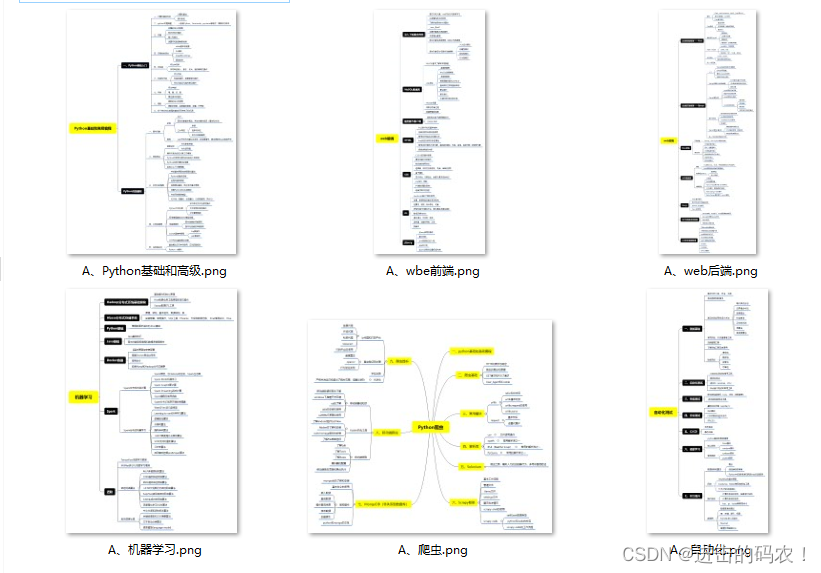
一、Python所有方向的学习路线
Python所有方向的技术点做的整理,形成各个领域的知识点汇总,它的用处就在于,你可以按照上面的知识点去找对应的学习资源,保证自己学得较为全面。
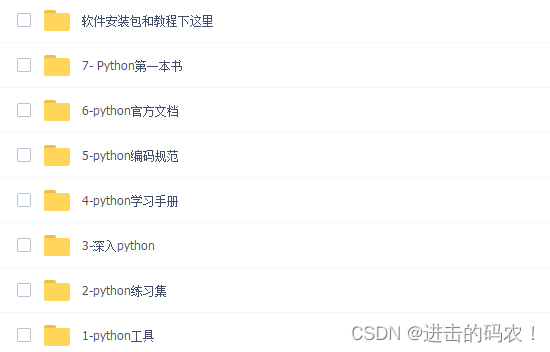
二、Python必备开发工具
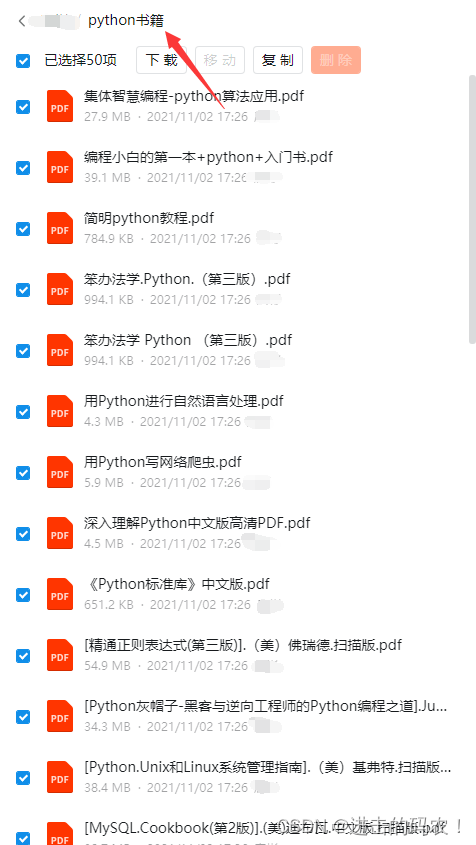
三、精品Python学习书籍
当我学到一定基础,有自己的理解能力的时候,会去阅读一些前辈整理的书籍或者手写的笔记资料,这些笔记详细记载了他们对一些技术点的理解,这些理解是比较独到,可以学到不一样的思路。
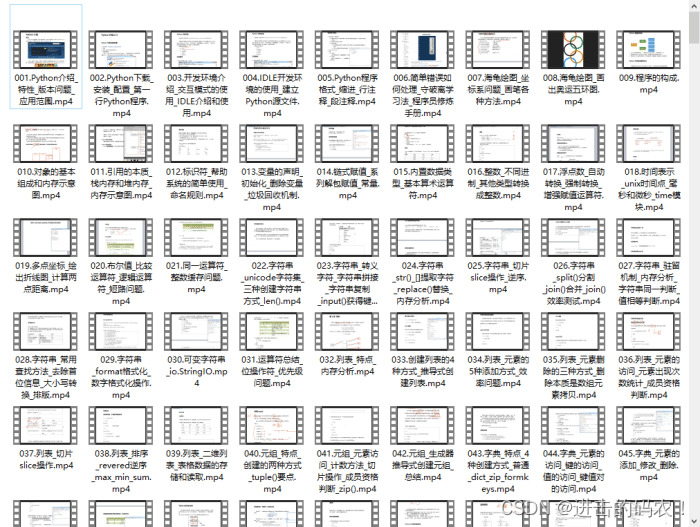
四、Python视频合集
观看零基础学习视频,看视频学习是最快捷也是最有效果的方式,跟着视频中老师的思路,从基础到深入,还是很容易入门的。
五、实战案例
光学理论是没用的,要学会跟着一起敲,要动手实操,才能将自己的所学运用到实际当中去,这时候可以搞点实战案例来学习。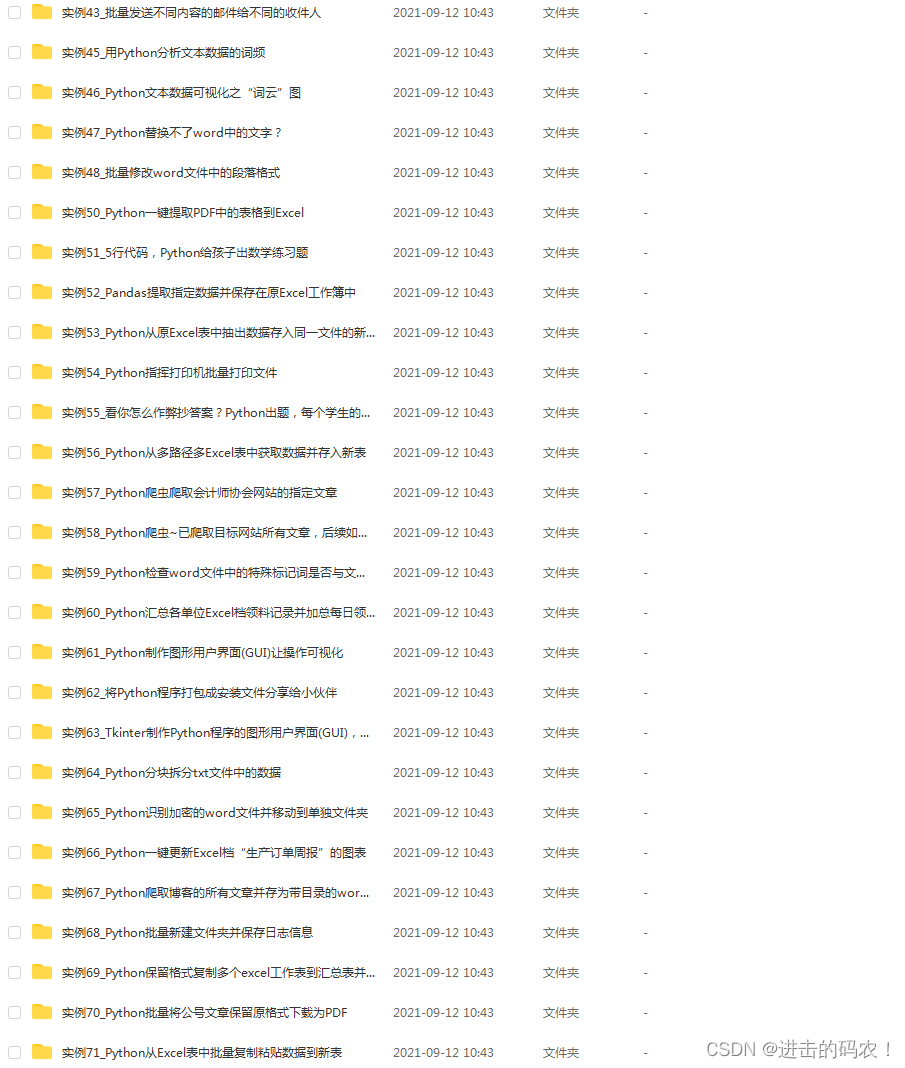
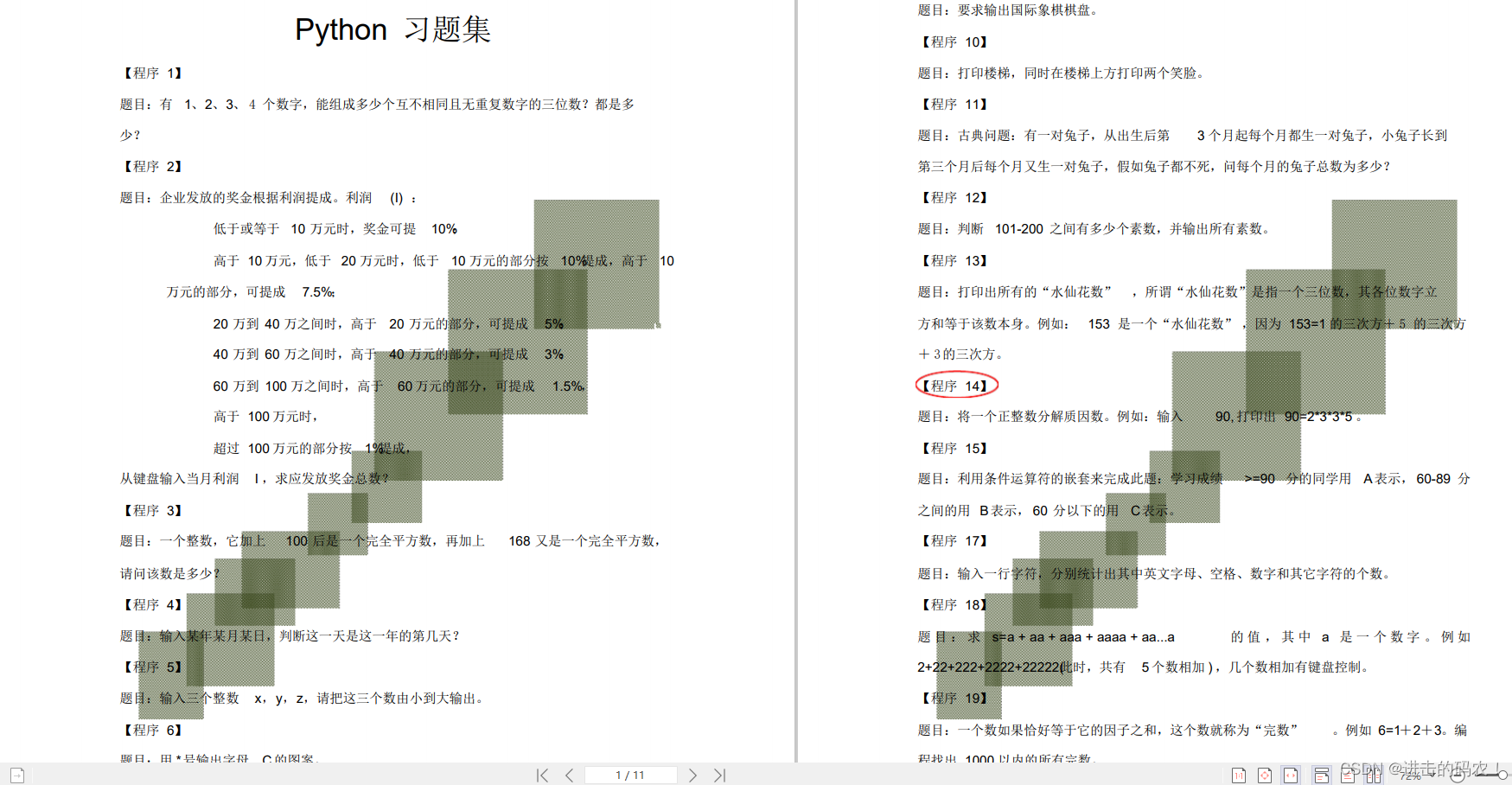
六、Python练习题
检查学习结果。
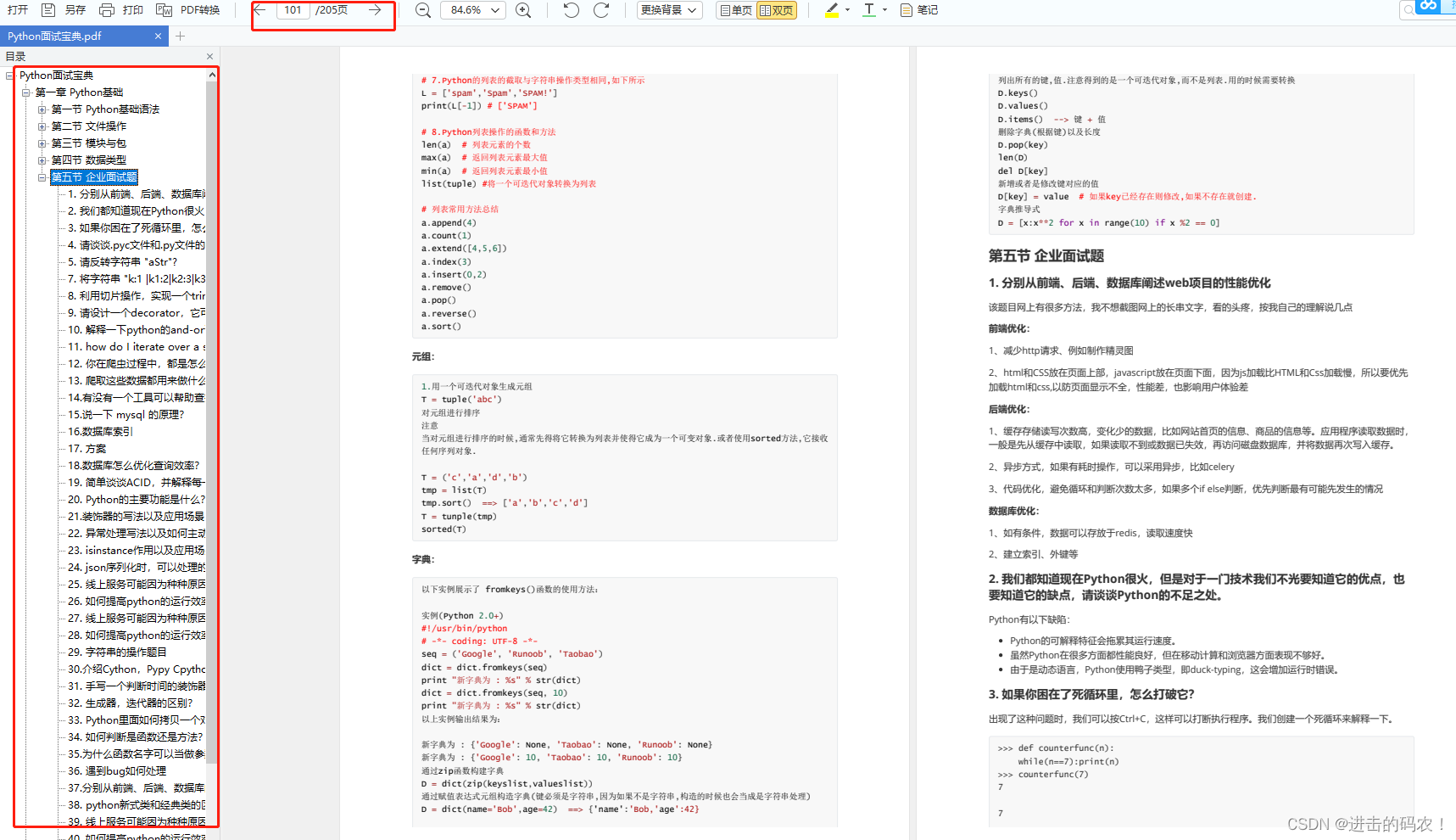
七、面试资料
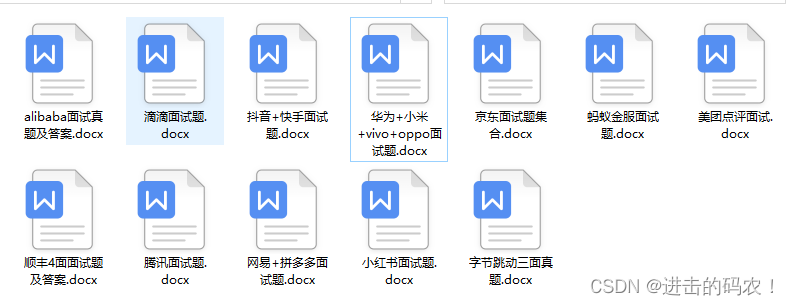
我们学习Python必然是为了找到高薪的工作,下面这些面试题是来自阿里、腾讯、字节等一线互联网大厂最新的面试资料,并且有阿里大佬给出了权威的解答,刷完这一套面试资料相信大家都能找到满意的工作。
最后,千万别辜负自己当时开始的一腔热血,一起变强大变优秀。
版权声明:本文内容由互联网用户自发贡献,该文观点仅代表作者本人。本站仅提供信息存储空间服务,不拥有所有权,不承担相关法律责任。如发现本站有涉嫌侵权/违法违规的内容,请联系我们,一经查实,本站将立刻删除。
如需转载请保留出处:https://51itzy.com/kjqy/37263.html