
List<CompletableFuture<Map<String, String>>> list = new ArrayList<>();
for (String sourceCode : sourceCodes.split(“,”)) {
CompletableFuture<Map<String, String>> future = favoriteService.exportFavoriteItemWordFile(sourceCode);
list.add(future);
}
CompletableFuture<Map<String, String>>[] completableFutures = list.toArray(new CompletableFuture[list.size()]);
CompletableFuture.allOf(completableFutures).join();
CompletableFuture.allOf().join(); 等待所有线程任务结束
文件导出方法调用:
@Async
@Override
public CompletableFuture<Map<String, String>> exportFavoriteItemWordFile(String sourceCode) throws IOException, URISyntaxException, InterruptedException {
Map<String, String> result = esDetailedService.exportDetailInfoDoc(sourceCode);
return CompletableFuture.completedFuture(result);
}
这里result 返回了文件在服务器上的存路径。可以通过future.get().get(“url”) 获取。
word 导出实现参考:使用POI 导出word模板文件
剩下的就是文件打包成zip 的解决了,这里提供一个工具类:
import java.io.*;
import java.util.ArrayList;
import java.util.List;
import java.util.zip.ZipEntry;
import java.util.zip.ZipOutputStream;
/
- @BelongsProject: exchange
- @BelongsPackage: com.elens.util
- @Author: xuweichao
- @CreateTime: 2019-06-04 15:51
- @Description: 文件压缩工具类
*/
public class ZipUtil {
private static final int BUFFER_SIZE = 2 * 1024;
/
- 压缩成ZIP 方法1
- @param srcDir 压缩文件夹路径
- @param out 压缩文件输出流
- @param keepDirStructure 是否保留原来的目录结构,true:保留目录结构;
-
false:所有文件跑到压缩包根目录下(注意:不保留目录结构可能会出现同名文件,会压缩失败)
讯享网 - @throws RuntimeException 压缩失败会抛出运行时异常
*/
public static void toZip(String srcDir, OutputStream out, boolean keepDirStructure)
throws RuntimeException {
long start = System.currentTimeMillis();
ZipOutputStream zos = null;
try {
zos = new ZipOutputStream(out);
File sourceFile = new File(srcDir);
compress(sourceFile, zos, sourceFile.getName(), keepDirStructure);
long end = System.currentTimeMillis();
System.out.println(“压缩完成,耗时:” + (end - start) + " ms");
} catch (Exception e) {
throw new RuntimeException(“zip error from ZipUtils”, e);
} finally {
if (zos != null) {
try {
zos.close();
} catch (IOException e) {
e.printStackTrace();
}
}
}
}
/
- 压缩成ZIP 方法2
- @param srcFiles 需要压缩的文件列表
- @param out 压缩文件输出流
- @throws RuntimeException 压缩失败会抛出运行时异常
*/
public static void toZip(List srcFiles, OutputStream out) throws RuntimeException {
long start = System.currentTimeMillis();
ZipOutputStream zos = null;

try {
zos = new ZipOutputStream(out);
for (File srcFile : srcFiles) {
byte[] buf = new byte[BUFFER_SIZE];
zos.putNextEntry(new ZipEntry(srcFile.getName()));
int len;
FileInputStream in = new FileInputStream(srcFile);
while ((len = in.read(buf)) != -1) {
zos.write(buf, 0, len);
}
zos.closeEntry();
in.close();
}
long end = System.currentTimeMillis();
System.out.println(“压缩完成,耗时:” + (end - start) + " ms");
} catch (Exception e) {
throw new RuntimeException(“zip error from ZipUtils”, e);
} finally {
if (zos != null) {
try {
zos.close();
} catch (IOException e) {
e.printStackTrace();
}
}
}
}
/
- 递归压缩方法
- @param sourceFile 源文件
- @param zos zip输出流
- @param name 压缩后的名称
- @param keepDirStructure 是否保留原来的目录结构,true:保留目录结构;
-
讯享网
false:所有文件跑到压缩包根目录下(注意:不保留目录结构可能会出现同名文件,会压缩失败) - @throws Exception
*/
private static void compress(File sourceFile, ZipOutputStream zos, String name,
boolean keepDirStructure) throws Exception {
byte[] buf = new byte[BUFFER_SIZE];
if (sourceFile.isFile()) {
// 向zip输出流中添加一个zip实体,构造器中name为zip实体的文件的名字
zos.putNextEntry(new ZipEntry(name));
// copy文件到zip输出流中
int len;
FileInputStream in = new FileInputStream(sourceFile);
while ((len = in.read(buf)) != -1) {
zos.write(buf, 0, len);
}
// Complete the entry
zos.closeEntry();
in.close();
} else {
File[] listFiles = sourceFile.listFiles();
if (listFiles == null || listFiles.length == 0) {
// 需要保留原来的文件结构时,需要对空文件夹进行处理
if (keepDirStructure) {
// 空文件夹的处理
zos.putNextEntry(new ZipEntry(name + “/”));
// 没有文件,不需要文件的copy
zos.closeEntry();
}
自我介绍一下,小编13年上海交大毕业,曾经在小公司待过,也去过华为、OPPO等大厂,18年进入阿里一直到现在。
深知大多数Java工程师,想要提升技能,往往是自己摸索成长或者是报班学习,但对于培训机构动则几千的学费,着实压力不小。自己不成体系的自学效果低效又漫长,而且极易碰到天花板技术停滞不前!
因此收集整理了一份《2024年Java开发全套学习资料》,初衷也很简单,就是希望能够帮助到想自学提升又不知道该从何学起的朋友,同时减轻大家的负担。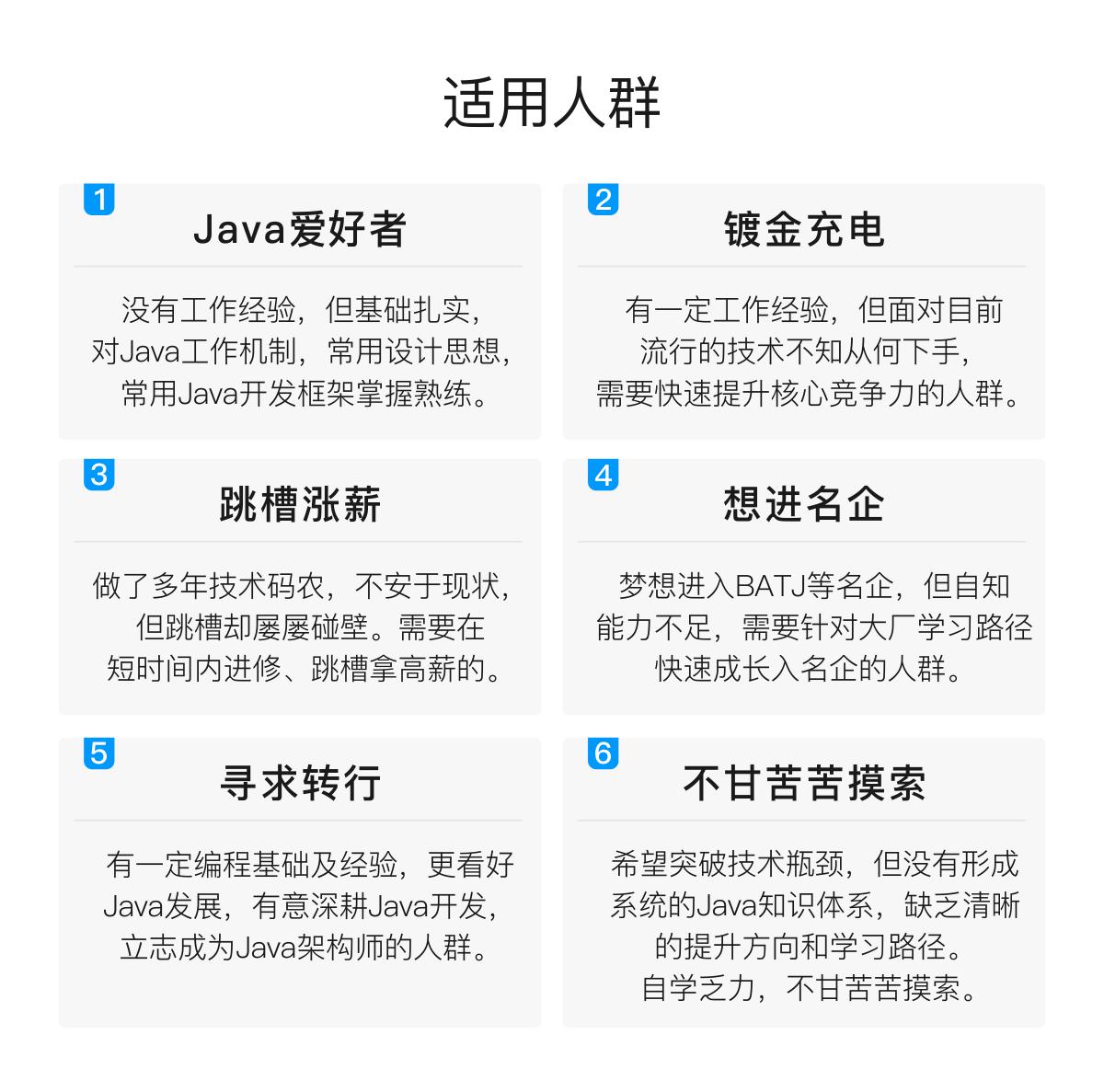
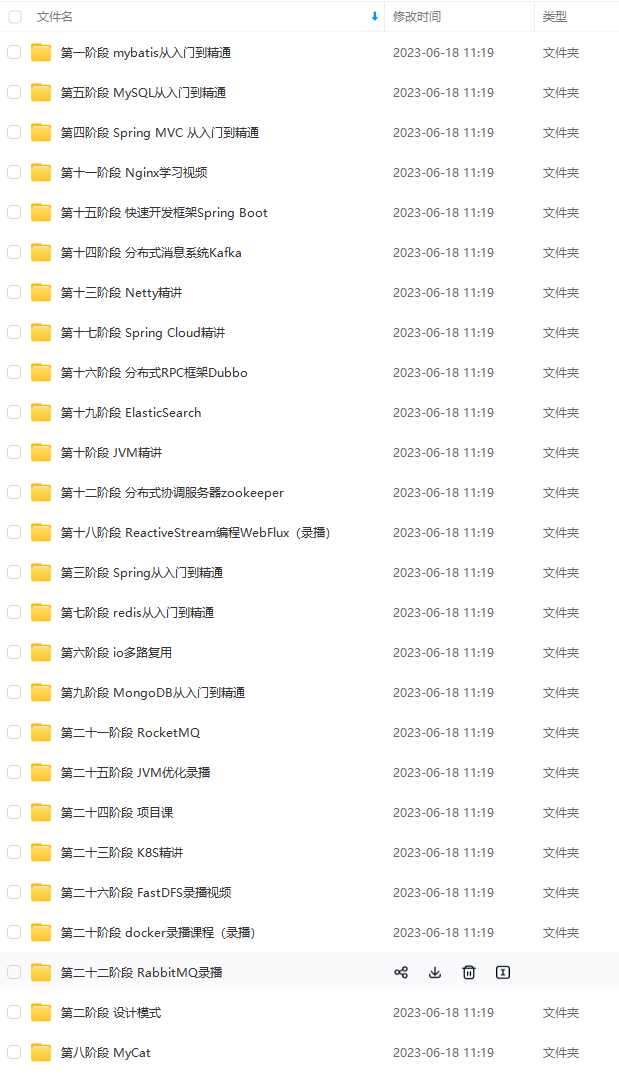
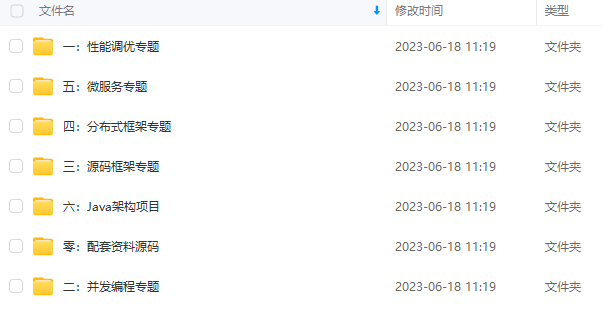
既有适合小白学习的零基础资料,也有适合3年以上经验的小伙伴深入学习提升的进阶课程,基本涵盖了95%以上Java开发知识点,真正体系化!
由于文件比较大,这里只是将部分目录截图出来,每个节点里面都包含大厂面经、学习笔记、源码讲义、实战项目、讲解视频,并且会持续更新!
如果你觉得这些内容对你有帮助,可以扫码获取!!(备注Java获取)

最后
还有Java核心知识点+全套架构师学习资料和视频+一线大厂面试宝典+面试简历模板可以领取+阿里美团网易腾讯小米爱奇艺快手哔哩哔哩面试题+Spring源码合集+Java架构实战电子书+2021年最新大厂面试题。
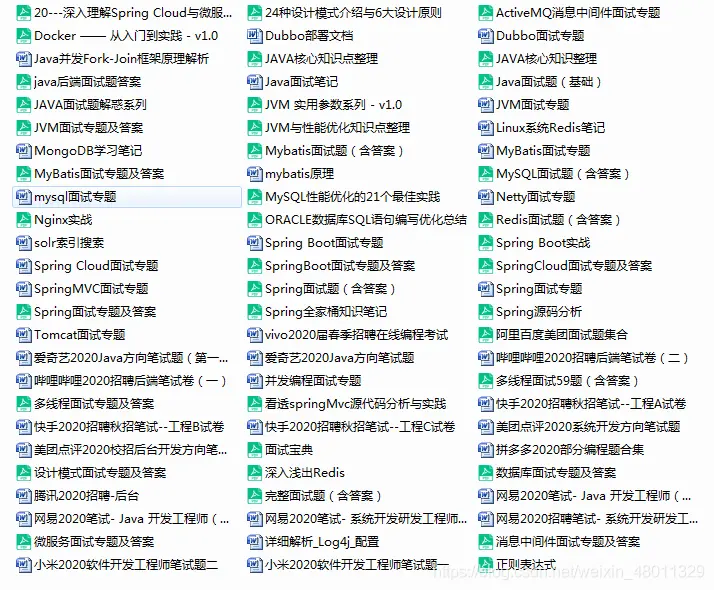
《互联网大厂面试真题解析、进阶开发核心学习笔记、全套讲解视频、实战项目源码讲义》点击传送门即可获取!
5c14aa72faedd36.jpg" alt=“img” style=“zoom: 33%;” />
最后
还有Java核心知识点+全套架构师学习资料和视频+一线大厂面试宝典+面试简历模板可以领取+阿里美团网易腾讯小米爱奇艺快手哔哩哔哩面试题+Spring源码合集+Java架构实战电子书+2021年最新大厂面试题。
[外链图片转存中…(img-LUhfY9Ni-55)]
《互联网大厂面试真题解析、进阶开发核心学习笔记、全套讲解视频、实战项目源码讲义》点击传送门即可获取!
版权声明:本文内容由互联网用户自发贡献,该文观点仅代表作者本人。本站仅提供信息存储空间服务,不拥有所有权,不承担相关法律责任。如发现本站有涉嫌侵权/违法违规的内容,请联系我们,一经查实,本站将立刻删除。
如需转载请保留出处:https://51itzy.com/kjqy/36365.html