
<svg xmlns="http://www.w3.org/2000/svg" style="display: none;"> <path stroke-linecap="round" d="M5,0 0,2.5 5,5z" id="raphael-marker-block" style="-webkit-tap-highlight-color: rgba(0, 0, 0, 0);"></path> </svg> <p>1)百度搜索Oracle官网,选中有“官网”标签网站:<br /> <img src="https://i-blog.csdnimg.cn/direct/cf5f2cb6aa9dcadc9b.png" alt="在这里插入图片描述" /></p> 讯享网
2)在新打开页面点击页面顶部的“Products”:
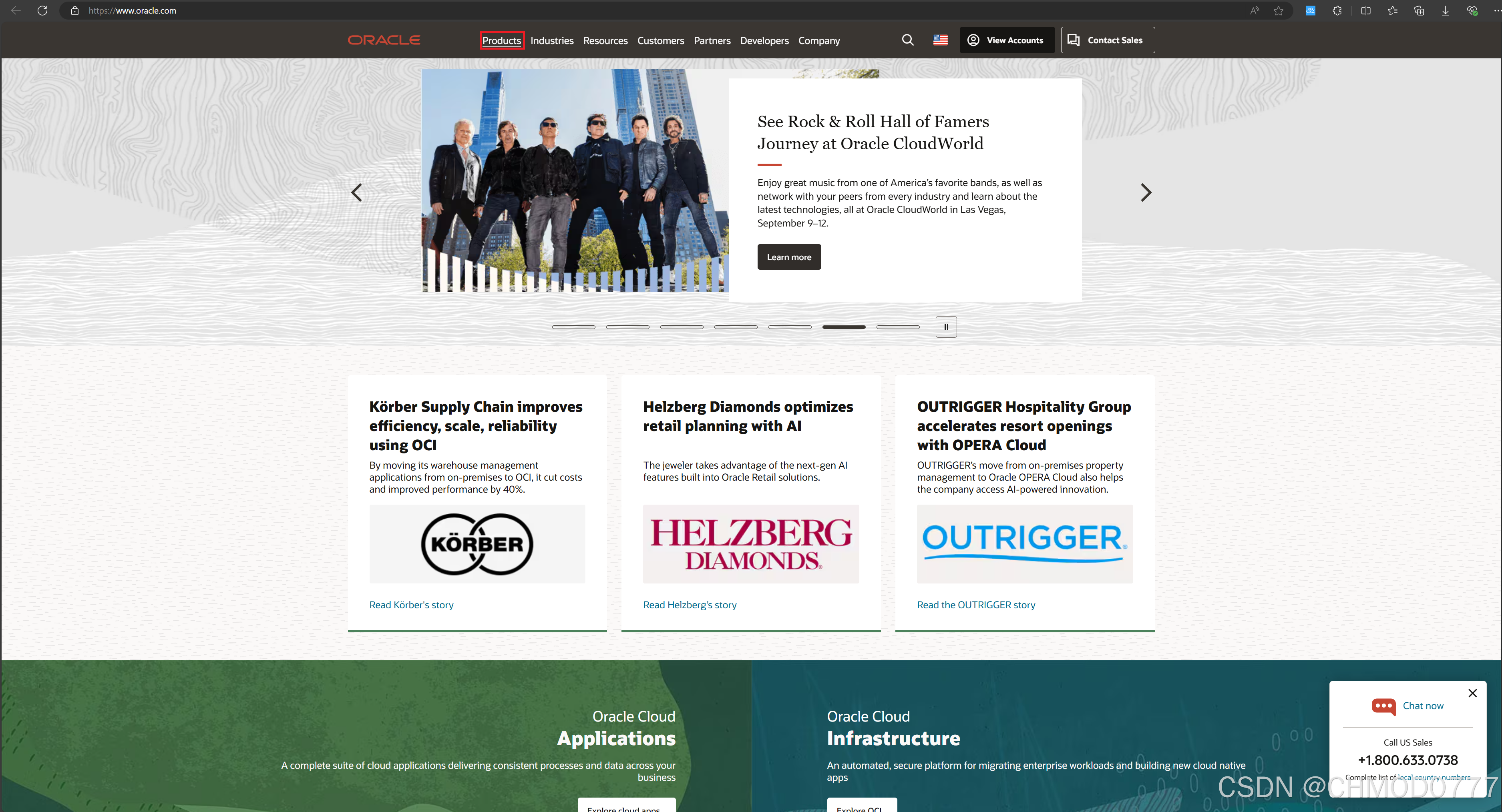
讯享网
在新打开页面点击“Oracle Database”:
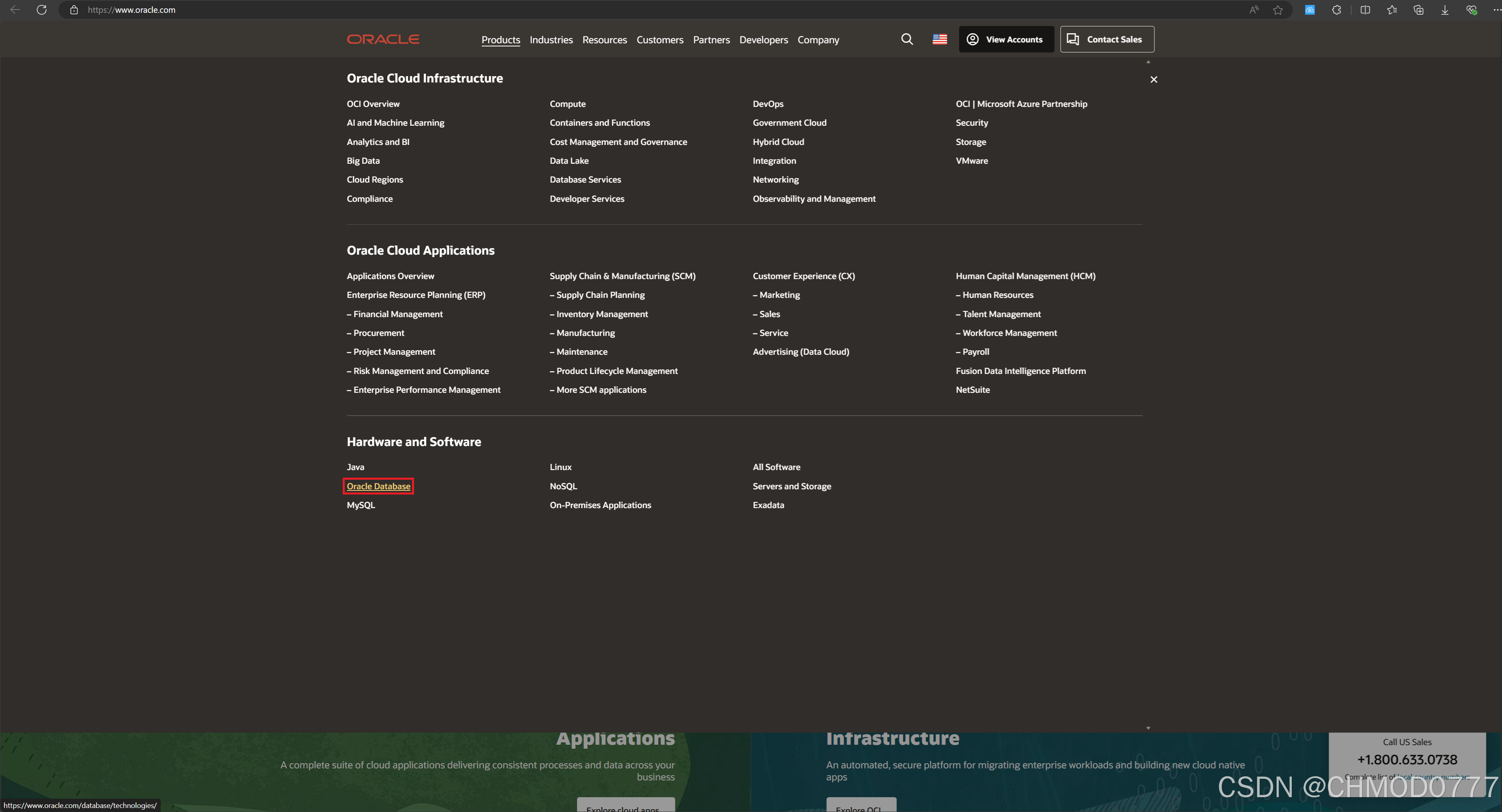
4)在新打开页面点击“Try Oracle Database 23ai for free”:
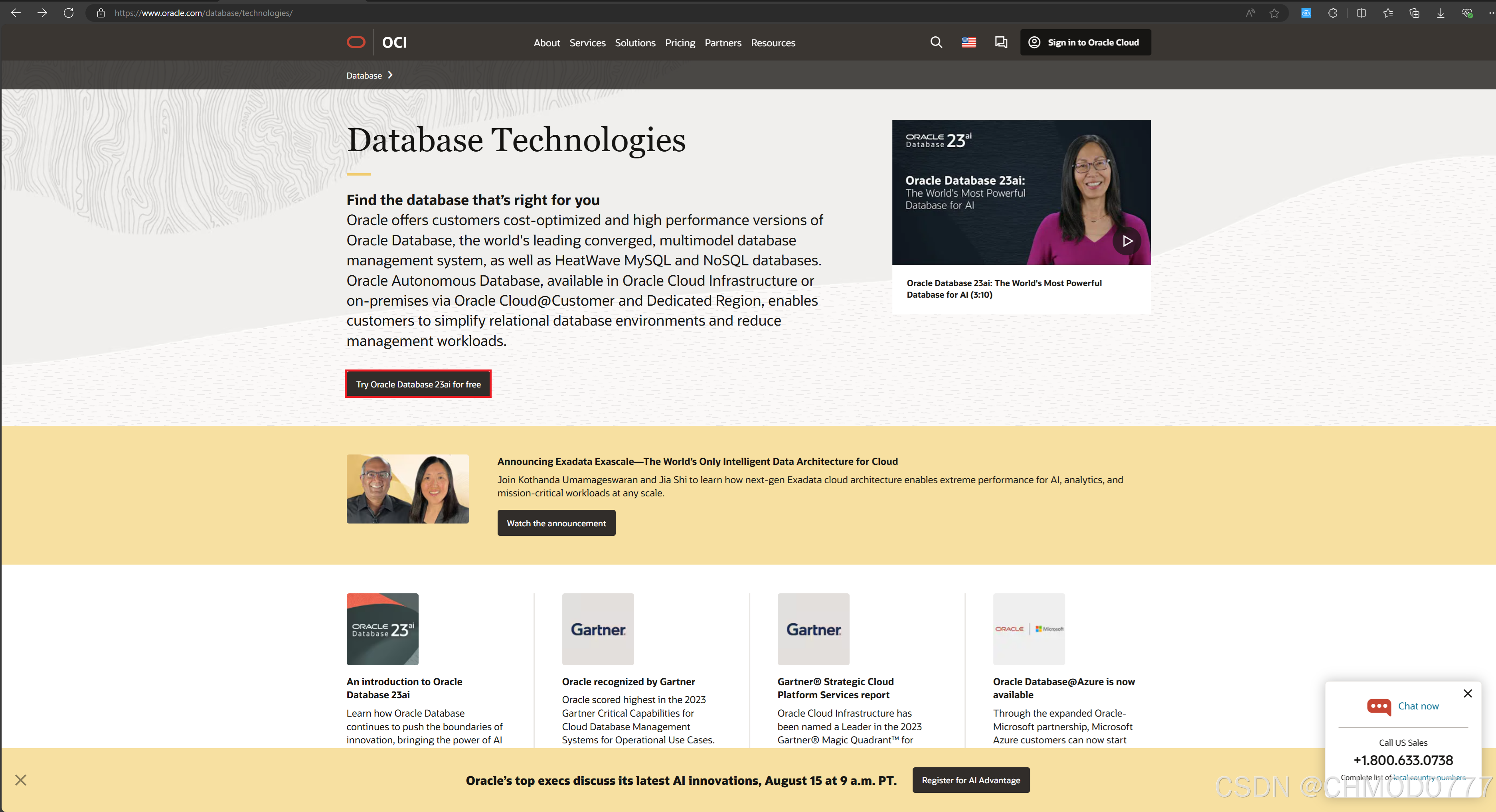
5)将新打开网页滚动至底部并点击“Oracle Database Software”

6)点击“Download Oracle Database Free for Oracle Linux 8 (RPM)”

7)待下载完“oracle-database-preinstall-23ai-1.0-2.el8.x86_64.rpm”后再点击“Oracle Database Free Installation Guide for Linux”
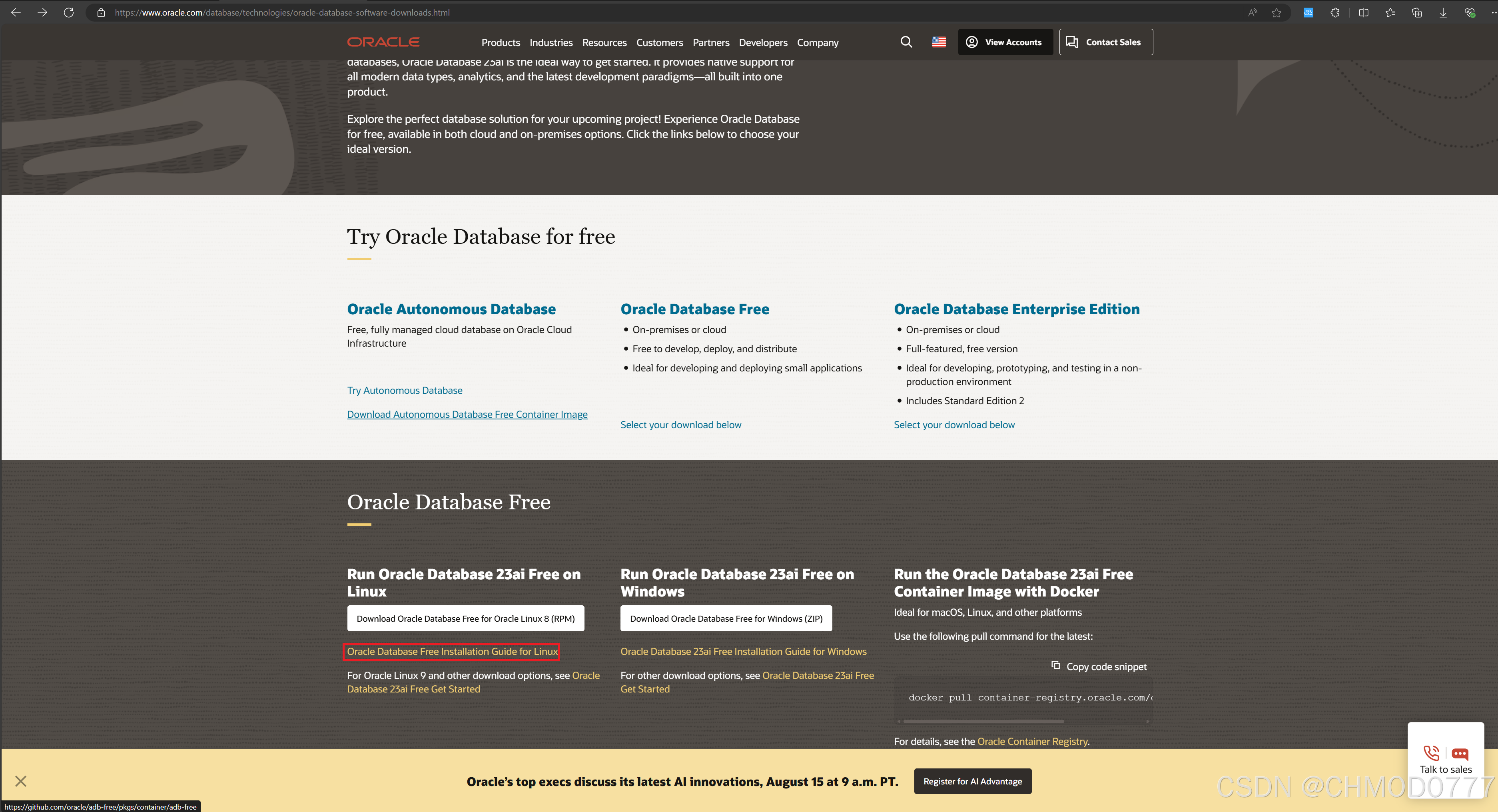
8)在新打开网页左侧选中“Installing Oracle Database Free” 并且在“Red Hat Enterprise Linux 8”分组下找到“oracle-database-preinstall-23ai-1.0-2.el8.x86_64.rpm”下载网址,粘贴到地址栏打开改网址:

9)找到“oracle-database-preinstall-23ai-1.0-2.el8.x86_64.rpm”点击下载:
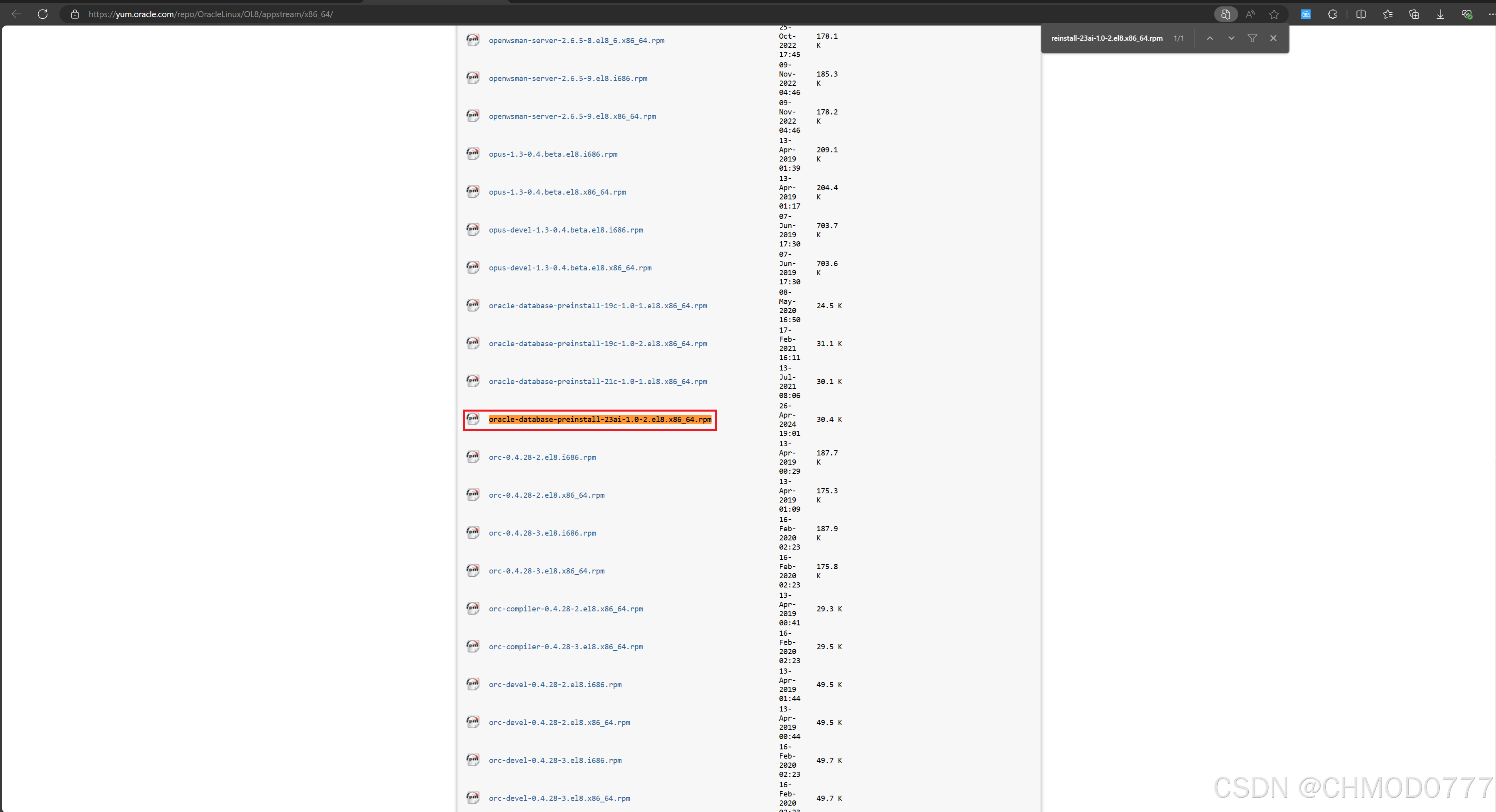
10)必应搜索“compat-openssl10”,点击“Compat-openssl10 Download (RPM) - pkgs.org”
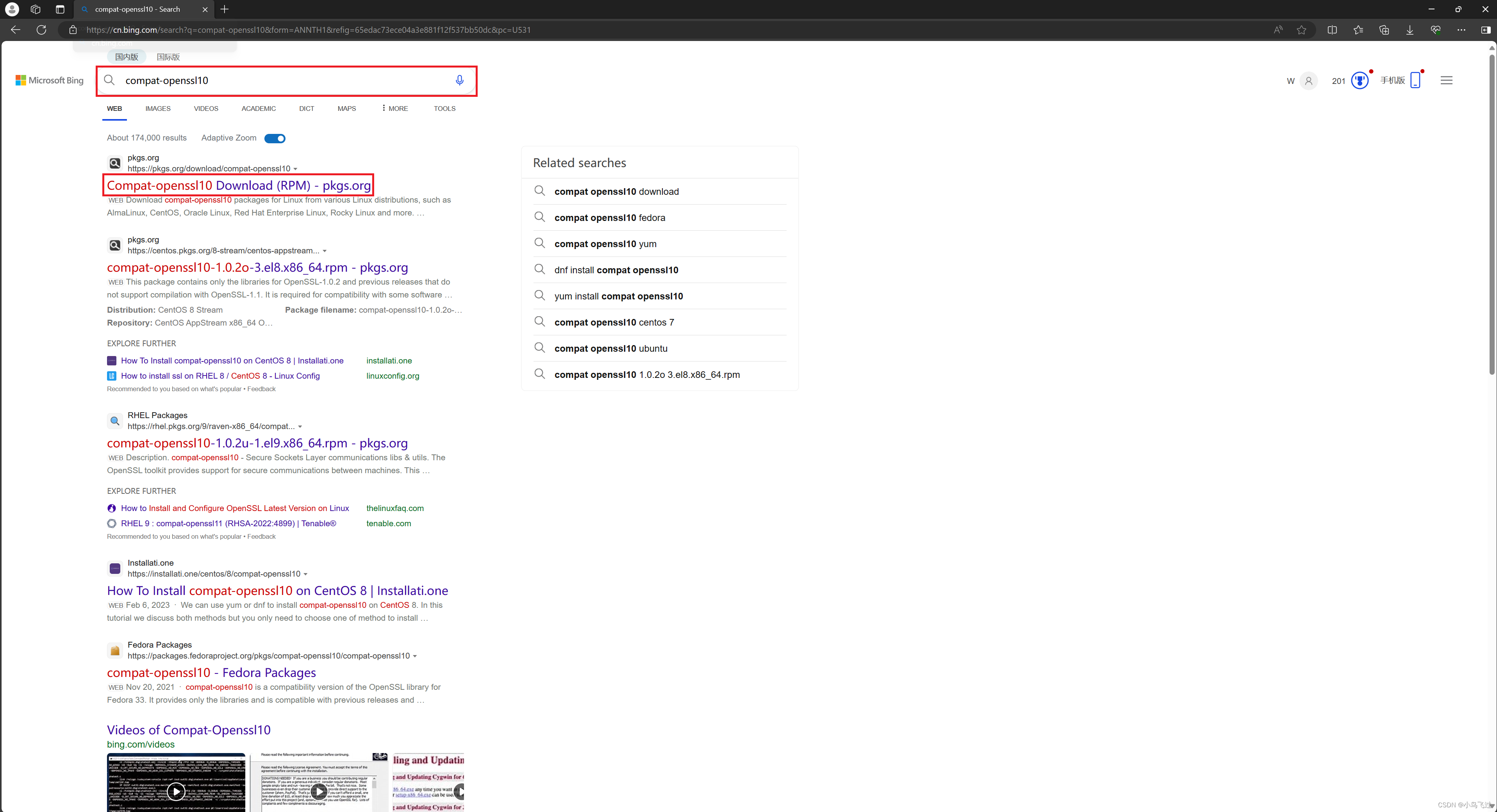
11)再新打开网页里面点击“Enterprise Linux 9 (CentOS 9, RHEL 9, Rocky Linux 9, AlmaLinux 9)”下“compat-openssl10-1.0.2u-1.el9.x86_64.rpm”

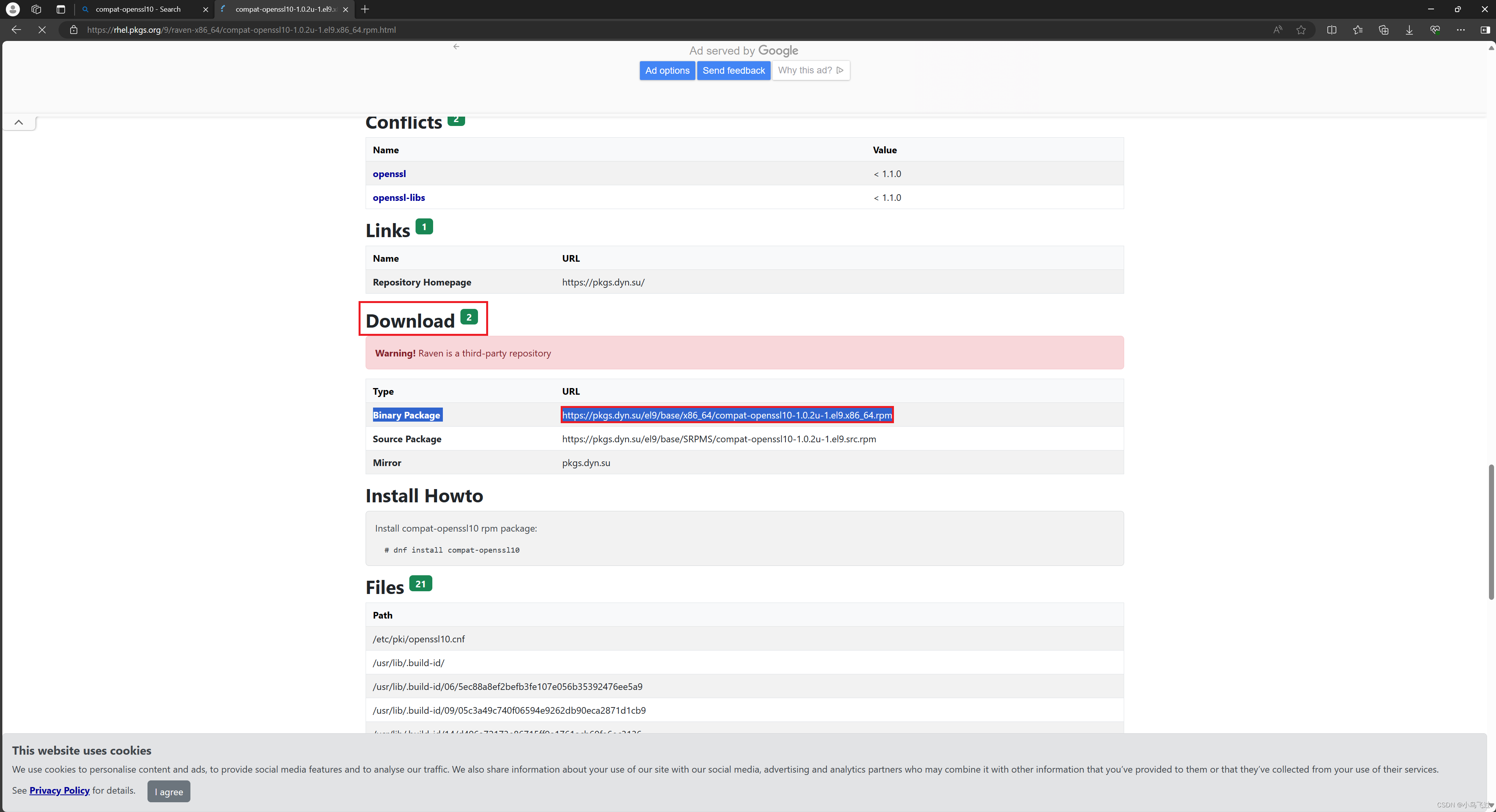
12)在新打开网页Download分组找到 “Binary Package https://pkgs.dyn.su/el9/base/x86_64/compat-openssl10-1.0.2u-1.el9.x86_64.rpm”,在地址栏输入该网址下载“compat-openssl10-1.0.2u-1.el9.x86_64.rpm”
13)将下载的“compat-openssl10-1.0.2u-1.el9.x86_64.rpm”、“oracle-database-preinstall-23ai-1.0-2.el8.x86_64.rpm”、“oracle-database-free-23ai-1.0-1.el8.x86_64.rpm”放在一个文件夹里面,在该文件夹下打开一个终端,切换root用户:
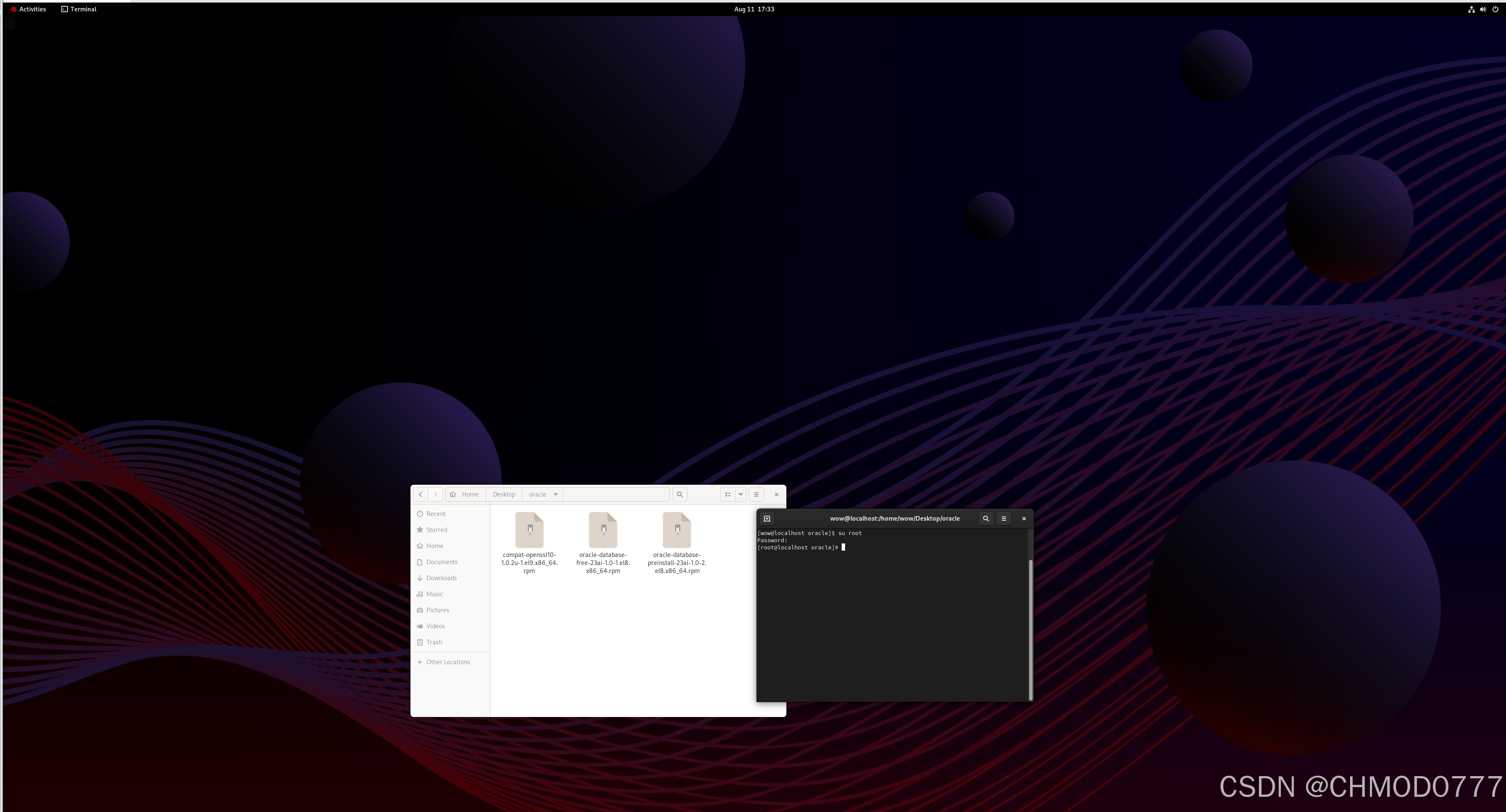
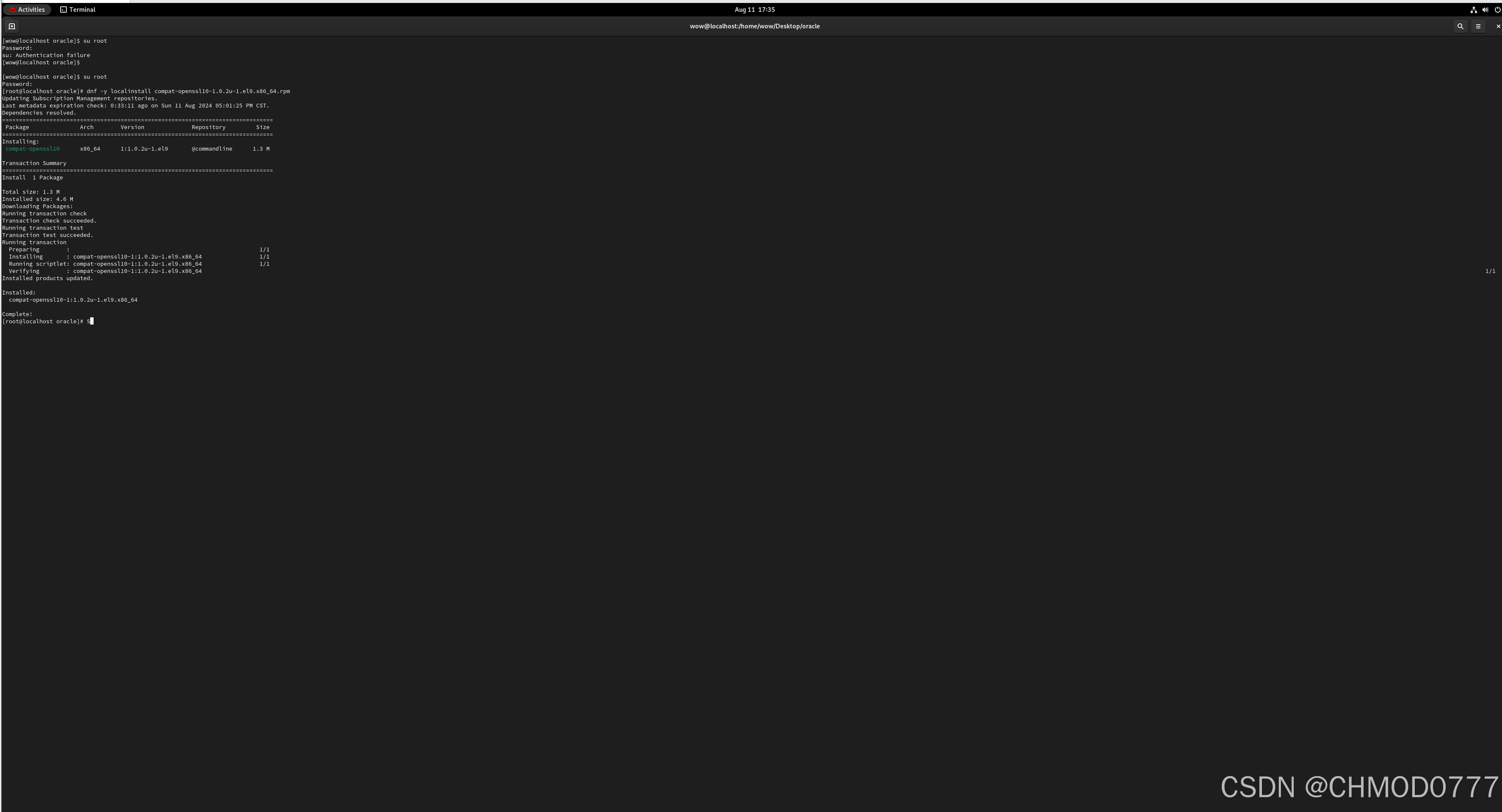
14)dnf -y localinstall compat-openssl10-1.0.2u-1.el9.x86_64.rpm
15)dnf -y localinstall oracle-database-preinstall-23ai-1.0-2.el8.x86_64.rpm

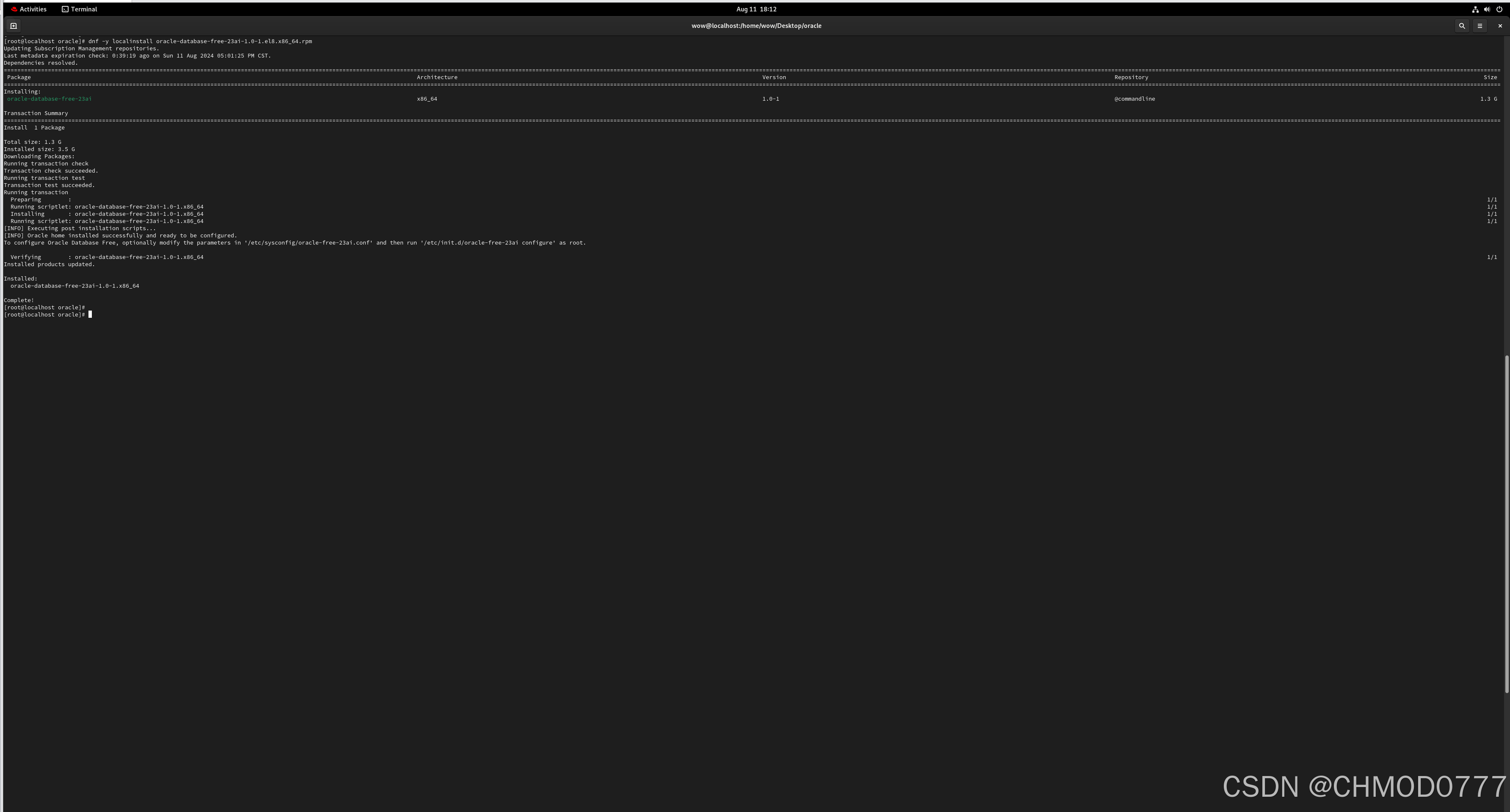
16)dnf -y localinstall oracle-database-free-23ai-1.0-1.el8.x86_64.rpm
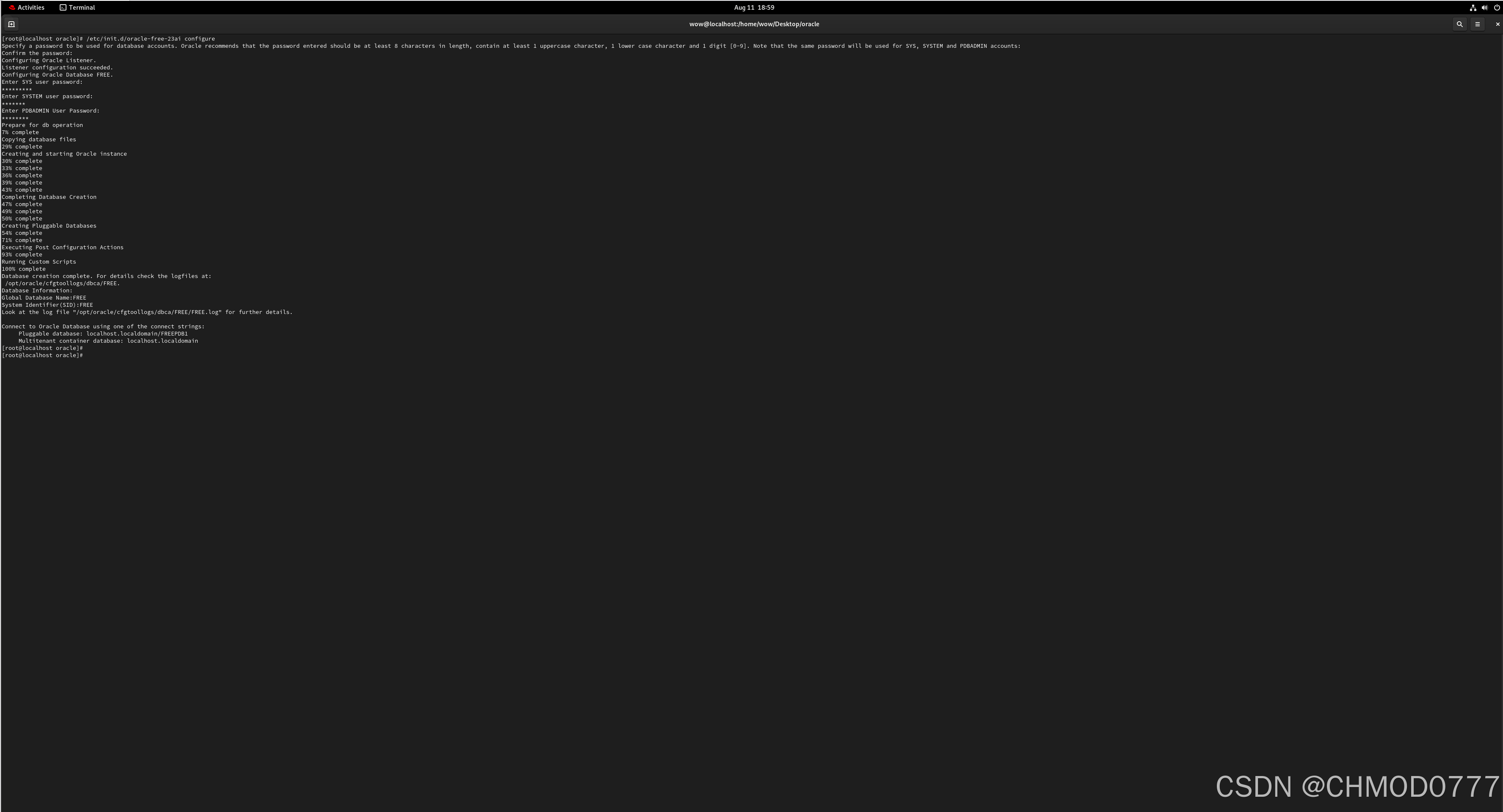
17)执行/etc/init.d/oracle-free-23ai configure后按下回车,设置密码按下回车、再次输入密码按下回车确认
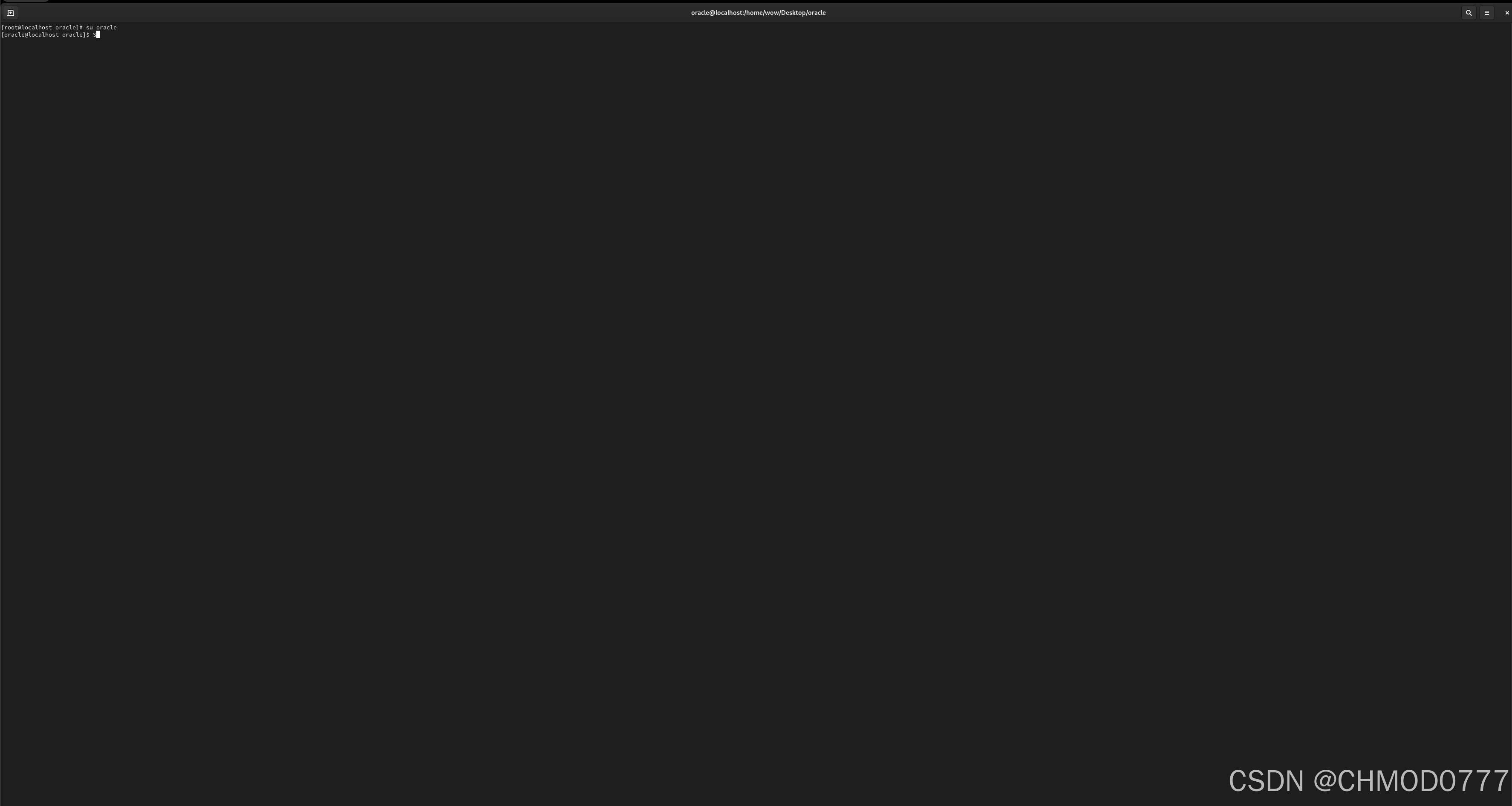
18)切换至Oracle用户:su oracle
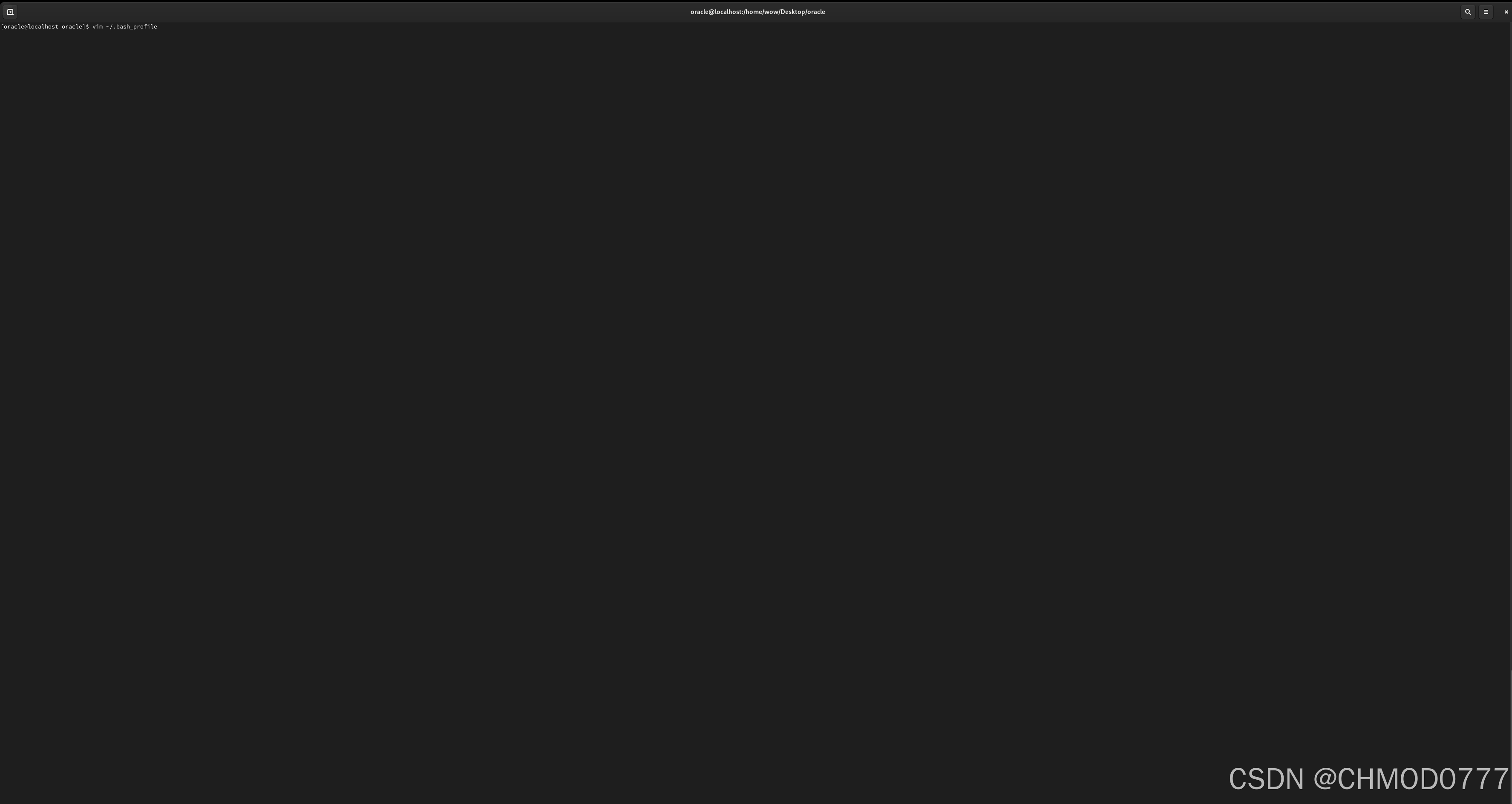
19)vim /.bash_profile
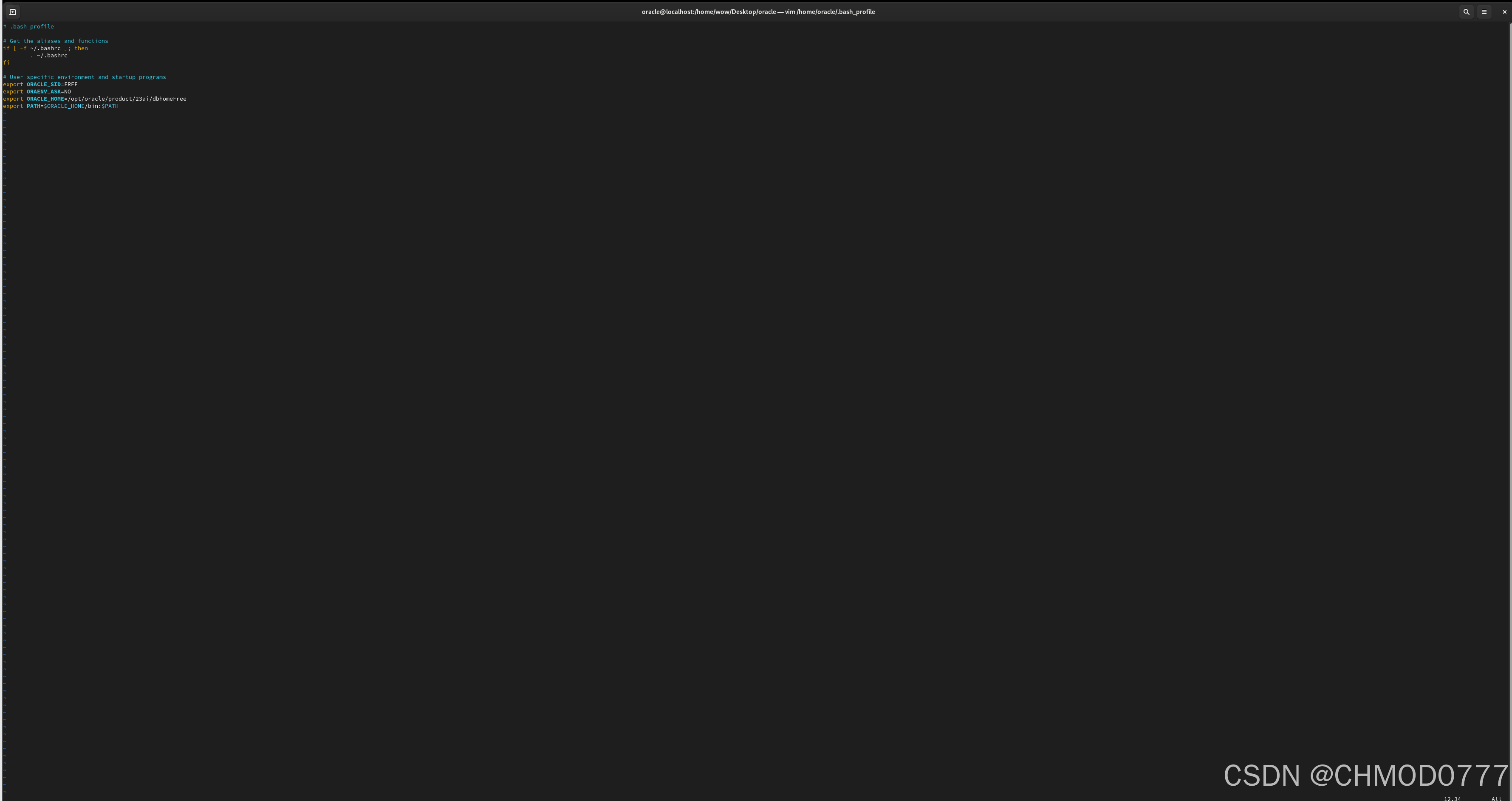
20)/.bash_profile追加内容:
export ORACLE_SID=FREE
export ORAENV_ASK=NO
export ORACLE_HOME=/opt/oracle/product/23ai/dbhomeFree
export PATH=PATH
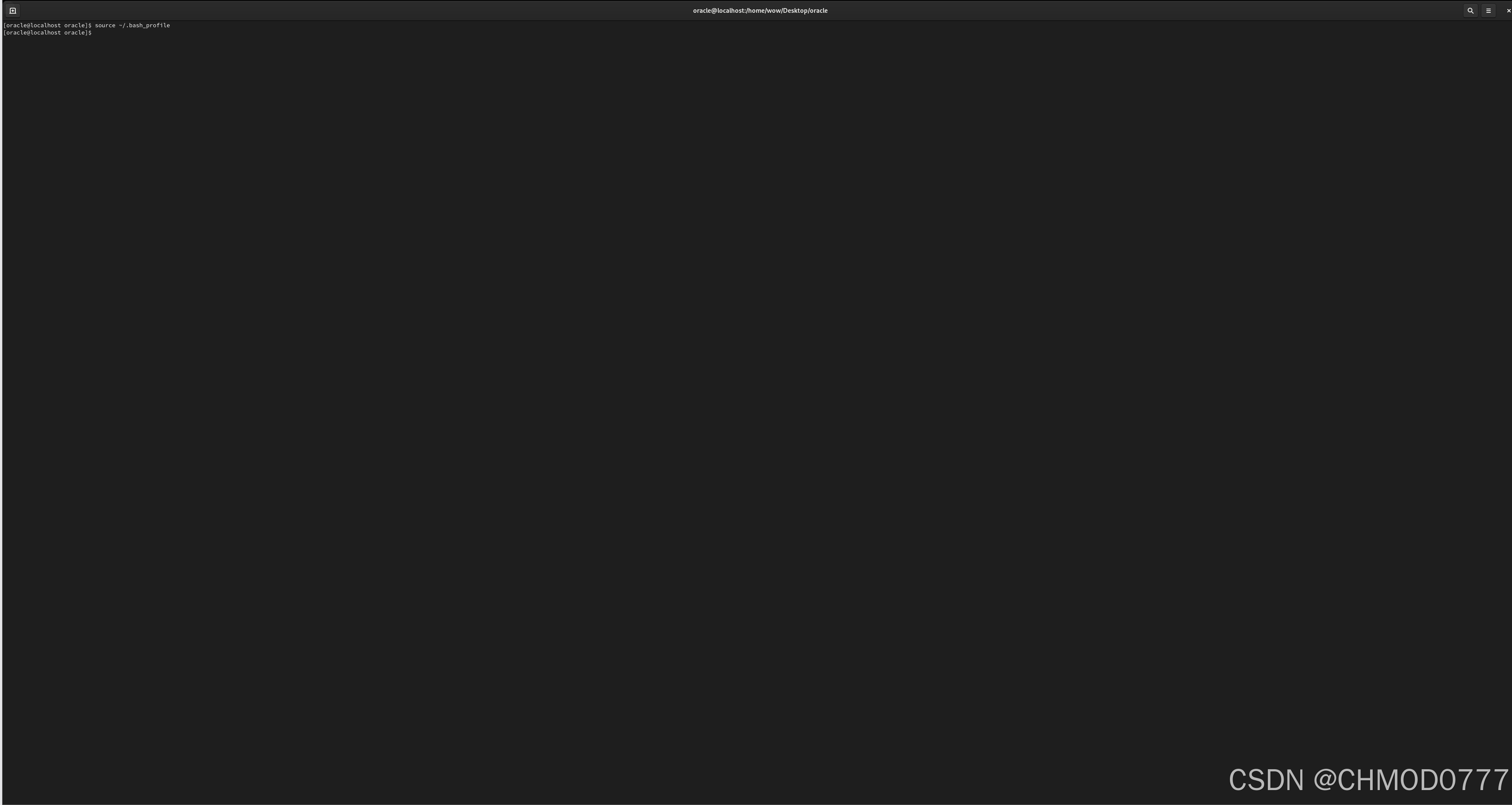
21) 刷新环境变量:source ~/.bash_profile
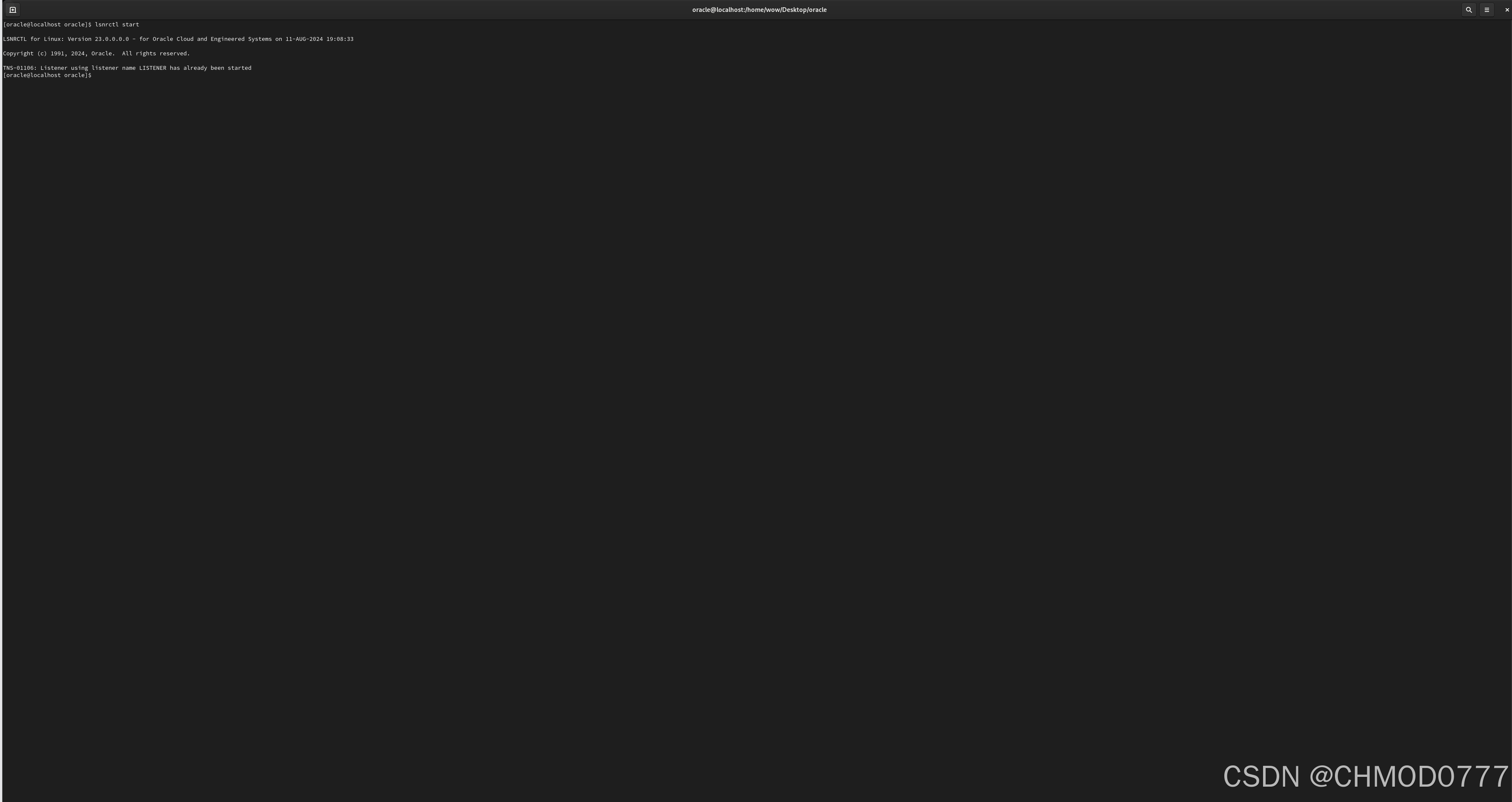
22)启动监听:lsnrctl start
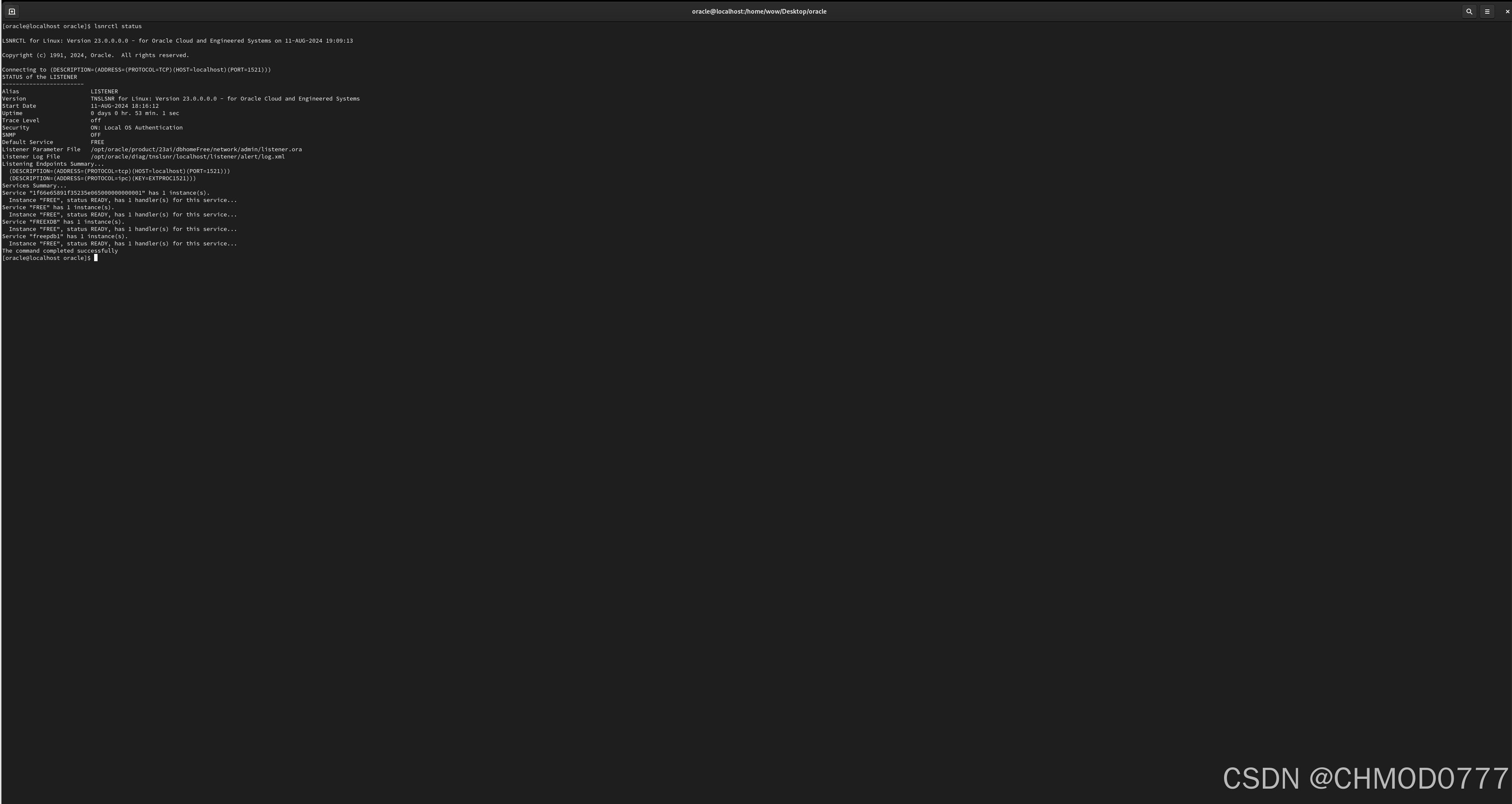
22)查看监听状态:lsnrctl status
版权声明:本文内容由互联网用户自发贡献,该文观点仅代表作者本人。本站仅提供信息存储空间服务,不拥有所有权,不承担相关法律责任。如发现本站有涉嫌侵权/违法违规的内容,请联系我们,一经查实,本站将立刻删除。
如需转载请保留出处:https://51itzy.com/kjqy/192867.html