
<svg xmlns="http://www.w3.org/2000/svg" style="display: none;"> <path stroke-linecap="round" d="M5,0 0,2.5 5,5z" id="raphael-marker-block" style="-webkit-tap-highlight-color: rgba(0, 0, 0, 0);"></path> </svg> 讯享网
讯享网
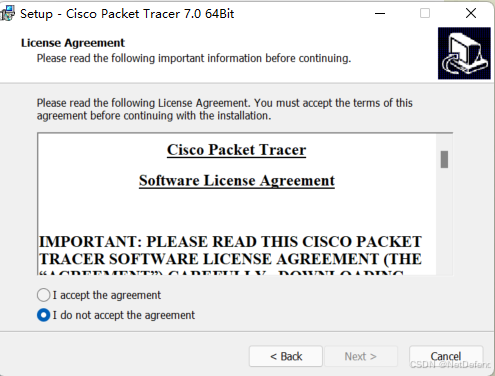
正常流程安装即可
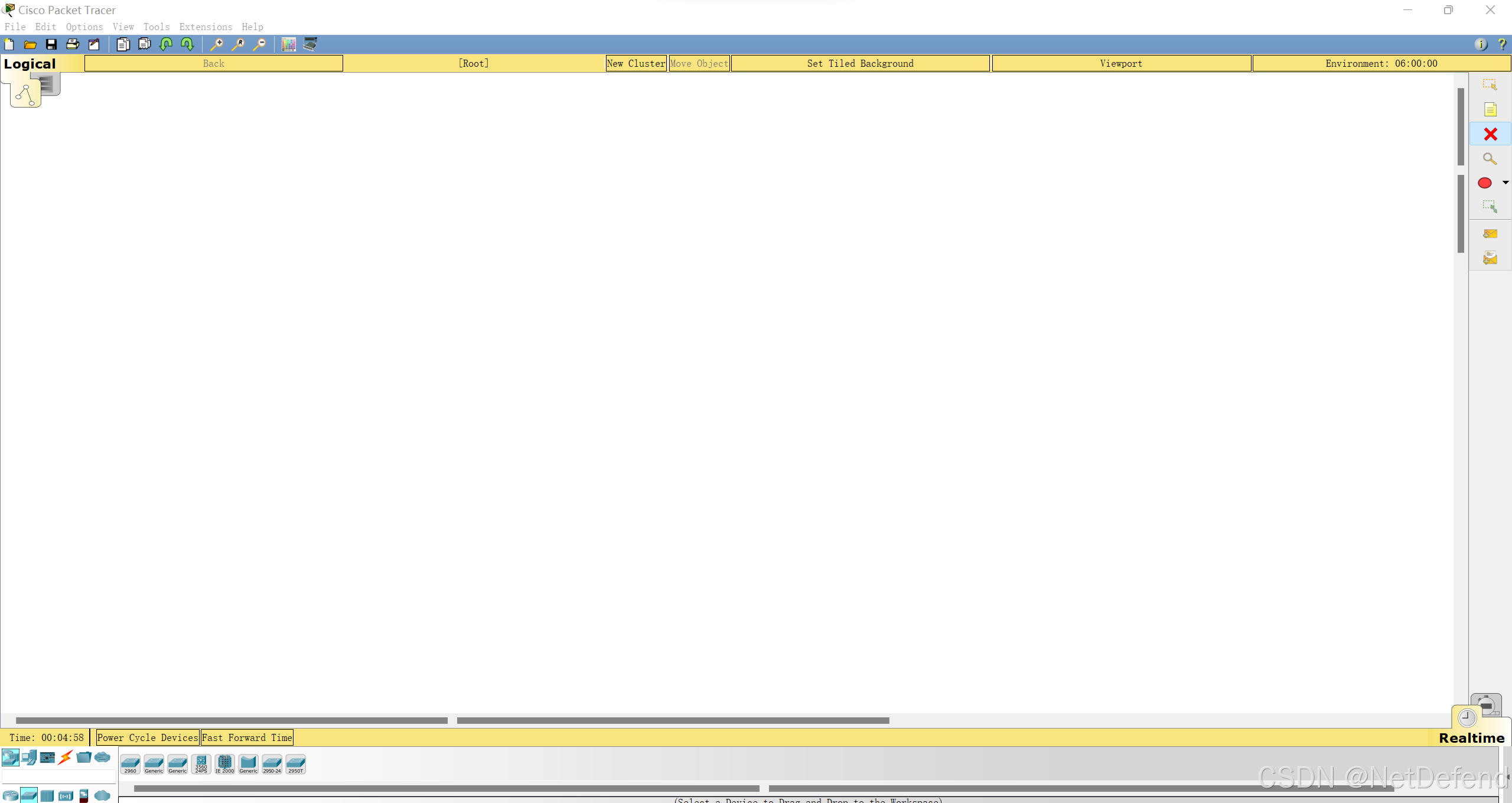
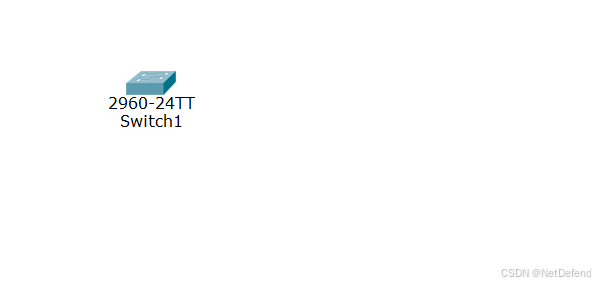
从左下角拖入 switch 2960
接着拖入终端
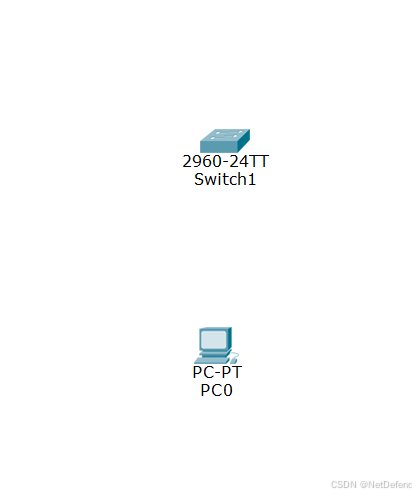
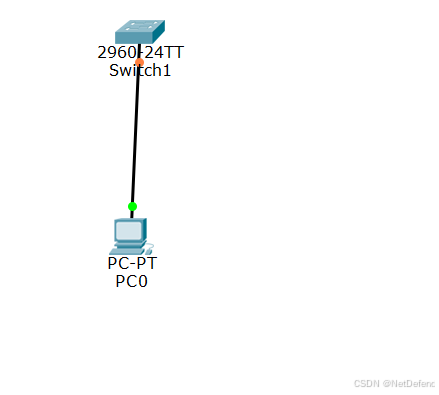
接着连线

黄色的线直接连

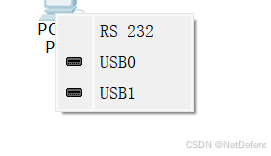
选择RS 232
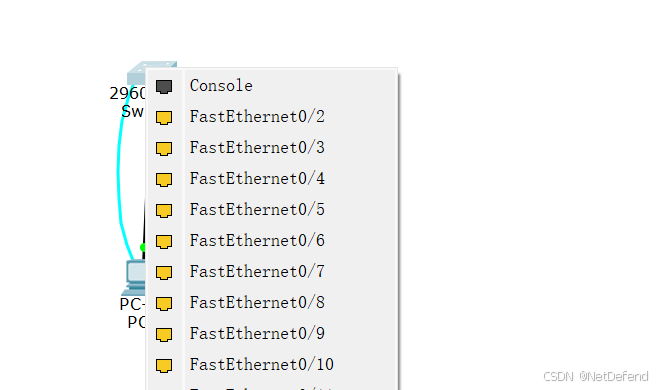
选择 Console
完成连线
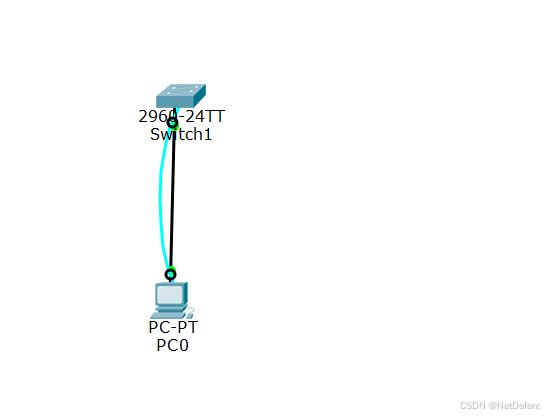
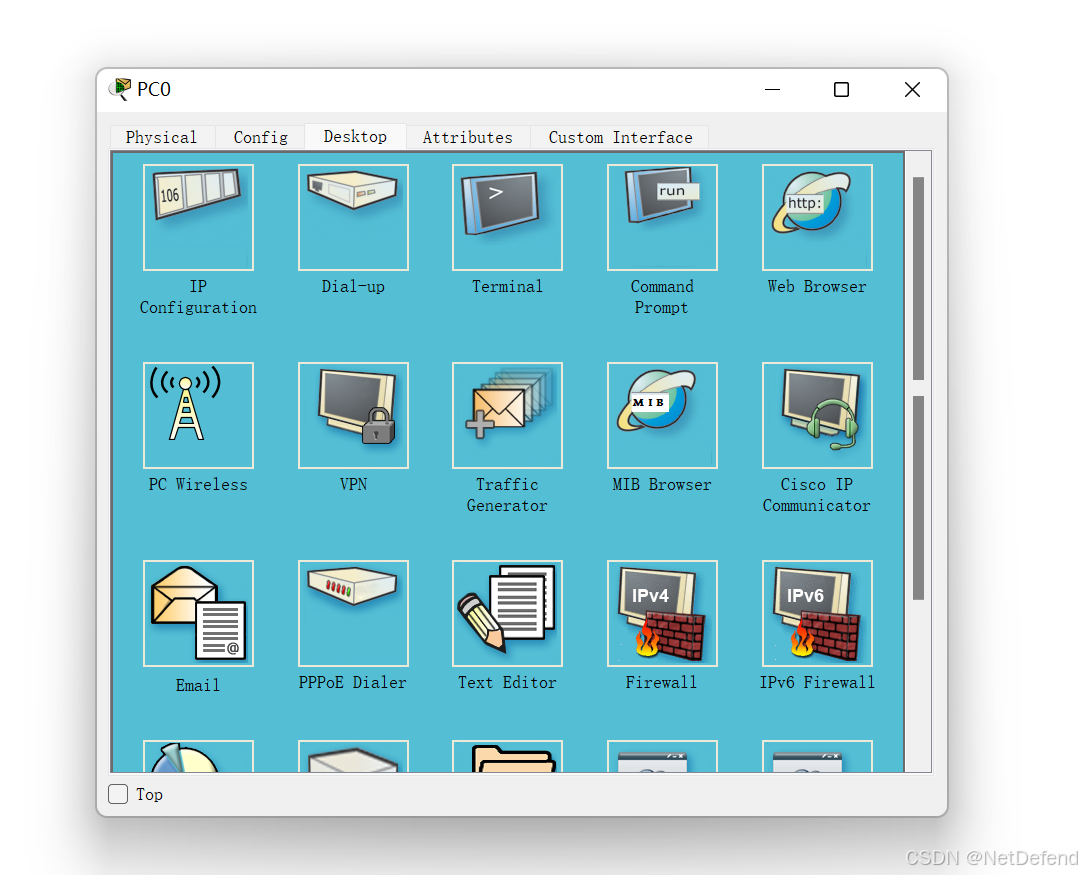
点击进入 PC的 Terminal


输入en进入特权模式 en为 enable的简写
Switch>enable
Switch#conf t
Switch(config)#hostname S2960
S2960(config)#interface fa 0/1
S2960(config-if)#speed 100
S2960(config-if)#duplex full
S2960(config-if)#exit
同时将PC的网卡改成全双工模式,100M速率,否则链路不通
S2960(config)#hostname switch
Switch(config)#exit
Switch#show version
Switch#show run
Switch#show interface
Switch#show mac-address-table
Switch#config t
Switch(config)#enable password cisco//激活特权模式密码为cisco
Switch(config)#no enable password //取消特权模式密码
Switch(config)#line console 0
Switch(config-line)#password cisco
Switch(config-line)#login
Switch(config-line)#no password//取消密码
其余安装指导书上面的来,并记录过程
版权声明:本文内容由互联网用户自发贡献,该文观点仅代表作者本人。本站仅提供信息存储空间服务,不拥有所有权,不承担相关法律责任。如发现本站有涉嫌侵权/违法违规的内容,请联系我们,一经查实,本站将立刻删除。
如需转载请保留出处:https://51itzy.com/kjqy/192038.html