
偶然心血来潮,想要做一个音乐可视化的系列专题。这个专题的难度有点高,涉及面也比较广泛,相关的FFT和FHT等算法也相当复杂,不过还是打算从最简单的开始,实际动手做做试验,耐心尝试一下各种方案,逐步积累些有用的音乐频谱可视化的资料,也会争取成型一些实用好玩的音乐可视器项目。
正好手头还有四片8X8硬屏,于是把它们拼在一起,组成一块16X16的WS2812B硬屏,继续尝试音乐可视化的项目。
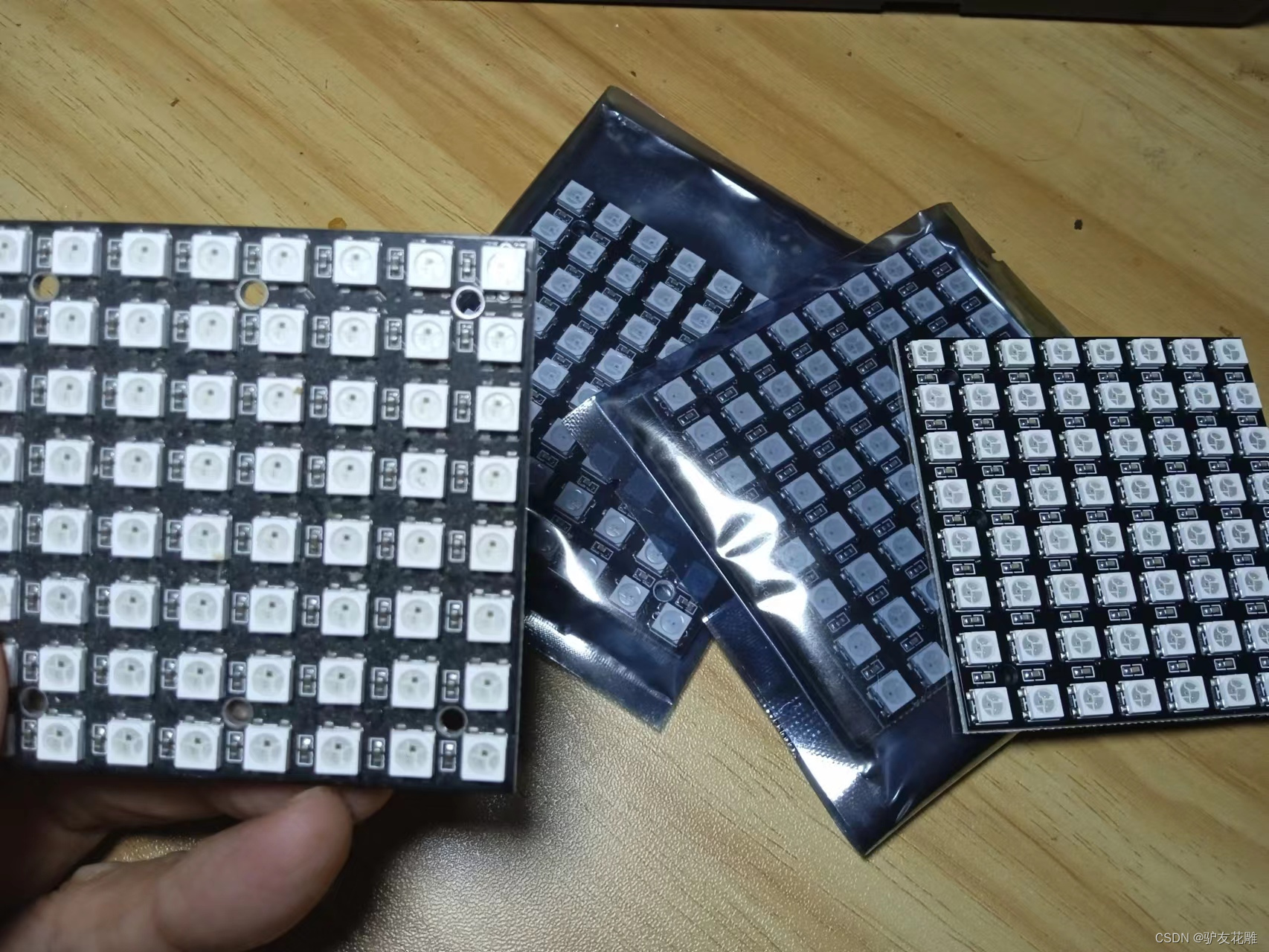
背面
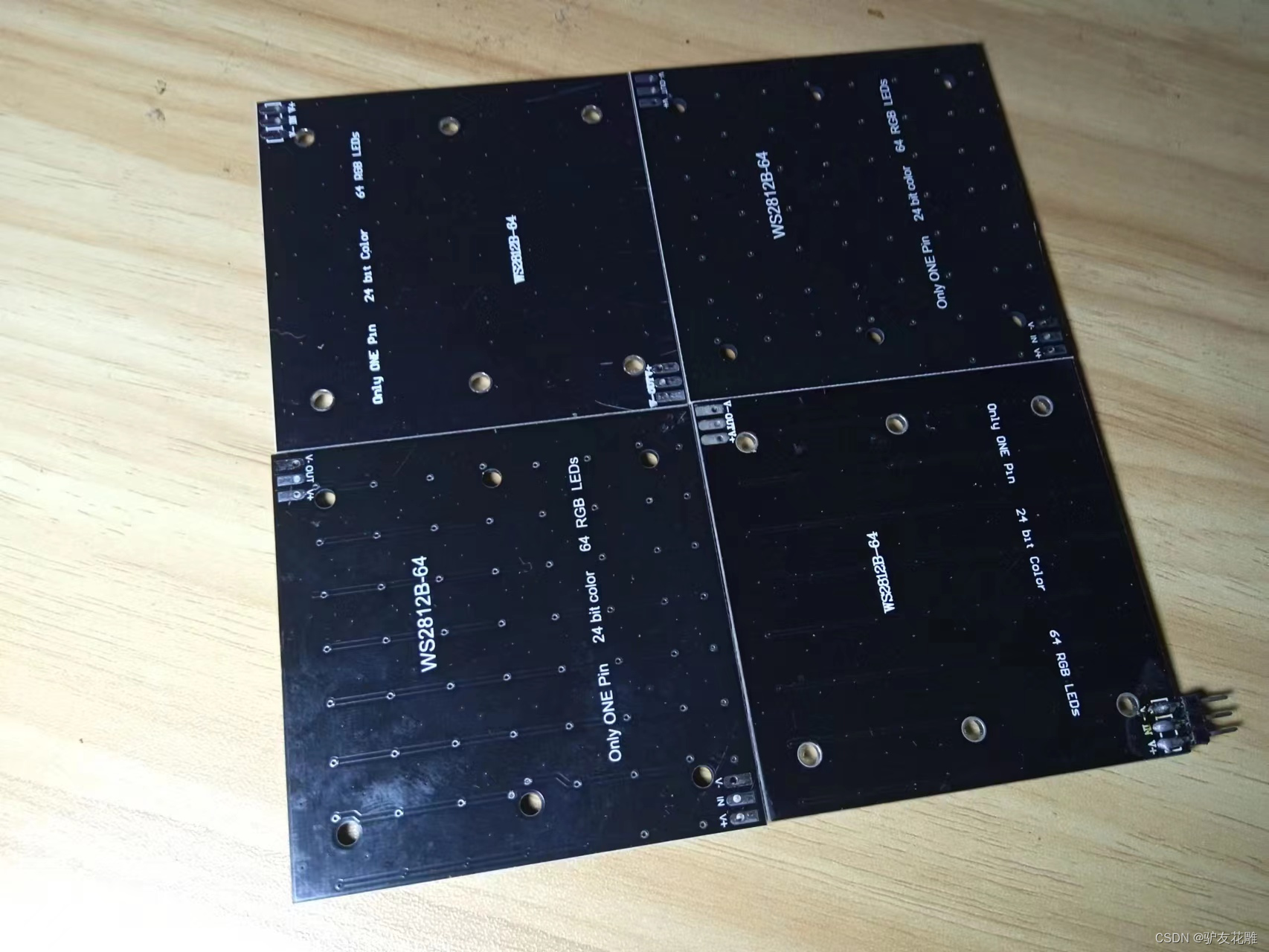
拼装成16X16的像素WS2812灯
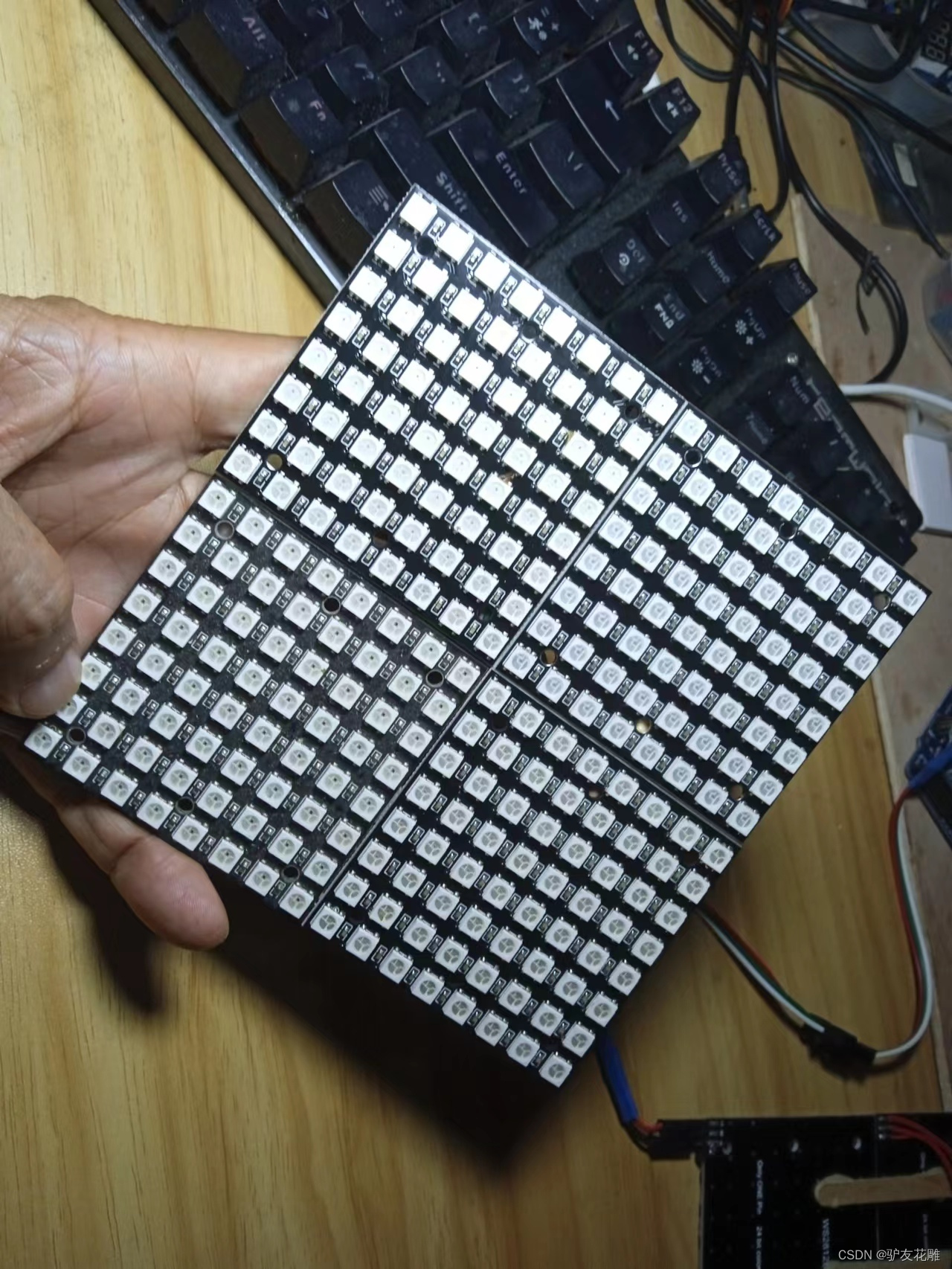
WS2812B
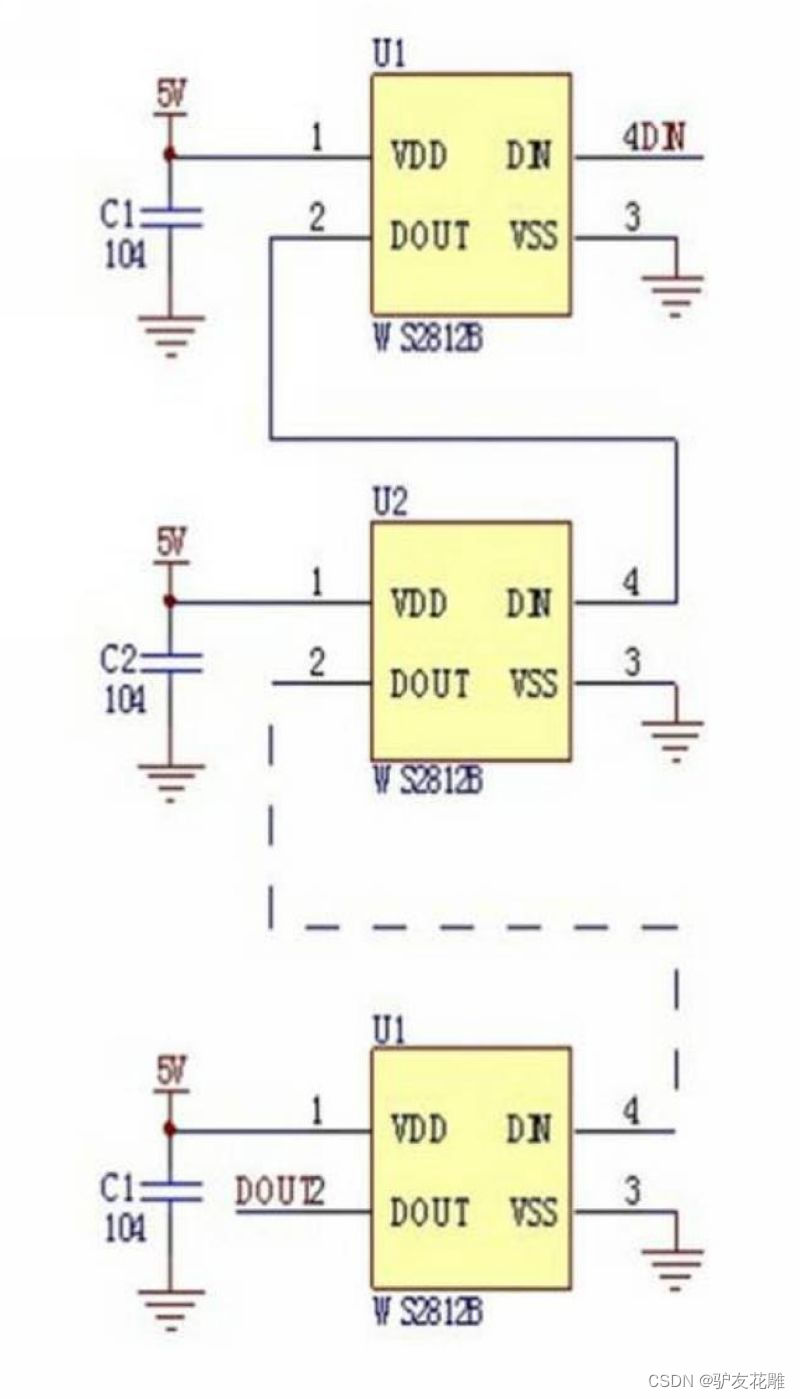
是一个集控制电路与发光电路于一体的智能外控LED光源。其外型与一个5050LED灯珠相同,每个元件即为一个像素点。像素点内部包含了智能数字接口数据锁存信号整形放大驱动电路,还包含有高精度的内部振荡器和12V高压可编程定电流控制部分,有效保证了像素点光的颜色高度一致。
数据协议采用单线归零码的通讯方式,像素点在上电复位以后,DIN端接受从控制器传输过来的数据,首先送过来的24bit数据被第一个像素点提取后,送到像素点内部的数据锁存器,剩余的数据经过内部整形处理电路整形放大后通过DO端口开始转发输出给下一个级联的像素点,每经过一个像素点的传输,信号减少24bit。像素点采用自动整形转发技术,使得该像素点的级联个数不受信号传送的限制,仅仅受限信号传输速度要求。
LED具有低电压驱动,环保节能,亮度高,散射角度大,一致性好,超低功率,超长寿命等优点。将控制电路集成于LED上面,电路变得更加简单,体积小,安装更加简便。
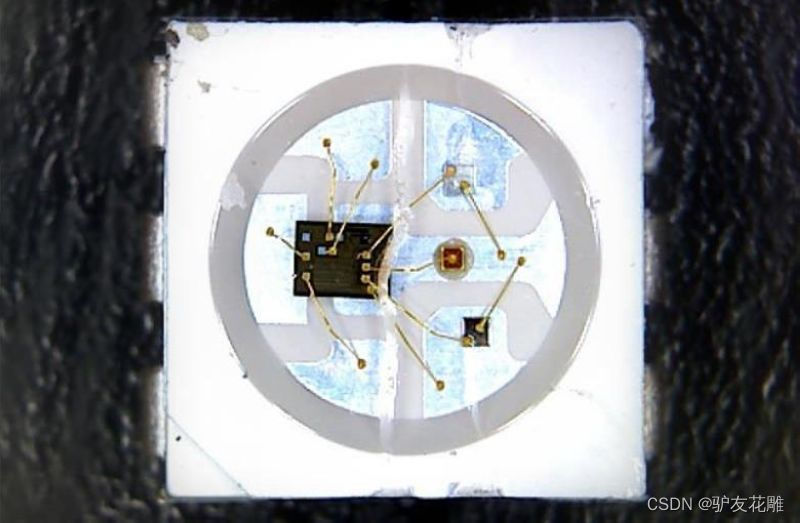
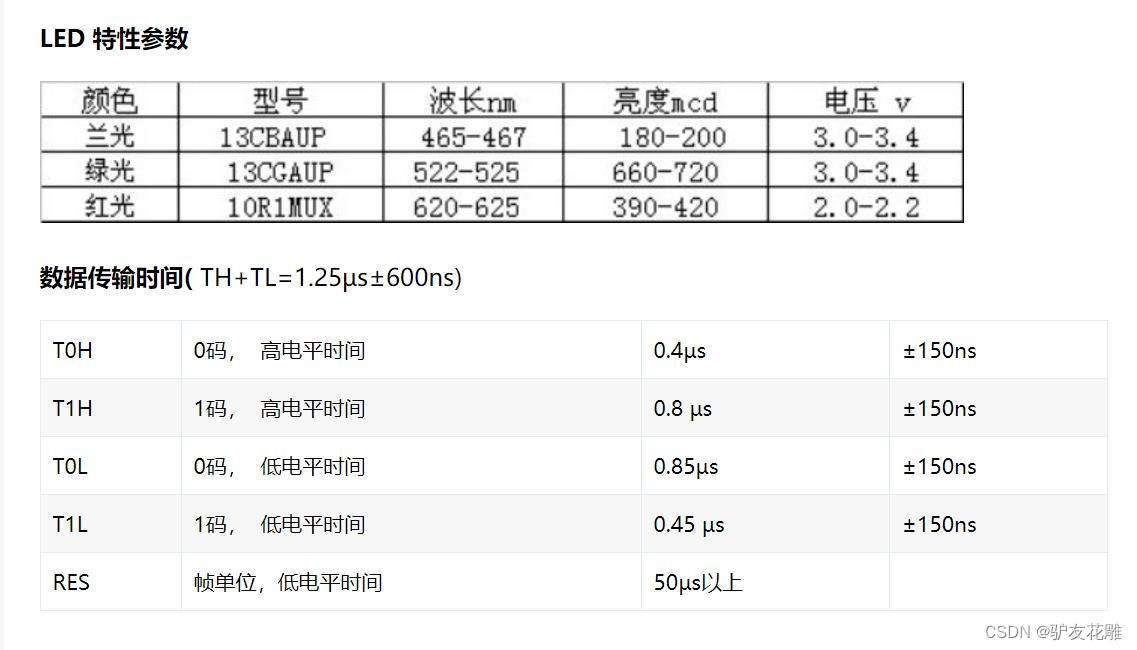
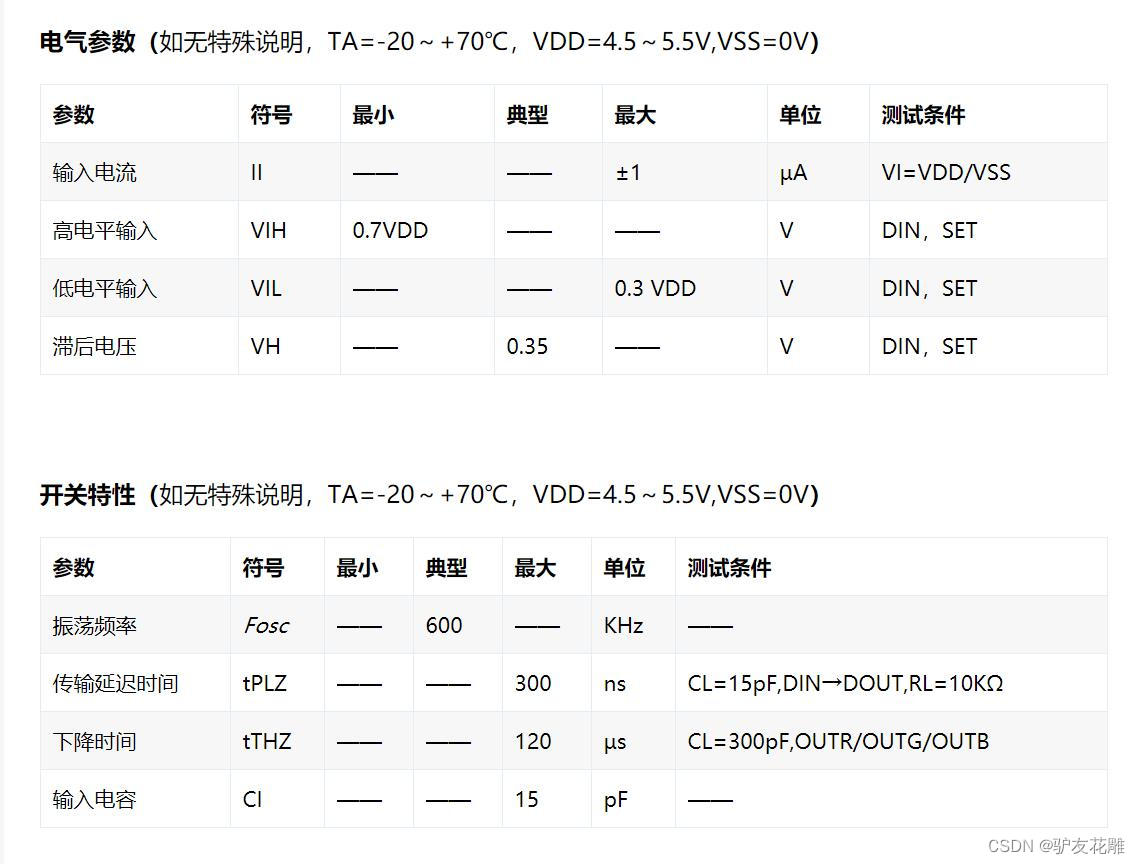
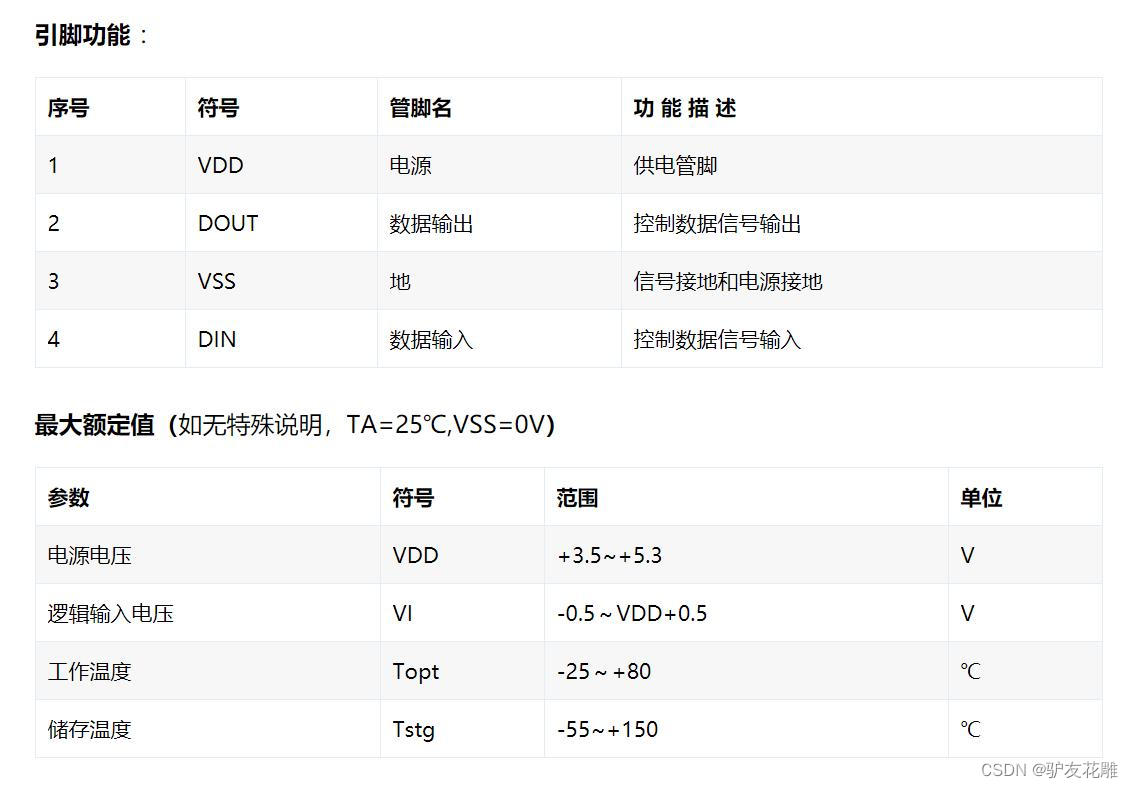
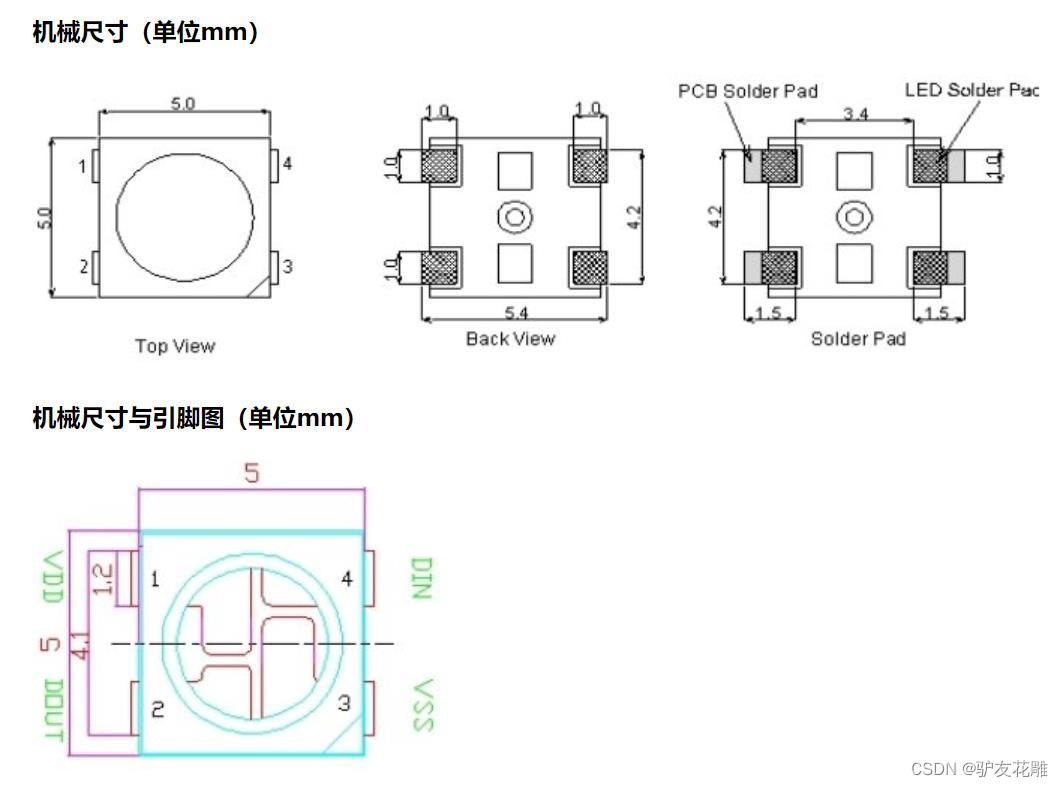
模块电原理图
【花雕动手做】有趣好玩的音乐可视化系列项目(29)–16X16硬屏灯
项目之一:WS2812FX库最简单的点亮形式
/* 【花雕动手做】有趣好玩的音乐可视化系列项目(29)--16X16硬屏灯 项目之一:WS2812FX库最简单的点亮形式 */ #include <WS2812FX.h> //导入库 #define LED_COUNT 256 //WS2812B LED数量 #define LED_PIN 6 //WS2812B LED接脚 WS2812FX ws2812fx = WS2812FX(LED_COUNT, LED_PIN, NEO_GRB + NEO_KHZ800); void setup() {
    ws2812fx.init(); //初始化 ws2812fx.setBrightness(35); //设置亮度(0-255),可以控制总电流(重要!) ws2812fx.setSpeed(100); // 设置速度 ws2812fx.setMode(FX_MODE_FIREWORKS_RANDOM);// 设置模式(内置63种模式) ws2812fx.start(); //启动 } void loop() {
    ws2812fx.service(); //循环运行 }
讯享网
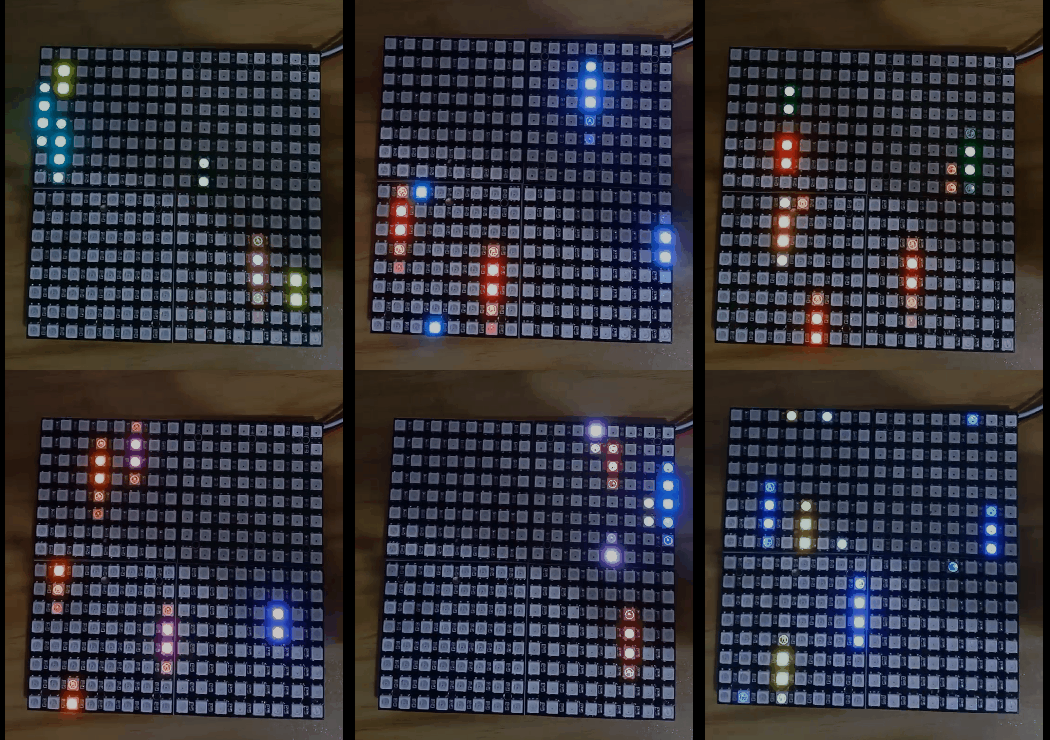
实验场景图 动态图
实验场景图
【花雕动手做】有趣好玩的音乐可视化系列项目(29)–16X16硬屏灯
项目之二:RGB传输测试满屏变幻彩灯
讯享网/* 【花雕动手做】有趣好玩的音乐可视化系列项目(29)--16X16硬屏灯 项目之二:RGB传输测试满屏变幻彩灯 */ #include <Adafruit_NeoPixel.h> #ifdef __AVR__ #include <avr/power.h> // Required for 16 MHz Adafruit Trinket #endif // Which pin on the Arduino is connected to the NeoPixels? // On a Trinket or Gemma we suggest changing this to 1: #define LED_PIN 6 // How many NeoPixels are attached to the Arduino? #define LED_COUNT 256 // NeoPixel brightness, 0 (min) to 255 (max) #define BRIGHTNESS 30 // Declare our NeoPixel strip object: Adafruit_NeoPixel strip(LED_COUNT, LED_PIN, NEO_GRBW + NEO_KHZ800); // Argument 1 = Number of pixels in NeoPixel strip // Argument 2 = Arduino pin number (most are valid) // Argument 3 = Pixel type flags, add together as needed: // NEO_KHZ800 800 KHz bitstream (most NeoPixel products w/WS2812 LEDs) // NEO_KHZ400 400 KHz (classic 'v1' (not v2) FLORA pixels, WS2811 drivers) // NEO_GRB Pixels are wired for GRB bitstream (most NeoPixel products) // NEO_RGB Pixels are wired for RGB bitstream (v1 FLORA pixels, not v2) // NEO_RGBW Pixels are wired for RGBW bitstream (NeoPixel RGBW products) void setup() {
    // These lines are specifically to support the Adafruit Trinket 5V 16 MHz. // Any other board, you can remove this part (but no harm leaving it): #if defined(__AVR_ATtiny85__) && (F_CPU == ) clock_prescale_set(clock_div_1); #endif // END of Trinket-specific code. strip.begin(); // INITIALIZE NeoPixel strip object (REQUIRED) strip.show(); // Turn OFF all pixels ASAP strip.setBrightness(50); // Set BRIGHTNESS to about 1/5 (max = 255) } void loop() {
    // Fill along the length of the strip in various colors... colorWipe(strip.Color(255, 0, 0) , 50); // Red colorWipe(strip.Color( 0, 255, 0) , 50); // Green colorWipe(strip.Color( 0, 0, 255) , 50); // Blue colorWipe(strip.Color( 0, 0, 0, 255), 50); // True white (not RGB white) whiteOverRainbow(75, 5); pulseWhite(5); rainbowFade2White(3, 3, 1); } // Fill strip pixels one after another with a color. Strip is NOT cleared // first; anything there will be covered pixel by pixel. Pass in color // (as a single 'packed' 32-bit value, which you can get by calling // strip.Color(red, green, blue) as shown in the loop() function above), // and a delay time (in milliseconds) between pixels. void colorWipe(uint32_t color, int wait) {
    for(int i=0; i<strip.numPixels(); i++) {
    // For each pixel in strip... strip.setPixelColor(i, color); // Set pixel's color (in RAM) strip.show(); // Update strip to match delay(3); // Pause for a moment } } void whiteOverRainbow(int whiteSpeed, int whiteLength) {
    if(whiteLength >= strip.numPixels()) whiteLength = strip.numPixels() - 1; int head = whiteLength - 1; int tail = 0; int loops = 3; int loopNum = 0; uint32_t lastTime = millis(); uint32_t firstPixelHue = 0; for(;;) {
    // Repeat forever (or until a 'break' or 'return') for(int i=0; i<strip.numPixels(); i++) {
    // For each pixel in strip... if(((i >= tail) && (i <= head)) || // If between head & tail... ((tail > head) && ((i >= tail) || (i <= head)))) {
    strip.setPixelColor(i, strip.Color(0, 0, 0, 255)); // Set white } else {
    // else set rainbow int pixelHue = firstPixelHue + (i * 65536L / strip.numPixels()); strip.setPixelColor(i, strip.gamma32(strip.ColorHSV(pixelHue))); } } strip.show(); // Update strip with new contents // There's no delay here, it just runs full-tilt until the timer and // counter combination below runs out. firstPixelHue += 40; // Advance just a little along the color wheel if((millis() - lastTime) > whiteSpeed) {
    // Time to update head/tail? if(++head >= strip.numPixels()) {
    // Advance head, wrap around head = 0; if(++loopNum >= loops) return; } if(++tail >= strip.numPixels()) {
    // Advance tail, wrap around tail = 0; } lastTime = millis(); // Save time of last movement } } } void pulseWhite(uint8_t wait) {
    for(int j=0; j<256; j++) {
    // Ramp up from 0 to 255 // Fill entire strip with white at gamma-corrected brightness level 'j': strip.fill(strip.Color(0, 0, 0, strip.gamma8(j))); strip.show(); delay(3); } for(int j=255; j>=0; j--) {
    // Ramp down from 255 to 0 strip.fill(strip.Color(0, 0, 0, strip.gamma8(j))); strip.show(); delay(3); } } void rainbowFade2White(int wait, int rainbowLoops, int whiteLoops) {
    int fadeVal=0, fadeMax=100; // Hue of first pixel runs 'rainbowLoops' complete loops through the color // wheel. Color wheel has a range of 65536 but it's OK if we roll over, so // just count from 0 to rainbowLoops*65536, using steps of 256 so we // advance around the wheel at a decent clip. for(uint32_t firstPixelHue = 0; firstPixelHue < rainbowLoops*65536; firstPixelHue += 256) {
    for(int i=0; i<strip.numPixels(); i++) {
    // For each pixel in strip... // Offset pixel hue by an amount to make one full revolution of the // color wheel (range of 65536) along the length of the strip // (strip.numPixels() steps): uint32_t pixelHue = firstPixelHue + (i * 65536L / strip.numPixels()); // strip.ColorHSV() can take 1 or 3 arguments: a hue (0 to 65535) or // optionally add saturation and value (brightness) (each 0 to 255). // Here we're using just the three-argument variant, though the // second value (saturation) is a constant 255. strip.setPixelColor(i, strip.gamma32(strip.ColorHSV(pixelHue, 255, 255 * fadeVal / fadeMax))); } strip.show(); delay(3); if(firstPixelHue < 65536) {
    // First loop, if(fadeVal < fadeMax) fadeVal++; // fade in } else if(firstPixelHue >= ((rainbowLoops-1) * 65536)) {
    // Last loop, if(fadeVal > 0) fadeVal--; // fade out } else {
    fadeVal = fadeMax; // Interim loop, make sure fade is at max } } for(int k=0; k<whiteLoops; k++) {
    for(int j=0; j<256; j++) {
    // Ramp up 0 to 255 // Fill entire strip with white at gamma-corrected brightness level 'j': strip.fill(strip.Color(0, 0, 0, strip.gamma8(j))); strip.show(); } delay(100); // Pause 1 second for(int j=255; j>=0; j--) {
    // Ramp down 255 to 0 strip.fill(strip.Color(0, 0, 0, strip.gamma8(j))); strip.show(); } } delay(5); // Pause 1/2 second }
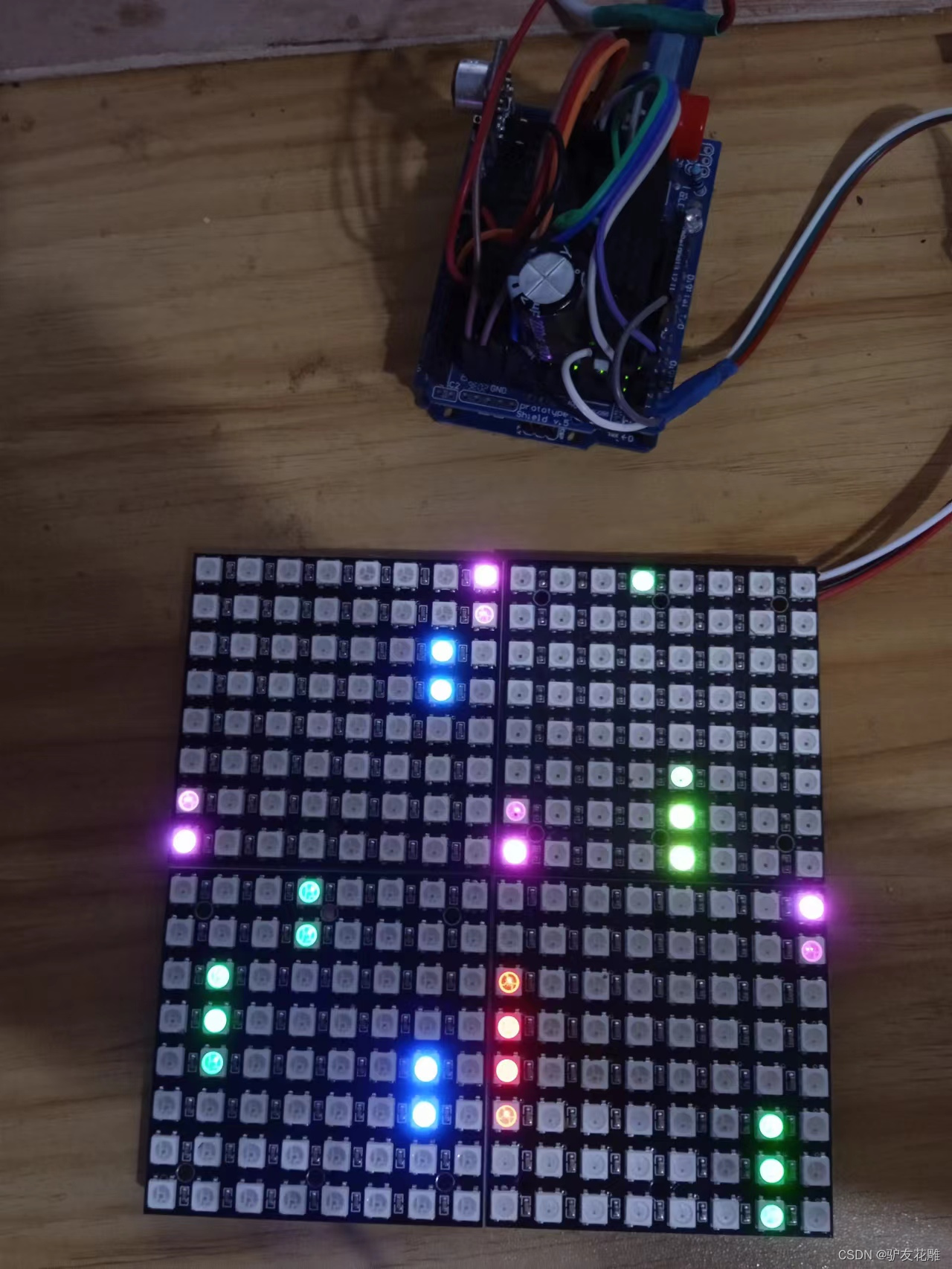
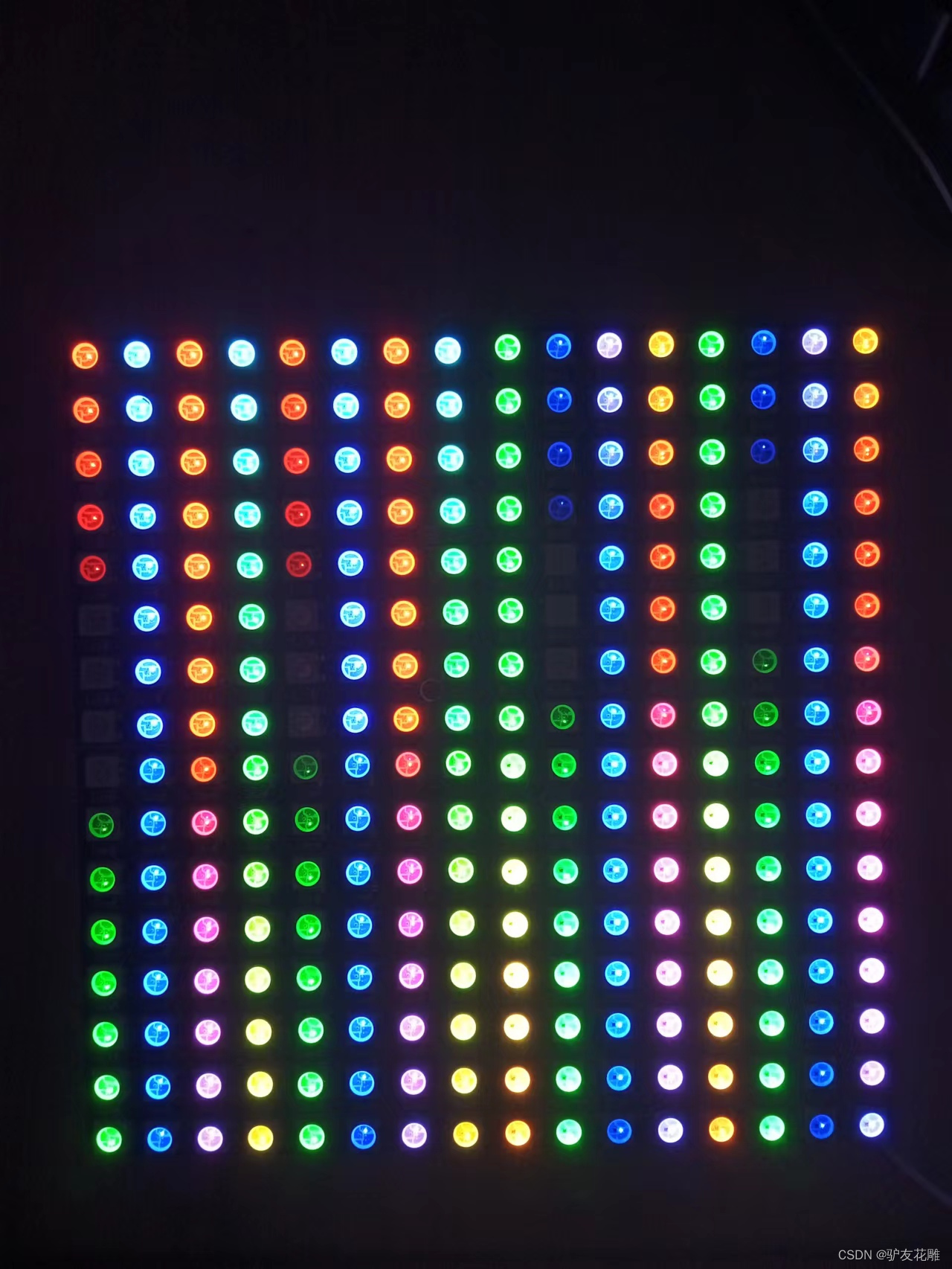
实验场景图
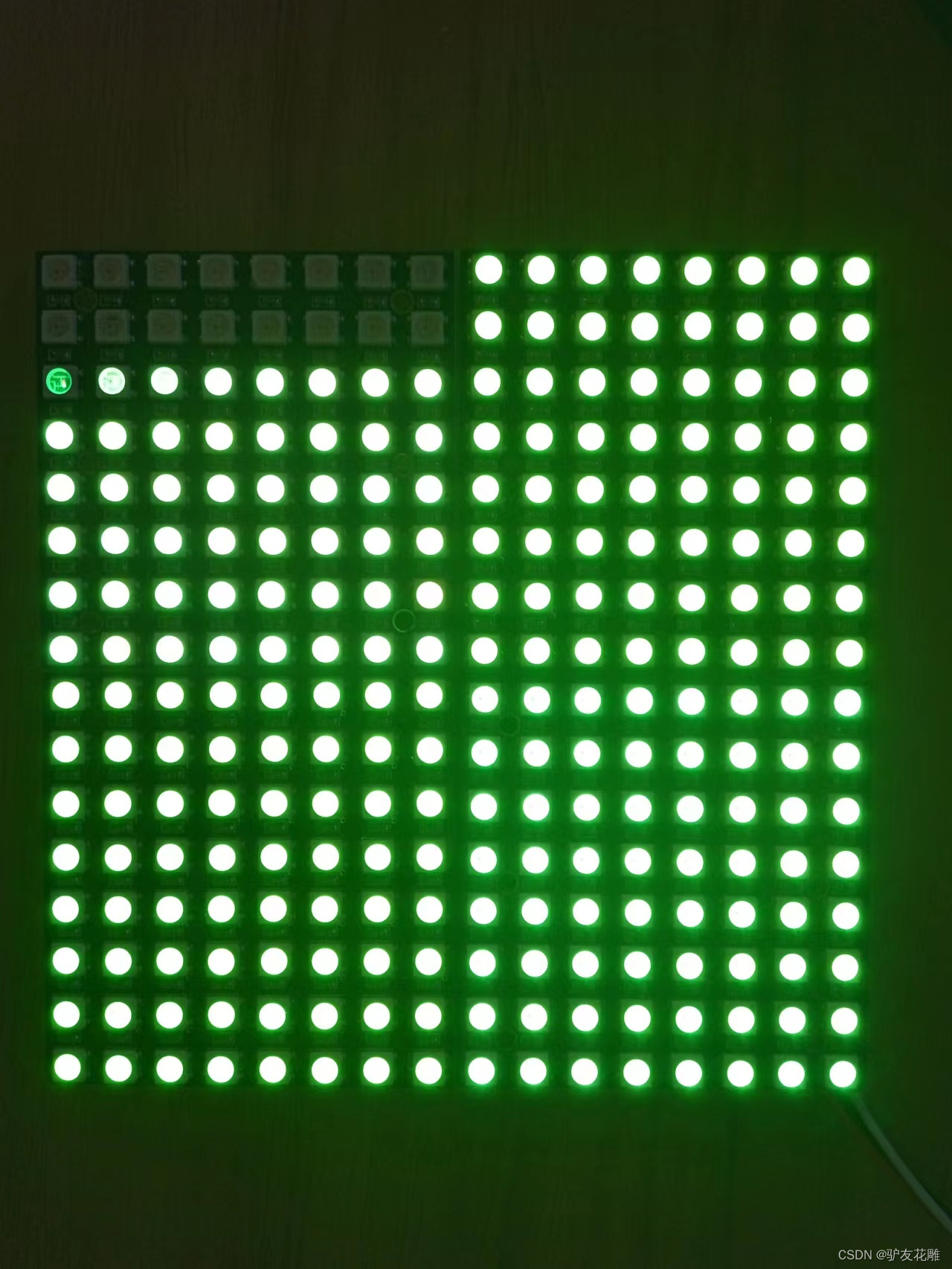
/* 【花雕动手做】有趣好玩的音乐可视化系列项目(29)--16X16硬屏灯 项目之三:应用Adafruit_NeoPixel库的入门极简程序 */ #include <Adafruit_NeoPixel.h> #define PIN 6 //接脚 #define NUMPIXELS 256 //数量 Adafruit_NeoPixel pixels(NUMPIXELS, PIN, NEO_GRB + NEO_KHZ800); #define DELAYVAL 10 //延时 void setup() {
    pixels.setBrightness(22);//亮度 pixels.begin();//启动 } void loop() {
    pixels.clear(); for (int i = 0; i < NUMPIXELS; i++) {
    pixels.setPixelColor(i, pixels.Color(50, 250, 0));//绿色 pixels.show(); delay(1); } }
实验场景图
【花雕动手做】有趣好玩的音乐可视化系列项目(29)–16X16硬屏灯
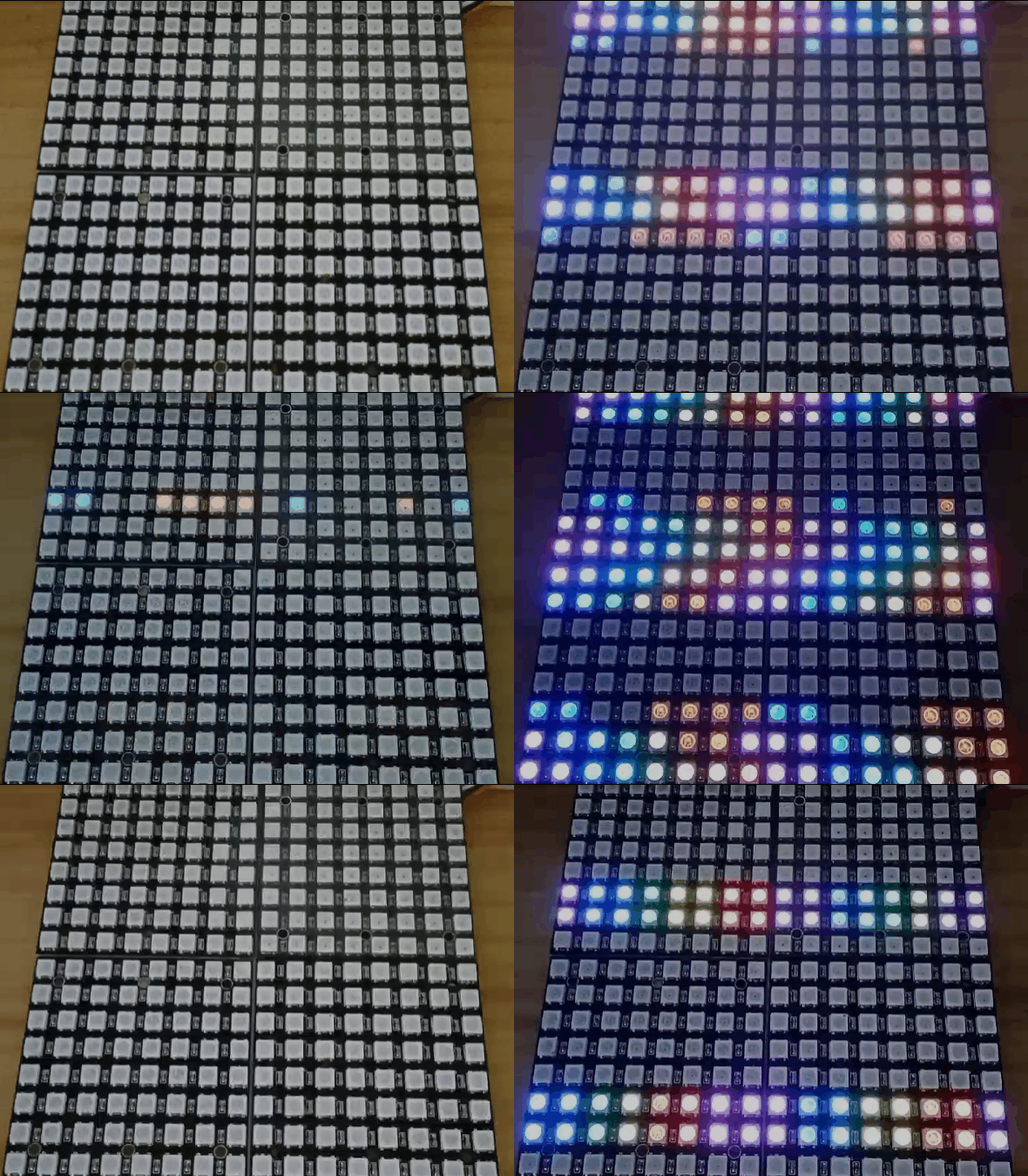
项目之四:256位音乐频谱灯
讯享网/* 【花雕动手做】有趣好玩的音乐可视化系列项目(29)--16X16硬屏灯 项目之四:256位音乐频谱灯 */ #include "FastLED.h" #define OCTAVE 1 // // Group buckets into octaves (use the log output function LOG_OUT 1) #define OCT_NORM 0 // Don't normalise octave intensities by number of bins #define FHT_N 256 // set to 256 point fht #include <FHT.h> // include the library //int noise[] = {204,188,68,73,150,98,88,68}; // noise level determined by playing pink noise and seeing levels [trial and error]{204,188,68,73,150,98,88,68} // int noise[] = {204,190,108,85,65,65,55,60}; // noise for mega adk int noise[] = {
   204, 195, 100, 90, 85, 80, 75, 75}; // noise for NANO //int noise[] = {204,198,100,85,85,80,80,80}; float noise_fact[] = {
   15, 7, 1.5, 1, 1.2, 1.4, 1.7, 3}; // noise level determined by playing pink noise and seeing levels [trial and error]{204,188,68,73,150,98,88,68} float noise_fact_adj[] = {
   15, 7, 1.5, 1, 1.2, 1.4, 1.7, 3}; // noise level determined by playing pink noise and seeing levels [trial and error]{204,188,68,73,150,98,88,68} #define LED_PIN 6 #define LED_TYPE WS2812 #define COLOR_ORDER GRB // Params for width and height const uint8_t kMatrixWidth = 8; const uint8_t kMatrixHeight = 32; //#define NUM_LEDS (kMatrixWidth * kMatrixHeight) #define NUM_LEDS 256 CRGB leds[NUM_LEDS]; int counter2 = 0; void setup() {
    Serial.begin(9600); delay(1000); FastLED.addLeds<LED_TYPE, LED_PIN, COLOR_ORDER>(leds, NUM_LEDS).setCorrection( TypicalLEDStrip ); FastLED.setBrightness (33); fill_solid(leds, NUM_LEDS, CRGB::Black); FastLED.show(); // TIMSK0 = 0; // turn off timer0 for lower jitter ADCSRA = 0xe5; // set the adc to free running mode ADMUX = 0x40; // use adc0 DIDR0 = 0x01; // turn off the digital input for adc0 } void loop() {
    int prev_j[8]; int beat = 0; int prev_oct_j; int counter = 0; int prev_beat = 0; int led_index = 0; int saturation = 0; int saturation_prev = 0; int brightness = 0; int brightness_prev = 0; while (1) {
    // reduces jitter cli(); // UDRE interrupt slows this way down on arduino1.0 for (int i = 0 ; i < FHT_N ; i++) {
    // save 256 samples while (!(ADCSRA & 0x10)); // wait for adc to be ready ADCSRA = 0xf5; // restart adc byte m = ADCL; // fetch adc data byte j = ADCH; int k = (j << 8) | m; // form into an int k -= 0x0200; // form into a signed int k <<= 6; // form into a 16b signed int fht_input[i] = k; // put real data into bins } fht_window(); // window the data for better frequency response fht_reorder(); // reorder the data before doing the fht fht_run(); // process the data in the fht fht_mag_octave(); // take the output of the fht fht_mag_log() // every 50th loop, adjust the volume accourding to the value on A2 (Pot) if (counter >= 50) {
    ADMUX = 0x40 | (1 & 0x07); // set admux to look at Analogpin A1 - Master Volume while (!(ADCSRA & 0x10)); // wait for adc to be ready ADCSRA = 0xf5; // restart adc delay(10); while (!(ADCSRA & 0x10)); // wait for adc to be ready ADCSRA = 0xf5; // restart adc byte m = ADCL; // fetch adc data byte j = ADCH; int k = (j << 8) | m; // form into an int float master_volume = (k + 0.1) / 1000 + .75; // so the valu will be between ~0.5 and 1.---------------------+.75 was .5 Serial.println (master_volume); for (int i = 1; i < 8; i++) {
    noise_fact_adj[i] = noise_fact[i] * master_volume; } ADMUX = 0x40 | (0 & 0x07); // set admux back to look at A0 analog pin (to read the microphone input counter = 0; } sei(); counter++; // End of Fourier Transform code - output is stored in fht_oct_out[i]. // i=0-7 frequency (octave) bins (don't use 0 or 1), fht_oct_out[1]= amplitude of frequency for bin 1 // for loop a) removes background noise average and takes absolute value b) low / high pass filter as still very noisy // c) maps amplitude of octave to a colour between blue and red d) sets pixel colour to amplitude of each frequency (octave) for (int i = 1; i < 8; i++) {
    // goes through each octave. skip the first 1, which is not useful int j; j = (fht_oct_out[i] - noise[i]); // take the pink noise average level out, take the asbolute value to avoid negative numbers if (j < 10) {
    j = 0; } j = j * noise_fact_adj[i]; if (j < 10) {
    j = 0; } else {
    j = j * noise_fact_adj[i]; if (j > 180) {
    if (i >= 7) {
    beat += 2; } else {
    beat += 1; } } j = j / 30; j = j * 30; // (force it to more discrete values) } prev_j[i] = j; // Serial.print(j); // Serial.print(" "); // this fills in 11 LED's with interpolated values between each of the 8 OCT values if (i >= 2) {
    led_index = 2 * i - 3; prev_oct_j = (j + prev_j[i - 1]) / 2; saturation = constrain(j + 50, 0, 255); //-----------50 was 30 saturation_prev = constrain(prev_oct_j + 50, 0, 255); brightness = constrain(j, 0, 255); brightness_prev = constrain(prev_oct_j, 0, 255); if (brightness == 255) {
    saturation = 50; brightness = 200; } if (brightness_prev == 255) {
    saturation_prev = 50; brightness_prev = 200; } for (uint8_t y = 0; y < kMatrixHeight; y++) {
    leds[XY(led_index - 1, y)] = CHSV(j + y * 30, saturation, brightness); if (i > 2) {
    prev_oct_j = (j + prev_j[i - 1]) / 2; leds[ XY(led_index - 2, y)] = CHSV(prev_oct_j + y * 30, saturation_prev, brightness_prev); } } } } if (beat >= 7) {
    fill_solid(leds, NUM_LEDS, CRGB::Gray); FastLED.setBrightness(200); } else {
    if (prev_beat != beat) {
    FastLED.setBrightness(40 + beat * beat * 5); prev_beat = beat; } } FastLED.show(); if (beat) {
    counter2 += ((beat + 4) / 2 - 2); if (counter2 < 0) {
    counter2 = 1000; } if (beat > 3 && beat < 7) {
    FastLED.delay (20); } beat = 0; } // Serial.println(); } } // Param for different pixel layouts const bool kMatrixSerpentineLayout = false; // Set 'kMatrixSerpentineLayout' to false if your pixels are // laid out all running the same way, like this: // Set 'kMatrixSerpentineLayout' to true if your pixels are // laid out back-and-forth, like this: uint16_t XY( uint8_t x, uint8_t y) {
    uint16_t i; if ( kMatrixSerpentineLayout == false) {
    i = (y * kMatrixWidth) + x; } if ( kMatrixSerpentineLayout == true) {
    if ( y & 0x01) {
    // Odd rows run backwards uint8_t reverseX = (kMatrixWidth - 1) - x; i = (y * kMatrixWidth) + reverseX; } else {
    // Even rows run forwards i = (y * kMatrixWidth) + x; } } i = (i + counter2) % NUM_LEDS; return i; }
实验场景图 动态图
实验的视频记录
优酷:https://v.youku.com/v_show/id_XNTkxNTA3OTM0NA==.html?spm=a2hcb.playlsit.page.1
B站:https://www.bilibili.com/video/BV1Wg411z7QR/?vd_source=98c6b1fc23bd97f8d3cc0b7e5
实验场景图
【花雕动手做】有趣好玩的音乐可视化系列项目(29)–16X16硬屏灯
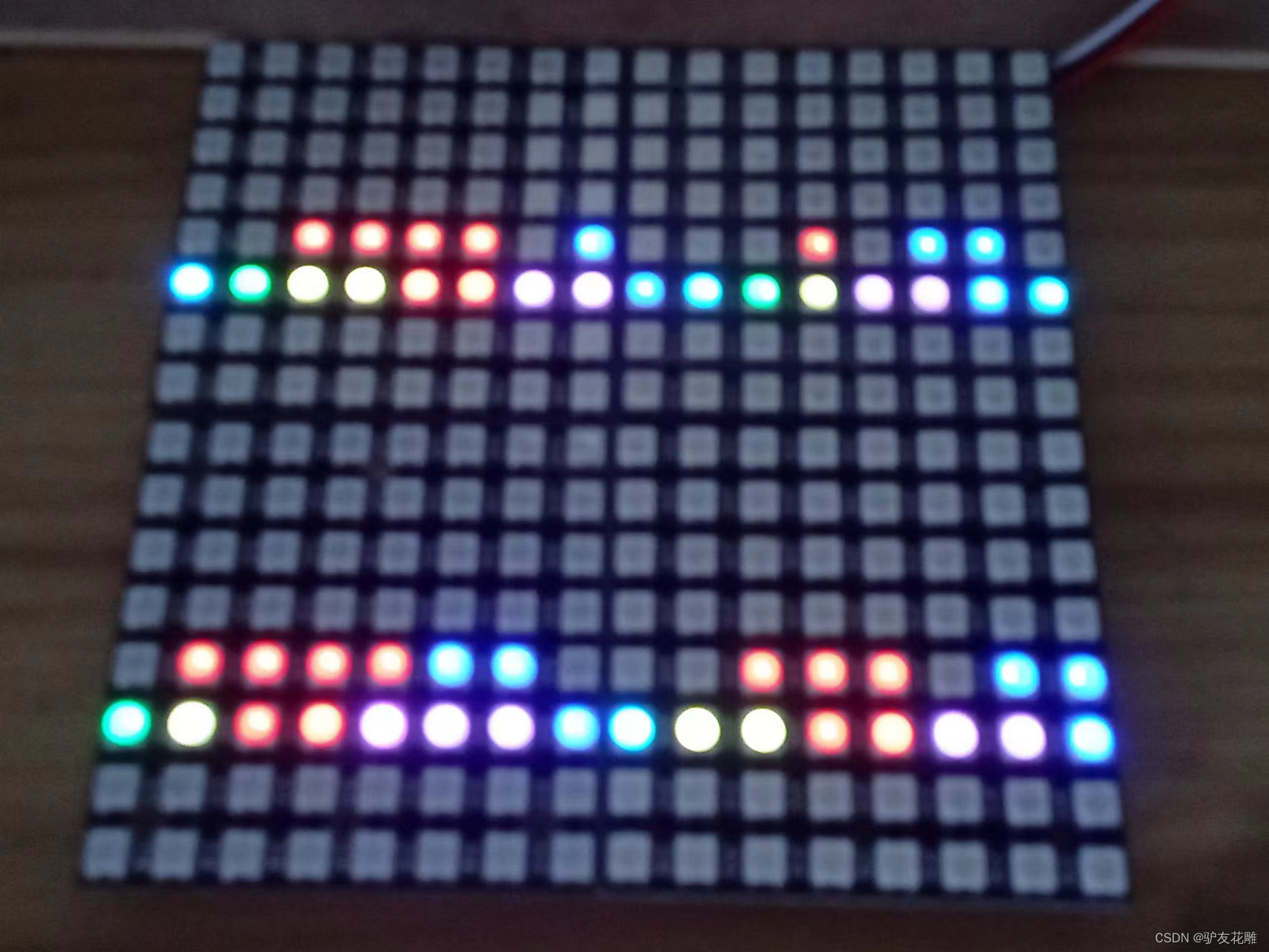
项目之五:多彩MegunoLink音乐节拍灯
/* 【花雕动手做】有趣好玩的音乐可视化系列项目(29)--16X16硬屏灯 项目之五:多彩MegunoLink音乐节拍灯 */ #include<FastLED.h> #include<MegunoLink.h> #include<Filter.h> #define N_PIXELS 23 #define MIC_PIN A0 #define LED_PIN 6 #define NOISE 10 #define TOP (N_PIXELS+2) #define LED_TYPE WS2811 #define BRIGHTNESS 10 #define COLOR_ORDER GRB CRGB leds[N_PIXELS]; int lvl = 0, minLvl = 0, maxLvl = 10; ExponentialFilter<long> ADCFilter(5, 0); void setup() {
    FastLED.addLeds<LED_TYPE, LED_PIN, COLOR_ORDER>(leds, N_PIXELS).setCorrection(TypicalLEDStrip); FastLED.setBrightness(BRIGHTNESS); } void loop() {
    int n, height; n = analogRead(MIC_PIN); n = abs(1023 - n); n = (n <= NOISE) ? 0 : abs(n - NOISE); ADCFilter.Filter(n); lvl = ADCFilter.Current(); // Serial.print(n); // Serial.print(" "); // Serial.println(lvl); height = TOP * (lvl - minLvl) / (long)(maxLvl - minLvl); if (height < 0L) height = 0; else if (height > TOP) height = TOP; for (uint8_t i = 0; i < N_PIXELS; i++) {
    if (i >= height) leds[i] = CRGB(0, 0, 0); else leds[i] = Wheel( map( i, 0, N_PIXELS - 1, 30, 150 ) ); } FastLED.show(); } CRGB Wheel(byte WheelPos) {
    if (WheelPos < 85) return CRGB(WheelPos * 3, 255 - WheelPos * 3, 0); else if (WheelPos < 170) {
    WheelPos -= 85; return CRGB(255 - WheelPos * 3, 0, WheelPos * 3); } else {
    WheelPos -= 170; return CRGB(0, WheelPos * 3, 255 - WheelPos * 3); } }
实验场景图 动态图
实验的视频记录
优酷:
B站:https://www.bilibili.com/video/BV1kd4y1y75d/?vd_source=98c6b1fc23bd97f8d3cc0b7e5
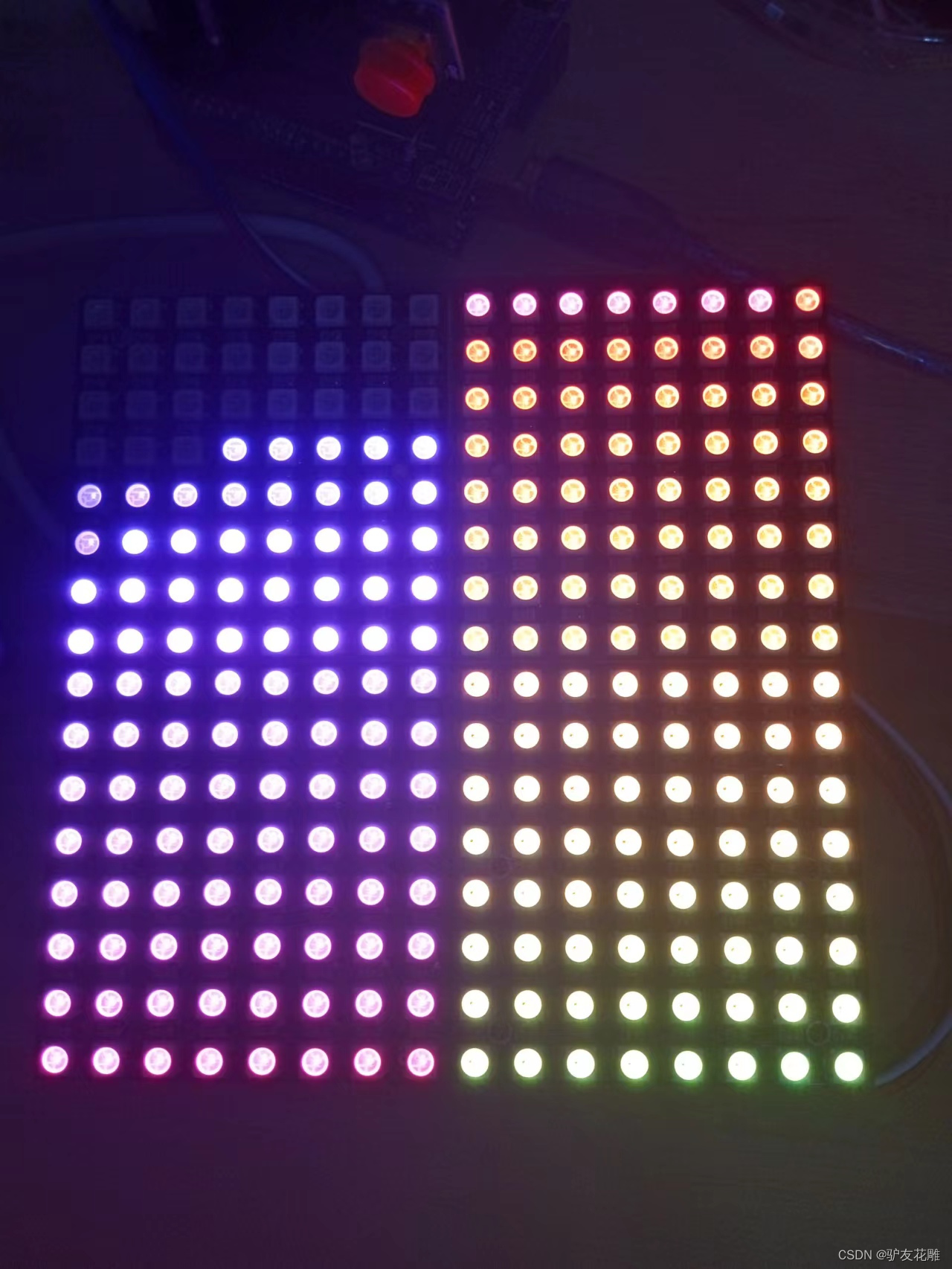
实验场景图
| 
【花雕动手做】有趣好玩的音乐可视化系列项目(29)–16X16硬屏灯
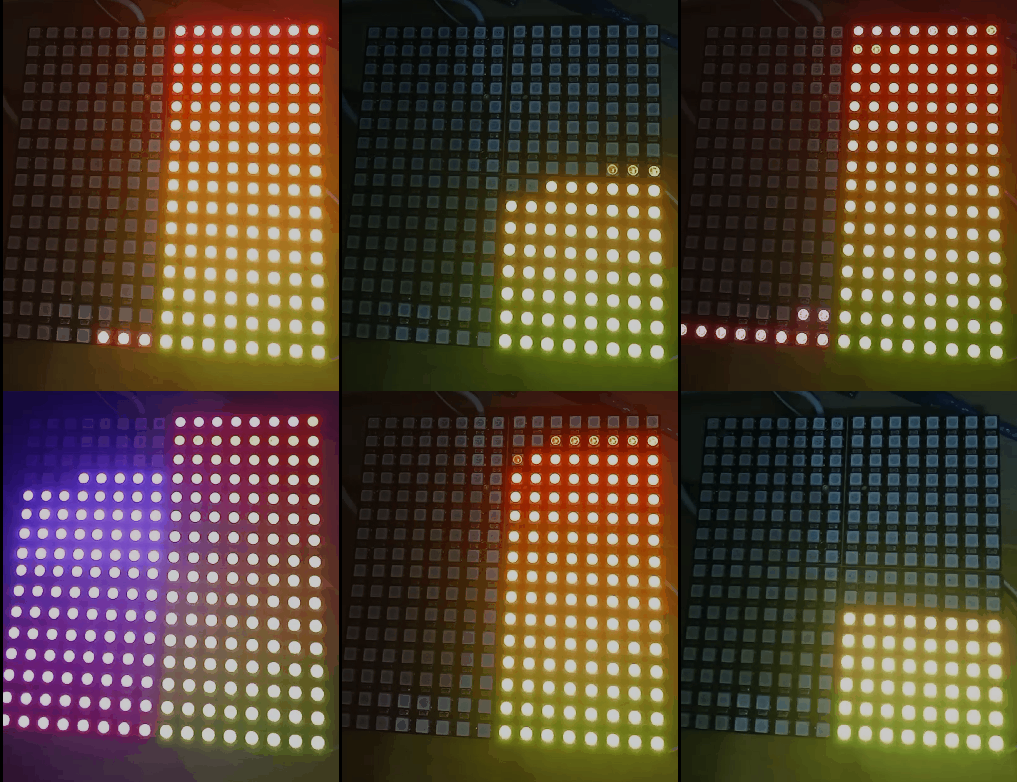
项目之六:Arduino 和 FastLED多彩音乐节奏灯
讯享网/* 【花雕动手做】有趣好玩的音乐可视化系列项目(29)--16X16硬屏灯 项目之六:Arduino 和 FastLED多彩音乐节奏灯 */ #include <FastLED.h> #define SAMPLEPERIODUS 200 #define MIC_PIN A0 #define LED_DT 6 #define COLOR_ORDER GRB #define LED_TYPE WS2812 #define NUM_LEDS 256 uint8_t max_bright = 33; struct CRGB leds[NUM_LEDS]; CRGBPalette16 currentPalette = RainbowColors_p; CRGBPalette16 targetPalette; void setup() {
    pinMode(LED_BUILTIN, OUTPUT); LEDS.addLeds<LED_TYPE, LED_DT, COLOR_ORDER>(leds, NUM_LEDS); FastLED.setBrightness(max_bright); } float bassFilter(float sample) {
    static float xv[3] = {
   0, 0, 0}, yv[3] = {
   0, 0, 0}; xv[0] = xv[1]; xv[1] = xv[2]; xv[2] = sample / 9.1f; yv[0] = yv[1]; yv[1] = yv[2]; yv[2] = (xv[2] - xv[0]) + (-0.f * yv[0]) + (1.f * yv[1]); return yv[2]; } float envelopeFilter(float sample) {
    static float xv[2] = {
   0, 0}, yv[2] = {
   0, 0}; xv[0] = xv[1]; xv[1] = sample / 160.f; yv[0] = yv[1]; yv[1] = (xv[0] + xv[1]) + (0.f * yv[0]); return yv[1]; } float beatFilter(float sample) {
    static float xv[3] = {
   0, 0, 0}, yv[3] = {
   0, 0, 0}; xv[0] = xv[1]; xv[1] = xv[2]; xv[2] = sample / 7.015f; yv[0] = yv[1]; yv[1] = yv[2]; yv[2] = (xv[2] - xv[0]) + (-0.f * yv[0]) + (1.f * yv[1]); return yv[2]; } void loop() {
    unsigned long time = micros(); float sample, value, envelope, beat, thresh, micLev; for (uint8_t i = 0; ; ++i) {
    sample = (float)analogRead(MIC_PIN); micLev = ((micLev * 67) + sample) / 68; sample -= micLev; value = bassFilter(sample); value = abs(value); envelope = envelopeFilter(value); if (i == 200) {
    beat = beatFilter(envelope); thresh = 0.02f * 75.; if (beat > thresh) {
    digitalWrite(LED_BUILTIN, LOW); int strt = random8(NUM_LEDS / 2); int ende = strt + random8(NUM_LEDS / 2); for (int i = strt; i < ende; i++) {
    uint8_t index = inoise8(i * 30, millis() + i * 30); leds[i] = ColorFromPalette(currentPalette, index, 255, LINEARBLEND); } } else {
    digitalWrite(LED_BUILTIN, HIGH); } i = 0; } EVERY_N_SECONDS(5) {
    uint8_t baseC = random8(); targetPalette = CRGBPalette16(CHSV(baseC + random8(32), 255, random8(128, 255)), CHSV(baseC + random8(64), 255, random8(128, 255)), CHSV(baseC + random8(64), 192, random8(128, 255)), CHSV(baseC + random8(), 255, random8(128, 255))); } EVERY_N_MILLISECONDS(50) {
    uint8_t maxChanges = 24; nblendPaletteTowardPalette(currentPalette, targetPalette, maxChanges); } EVERY_N_MILLIS(50) {
    fadeToBlackBy(leds, NUM_LEDS, 64); FastLED.show(); } for (unsigned long up = time + SAMPLEPERIODUS; time > 20 && time < up; time = micros()) {
    } } // for i } // loop()
实验场景图 动态图
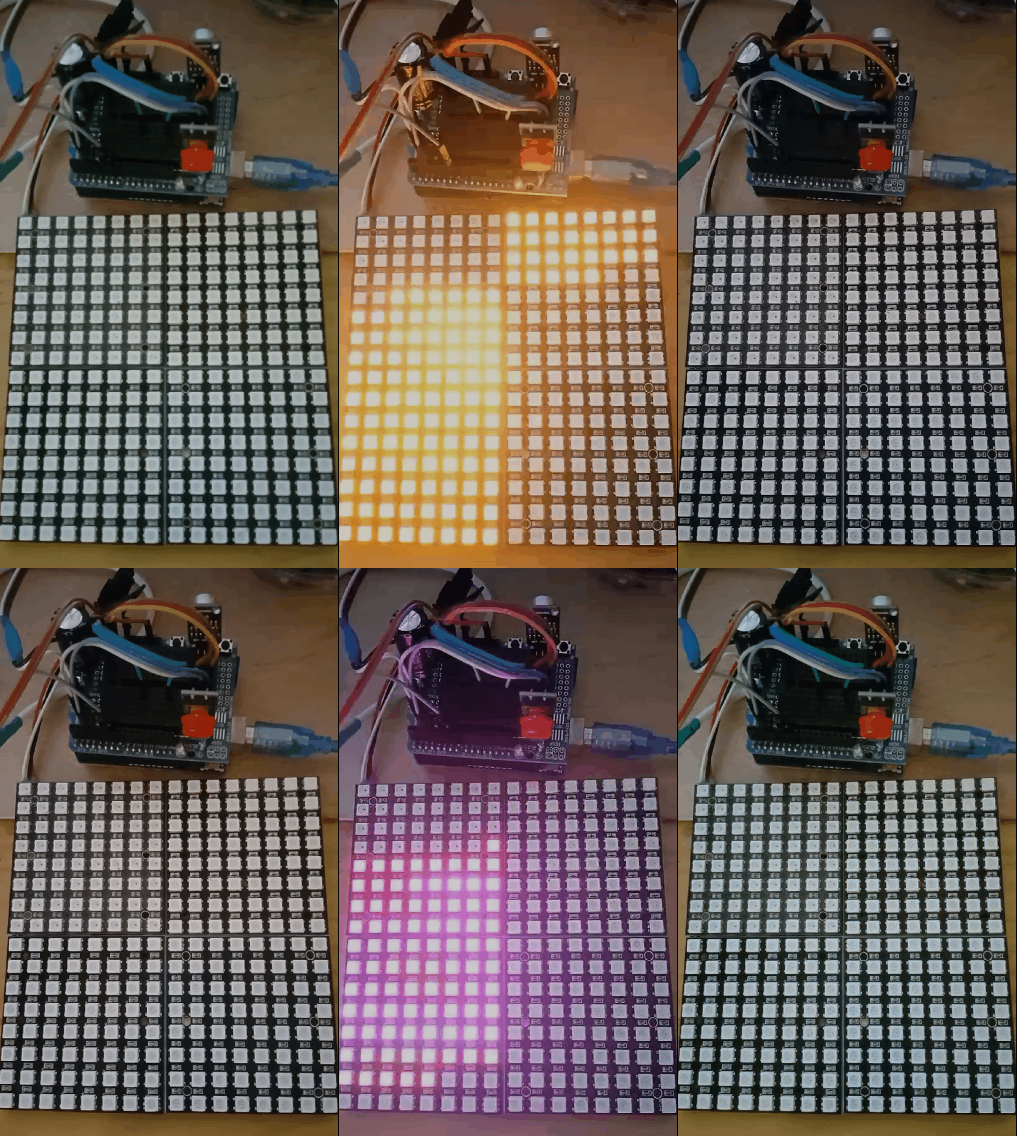

实验的视频记录
优酷:
B站:https://www.bilibili.com/video/BV1C14y157zB/?vd_source=98c6b1fc23bd97f8d3cc0b7e5
实验场景图
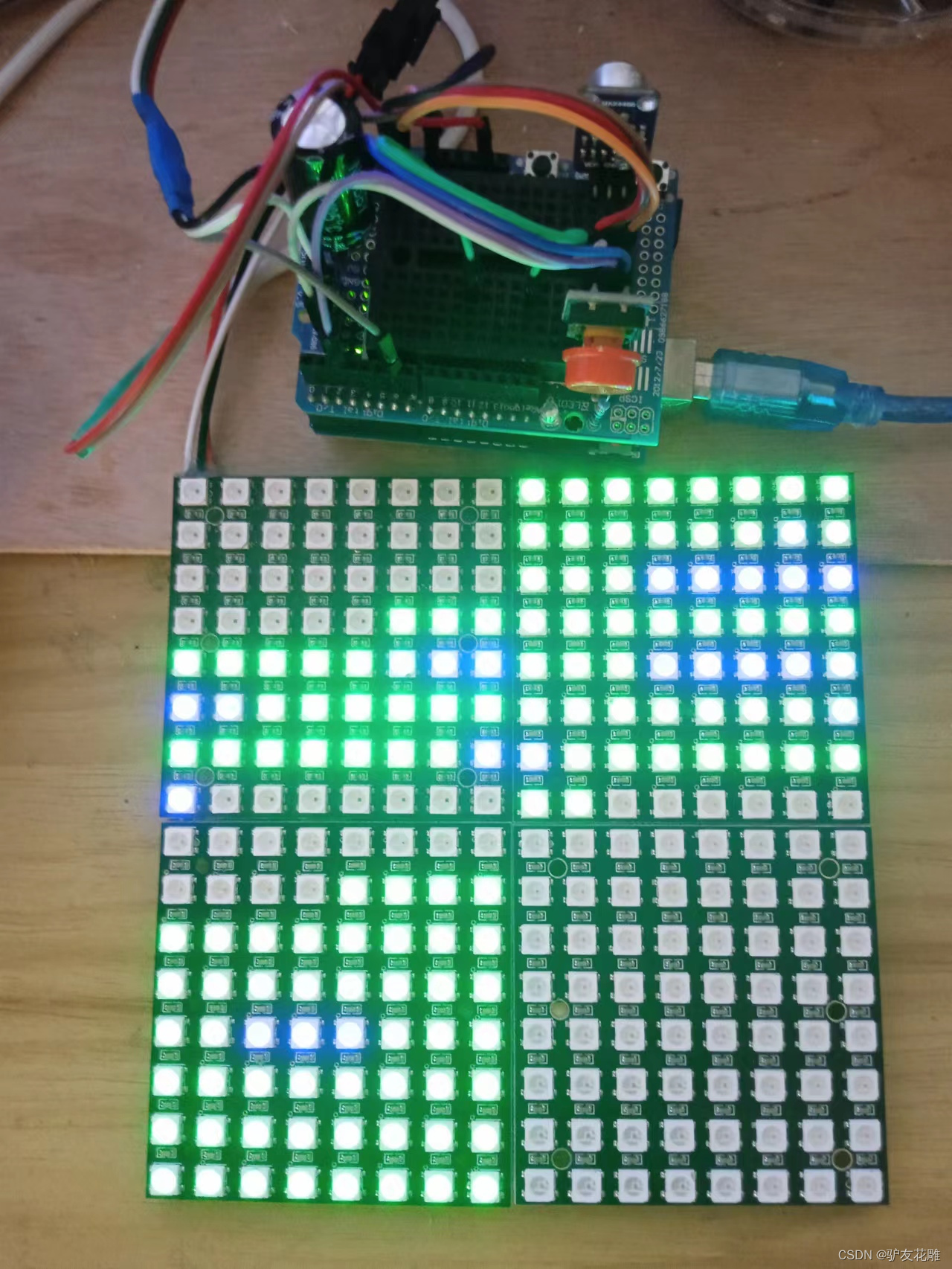
镜像扩展的实验场景图
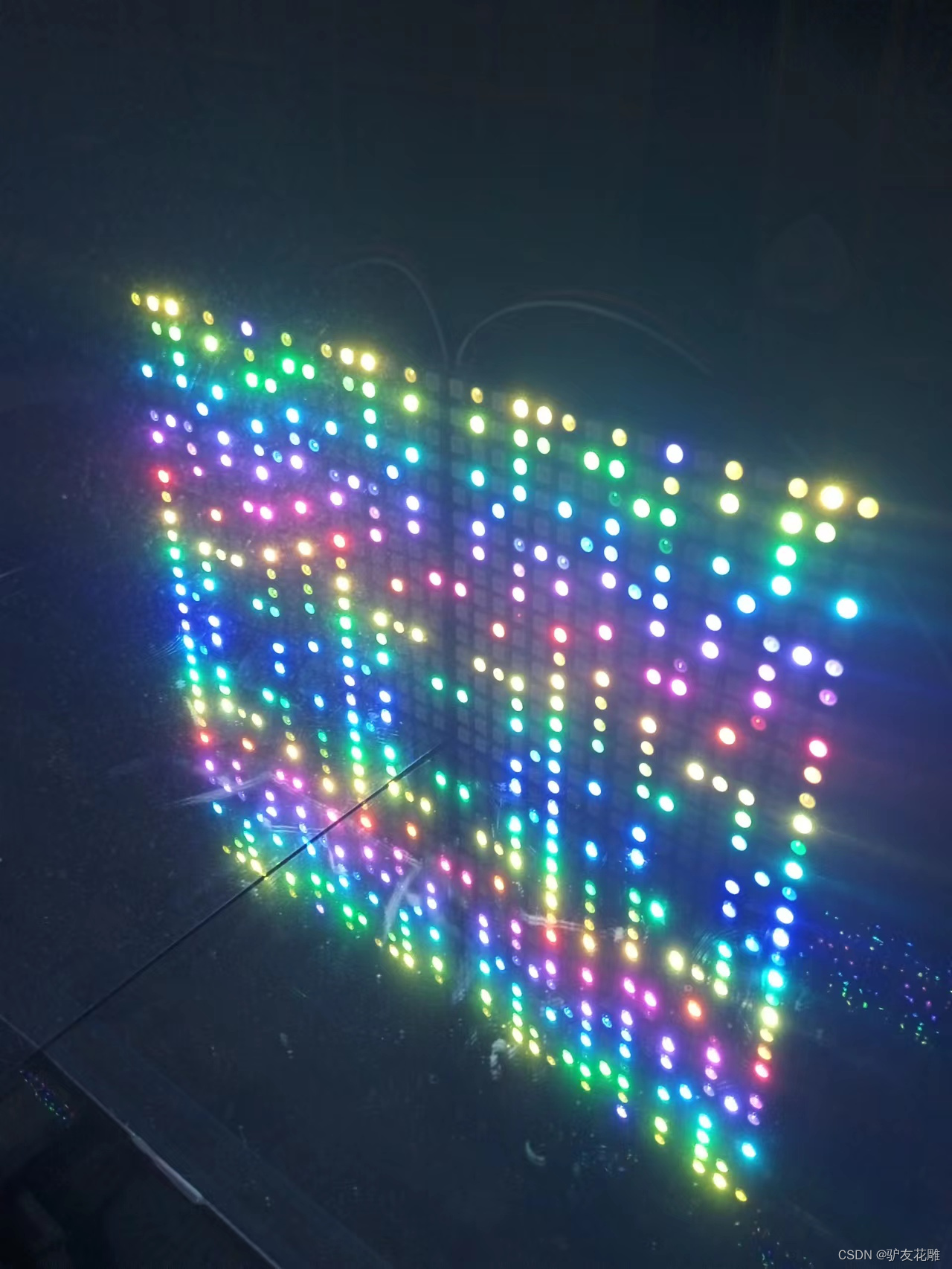
实验的视频记录
优酷:
B站:https://www.bilibili.com/video/BV1nW4y1j7Rs/?vd_source=98c6b1fc23bd97f8d3cc0b7e5
实验场景图 动态图
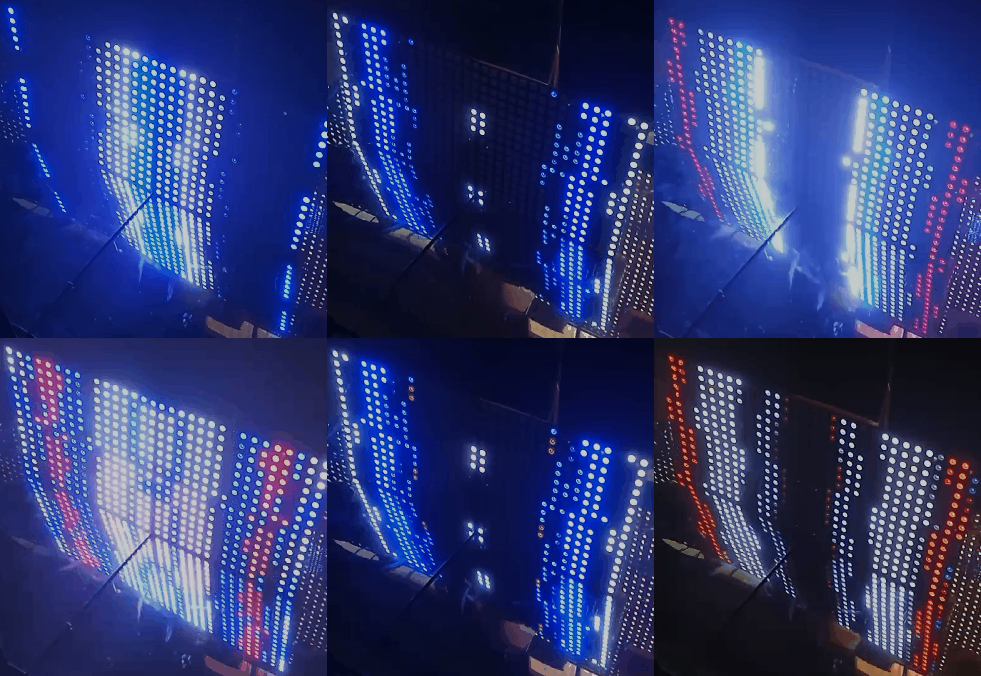
【花雕动手做】有趣好玩音乐可视化16X16硬屏灯(镜像扩展)之二
实验的视频记录
优酷:
B站:https://www.bilibili.com/video/BV1yd4y1k7bT/?vd_source=98c6b1fc23bd97f8d3cc0b7e5
实验场景图
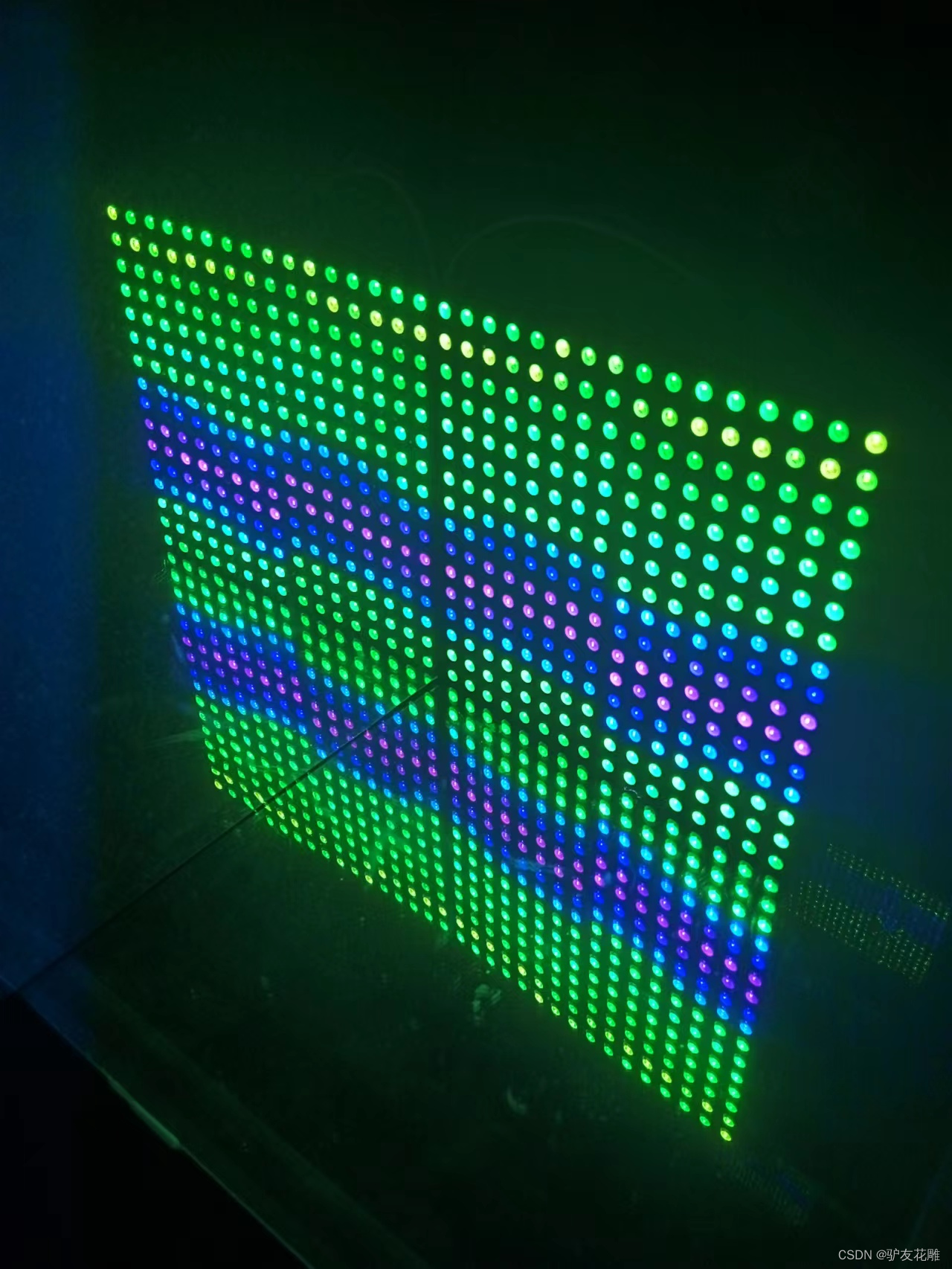
【花雕动手做】有趣好玩音乐可视化16X16硬屏灯(镜像扩展)之三
实验的视频记录
优酷:
B站:https://www.bilibili.com/video/BV1Tg41167Mh/?vd_source=98c6b1fc23bd97f8d3cc0b7e5
实验场景图
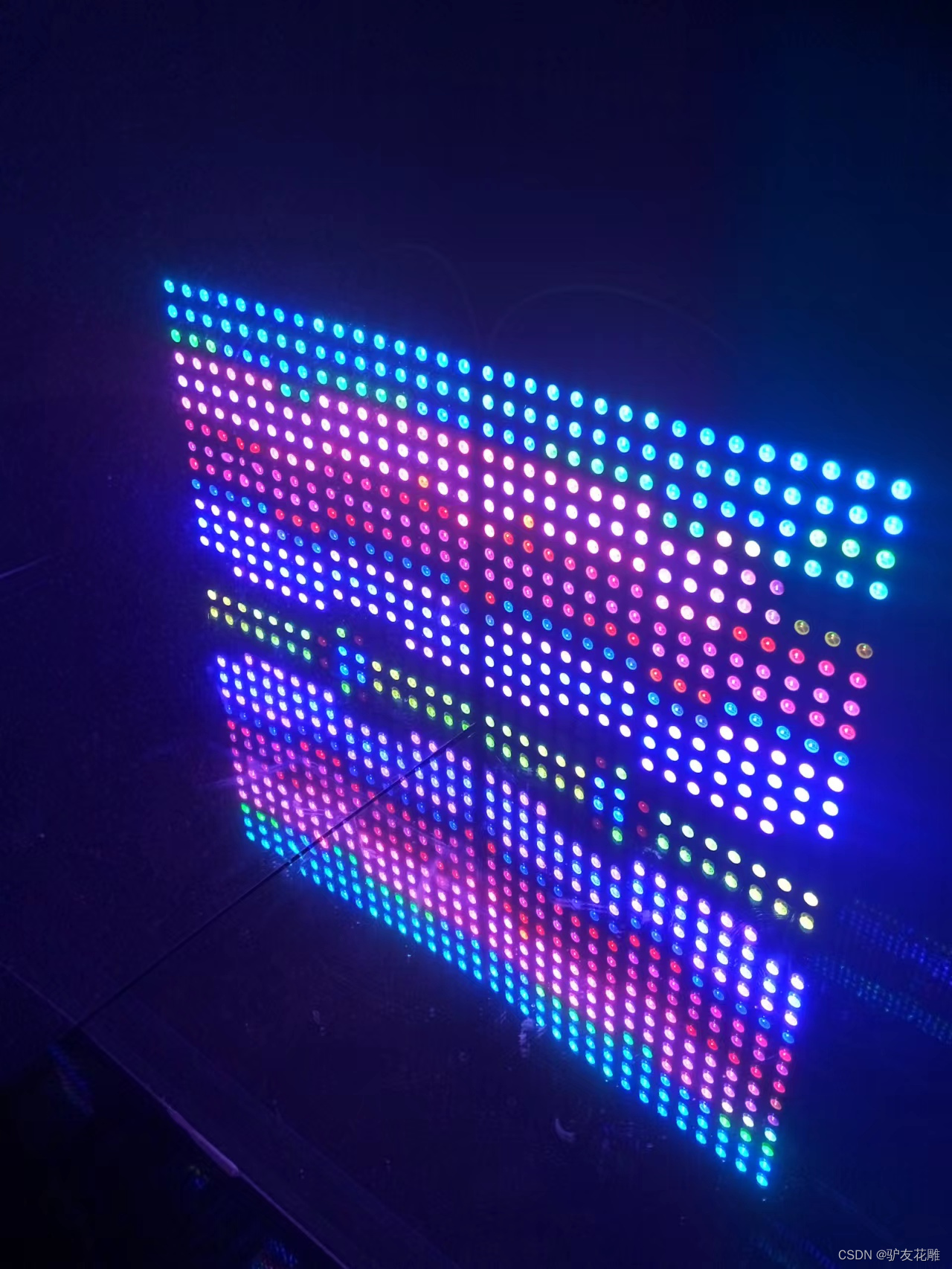
【花雕动手做】有趣好玩音乐可视化16X16硬屏灯(组合镜像)
实验场景图
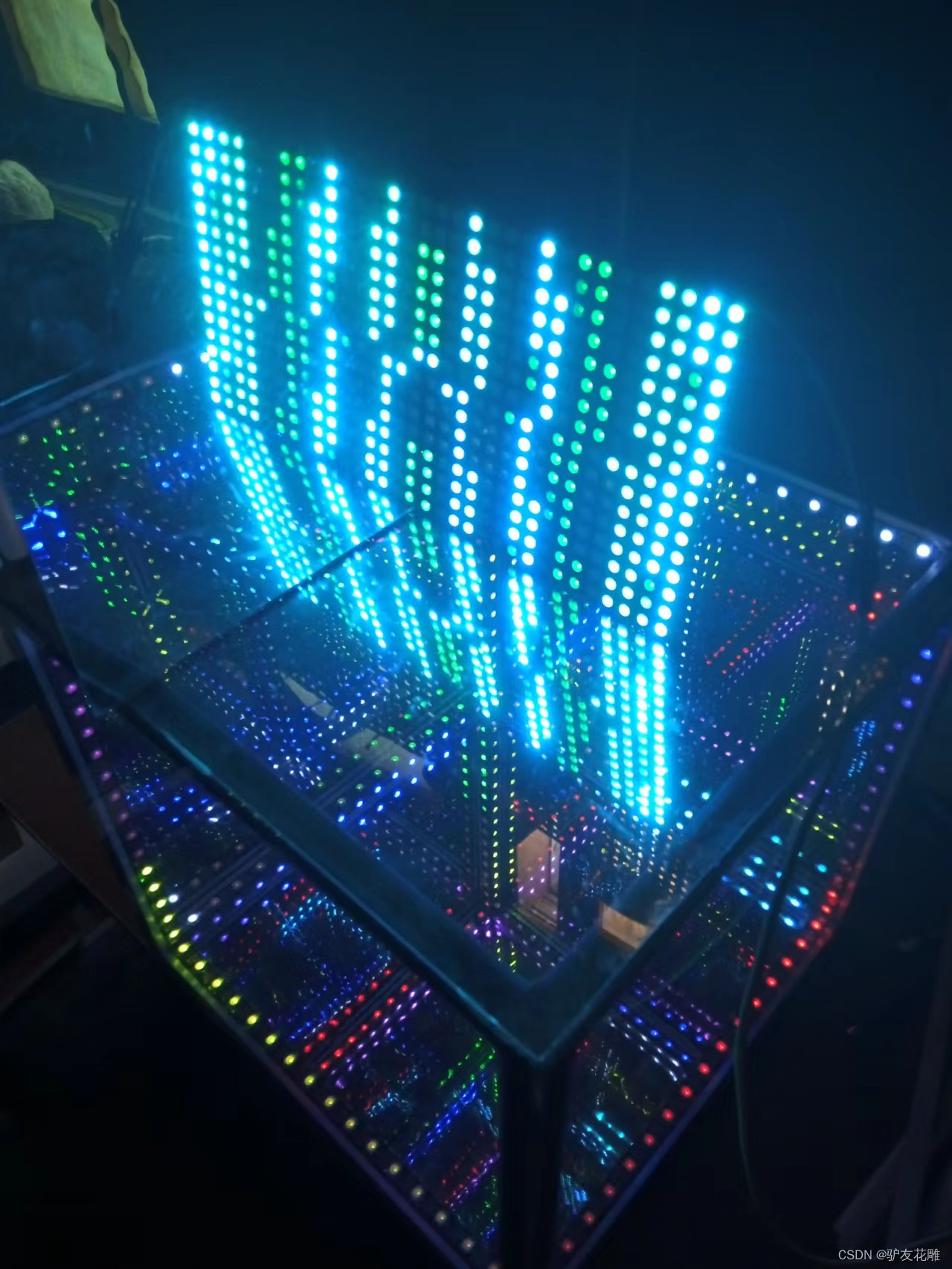
实验场景图 动态图
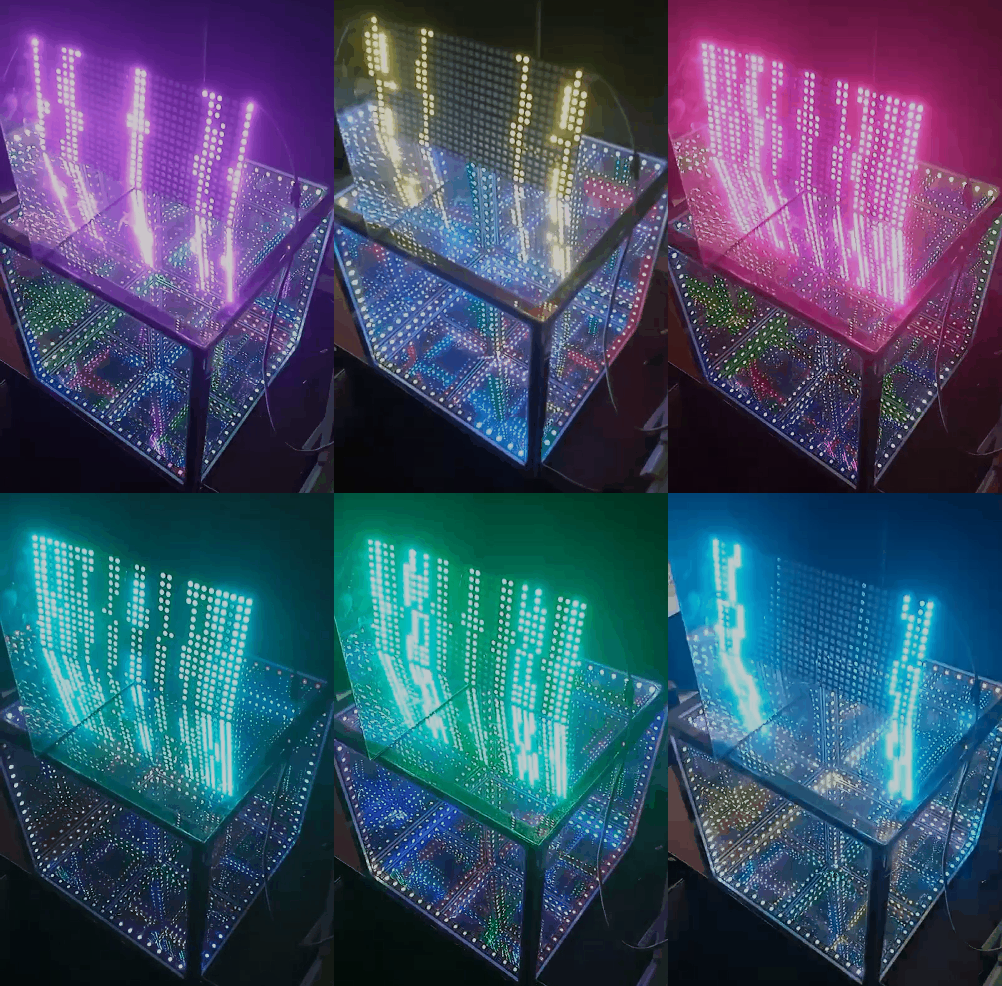
【花雕动手做】有趣好玩音乐可视化16X16硬屏灯(组合镜像)
实验的视频记录
优酷:https://v.youku.com/v_show/id_XNTkxNTgyMjAxNg==.html?spm=a2hcb.playlsit.page.3
B站:https://www.bilibili.com/video/BV1yP4y1S7FJ/?vd_source=98c6b1fc23bd97f8d3cc0b7e5
实验场景图
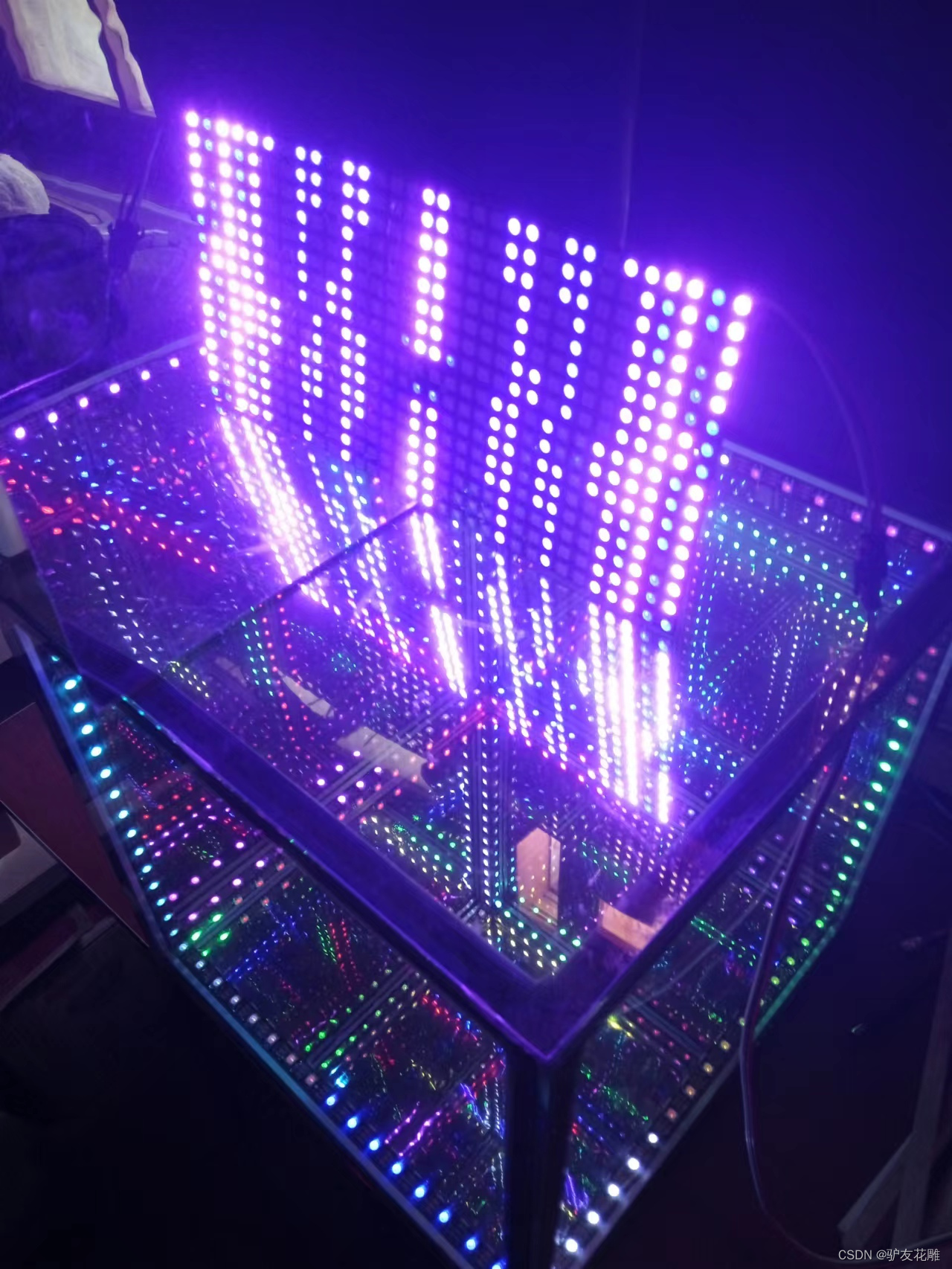
【花雕动手做】有趣好玩音乐可视化16X16硬屏灯(组合镜像)之二
实验的视频记录
优酷:https://v.youku.com/v_show/id_XNTkxNTgxOTE5Ng==.html?spm=a2hcb.playlsit.page.1
B站:https://www.bilibili.com/video/BV1BG4y1h7rs/?vd_source=98c6b1fc23bd97f8d3cc0b7e5
【花雕动手做】有趣好玩音乐可视化16X16硬屏灯(组合镜像)之三
实验的视频记录
优酷:https://v.youku.com/v_show/id_XNTkxNTgyNjQ1Ng==.html?spm=a2hcb.playlsit.page.5
B站:https://www.bilibili.com/video/BV1Tg41167Mh/?vd_source=98c6b1fc23bd97f8d3cc0b7e5
实验场景图
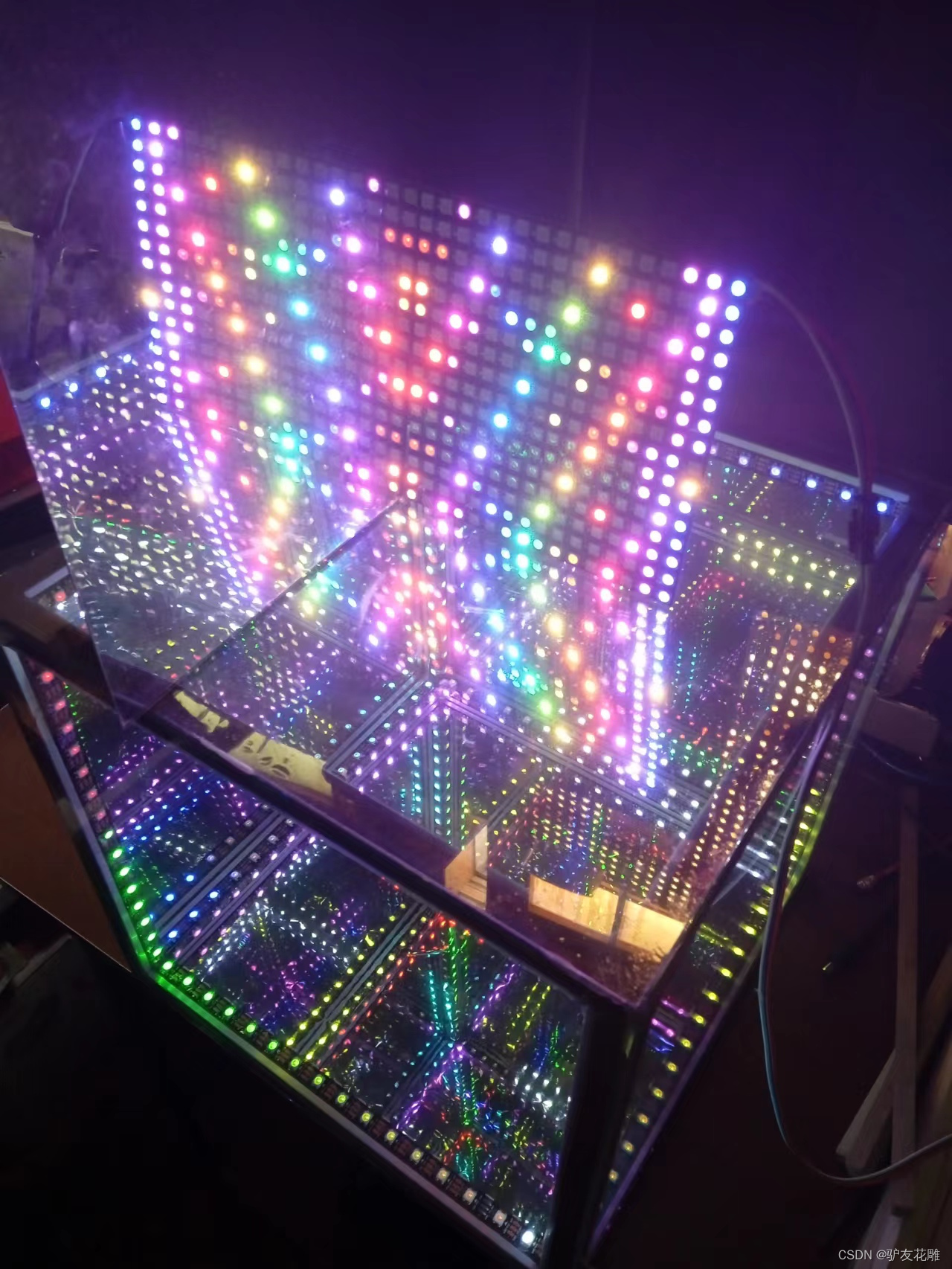
【Arduino】168种传感器模块系列实验(资料代码+仿真编程+图形编程)
实验一百七十七:Wemos D1 R32 ESP32开发板
项目之四十七:快速傅里叶变换256位频谱仪
/* 【Arduino】168种传感器模块系列实验(资料代码+仿真编程+图形编程) 实验一百七十七:Wemos D1 R32 ESP32开发板 项目之四十七:快速傅里叶变换256位频谱仪 */ #include "arduinoFFT.h"  #include <FastLED.h>  #define NUM_LEDS 256  #define LED_TYPE WS2812  #define COLOR_ORDER GRB  arduinoFFT FFT = arduinoFFT(); CRGB leds[NUM_LEDS]; #define CHANNEL 39  #define DATA_PIN 23  const uint8_t max_bright = 2; const uint16_t samples = NUM_LEDS / 4; const byte halfsamples = samples / 2; uint8_t gHue; int value; double vReal[samples]; double vImag[samples]; char toData[halfsamples]; int pointJump[halfsamples]; int uJump[halfsamples]; int dJump[halfsamples]; int uValue; int dValue; int tValue; int toDown = 0; uint8_t toDownSpeed = 3; int pointDown = 0; uint8_t pointDownSpeed = 9; void setup(){
    delay(100); Serial.println("Ready"); FastLED.addLeds<LED_TYPE, DATA_PIN, COLOR_ORDER>(leds, NUM_LEDS).setCorrection(TypicalLEDStrip); FastLED.setBrightness(max_bright); } void loop(){
    FastLED.clear(); EVERY_N_MILLISECONDS(10) {
    gHue += 10; } for (int i = 0; i < samples; i++) {
    value = analogRead(CHANNEL); vReal[i] = value; vImag[i] = 0.0; } FFT.Windowing(vReal, samples, FFT_WIN_TYP_HAMMING, FFT_FORWARD); FFT.Compute(vReal, vImag, samples, FFT_FORWARD); FFT.ComplexToMagnitude(vReal, vImag, samples); for (int i = 0; i < halfsamples; i++) {
    toData[i] = vReal[i + halfsamples / 2]; toData[i] = constrain(toData[i], 0, 100); toData[i] = map(toData[i], 0, 100, 1, 7); } for (int i = 0; i < halfsamples; i++) {
    uValue = toData[i]; uJump[i]++; if (uValue > uJump[i]) {
    uValue = uJump[i]; } else {
    uJump[i] = uValue; } dValue = uValue; toDown++; if (toDown % toDownSpeed == 0) {
    dJump[i]--; toDown = 0; } if (dValue > pointJump[i]) {
    dJump[i] = dValue; } else {
    dValue = dJump[i]; } tValue = uValue; pointDown++; if (pointDown % pointDownSpeed == 0) {
    pointJump[i]--; pointDown = 0; } if (tValue > pointJump[i]) {
    pointJump[i] = tValue; } else {
    tValue = pointJump[i]; } fill_rainbow(leds + 8 * i, uValue, gHue, 30); fill_rainbow(leds + 8 * i, dValue, gHue, 30); fill_solid(leds + 8 * i + tValue, 1, CRGB::White); } FastLED.show(); delay(2); }
实验场景图
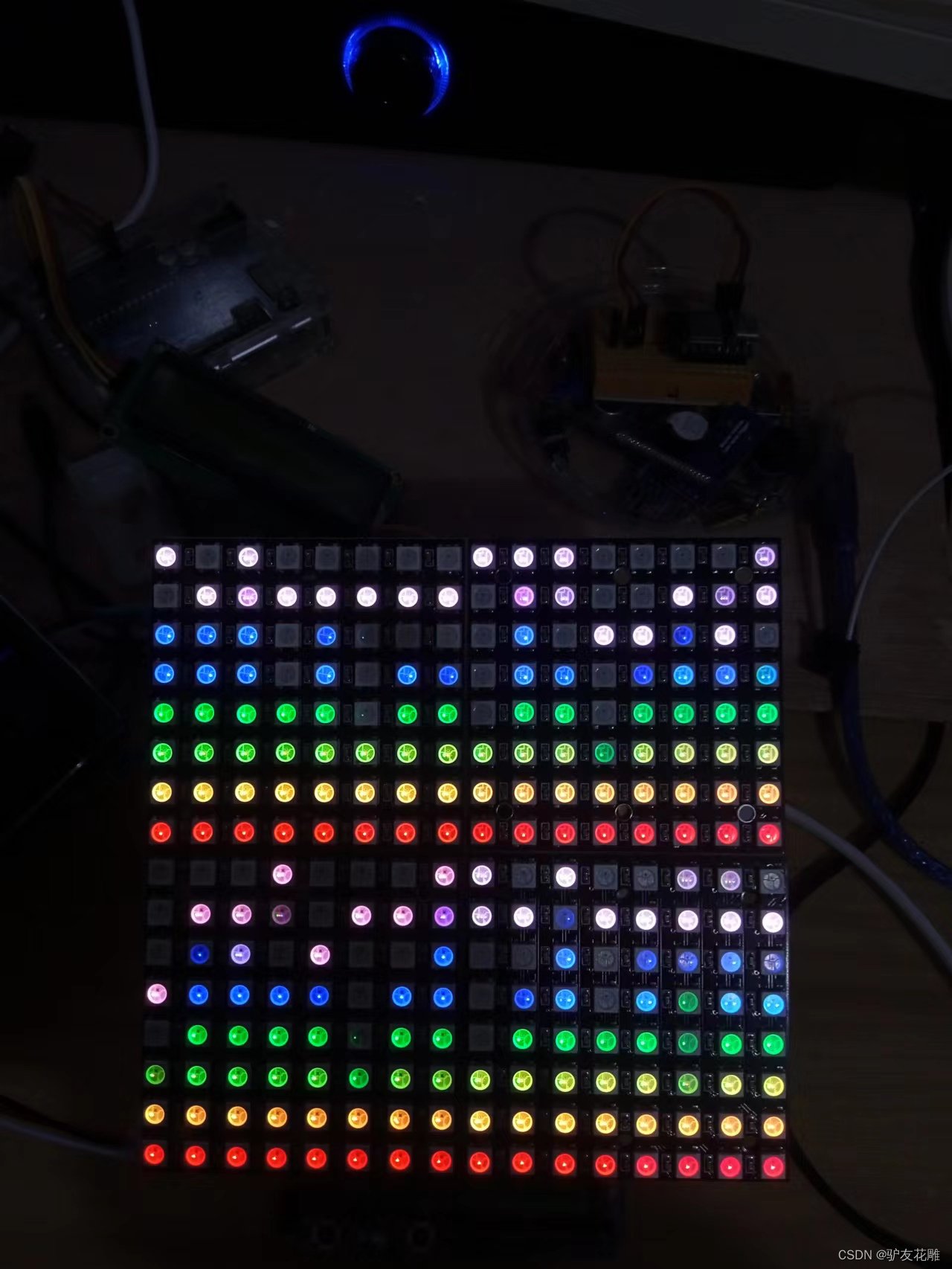
实验的视频记录
优酷:
B站:https://www.bilibili.com/video/BV1nD4y147xD/?vd_source=98c6b1fc23bd97f8d3cc0b7e5
版权声明:本文内容由互联网用户自发贡献,该文观点仅代表作者本人。本站仅提供信息存储空间服务,不拥有所有权,不承担相关法律责任。如发现本站有涉嫌侵权/违法违规的内容,请联系我们,一经查实,本站将立刻删除。
如需转载请保留出处:https://51itzy.com/kjqy/16171.html