
先来认识几个常用的
- :first-child选择某个元素的第一个子元素
- :last-child选择某个元素的最后一个子元素
- :nth-child()选择某个元素的一个或多个特定的子元素
- :nth-last-child()选择某个元素的一个或多个特定的子元素,从这个元素的最后一个子元素开始算
- :nth-of-type()选择指定的元素
- :nth-last-of-type()选择指定的元素,从元素的最后一个开始计算
- :first-of-type选择一个上级元素下的第一个同类子元素
- :last-of-type选择一个上级元素的最后一个同类子元素
实例
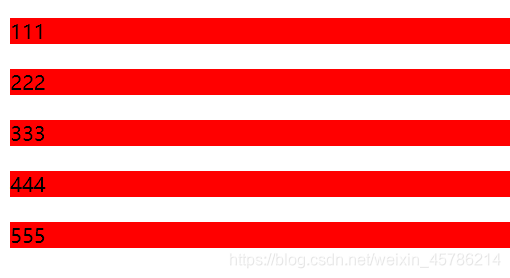
基础代码:
 <title>nth选择器</title> <style> .box1 p{
    background-color: red; margin-top: 20px; } </style> </head> <body> <div class="box1"> <p>111</p> <p>222</p> <p>333</p> <p>444</p> <p>555</p> </div> </body> </html>
讯享网
讯享网
以下前两个示例都是基于这个html
1. :first-child
代码:
讯享网.box1 p:first-child{
    background-color: blue; }
结果:
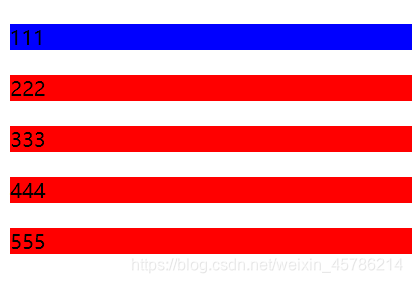
last-child与它相反,选择的是最后一个
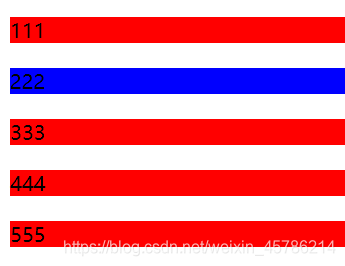
2. :nth-child()
代码:
.box1 p:nth-child(2){
    background-color: blue; }
结果:
代码:
讯享网.box1 p:nth-child(2n + 1){
    // n表示从零开始的自然数 background-color: blue; }
结果:
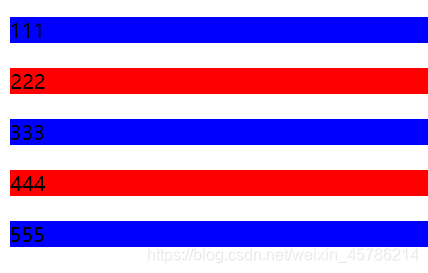
nth-last-child()与它相反,从最后一个开始算起

3. :nth-of-type()
下面的示例都是基于这个html
代码:
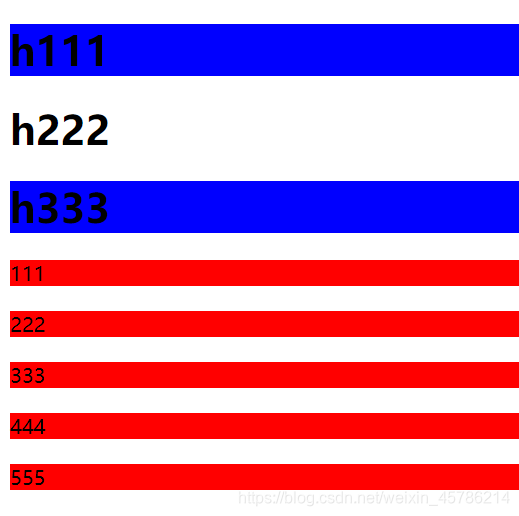
 <style> .box1 p{
    background-color: red; margin-top: 20px; } .box1 h1:nth-of-type(2n + 1){
    background-color: blue; } </style> </head> <body> <div class="box1"> <h1>h111</h1> <h1>h222</h1> <h1>h333</h1> <p>111</p> <p>222</p> <p>333</p> <p>444</p> <p>555</p> </div> </body> </html>
结果:
代码:
讯享网.box1 p:nth-of-type(2n + 1){
    background-color: blue; }
结果:
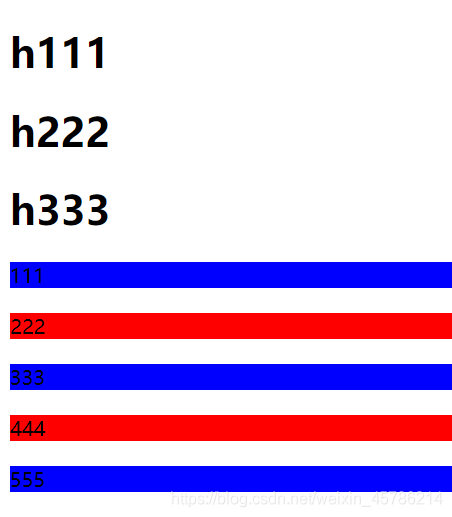
:nth-last-of-type()从最后一个算起
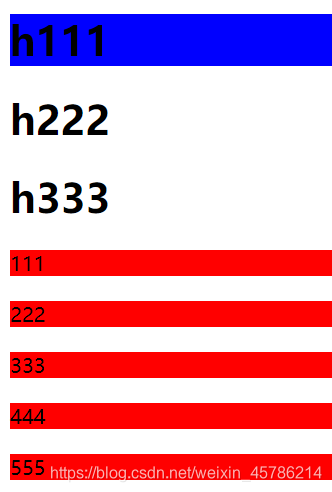
4. :first-of-type
代码:
.box1 h1:first-of-type{
    background-color: blue; }
结果:
代码:
讯享网.box1 p:first-of-type{
    background-color: blue; }
结果:
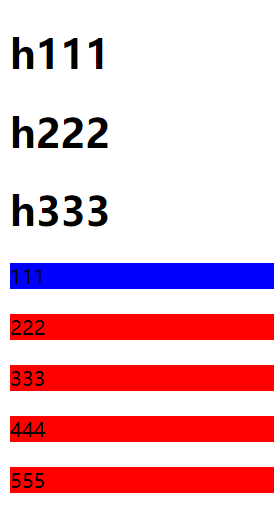
:last-of-type选择最后一个
版权声明:本文内容由互联网用户自发贡献,该文观点仅代表作者本人。本站仅提供信息存储空间服务,不拥有所有权,不承担相关法律责任。如发现本站有涉嫌侵权/违法违规的内容,请联系我们,一经查实,本站将立刻删除。
如需转载请保留出处:https://51itzy.com/kjqy/122964.html