
收藏三款好看的信息弹出框
以下根据个人喜好排名 (嘿嘿☺)
1.排名第一
1.js消息提示框插件notice.js
官方网址:https://github.com/toolkito/notice.js
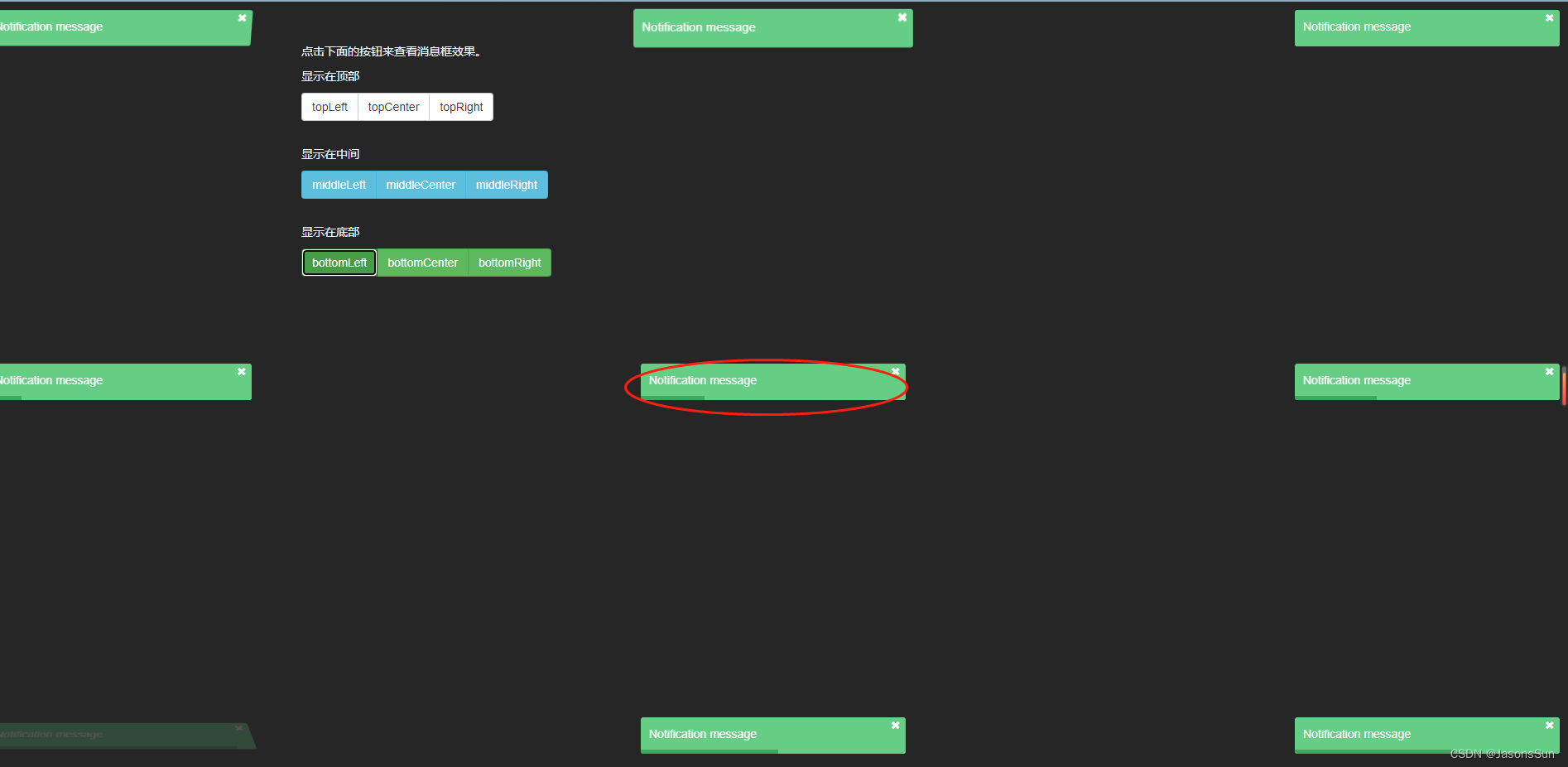
notice.js是一款纯js超酷消息提示框插件。notice.js为纯js编写,没有任何依赖文件。通过它可以在页面上制作出漂亮的toast消息通知框效果。
包含消息内容与消失进度条
讯享网
notice.js特点
- 支持4中情景类型:error, warning, info, success。
- 消息框可以显示在9个位置:topLeft, topCenter, middleLeft, middleRight, middleCenter, bottomLeft, bottomRight, bottomCenter。
- 消息框内容支持HTML元素。
npm install notice.js --save
使用浏览器:
bower install notice.js --save
直接下载引用 下载
样式
Link styles
<link rel="stylesheet" href="dist/noticejs.css" /> 讯享网
讯享网<script src="dist/notice.js"></script>
new NoticeJs({
    text: 'Notification message', position: 'topLeft', }).show();
支持动画
With animation:
Supports css animations, animate.css
讯享网new NoticeJs({
    text: 'Notification message', position: 'topLeft', animation: {
    open: 'animated bounceInRight', close: 'animated bounceOutLeft' } }).show();
2.排名第二
风靡一时的老大 Layui的伴生物 Layer
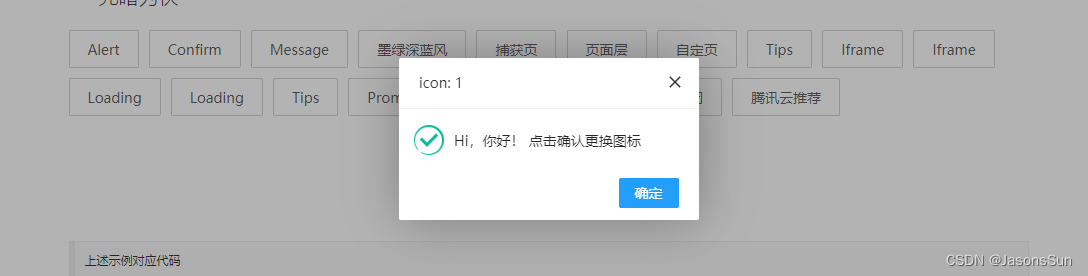
Layer预览地址
Layer下载地址
由于 layer 可以独立使用,也可以通过 Layui 模块化使用。所以请按照你的实际需求来选择。
| 场景 | 用前准备 |
|---|---|
| 1. 作为独立组件使用 | 如果你只是单独想使用 layer,你可以去 layer 独立版本官网下载组件包。你需要在你的页面引入jQuery1.8 以上的任意版本,并引入layer.js 。 |
| 2. 作为 layui 组件使用 | 如果你使用的是 layui,那么你直接在官网下载 layui 框架即可,无需引入 jQuery 和 layer.js,但需要引入layui.css和layui.js |
<script src="layer.js"></script> <script> layer.msg('hello'); </script> 3.排名第三
官网地址:sweetAlert
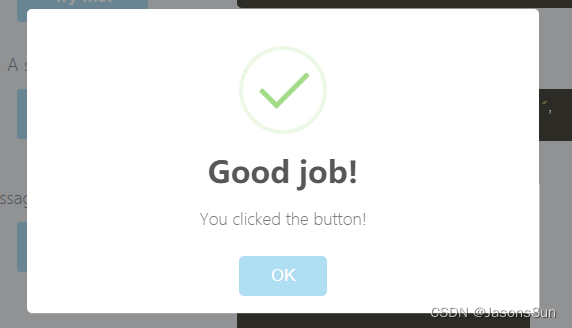
- 1.添加js和css的引用
讯享网<script src="lib/sweet-alert.min.js"></script> <link rel="stylesheet" type="text/css" href="lib/sweet-alert.css"><br>
- 2.调用
swal({
title: "Error!", text: "Here's my error message!", type: "error", confirmButtonText: "Cool" });<br> - 3.填加确认及取消的方法
讯享网swal({
    title: "Are you sure?", text: "You will not be able to recover this imaginary file!", type: "warning", showCancelButton: true, confirmButtonColor: "#DD6B55", confirmButtonText: "Yes, delete it!", closeOnConfirm: false },
- 4.函数回调
function(){
swal("Deleted!", "Your imaginary file has been deleted.", "success"); } | 参数 | 描述默认值 |
|---|---|
| title | null(required) 窗口的名称。可以通过对象的"title"属性或第一个参数进行传递。 |
| text | null 窗口的描述。可以通过对象的"text"属性或第二个参数进行传递。 |
| type | null 窗口的类型。SweetAlert 有4种类型的图标动画:“warning”, “error”, “success” 和 “info”.可以将它放 |
| allowOutsideClick | false 如果设置为“true”,用户可以通过点击警告框以外的区域关闭警告框。 |
| showCancelButton | false 如果设置为“true”,“cancel”按钮将显示,点击可以关闭警告框。 |
| confirmButtonText | “OK” 该参数用来改变确认按钮上的文字。如果设置为"true",那么确认按钮将自动将"Confirm"替换为"OK"。 |
| confirmButtonColor | “#AEDEF4” 该参数用来改变确认按钮的背景颜色(必须是一个HEX值)。 |
| cancelButtonText | “Cancel” 该参数用来改变取消按钮的文字。 |
| closeOnConfirm | true 如果希望以后点击了确认按钮后模态窗口仍然保留就设置为"false"。该参数在其他SweetAlert触发确认按钮事件时十分有用。 |
| imageUrl | null 添加自定义图片到警告框上。必须是图片的完整路径。 |
| imageSize | “80x80” 当设定图片的路径后,你可以设定图片的大小,格式为两个数字中间带个"x"符号。 |
| timer | null 警告框自动关闭的时间。单位是ms。 |
其他收藏
Toaster.js是一款Material Design风格jquery toast插件。Toaster.js提供5种主题,以及众多配置参数,用于显示toast类型的消息提示框。
Toaster.js
特点有:
提供5种主题风格。
- 可以设置Toast自动消失。
- 可以显示关闭按钮。
- 可以显示关闭进度条。
- 支持从右向左显示。
在页面中引入toast.style.css,jquery和toast.script.js文件。
讯享网<link href="css/toast.style.css" rel="stylesheet"> <script type="text/javascript" src="js/jquery.min.js"></script> <script type="text/javascript" src="js/toast.script.js"></script>
初始化插件
$.Toast()对象需要接收4个参数,分别为:标题、消息、类型和参数。
$.Toast(title, message, type, options);
title:Toast的标题。
message:Toast的消息体。
type:Toast的类型。
options:配置参数。
默认的配置参数如下:
{
    // append to body appendTo: "body", // is stackable? stack: false, // 'toast-top-left' // 'toast-top-right' // 'toast-top-center' // 'toast-bottom-left' // 'toast-bottom-right' // 'toast-bottom-center' position_class: "toast-bottom-right", // true = snackbar fullscreen: false, // width width: 250, // space between toasts spacing: 20, // in milliseconds timeout: 4000, // has close button has_close_btn: true, // has icon has_icon: true, // is sticky sticky: false, // border radius in pixels border_radius: 6, // has progress bar has_progress: false, // RTL support rtl: false }
由于该js未找到使用案例 将源码放在下边 (下载)
toast.style.css
讯享网@charset "UTF-8"; @font-face {
font-family: 'toast'; src: url("../fonts/toast.eot?76tjxy"); src: url("../fonts/toast.eot?76tjxy#iefix") format("embedded-opentype"), url("../fonts/toast.ttf?76tjxy") format("truetype"), url("../fonts/toast.woff?76tjxy") format("woff"), url("../fonts/toast.svg?76tjxy#toast") format("svg"); font-weight: normal; font-style: normal; } i {
/* use !important to prevent issues with browser extensions that change fonts */ font-family: 'toast' !important; speak: none; font-style: normal; font-weight: normal; font-variant: normal; text-transform: none; line-height: 1; /* Better Font Rendering =========== */ -webkit-font-smoothing: antialiased; -moz-osx-font-smoothing: grayscale; } .toast-icon-error:before {
content: ""; } .toast-icon-info:before {
content: ""; } .toast-icon-notice:before {
content: ""; } .toast-icon-success:before {
content: ""; } .toast-icon-warning:before {
content: ""; } .toast-item-wrapper {
min-width: 250px; padding: 10px; box-sizing: border-box; color: #fff; overflow: hidden; -webkit-user-select: none; -moz-user-select: none; -ms-user-select: none; user-select: none; } .toast-item-wrapper i.toast-icon {
position: absolute; top: 12px; left: 0; width: 50px; text-align: center; vertical-align: middle; font-size: 2rem; } .toast-item-wrapper .toast-close {
font-size: 1.2rem; position: absolute; top: 0; right: 0; width: 20px; text-align: center; cursor: pointer; } .toast-item-wrapper.success {
background-color: #29ab9f; border: 1px solid #1a9581; } .toast-item-wrapper.error {
background-color: #ff7946; border: 1px solid #f35818; } .toast-item-wrapper.warning {
background-color: #fff1c0; border: 1px solid #f0c948; color: #333; } .toast-item-wrapper.notice {
background-color: #48a9f8; border: 1px solid #208ce4; } .toast-item-wrapper.info {
background-color: #7f97a3; border: 1px solid #6b8699; } .toast-item-wrapper.toast-top-left {
left: 20px; top: 20px; } .toast-item-wrapper.toast-top-right {
right: 20px; top: 20px; } .toast-item-wrapper.toast-top-center {
margin: 0 auto; top: 20px; } .toast-item-wrapper.toast-bottom-left {
left: 20px; bottom: 20px; } .toast-item-wrapper.toast-bottom-right {
right: 20px; bottom: 20px; } .toast-item-wrapper.toast-bottom-center {
margin: 0 auto; bottom: 20px; } .toast-item-wrapper.fullscreen {
left: 20px; right: 20px; width: calc(100% - 40px); } .toast-item-wrapper p {
margin: 0; } .toast-item-wrapper .toast-message {
font-size: 0.87rem; } .toast-item-wrapper .toast-progress {
width: 0; height: 3px; background-color: rgba(0, 0, 0, 0.5); position: absolute; bottom: 0; right: 0; } .toast-item-wrapper.rtl {
direction: rtl; text-align: right; } .toast-item-wrapper.rtl i.toast-icon {
left: auto; right: 0; } .toast-item-wrapper.rtl .toast-close {
right: auto; left: 0; } .toast-item-wrapper.rtl p {
text-align: right; } .toast-item-wrapper.rtl .toast-progress {
left: auto; right: 0; }
toast.script.js (前提:已引入jquery 此案例引入版本为jquery-1.11.0.min.js)
(function(){
"use strict"; $.Toast = function(title, message, type, options){
var defaultOptions = {
appendTo: "body", stack: false, position_class: "toast-bottom-right", fullscreen:false, width: 250, spacing:20, timeout: 4000, has_close_btn:true, has_icon:true, sticky:false, border_radius:6, has_progress:false, rtl:false } var $element = null; var $options = $.extend(true, {
}, defaultOptions, options); var spacing = $options.spacing; var css = {
"position":($options.appendTo == "body") ? "fixed" : "absolute", "min-width":$options.width, "display":"none", "border-radius":$options.border_radius, "z-index":99999 } $element = $('<div class="toast-item-wrapper ' + type + ' ' + $options.position_class + '"></div>'); $('<p class="toast-title">' + title + '</p>').appendTo($element); $('<p class="toast-message">' + message + '</p>').appendTo($element); if($options.fullscreen){
$element.addClass( "fullscreen" ); } if($options.rtl){
$element.addClass( "rtl" ); } if($options.has_close_btn){
$('<span class="toast-close">×</span>').appendTo($element); if( $options.rtl){
css["padding-left"] = 20; } else {
css["padding-right"] = 20; } } if($options.has_icon){
$('<i class="toast-icon toast-icon-' + type + '"></i>').appendTo($element); if( $options.rtl){
css["padding-right"] = 50; } else {
css["padding-left"] = 50; } } if($options.has_progress && $options.timeout > 0){
$('<div class="toast-progress"></div>').appendTo($element); } if($options.sticky){
$options.spacing = 0; spacing = 0; switch($options.position_class){
case "toast-top-left" : {
css["top"] = 0; css["left"] = 0; break; } case "toast-top-right" : {
css["top"] = 0; css["left"] = 0; break; } case "toast-top-center" : {
css["top"] = 0; css["left"] = css["right"] = 0; css["width"] = "100%"; break; } case "toast-bottom-left" : {
css["bottom"] = 0; css["left"] = 0; break; } case "toast-bottom-right" : {
css["bottom"] = 0; css["right"] = 0; break; } case "toast-bottom-center" : {
css["bottom"] = 0; css["left"] = css["right"] = 0; css["width"] = "100%"; break; } default : {
break; } } } if($options.stack){
if($options.position_class.indexOf("toast-top") !== -1 ){
$($options.appendTo).find('.toast-item-wrapper').each(function(){
css["top"] = parseInt($(this).css("top")) + this.offsetHeight + spacing; }); } else if($options.position_class.indexOf("toast-bottom") !== -1 ){
$($options.appendTo).find('.toast-item-wrapper').each(function(){
css["bottom"] = parseInt($(this).css("bottom")) + this.offsetHeight + spacing; }); } } $element.css(css); $element.appendTo($options.appendTo); if($element.fadeIn) {
$element.fadeIn(); }else {
$alert.css({
display: 'block', opacity: 1}); } function removeToast(){
$.Toast.remove( $element ); } if($options.timeout > 0){
setTimeout(removeToast, $options.timeout); if($options.has_progress){
$(".toast-progress", $element).animate({
"width":"100%"}, $options.timeout); } } $(".toast-close", $element).click(removeToast) return $element; } $.Toast.remove = function( $element ){
"use strict"; if($element.fadeOut) {
$element.fadeOut(function(){
return $element.remove(); }); } else{
$element.remove(); } } })(); 使用方法
讯享网<!DOCTYPE html> <html lang="zh"> <head> <meta charset="UTF-8"> <meta http-equiv="X-UA-Compatible" content="IE=edge,chrome=1"> <meta name="viewport" content="width=device-width, initial-scale=1.0"> <title>Material Design风格jquery toast插件</title> <link href="css/toast.style.css" rel="stylesheet"> </head> <body style="background-color:#252525"> <a href="#" style="color:#fff" οnclick="addToast()">点击显示Toast</a> <script src="http://www.jq22.com/jquery/jquery-1.10.2.js"></script> <script src="js/toast.script.js"></script> <script> function addToast(){
    $.Toast("test", "this is a test message.", "success", {
    stack: true, has_icon:true, has_close_btn:true, fullscreen:false, timeout:3000, sticky:false, has_progress:true, rtl:false, }); }
        </script>
</body>
</html>
html5提示信息提示框(下载)

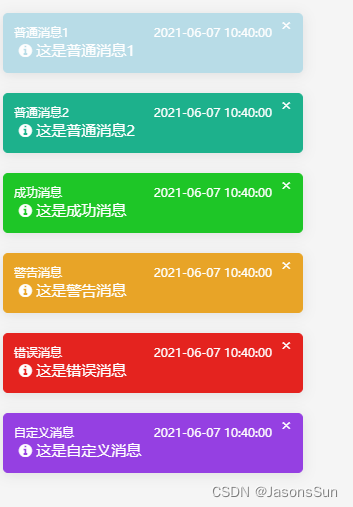
带时间显示的提示框 (下载)
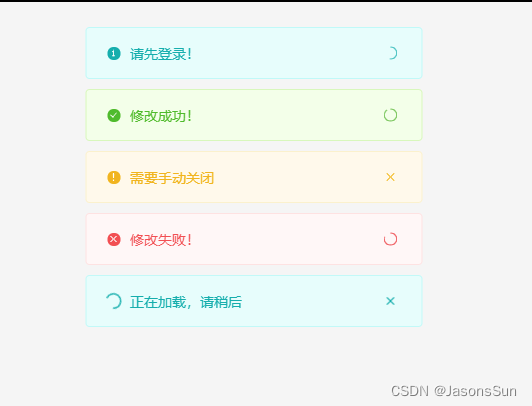
cocomessage消息提示插件(下载)
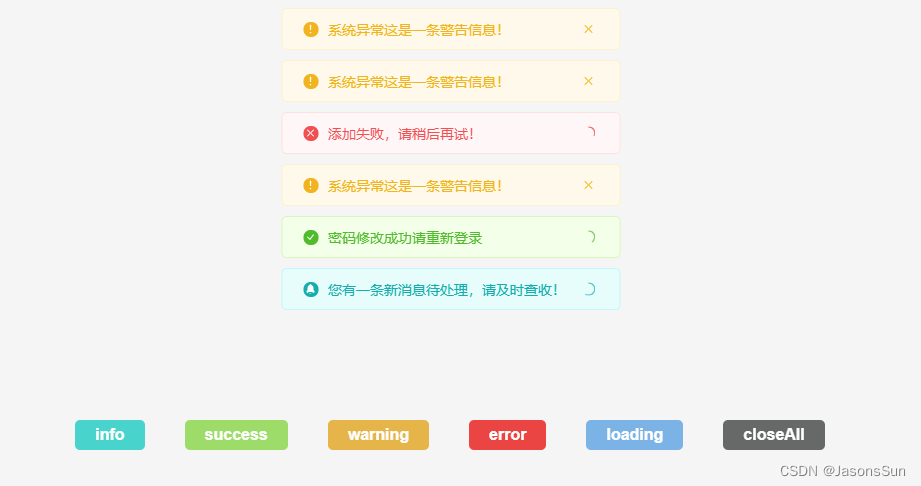
原生Javascript的消息提示插件DreamMsg(下载)
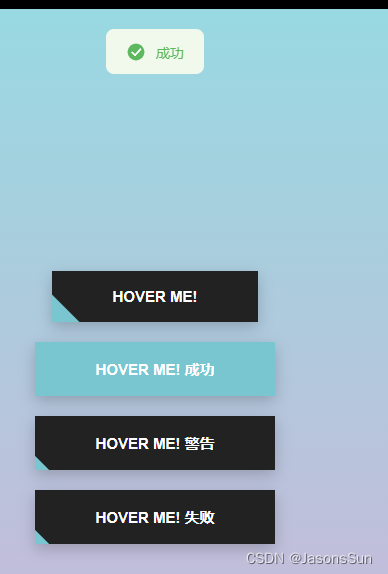
美观的alert插件TGTool.js(下载)
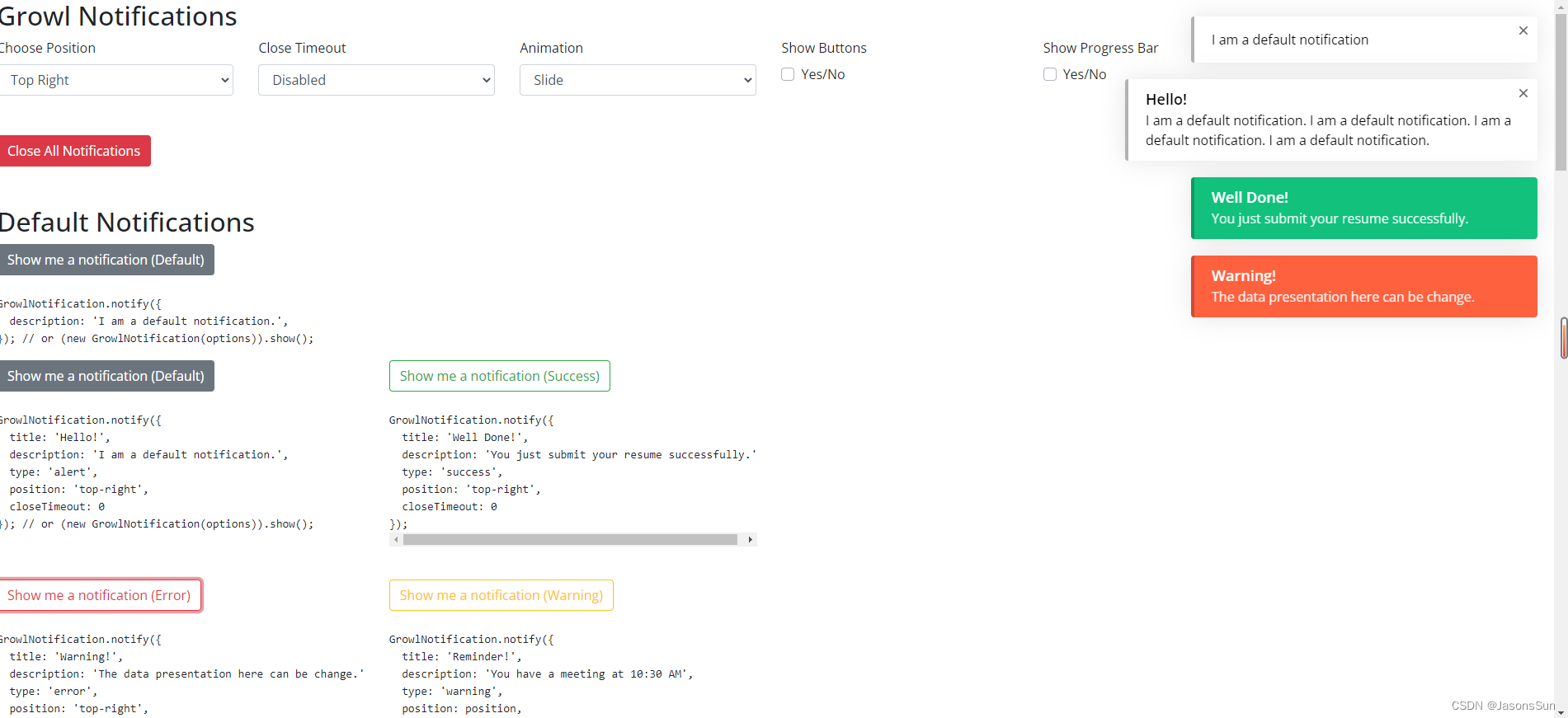
jQuery消息提示插件growl-notification(下载)
Tips
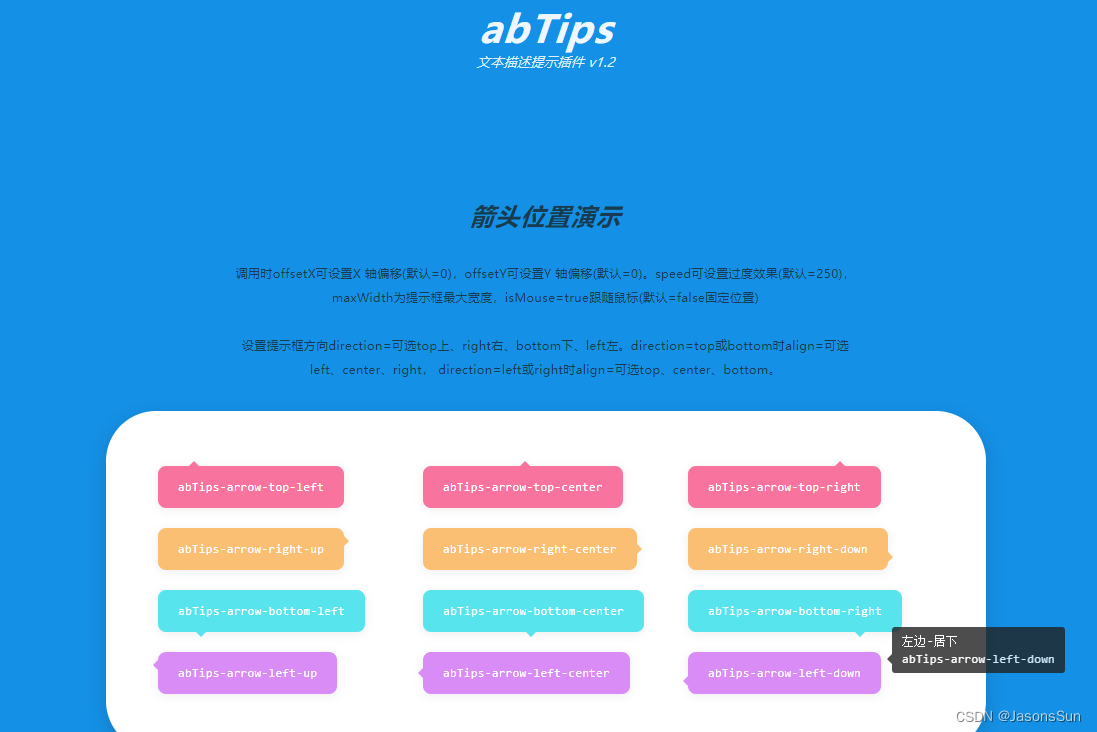
文本描述提示插件abTips(下载)
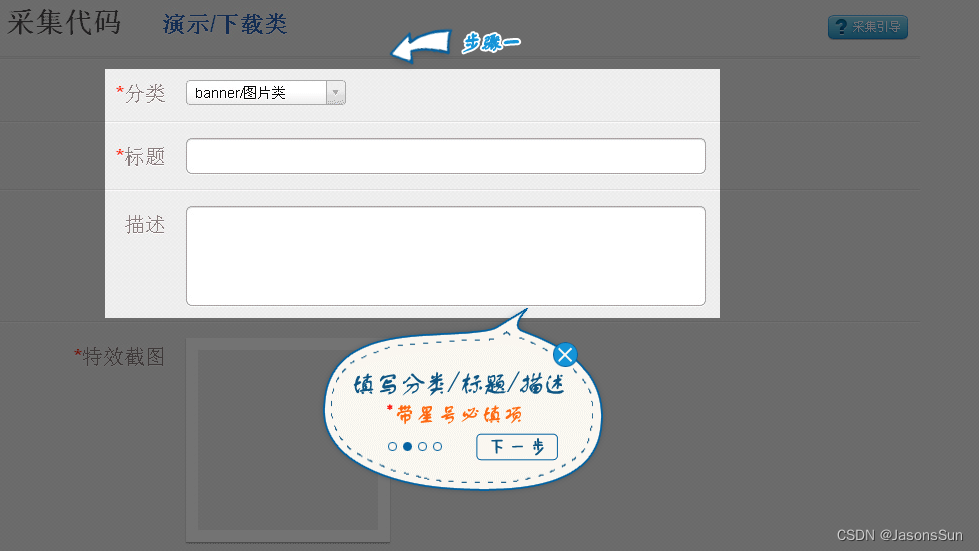
引导框
jQuery蒙层引导页插件pagewalkthrough.js(下载)

jQuery网站用户引导插件(下载)
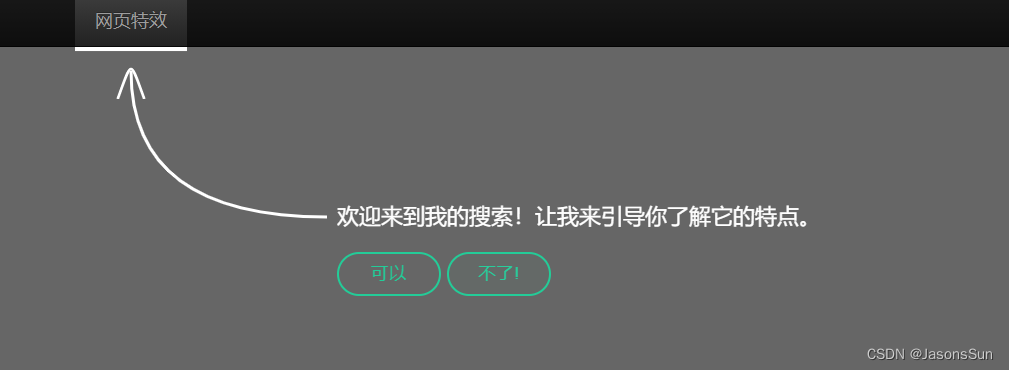
jQuery网页新功能步骤引导(下载)
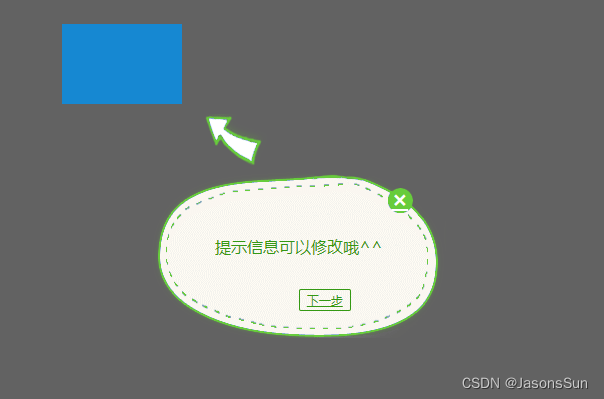
jquery网站功能引导用户提示操作(下载)
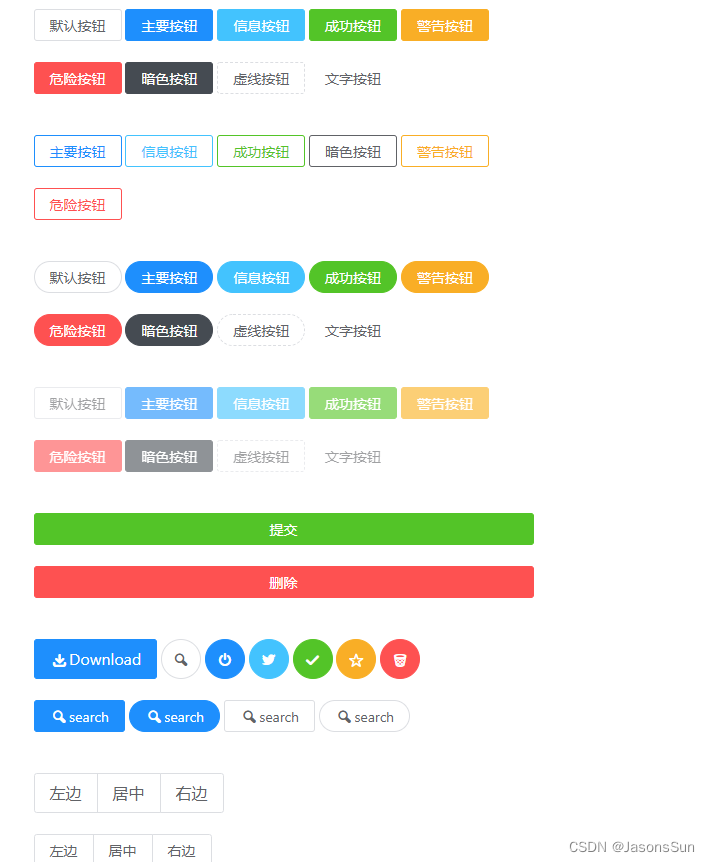
样式
JView UI是一套基于 JQuery 的开源 UI 组件库(下载)
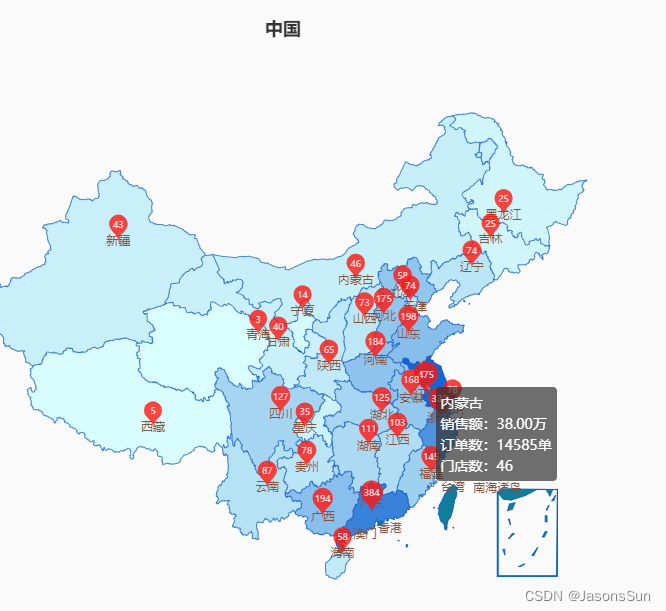
地图
使用ets3显示中国地图,联动省份(带气泡)(下载)
后台管理系统
Admin LTE
未完待续…
版权声明:本文内容由互联网用户自发贡献,该文观点仅代表作者本人。本站仅提供信息存储空间服务,不拥有所有权,不承担相关法律责任。如发现本站有涉嫌侵权/违法违规的内容,请联系我们,一经查实,本站将立刻删除。
如需转载请保留出处:https://51itzy.com/kjqy/115251.html