
目录
一 组件之间的参数传递——父传子
1 原理说明
2 代码
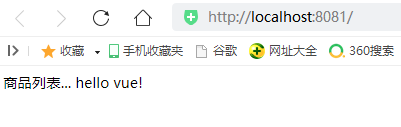
3 效果
二 组件之间的参数传递——子传父
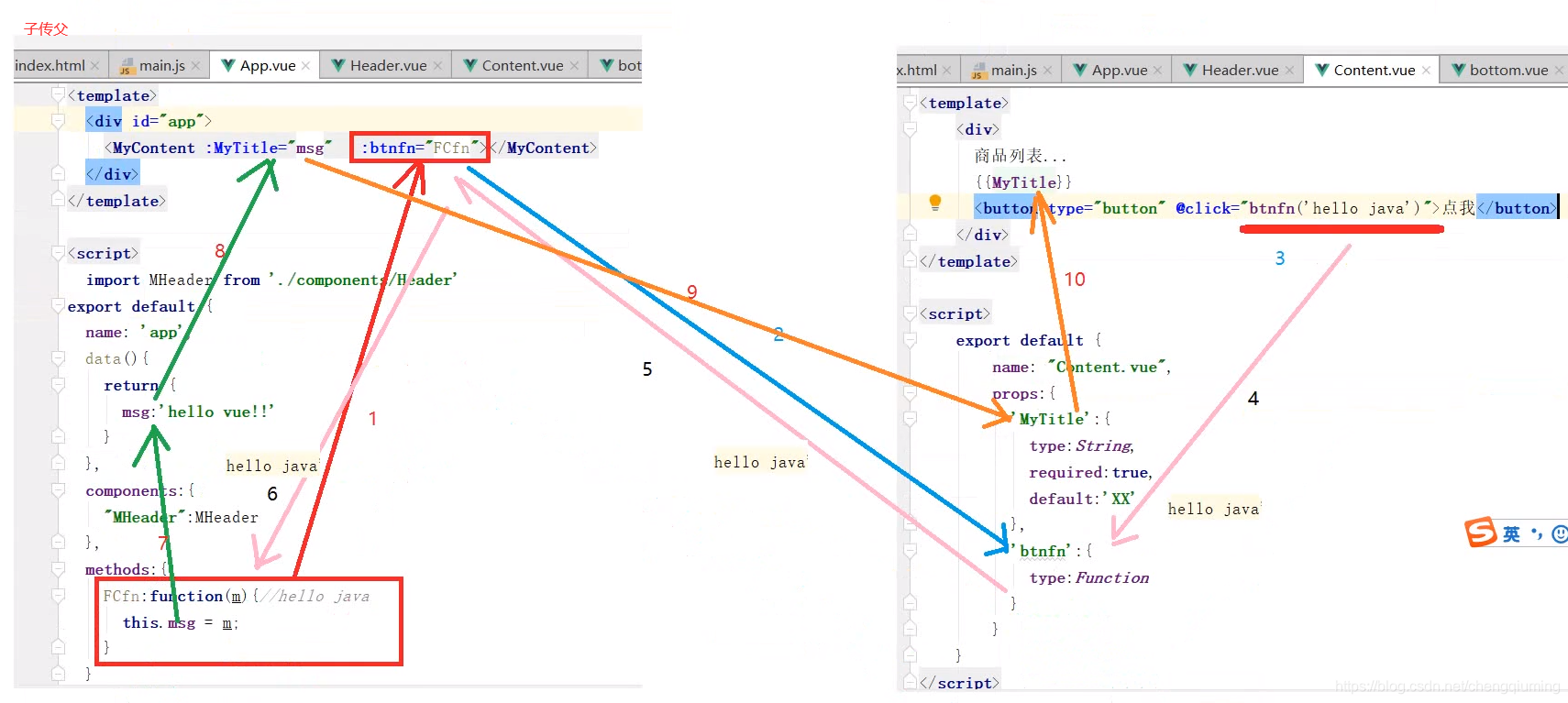
1 原理说明
2 代码
三 以事件发射的方式实现子传父
1 原理
2 代码
3 效果
一 组件之间的参数传递——父传子
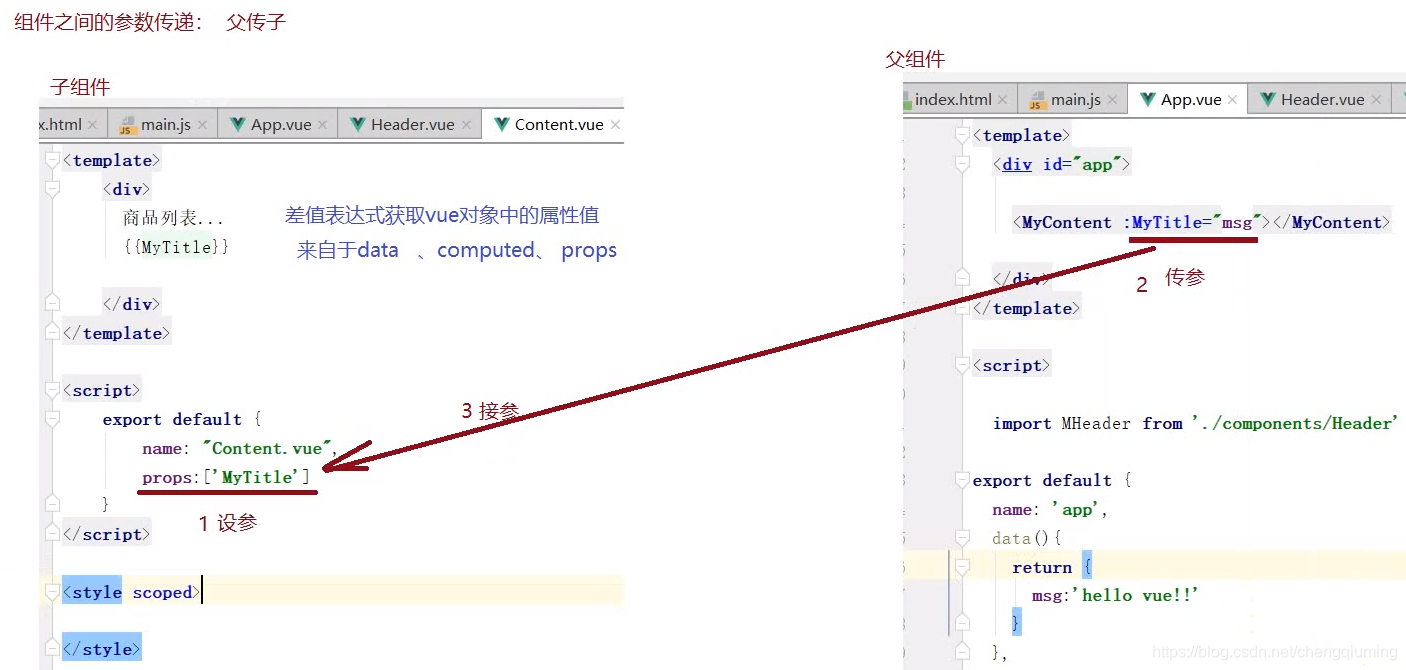
1 原理说明
通过子组件的 props 部分,来指明可以接收的参数,父组件通过在标签中写明参数的健值对来传递参数。
props 是表示一个组件的参数部分,props 的写法有两种:
a 通过数组来定义
props:['myprop1','myprop2'...]

b 通过对象来定义
props:{ myName:{ type:String, required:true, default:'默认值' } }讯享网
2 代码
content.vue
讯享网<template> <div> 商品列表... {


  {myTitle}} </div> </template> <script> export default { name: "content", /* 当前组件的属性列表 */ props:['myTitle'] } </script> <style scoped> </style>
App.vue
<template> <div id="app"> <!-- 给子组件传值 --> <MyContent :myTitle="msg"></MyContent> </div> </template> <script> export default { name: 'app', data(){ return { msg:'hello vue!' } } } </script> <style> </style>3 效果
二 组件之间的参数传递——子传父
1 原理说明
2 代码
content.vue
讯享网<template> <div> 商品列表... {


  {myTitle}} <button type="button" @click="btnfn('子组件串给父组件')">点我</button> </div> </template> <script> export default { name: "content", /* 第一种写法,通过数组来定义 */ // props:['myTitle'] /* 第二种写法,通过对象来定义 */ props: { myTitle: { type: String, required: true, default: "没传参数" }, btnfn:{ type: Function // FCfn(m) { // this.msg = m // } } } } </script> <style scoped> </style>
App.vue
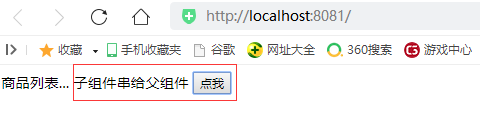
<template> <div id="app"> <!-- 给子组件传值 --> <MyContent :myTitle="msg" :btnfn="FCfn"></MyContent> </div> </template> <script> export default { name: 'app', data() { return { msg: '父组件传给子组件!!!' } }, methods: { FCfn(m) { this.msg = m } } } </script> <style> </style>3 效果
三 以事件发射的方式实现子传父
1 原理
在子组件中,使用 this.$emit("键","值")
在父组件中,子组件的标签中,使用 @键="msg=$event", 其中$event就能得到值,msg是父组件中 vue 属性。
2 代码
content.vue
讯享网<template> <div> 商品列表... {


  {myTitle}} <button type="button" @click="doclick">点我</button> </div> </template> <script> export default { name: "content", /* 第一种写法,通过数组来定义 */ // props:['myTitle'] /* 第二种写法,通过对象来定义 */ props: { myTitle: { type: String, required: true, default: "没传参数" }, btnfn:{ type: Function // FCfn(m) { // this.msg = m // } } }, methods:{ doclick(){ this.$emit('newName','子组件内容') } } } </script> <style scoped> </style>
App.vue
<template> <div id="app"> <!-- 给子组件传值 --> <MyContent :myTitle="msg" @newName="msg=$event"></MyContent> </div> </template> <script> export default { name: 'app', data() { return { msg: '父组件传给子组件!!!' } }, methods: { FCfn(m) { this.msg = m } } } </script> <style> </style>3 效果
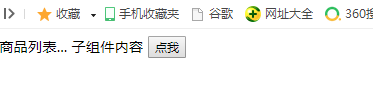
版权声明:本文内容由互联网用户自发贡献,该文观点仅代表作者本人。本站仅提供信息存储空间服务,不拥有所有权,不承担相关法律责任。如发现本站有涉嫌侵权/违法违规的内容,请联系我们,一经查实,本站将立刻删除。
如需转载请保留出处:https://51itzy.com/kjqy/114754.html